patreon Page of Helge Maus / pixeltrain - Blender - Godot - Fusion

I’m not sure if you all have seen it, but I started to upload all the tutorial videos of my “Blender Fundamentals” publication to my Patreon for the $5 tier. At the end it will be around 25 hours of content 😉

I plan for the future, that following publications about Blender and Godot will be published as a buyable product and as Patreon videos at the same time. The reason is, that I believe, that Patreons should have all my publication stuff for free as a “Thank you 💖 ” for their support.

https://www.patreon.com/pixeltrain3d/posts

I also published more technical articles and news about Blender and Godot in the last weeks with the goal that you find my free Patreon also a good resource of industry news. And, most important, ad-free. I will invest even more time in that in the future.

Thank you all for your support, have a great day.

Helge

P.S. These tutorials can be found in the Collections Tab under “Blender Fast Forward”. Still many to upload in the next weeks 😉https://www.patreon.com/pixeltrain3d/collections
Publication Blender Fundamentals Training by Master-Trainer Helge Maus / pixeltrain

Would you like to learn Blender in a well-founded and structured way?

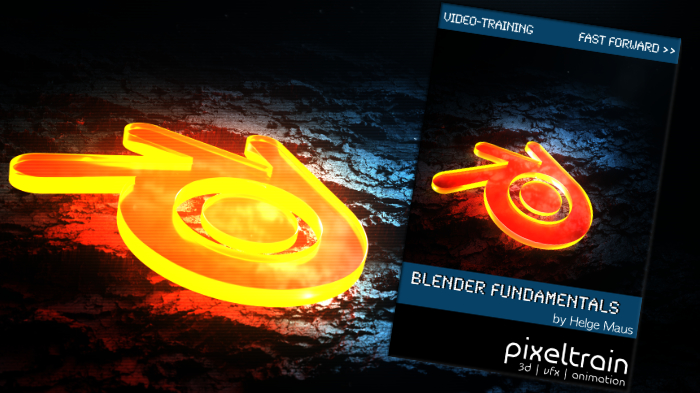
Then I would like to present you my publication “pixeltrain – Blender Fundamentals >> Fast Forward”.

In 137 lessons with a duration of nearly 25 hours, I take you through the complete fundamentals of Blender and the basic workflows you need to know to get started with this amazing free software.

This training is designed to get you up and running quickly, enabling you with the skills needed to work effectively in this incredibly powerful 3d package.

No matter whether you are a beginner in the Blender world or already have previous knowledge of other 3D applications.

Additionally, it lays the foundation of essential concepts and paradigms to understand more advanced topics for other areas and workflows of Blender 3d down the road.

With additional PLUS chapters, you can refine your know-how if necessary and determine your own personal learning path.

If you have any questions while learning, I’m available to you in my Discord.

👉 Blender Market

https://blendermarket.com/products/pixeltrain-blender-fundamentals-fast-forward

👉 VIMEO video on demand

https://vimeo.com/ondemand/blenderfundamentals

👉 GUMROAD

https://pixeltrain3d.gumroad.com/l/BlenderFundamentals

If you have any questions or you need individual Blender training please let me know 🙂

Helge

Blender Fundamentals Publication by Helge Maus / pixeltrain

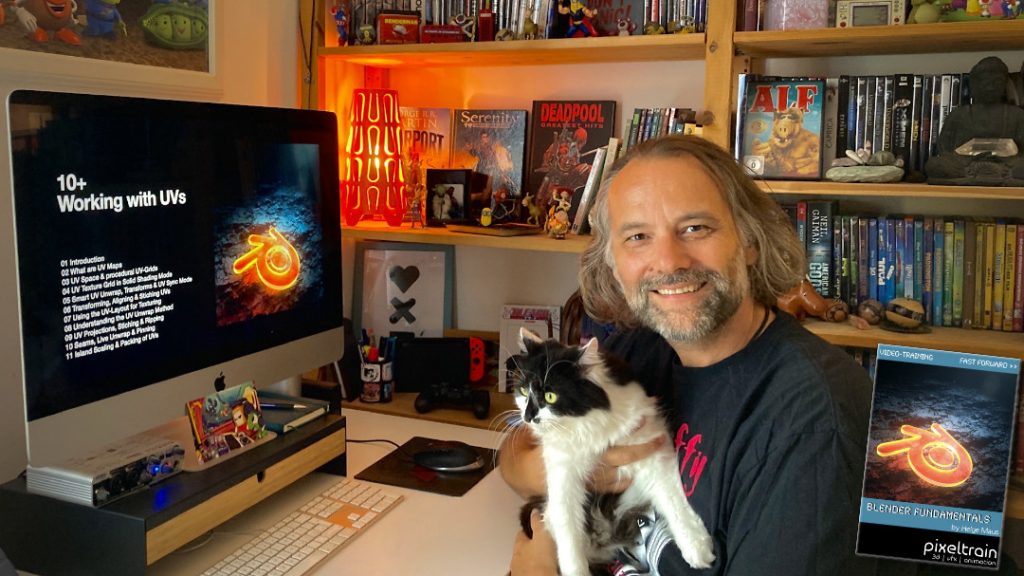
Today, I have added another Plus+ chapter “Working with UVs” to my Blender Fundamentals Publication.

This additional content is free for everyone who has bought the publication in the past. Also I’m working on more Plus+ content for the future.

The publication „pixeltrain – Blender Fundamentals >> Fast Forward“ by Senior 3D & VFX trainer Helge Maus is a complete Introduction to Blender 3D. 

Meanwhile the publication is around 25 hours long with 137 lessons.

👉 Blender Market

https://blendermarket.com/products/pixeltrain-blender-fundamentals-fast-forward

👉 VIMEO Video-on-Demand 

https://vimeo.com/ondemand/blenderfundamentals

👉 GUMROAD

https://pixeltrain3d.gumroad.com/l/BlenderFundamentals

The focus of this publication is NOT building a fancy eye-catchy example scene. But it is concepted as a step-by-step logical structured learning curriculum, with deep explanations of concepts, workflows and tool options. It lays the foundation of essential concepts and paradigms to understand more advanced topics for other areas and workflows of Blender 3d down the road.

Chapterlist, so far:

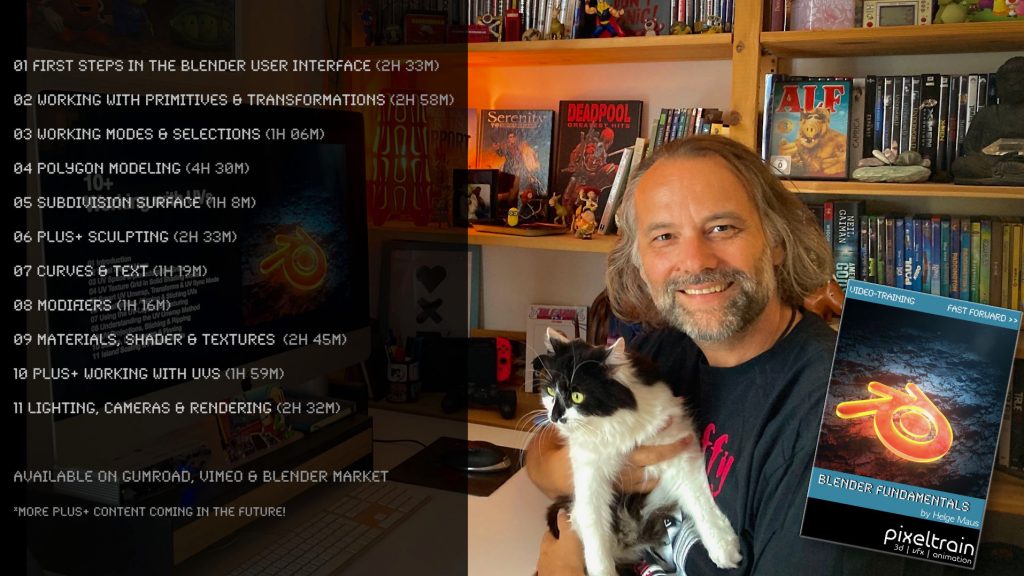
01 First Steps in the Blender User Interface (2h 33m)

02 Working with Primitives & Transformations (2h 58m)

03 Working Modes & Selections (1h 6m)

04 Polygon Modeling (4h 30m)

05 Subdivision Surface (1h 8m)

06 Plus+ Sculpting (2h 34m) 

07 Curves & Text (1h 19m)

08 Modifiers (1h 16m)

09 Materials, Shader & Textures (2h 45m)

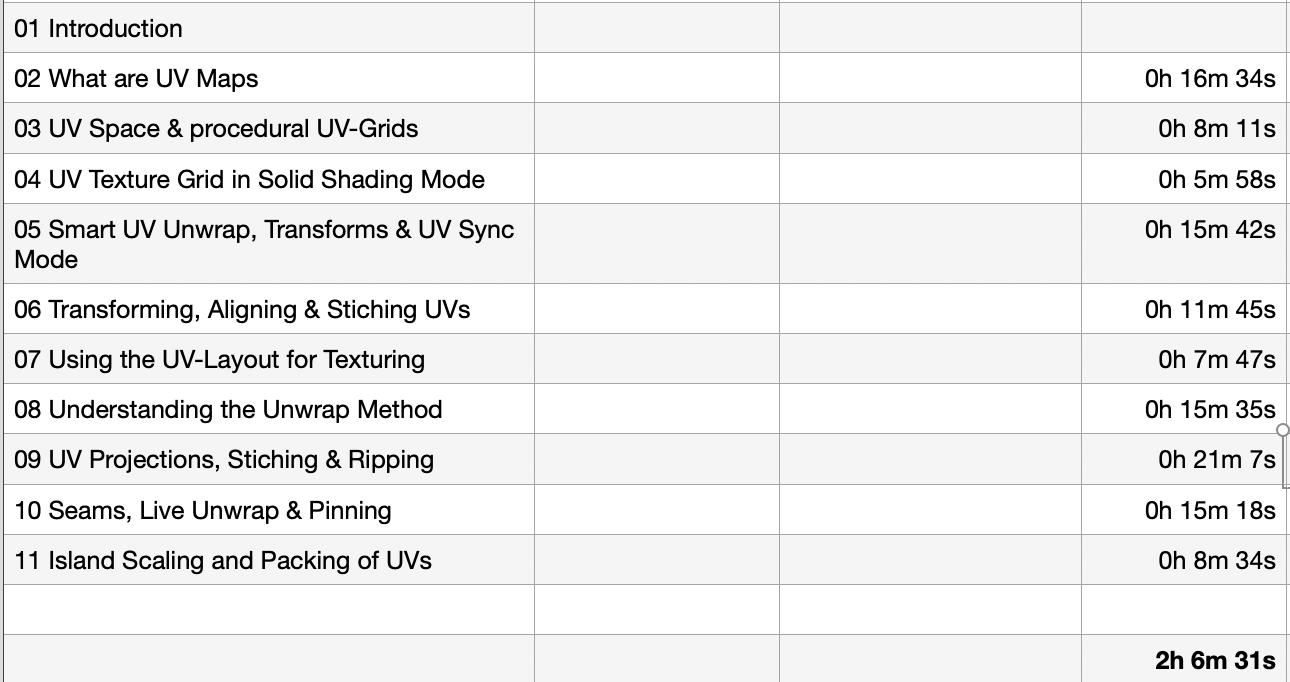
10 Plus+ Working with UVs (1h 56m)

11 Lighting, Cameras & Rendering (2h 32m) 

*Additional PLUS+ content coming soon! This PLUS+ content is free for every owner of the publication. 

Topics covered:

  • Blender’s UI, Setup and Preferences
  • The powerful Add-on system and the most used built-in add-ons
  • Working with Primitives
  • Transformations 
  • Scene-Management
  • Effective Selections 
  • The powerful Polygon-modeling Toolset of Blender
  • Subdivision Surface Modeling
  • Working with Curves & Text
  • Procedural Workflows with Modifiers
  • Introduction to Sculpting
  • Shading, Materials and Texture Workflows
  • The Node-based Shader Editor and PBR Setups
  • Working with UVs
  • Lighting your Scenes with Lights, Sky Models and HDRIs
  • Physical Cameras
  • Camera Effects like Depth of Field
  • Making final Renderings
  • Advanced Cycles Render Settings
  • Sampling, LightPaths, Denoising & Ray Visibilities
  • World Atmospheres and Volume

As always I will put these new lessons into my Patreon Account over the course of the coming weeks as a “Thank you” for the support of my Patreons:

https://www.patreon.com/pixeltrain3d

If you have any questions about this publication or about Blender remote training, please let me know!

Helge

Helge Maus editing the Blender Fundamentals Training

Just finished capturing the next 2-hours free addition to my “Blender Fundamentals” publication.
This time we tackle “UV mapping and packing inside of Blender 3.6“.


With this coming Plus+ chapter the “Blender Fundamentals” publication will grow now to 25 hours of dense content.

As said, this and more updated content will come to the Publication in the future, so you can start learning today and get all the updates for free after the are released!

Content:

01 First Steps in the Blender User Interface (2h 33m)
02 Working with Primitives & Transformations (2h 58m)
03 Working Modes & Selections (1h 6m)
04 Polygon Modeling (4h 30m)
05 Subdivision Surface (1h 8m)
06 Plus+ Sculpting (2h 34m)
07 Curves & Text (1h 19m)
08 Modifiers (1h 16m)
09 Materials, Shader & Textures (2h 45m)
10 Plus+ Working with UVs*
11 Lighting, Cameras & Rendering (2h 32m)

*Additional PLUS+ content coming very soon!

👉 YouTube Trailer

👉 Blender Market
https://blendermarket.com/products/pixeltrain-blender-fundamentals-fast-forward

👉 VIMEO Video-on-Demand
https://vimeo.com/ondemand/blenderfundamentals

👉 GUMROAD
https://pixeltrain3d.gumroad.com/l/BlenderFundamentals

And, this chapter will come to my Patreons in the Patreons-only section:
https://www.patreon.com/pixeltrain3d

Now editing starts, with 30° outside it’s not easy to stay cool …

Have a great day, have fun!

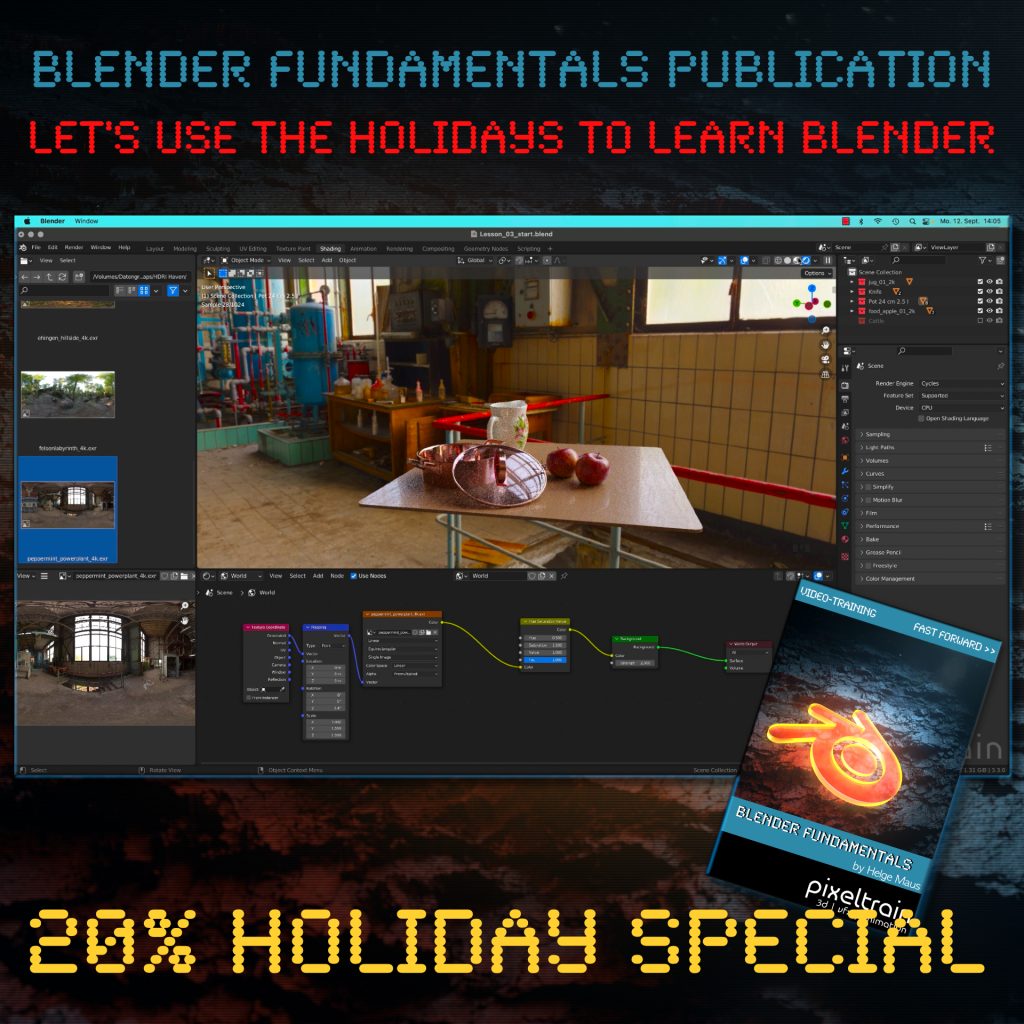
The End of the year brings us time to reflect, relax and to learn something new!

Let’s start learning Blender with our „pixeltrain Blender Fundamentals – Fast Forward“ publication.

👉 YouTube Trailer

More than 20+ hours of content in over 114 lessons.
Learn everything you need to know for beginners and folks from other 3D applications.

Our gift for you is a Holiday Voucher for VIMEO VOD or GUMROAD.
Use „XMAS2022“ at checkout and you get 20% off.

👉 VIMEO „XMAS2022“

https://vimeo.com/r/3E4j/NnJYVjlwam

👉 GUMROAD „XMAS2022“

https://pixeltrain3d.gumroad.com/l/BlenderFundamentals/XMAS2022

Have a great Holiday,

Helge

Helge’s new publication – a step-by-step Introduction into Blender – is out on November 22, 2022!

In 114 lessons with a duration of 20+ hours, Helge takes you through the complete fundamentals of Blender and the basic workflows you need to know to get started with this amazing free software. This training is designed to get you up and running quickly, enabling you with the skills needed to work effectively in this incredibly powerful 3d package. 

Additionally, it lays the foundation of essential concepts and paradigms to understand more advanced topics for other areas and workflows of Blender 3d down the road.

Link to the Tutorial: https://vimeo.com/ondemand/blenderfundamentals

Content

01 First Steps in the Blender User Interface (2h 33m)

02 Working with Primitives & Transformations (2h 58m)

03 Working Modes & Selections (1h 6m)

04 Polygon Modeling (4h 30m)

05 Subdivision Surface (1h 8m)

06 Plus+ Sculpting* 

07 Curves & Text (1h 19m)

08 Modifiers (1h 16m)

09 Materials, Shader & Textures (2h 45m)

10 Plus+ Working with UVs*

11 Lighting, Cameras & Rendering (2h 32m)

*PLUS+ content coming soon!

>> TIP: Subscribe to our Newsletter to get 33% OFF!

***

It’s finally done! Helge and his team worked for more than a year on this epic publication and are happy and proud to be finally able to tell you all about it. So here are the details about the contents of this video-tutorial:

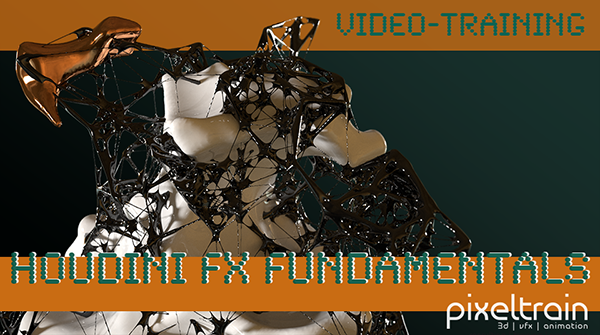
This publication “pixeltrain – Houdini FX Fundamentals >> Fast Forward“ by experienced trainer Helge Maus is a complete Introduction to Houdini FX.

In 117 lessons with a duration of 18,5 hours, your instructor Helge Maus provides you with a step by step approach to understanding Houdini FX and its workflow as a fully featured 3d application.

This training is designed to get you up and running quickly, enabling you with the skills needed to work effectively in this incredibly powerful 3d and vfx package. Additionally, it lays the foundation of essential concepts and paradigms to understand more advanced topics for other modules of Houdini FX down the road.
In this course, Helge Maus starts from the ground up providing you with a solid and practice-oriented foundation in Houdini FX.

First, he takes you through the user interface, followed by an exploration of the different levels and contexts of a Houdini project. You will conclude by learning how to manage these concepts through the production cycle within Houdini FX.
You will write your first expressions in Hscript. Therein, you will learn the concepts of dependencies between objects, explore using groups and packed geometries and finish by building your first asset.
Once you have those primary skills under your belt, Helge gives you a brief introduction into working with VOPs (vex visual scripting), Digital Assets, Volumes and VDBs.
After that, you will start learning the basics of modeling inside of Houdini FX. You will begin with the basics of NURBS Curves and generating surfaces, followed by the powerful and flexible polygon modeling tools.
Important topics like Deformations and UVs are explained in-depth and demonstrated.
After you have learned to build your assets, you will assemble your scene, set cameras with physical attributes, and finish with lighting and shading.

Helge wraps up with a practice-oriented introduction of rendering techniques using the Houdini Mantra renderer.
After finishing this training you will have the skills needed to understand the more advanced workflows and modules of Houdini FX.

Topics included:

01 Welcome to Houdini FX [01h 52m]
02 Basic Concepts in Houdini FX [02h 57m]
03 VOPs & Digital Assets [01h 44m]
04 Volumes & VDBs in Houdini FX [01h 04m]
05 Working with Curves [00h 57m]
06 Generating Surfaces [01h 16m]
07 Polygon Modeling [01h 45m]
08 Retopo, PolyBuild & Boolean [01h 04m]
09 Deformations [00h 44m]
10 UVs in Houdini FX [01h 22m]
11 Lighting & Cameras [01h 21m]
12 Shading [01h 54m]
13 Rendering [00h 43m]

You can find the entire table of contents here >> pixeltrain.de/images/stories/Houdini_FX_Fundamentals_Content.pdf

These tutorials were created using mostly Houdini 17.5. However, we made sure that everything will work in Houdini 18+. Also, you will receive subsequent information about any version-based technical changes as needed.

After purchasing these tutorials, please contact us by email (info(at)pixeltrain.de), so that we can send you a dropbox link to the training material.
If you have any problems or questions don’t hesitate to write to us.

***

If you want to support Helge Maus for publishing more free tutorials you can join his Patreons:
patreon.com/pixeltrain3d

***

Find more information on pixeltrain.de/en
VIMEO: vimeo.com/pixeltrain
LinkedIn: linkedin.com/in/pixeltrain
Artstation: artstation.com/pixeltrain

***

We hope, you like this tutorial. We hope, you find it helpful in learning and understanding Houdini FX. It was a pleasure creating this little masterpiece 😉 and Helge and his team will go on producing more tutorials with even more experienced topics. So stay tuned! We appreciate it and wish you all the best and fun in learning Houdini FX!

Helge and his team

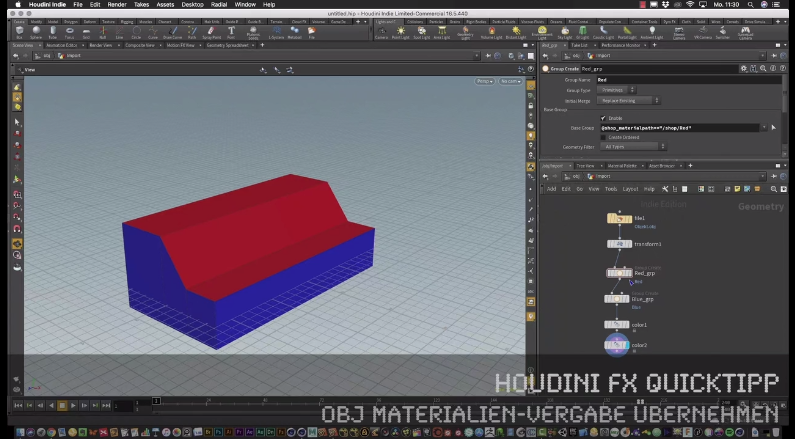
Here are two examples taken from the publication:


In diesem Tutorial zeigt 3D- & VFX-Trainer Helge Maus wie man beim Import von OBJs nach Houdini FX, Materialien- und Shader-Vergaben aus dem Erstellungsprogramm (z.B. Cinema 4D, Maya,…) wieder nutzen kann.

(English version: vimeo.com/264989295 )

Weitere Publikationen und Informationen zu Firmen- & Individual-Trainings finden Sie auf unserer Website: pixeltrain.de . Helge Maus ist 3D- & VFX-Trainer und MAXON Certified Lead Instructor.

Like us at Facebook: facebook.com/pixeltrain3D
Newsletter: pixeltrain.de/de/newsletter


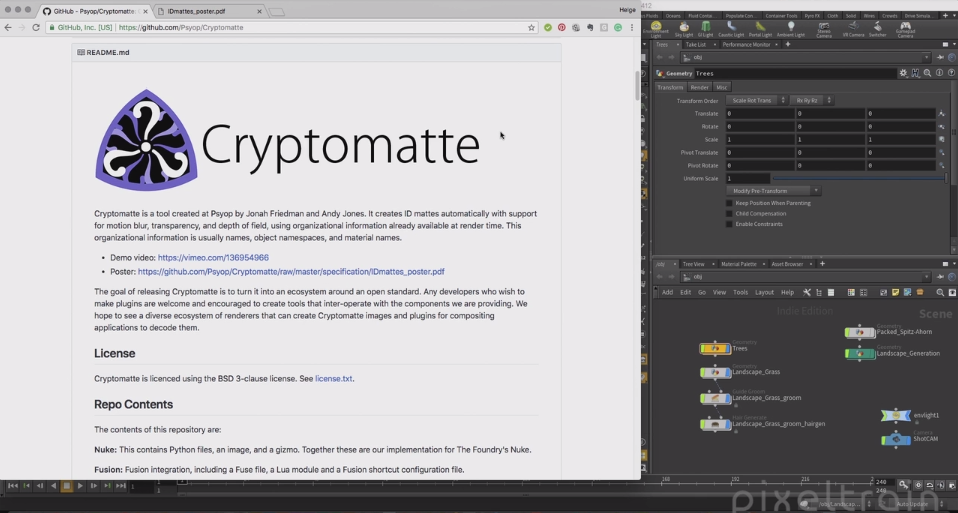
Stellt Euch vor, Ihr habt eine sehr komplexe Szene und wollt später in der Postproduktion für alle möglichen Objekte oder sogar für Materialien Masken haben – puh, das macht richtig Arbeit. Toll wäre es, wenn es dazu einen Automatismus gäbe! Und wirklich, das gibt es kostenfrei: PSYOP Cryptomatte.

Wie es geht, erfahrt ihr hier für Houdini FX.

Aber auch viele andere Renderer und Compositing-Programme (z.B. Fusion) können das mittlerweile.


Dieses Tutorial gibt’s auch auf Englisch:


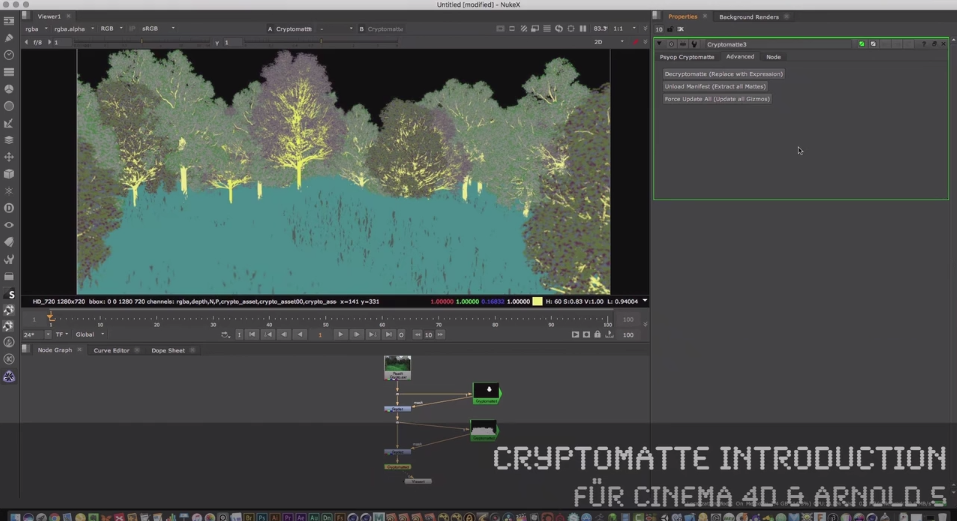
Helge zeigt in seinem neuen Tutorial, wie man innerhalb von Maxon Cinema 4D die Cryptomatte Technologie einsetzen kann. Hierzu wird in Cinema 4D R19 als Renderengine Arnold 5 (C4DtoA) verwendet. Anschließend stehen die gerenderten Elemente innerhalb von Foundry NUKE 11 zur Verfügung.

In diesem kostenfreien Video-Tutorial erfährt Ihr unter anderem, woher man das kostenfreie Cryptomatte Plugin (github.com/Psyop/Cryptomatte) für NUKE bekommt und wie Ihr Eure ersten Masken im Compositing erzeugt.

(An English version will follow shortly)

Weitere Publikationen und Informationen zu Firmen- & Individual-Trainings findet Ihr wie immer auf unserer Website: pixeltrain.de . Helge Maus ist 3D- & VFX-Trainer und MAXON Certified Lead Instructor.

Like us at Facebook: facebook.com/pixeltrain3D
Newsletter: pixeltrain.de/de/newsletter