Publication Blender Fundamentals Training by Master-Trainer Helge Maus / pixeltrain

Would you like to learn Blender in a well-founded and structured way?

Then I would like to present you my publication “pixeltrain – Blender Fundamentals >> Fast Forward”.

In 137 lessons with a duration of nearly 25 hours, I take you through the complete fundamentals of Blender and the basic workflows you need to know to get started with this amazing free software.

This training is designed to get you up and running quickly, enabling you with the skills needed to work effectively in this incredibly powerful 3d package.

No matter whether you are a beginner in the Blender world or already have previous knowledge of other 3D applications.

Additionally, it lays the foundation of essential concepts and paradigms to understand more advanced topics for other areas and workflows of Blender 3d down the road.

With additional PLUS chapters, you can refine your know-how if necessary and determine your own personal learning path.

If you have any questions while learning, I’m available to you in my Discord.

👉 Blender Market

https://blendermarket.com/products/pixeltrain-blender-fundamentals-fast-forward

👉 VIMEO video on demand

https://vimeo.com/ondemand/blenderfundamentals

👉 GUMROAD

https://pixeltrain3d.gumroad.com/l/BlenderFundamentals

If you have any questions or you need individual Blender training please let me know 🙂

Helge
Blender Grundlagen Schulung mit Helge Maus / pixeltrain

Möchtest Du eine schnelle und fundierte Einführung in Blender 3D haben?
In Zusammenarbeit mit der Visualisierungs-Akademie biete ich einige zweitägige deutschsprachige Online-Kurse / Schulungen (live) an. Es handelt sich um kleine Gruppengrößen bis 5 Personen.

Blender 3.6 – Grundlagen (21. + 22. Sept 2023)
https://visualisierungs-akademie.ch/de/kurs/blender-einfuhrungskurs/21d29c48-ee8a-4549-a500-6f82f7ff7ddc

Und wenn Du Dein Blender Know-How weiter ausbauen möchtest, hier direkt zwei weitere Aufbau-Kurse.

Photorealistisches- & NPR-Rendering in Blender 3.6 – Cycles & Eevee (26. + 27. Okt 2023)
https://visualisierungs-akademie.ch/de/kurs/blender-renderingkurs/98514946-325f-4818-bcdb-4f6b351a490b

Blender 3.6 – Animation & Rigging (16. + 17. Nov. 2023)
https://visualisierungs-akademie.ch/de/kurs/blender-animationskurs/68ff897c-f766-4119-bea3-9f3422704d2f

Falls Ihr weitere Fragen habt, erreicht Ihr mich unter info (at) pixeltrain.de

P.S. If you are looking for English Blender Trainings, please let me know!

Helge

Blender Fundamentals Publication by Helge Maus / pixeltrain

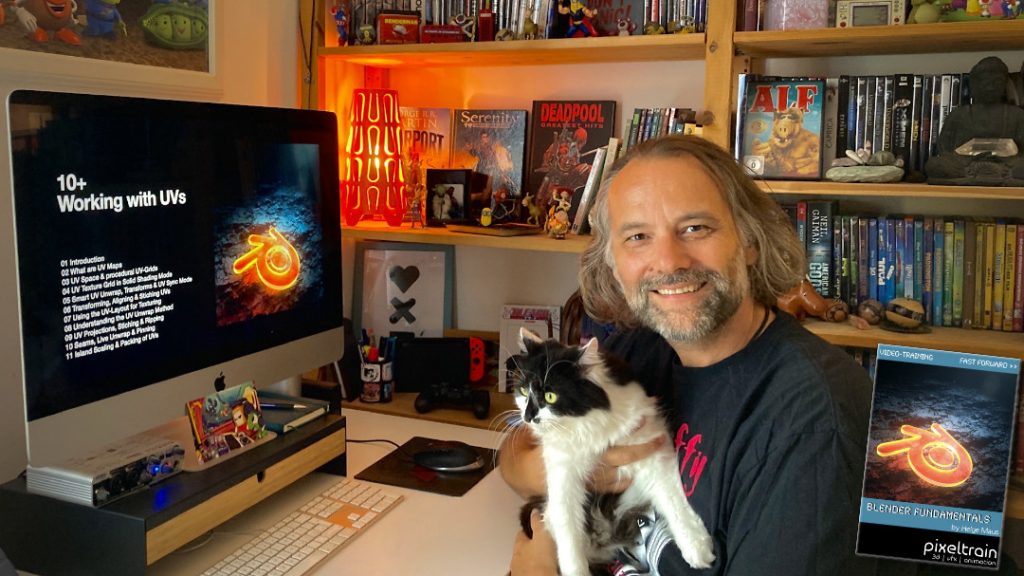
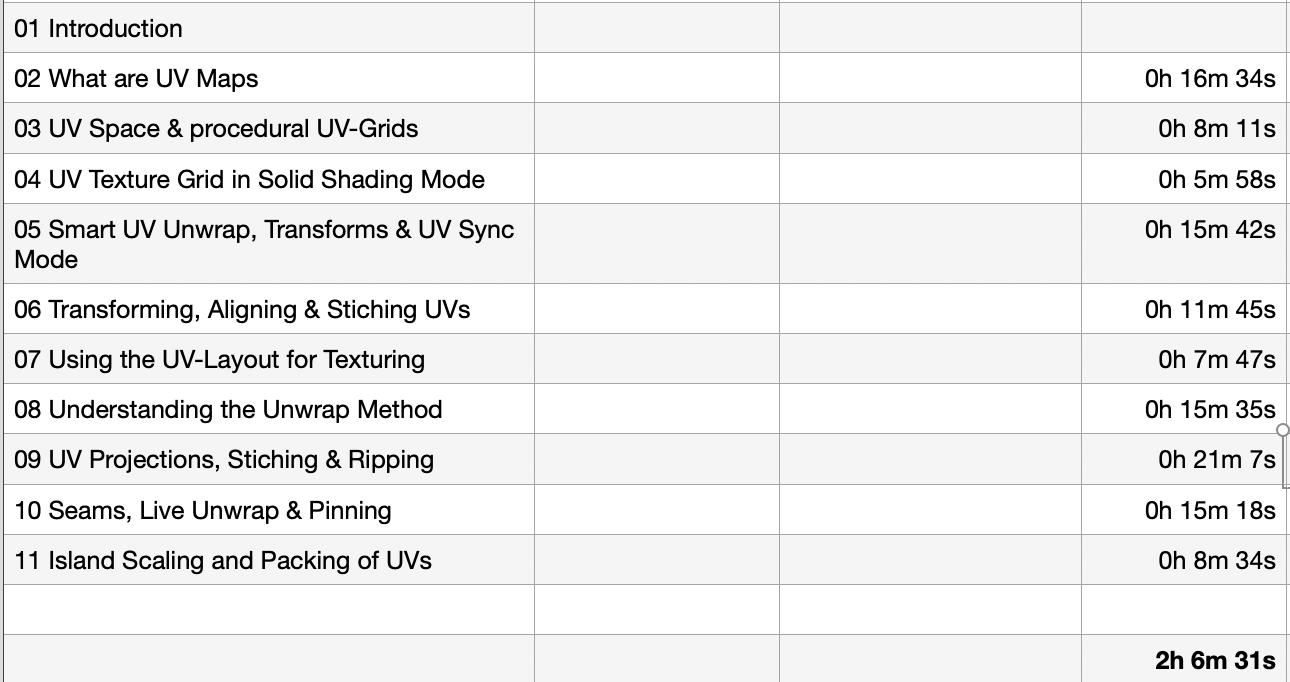
Today, I have added another Plus+ chapter “Working with UVs” to my Blender Fundamentals Publication.

This additional content is free for everyone who has bought the publication in the past. Also I’m working on more Plus+ content for the future.

The publication „pixeltrain – Blender Fundamentals >> Fast Forward“ by Senior 3D & VFX trainer Helge Maus is a complete Introduction to Blender 3D. 

Meanwhile the publication is around 25 hours long with 137 lessons.

👉 Blender Market

https://blendermarket.com/products/pixeltrain-blender-fundamentals-fast-forward

👉 VIMEO Video-on-Demand 

https://vimeo.com/ondemand/blenderfundamentals

👉 GUMROAD

https://pixeltrain3d.gumroad.com/l/BlenderFundamentals

The focus of this publication is NOT building a fancy eye-catchy example scene. But it is concepted as a step-by-step logical structured learning curriculum, with deep explanations of concepts, workflows and tool options. It lays the foundation of essential concepts and paradigms to understand more advanced topics for other areas and workflows of Blender 3d down the road.

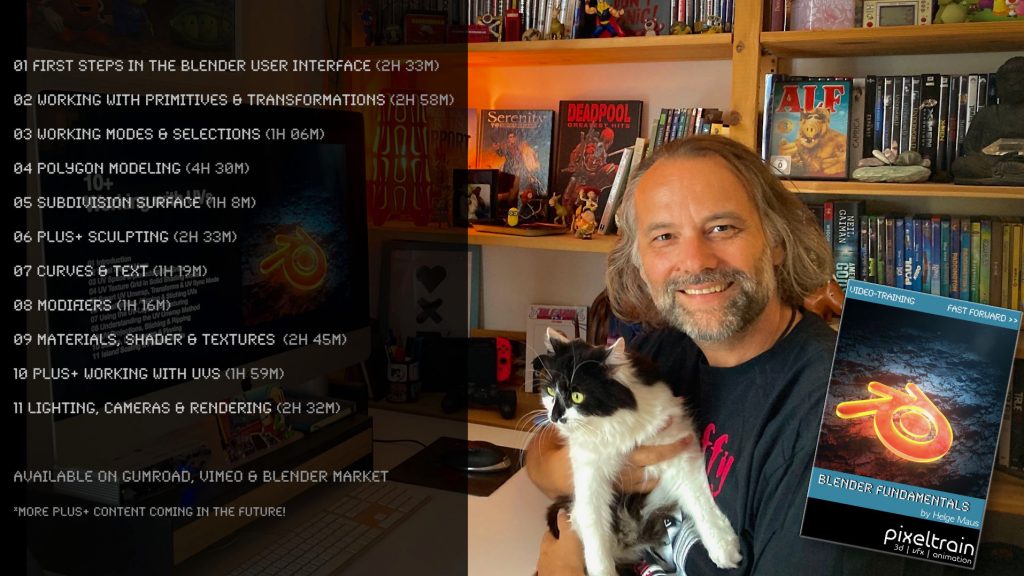
Chapterlist, so far:

01 First Steps in the Blender User Interface (2h 33m)

02 Working with Primitives & Transformations (2h 58m)

03 Working Modes & Selections (1h 6m)

04 Polygon Modeling (4h 30m)

05 Subdivision Surface (1h 8m)

06 Plus+ Sculpting (2h 34m) 

07 Curves & Text (1h 19m)

08 Modifiers (1h 16m)

09 Materials, Shader & Textures (2h 45m)

10 Plus+ Working with UVs (1h 56m)

11 Lighting, Cameras & Rendering (2h 32m) 

*Additional PLUS+ content coming soon! This PLUS+ content is free for every owner of the publication. 

Topics covered:

  • Blender’s UI, Setup and Preferences
  • The powerful Add-on system and the most used built-in add-ons
  • Working with Primitives
  • Transformations 
  • Scene-Management
  • Effective Selections 
  • The powerful Polygon-modeling Toolset of Blender
  • Subdivision Surface Modeling
  • Working with Curves & Text
  • Procedural Workflows with Modifiers
  • Introduction to Sculpting
  • Shading, Materials and Texture Workflows
  • The Node-based Shader Editor and PBR Setups
  • Working with UVs
  • Lighting your Scenes with Lights, Sky Models and HDRIs
  • Physical Cameras
  • Camera Effects like Depth of Field
  • Making final Renderings
  • Advanced Cycles Render Settings
  • Sampling, LightPaths, Denoising & Ray Visibilities
  • World Atmospheres and Volume

As always I will put these new lessons into my Patreon Account over the course of the coming weeks as a “Thank you” for the support of my Patreons:

https://www.patreon.com/pixeltrain3d

If you have any questions about this publication or about Blender remote training, please let me know!

Helge

Helge Maus editing the Blender Fundamentals Training

Just finished capturing the next 2-hours free addition to my “Blender Fundamentals” publication.
This time we tackle “UV mapping and packing inside of Blender 3.6“.


With this coming Plus+ chapter the “Blender Fundamentals” publication will grow now to 25 hours of dense content.

As said, this and more updated content will come to the Publication in the future, so you can start learning today and get all the updates for free after the are released!

Content:

01 First Steps in the Blender User Interface (2h 33m)
02 Working with Primitives & Transformations (2h 58m)
03 Working Modes & Selections (1h 6m)
04 Polygon Modeling (4h 30m)
05 Subdivision Surface (1h 8m)
06 Plus+ Sculpting (2h 34m)
07 Curves & Text (1h 19m)
08 Modifiers (1h 16m)
09 Materials, Shader & Textures (2h 45m)
10 Plus+ Working with UVs*
11 Lighting, Cameras & Rendering (2h 32m)

*Additional PLUS+ content coming very soon!

👉 YouTube Trailer

👉 Blender Market
https://blendermarket.com/products/pixeltrain-blender-fundamentals-fast-forward

👉 VIMEO Video-on-Demand
https://vimeo.com/ondemand/blenderfundamentals

👉 GUMROAD
https://pixeltrain3d.gumroad.com/l/BlenderFundamentals

And, this chapter will come to my Patreons in the Patreons-only section:
https://www.patreon.com/pixeltrain3d

Now editing starts, with 30° outside it’s not easy to stay cool …

Have a great day, have fun!

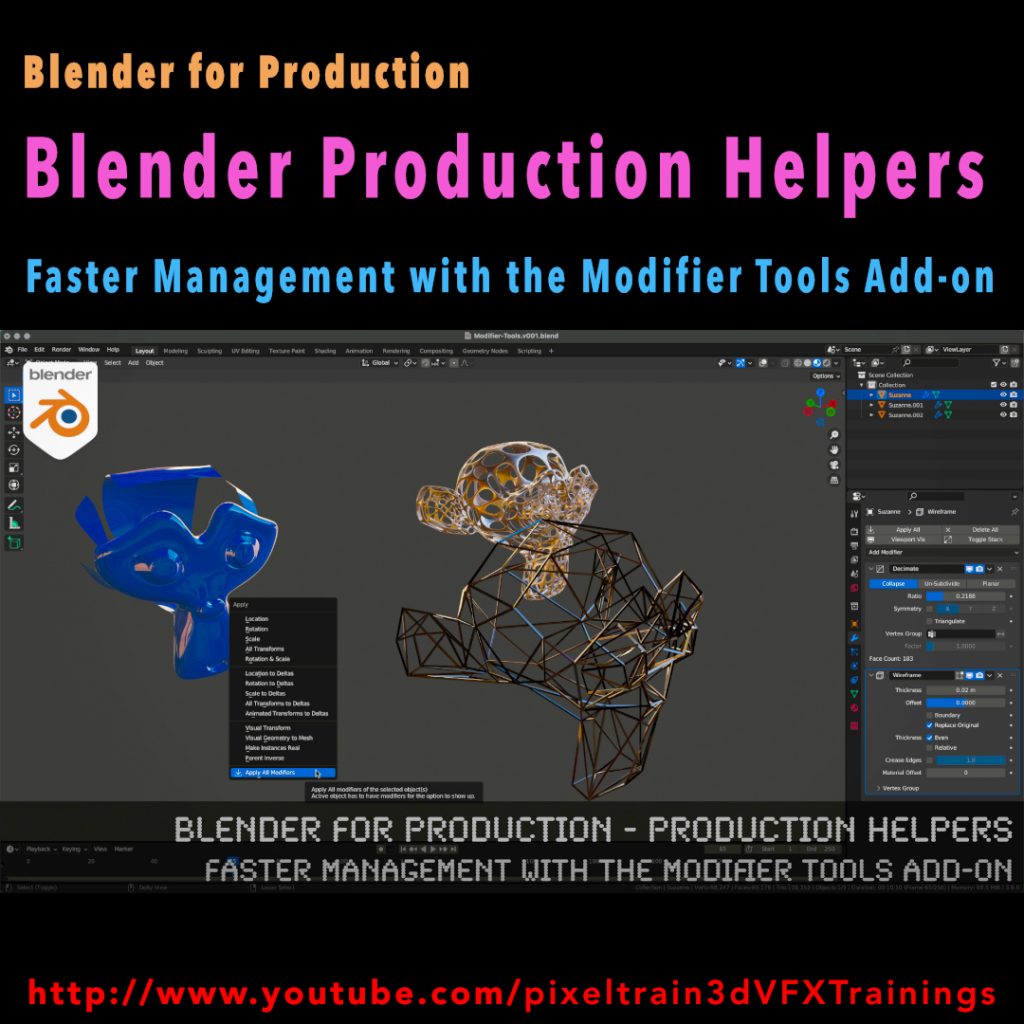
Blender for Production - Production Helpers - Faster Management with the Modifier Tools Add-on

This series „Blender for Production“ focuses on Blender as a full Production Suite for (Indie) 3D- & VFX Productions. I will explain how to work with the different Modules of Blender and how they are connected.

Also, I will give you an introduction to the specific functionalities, but also the production context and workflows, which can help you to use Blender in your productions. 

In this tutorial we will talk about the built-in Modifier Tools add-on, which helps you to manage larger modifier stacks on objects more elegant. We also look into some best practice workflows with and without this add-on, when it some to modifiers.

These topics are covered in this tutorial:

00:00 Overview of the tutorial

00:32 Modifiers in Blender Workflow

00:51 Tips for fast opening the modifier stack

01:12 Understanding Modifier Flags

02:23 See Modifier result in Edit Mode

03:00 Applying Modifiers correctly

03:33 Using the Apply Menu

04:19 Activate the Modifier Tools Add-on

04:51 UI of Modifier Tools

05:11 Explanation Toggle Stack and Tips

05:56 Drag activation of multiple Modifiers

06:56 Switching Viewport Visibility of a Modifier stack

07:20 Delete all Modifiers on an object

07:30 Working with multiple Modifier stacks at the same time

09:03 Apply the Modifier stack

09:49 Addition in the Apply Menu

10:14 Outro

As a Senior 3D & VFX Trainer, Helge Maus teaches 3D- & VFX Applications for over 20 years.

His focus lies on Generalist work for VFX and Games. He works with studios, agencies and freelancers from different visualization areas and from the games industry.

Meanwhile he focuses on Blender, Unity, Godot & Fusion for his daily work and training. His strong industry background in teaching Houdini FX, Nuke, and Maya over many years helps him to train artists from the industry within a wide production context.

If you have questions or topics, which should be added, please let me know.

If you want to support me for publishing more free tutorials you could join my Patreons:

https://www.patreon.com/pixeltrain3d

or give me a fast Coffee time Tip on
PayPal: https://paypal.me/pixeltrain

Find more information on www.pixeltrain.net

YouTube: https://www.youtube.com/pixeltrain3DVFXTrainings

Mastodon: https://mastodon.art/web/@pixeltrain3d

Instagram: https://www.instagram.com/pixeltrain3d/

LinkedIn: https://www.linkedin.com/in/pixeltrain/

Blender 3.6 LTS Splashscreen

This is the last release for the Blender 3.x series and therefore it’s an LTS (long term support) version, ready for longer productions.


What’s new?

  • Simulation-Nodes in Geometry Nodes
  • Loading large geometries into Cycles is much, much faster
  • Cycles Hardware Raytracing
  • Better UV Editing with new Packing UV islands
  • Asset Library (17 human base meshes)
  • Animation Improvements
  • VDM Brush Baker Add-on


and so much more

See the full release notes:
👉  https://www.blender.org/download/releases/3-6/

Check out this Blender 3.6 Demoreel:
👉 https://youtu.be/BnY2JdBrvaI

One thing I really love about working with FOSS (Free and Open-Source Software) is that there are so many different ways to help and collaborate with each other. Anyone can use the software immediately, no matter what their budget or where they are in their creative career.

However, I am just as happy to give something back to the projects so that others can benefit as well and not just a small number of investors or senior management.

This “giving back” can have many different faces: 
Actively developing, writing documentation, teaching :-), doing PR and also giving something financially (in the personal possibilities). Even small amounts give the projects more planning security.

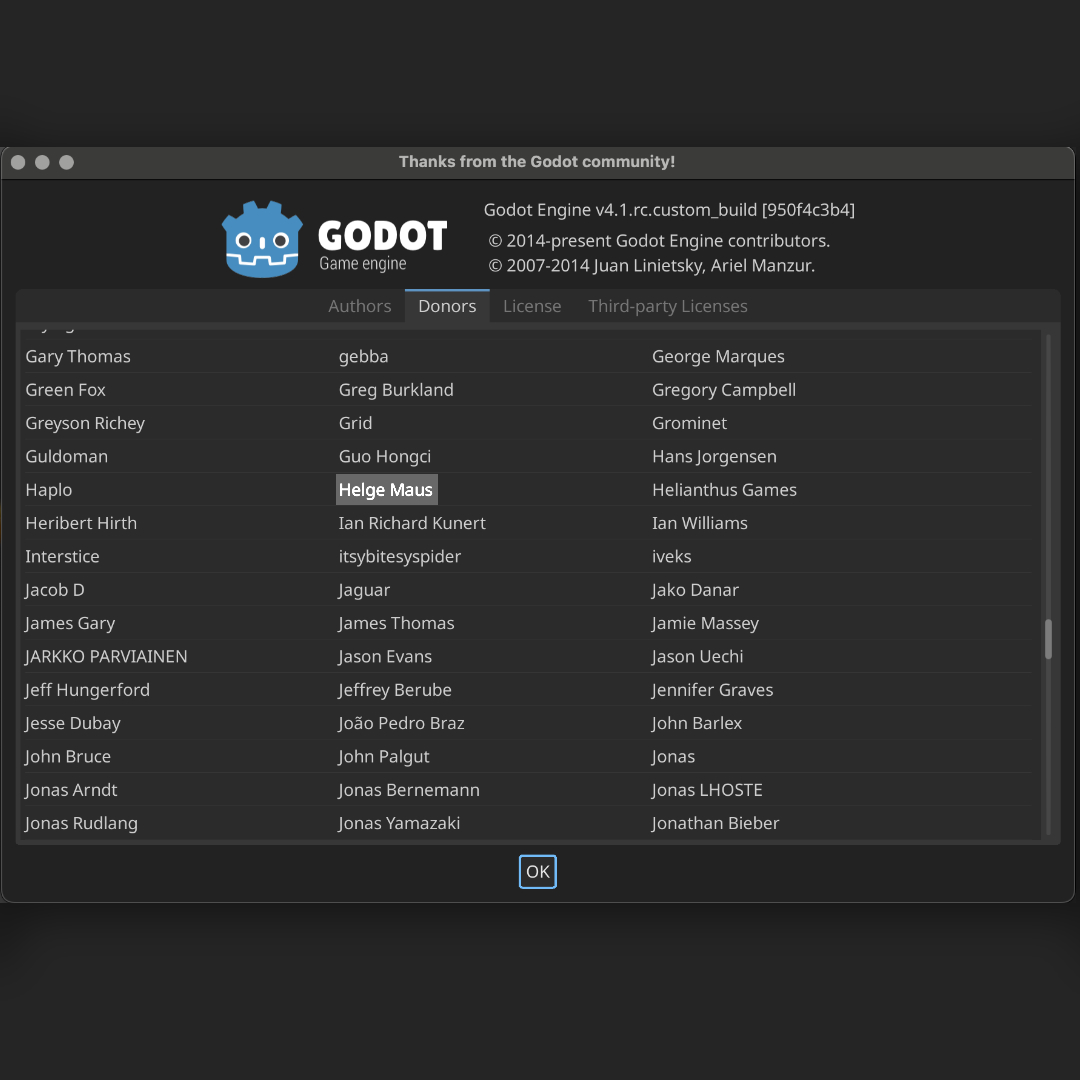
Godot as a free game engine is one of those projects that I’ve grown fond of. Glad to be here on this list now too.

👉 https://godotengine.org

Perhaps you will also find such a project that inspires you?

Helge

#3d #godot #gamedev #gamedevelopment #games #godotengine #gamedesigner #indiedev #gamedevelopers #pixeltrain#helgemaus

Blender Grundlagen Training mit Helge Maus

Du möchtest Blender 3D fundiert und effizient lernen und in den Bereich 3D-Visualisierung einsteigen? 
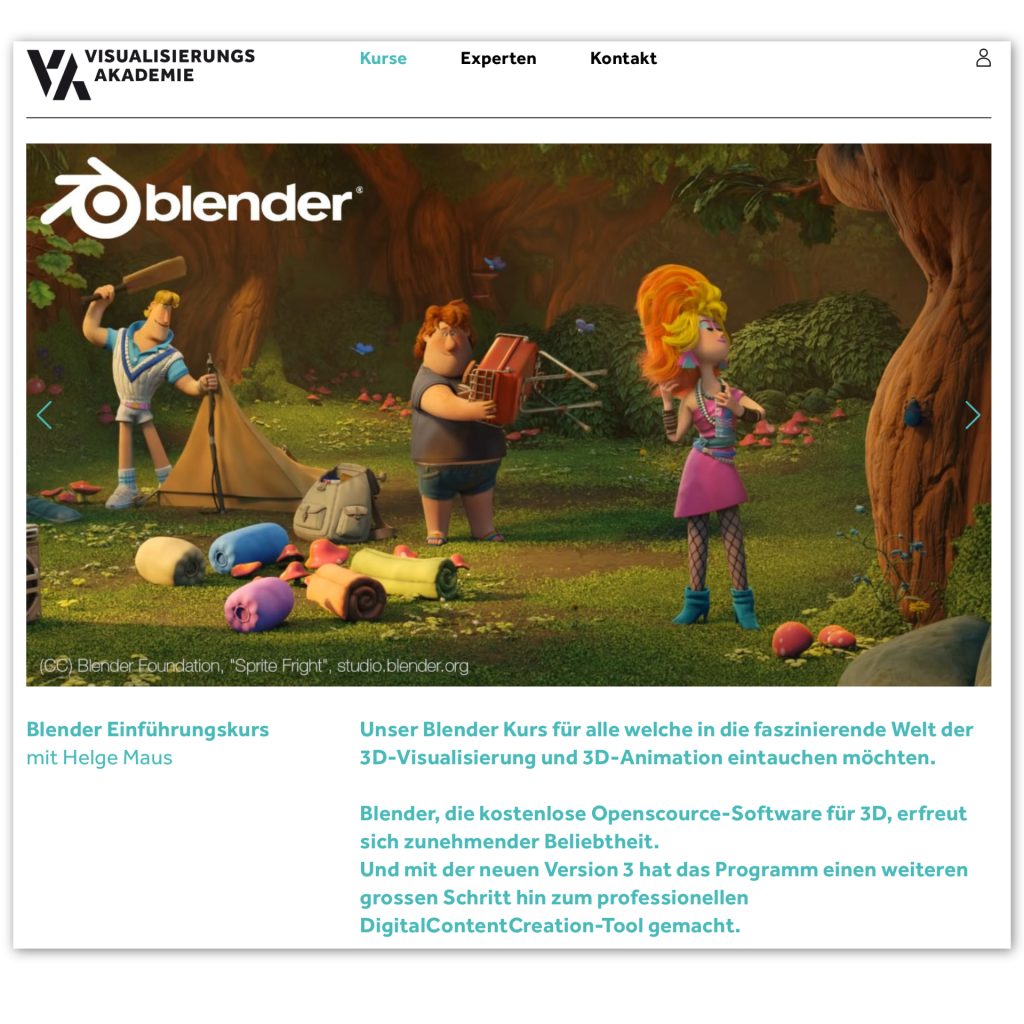
Mein nächster deutschsprachiger „Blender 3.6 – Grundlagen“ Kurs findet am 06.+07. Juli in Zusammenarbeit mit der Visualisierungs-Akademie statt. Als live online Training.

Dieser Kurs ist für Beginner konzeptioniert, genauso wie für Artists die bereits aus anderen 3D Programmen Vorwissen haben und nun Blender intensiv kennenlernen wollen. Da der Kurs online durchgeführt wird, arbeitest Du zwei Tage live mit mir in einer kleinen Lern-Gruppe, egal wo du wohnst.

Hier ist der Link zur Anmeldung. 

https://visualisierungs-akademie.ch/de/kurse

Bei Fragen stehe ich gerne zur Verfügung.

Helge Maus

English

If you are looking for a Blender Fundamentals or Blender Advanced Training, please contact me per direct message.

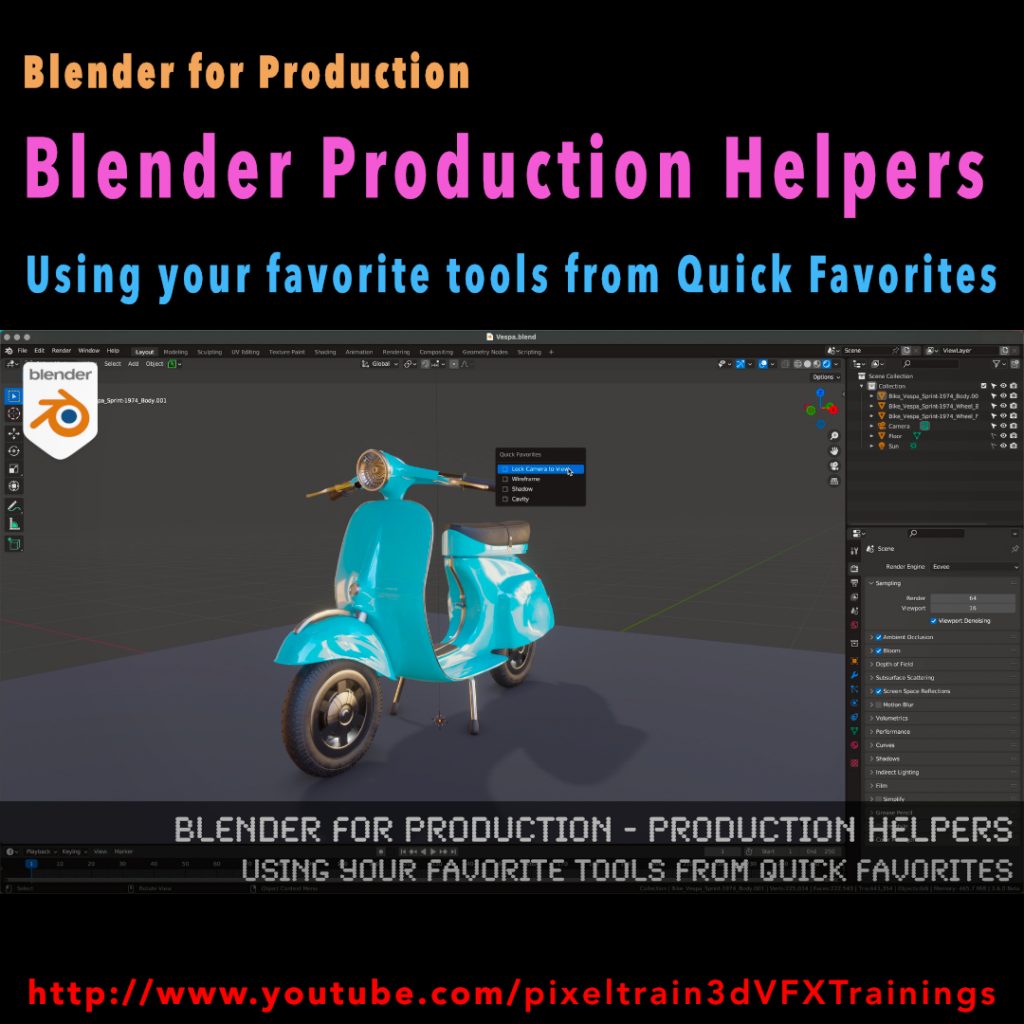
Blender for Production - Production Helpers - Using Your Favorite Tools from Quick Favorites Tutorial by Helge Maus / pixeltrain

Published another free “Blender for Production” tutorial:

“Production Helpers – Using Your Favorite Tools from Quick Favorites”

👉 https://youtu.be/rdqAm_px-oI

In this tutorial we will talk about setting up a Quick Favorites menu for the different working modes inside of Blender. Often used functions and options can be added there by the artist to work faster and more efficient. While explaining the process we will look into several clever helpers like switching edit meshes with keyboard shortcuts, fading inactive objects, configure often used overlays and much more.

Have fun!

Helge

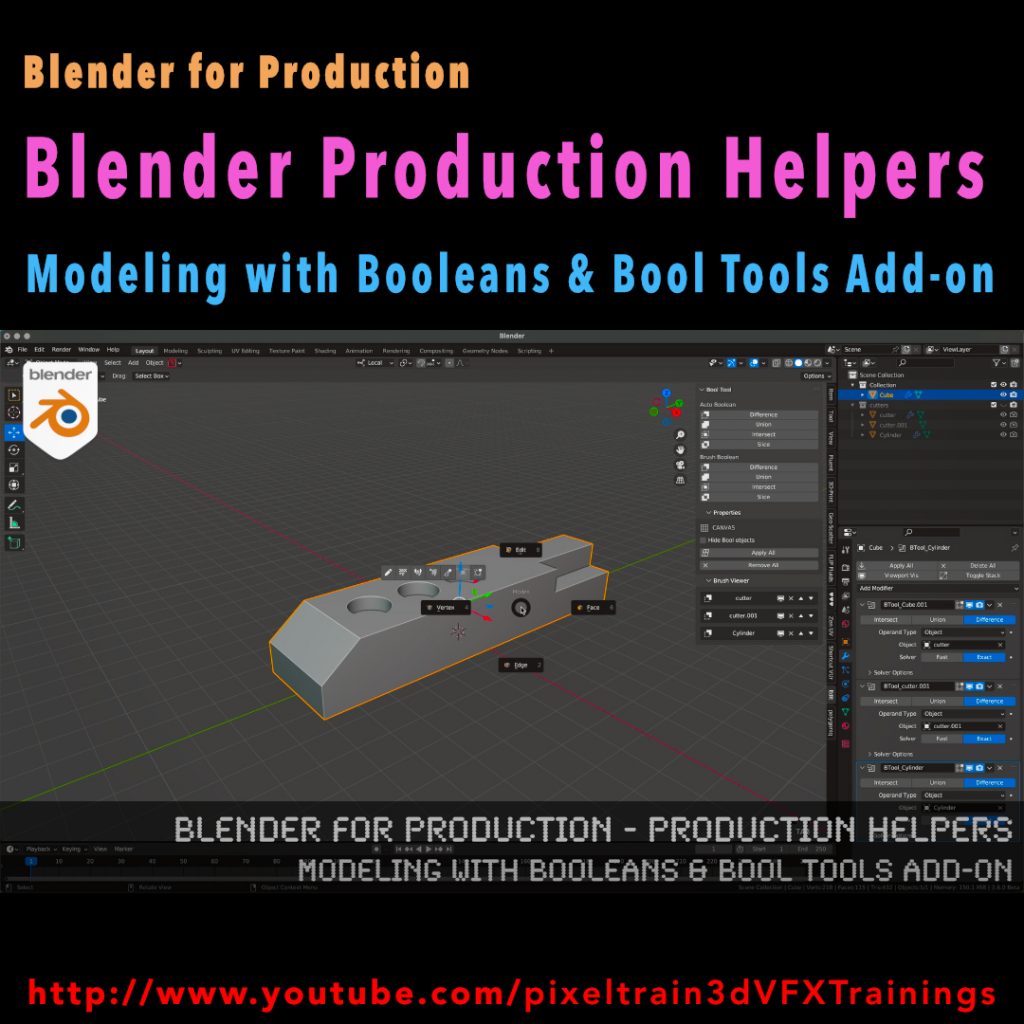
Tutorial Blender for Production - Production Helpers - Modeling with Booleans & Bool Tools Add-on by Helge Maus

This series „Blender for Production“ focuses on Blender as a full Production Suite for (Indie) 3D- & VFX Productions. 

I will explain how to work with the different Modules of Blender and how they are connected.

Also, I will give you an introduction to the specific functionalities, but also the production context and workflows, which can help you to use Blender in your productions. 

In this tutorial we will talk about the basic principles of making hard surface models inside of Blender and how modifiers like booleans, solidify, array and mirror can help you with that. You will see the default Blender workflow and get a lot of workflow insights and tricks how to work with object visibilities, collections, and transformations. They are the basics for a procedural modeling approach for your models. Then we will see, how the free built-in Blender Bool Tools add-on can help you with this workflow to make less clicks and have a faster result.

As a Senior 3D & VFX Trainer, Helge Maus teaches 3D- & VFX Applications for 20 years. His focus lies on VFX, but he also works with many studios/ agencies from different visualization areas and clients from the games industry. He focuses on Blender, Unity, Fusion & Godot for his daily work and training. He has a strong industry background in teaching Houdini FX, Nuke, and Maya over many years.

If you have questions or topics, which should be added, please let me know.

If you want to support me for publishing more free tutorials you could join my Patreons:

https://www.patreon.com/pixeltrain3d

or give me a fast Coffee time Tip on
PayPal: https://paypal.me/pixeltrain

Find more information on www.pixeltrain.net

YouTube: https://www.youtube.com/pixeltrain3DVFXTrainings

Mastodon: https://mastodon.art/web/@pixeltrain3d

Instagram: https://www.instagram.com/pixeltrain3d/

LinkedIn: https://www.linkedin.com/in/pixeltrain/