pixeltrain Patreon by Helge Maus. Blender & Godot tutorials.

As many of you probably know, in addition to my normal job as trainer for 3D, VFX and games, I also publish many free video tutorials and articles on industry-relevant topics.

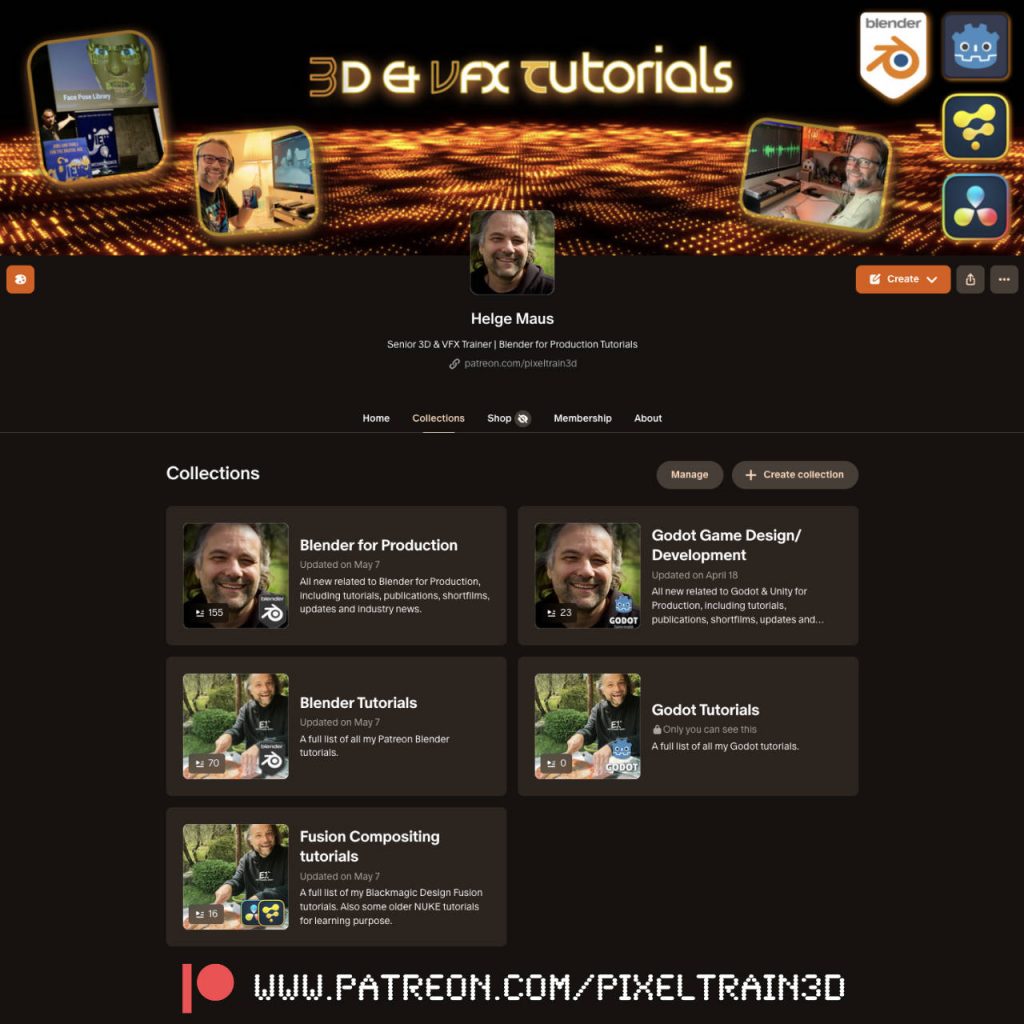
Since I’m lucky enough that some nice folks support me on Patreon, you’ll find everything collected there again in my profile. And, unlike on YouTube, you can enjoy my videos there without any advertising noise and distractions 😉
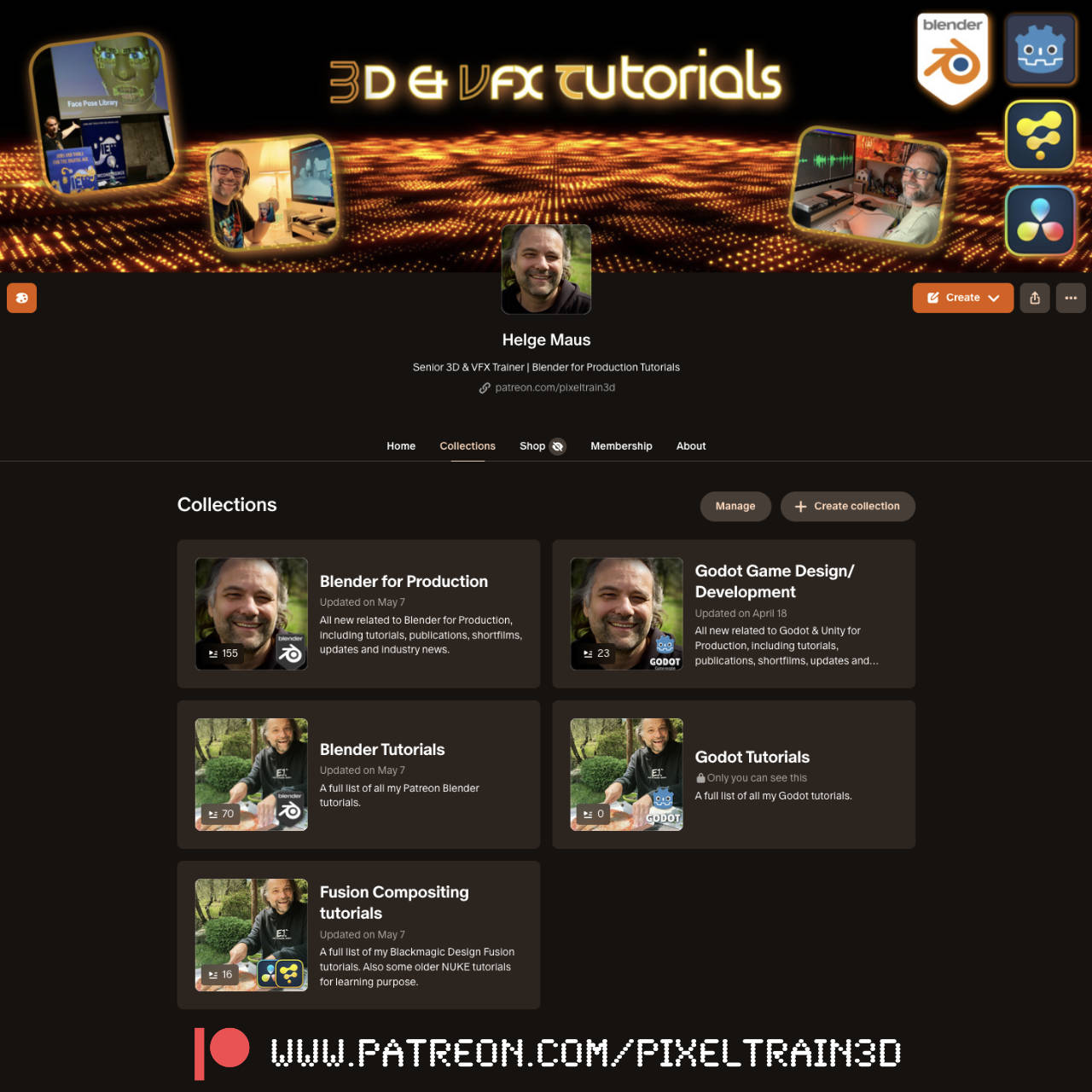
Screenshot


👉 http://www.patreon.com/pixeltrain3d

Today I’ve created “Collections” for a better overview. I hope this will bring even more order to the many past posts. There is still a lot to do… 😓

P.S. You can also follow my account on Patreon without a paid membership. Most of my posts are free.
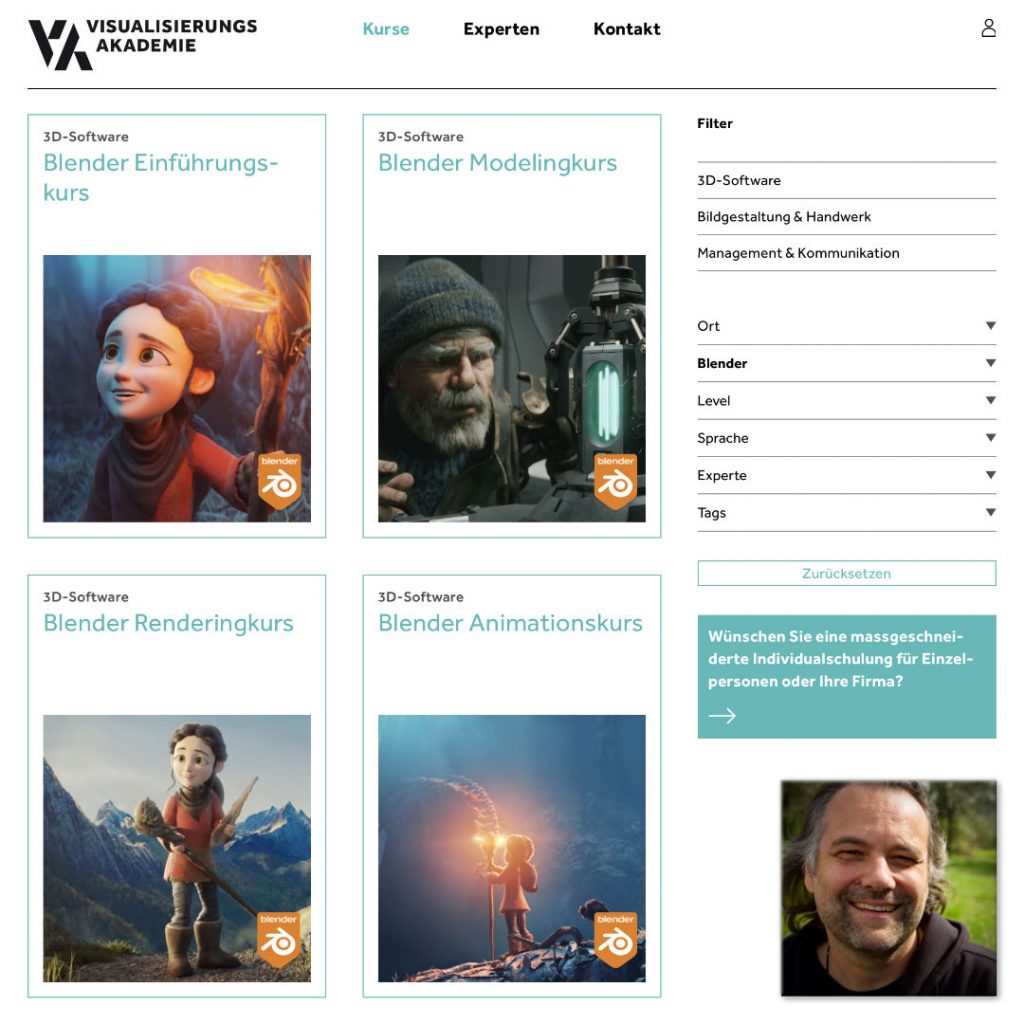

Blender Kurse mit 3D Senior Trainer Helge Maus / pixeltrain

Du möchtest Blender effizient und fundiert lernen und fit werden für die tägliche Produktion?
Dafür habe ich in Zusammenarbeit mit der Visualisierungs-Akademie ein komplettes Kursprogramm konzeptioniert.
Diese Kurse werden online in kleinen Gruppengrößen in deutscher Sprache durchgeführt. 

Mehr Informationen und die aktuellen Termine findest Du hier:
👉 https://visualisierungs-akademie.ch/de

Blender Grundlagen
👉 https://visualisierungs-akademie.ch/de/kurs/blender-einfuhrungskurs/21d29c48-ee8a-4549-a500-6f82f7ff7ddc

Blender Modelingkurs
👉 https://visualisierungs-akademie.ch/de/kurs/blender-modelingkurs/ff1b0321-e948-41c1-bca6-1c23651e75ea

Blender Shading & Rendering Kurs
👉 https://visualisierungs-akademie.ch/de/kurs/blender-renderingkurs/98514946-325f-4818-bcdb-4f6b351a490b

Blender Einführung in Animation & Rigging
👉 https://visualisierungs-akademie.ch/de/kurs/blender-animationskurs/68ff897c-f766-4119-bea3-9f3422704d2f

If you are interested in these trainings in English, please let me know ( info (at) pixeltrain.net ).
I offer cooperate trainings for Blender, one-to-one coaching and also english classroom training.

Helge Maus 2024

Dear Followers,

Today is officially my second day at work and I would therefore like to wish you all a healthy, successful and happy year 2024. I wish you many creative thoughts and projects.

I would also like to thank my dear Patreons, for their support and loyalty. Their constant support means a lot to me and it motivates me to stay on track with my vision:

I want to give indies an opportunity to learn and develop creatively.
I want artists to be able to make a living from their creativity, no matter where they live and without having to sell themselves, their lives and their families into the big machine of the 3D, VFX and games industry.

I would therefore like to present to you a plan for the first half of 2024.

In addition to further publications about Blender, free tutorials and technical articles, I would also like to spend more time with you as a community. I hope that the pixeltrain Discord Server can become a platform for this, but I’m also looking for other ideas.

The pixeltrain Academy is developing, but I would like to find other platforms for mutual exchange.

For example, live events like the View Conference in Turin, which kindly gives me the opportunity every year to talk about open-source tools like Blender and Godot and to offer training sessions for indies. If you have any further ideas on this, I would be happy to talk about them.

Here are the two big topic areas I want to focus on this year:


Blender for Production

Blender is now widespread in the 3D, animation, VFX and games industries and is already widely accepted. Therefore, having in-depth Blender production knowledge can now be a ticket to a professional career entry.

But Blender is also the all-round solution for artists who work on indie projects, set up indie studios or simply work on their private projects.

I would like to help here and provide suitable training material.


Godot Game Development for Indies

The second big area I want to focus on is game design and development with Godot. Again, it is FOSS – Free Open Source software. For the same reasons I chose Blender.

Godot is available to everyone free of charge, but is also open source. Therefore, there are no license changes, restrictions or anything similar to worry about. And we saw a lot of this in the games sector last year. It has been shown that only „free of charge“ can be very dangerous, Unity, Unreal and others have shown this clearly this year and have threatened the existence of many projects in development and the artists behind them.

Godot is already a capable 2D and 3D (more and more) game engine with a constant and community-driven development cycle.

Godot has its own, highly effective scripting language with GD Script, which is also easy to learn for beginners. Anyone who comes from professional game development, for example from Unity, can also work in C#. Many free add-ons (plugins) extend Godot, similar to what we know from Blender.

The created games or applications can be exported for Windows, Mac, Linux, iOS, Android and, with the help of third-party providers, also on consoles such as XBOX, Playstation and Nintendo Switch.

Game design and development is the consistent development of telling stories and building new user experiences. In addition to the 2D and 3D environment, audio and interactivity give artists further opportunities for expression.

I am currently in the process of transferring, adapting and expanding my long-standing Unity training concepts to Godot. Therefore, I hope that I will soon be able to present you new tutorials, publications and training courses on Godot.

In addition to these projects, I continue to train Blender in company training, one-to-ones and for some training providers in order to be able to pay my bills.

I look forward to your feedback and am excited to see what this new year brings us.

Thank you and best regards

Helge

P.S. If you want to support me and get ad-free tutorials, discount vouchers and more, please consider to become a Patreon. Thanks 🙂

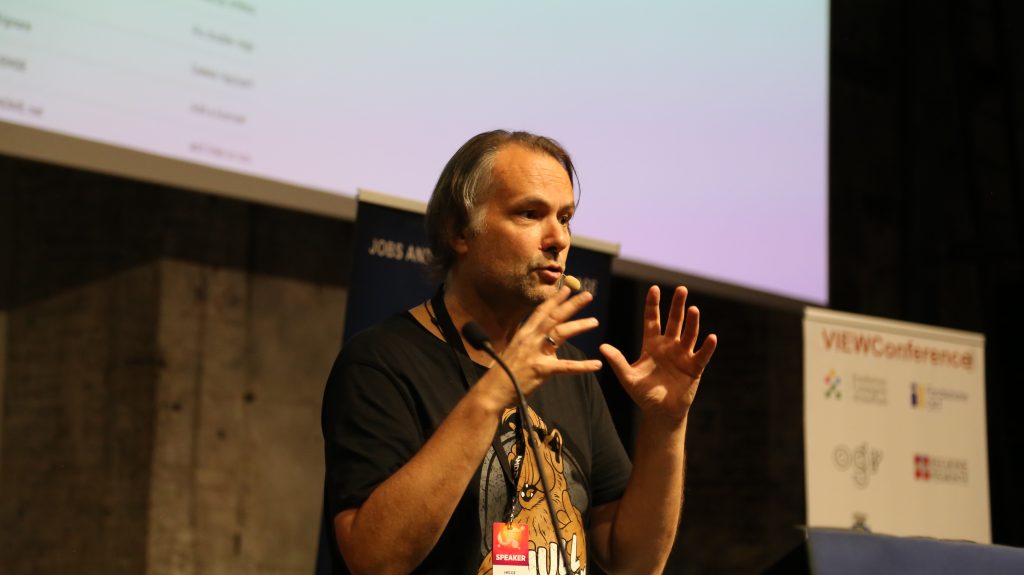
Helge Maus / pixeltrain talking about Blender for Production at the View Conference

Some time ago I had the pleasure to talk to Kirill (Kyrylo) Tokarev from 80.lv about the State of Blender in the industry, how to learn it and my personal journey into the 3d & vfx industry:

https://80.lv/articles/helge-maus-on-the-state-of-blender-and-how-to-learn-it/

Hope you like it and find some inspiration in it!

Helge

P.S. You can also follow me on my (free) Patreon:
https://www.patreon.com/posts/interview-about-95061738?utm_medium=clipboard_copy&utm_source=copyLink&utm_campaign=postshare_creator&utm_content=join_link

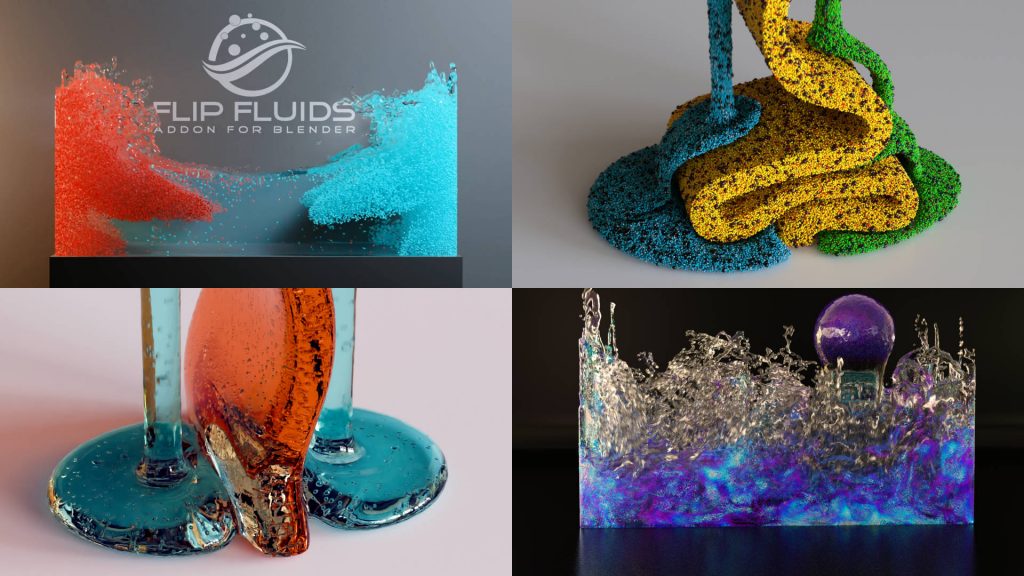
Blender Flip Fluids Add-on

Today I would like to introduce you to one of my frequently used tools from the “Blender for Production” series: Blender Flip Fluids Add-on .

Flip Fluids is a paid add-on that seems quite expensive at around $75 for a Blender add-on.
So a little background information about this add-on.

Trailer

Blender itself has a fluid engine called Mantaflow. Mantaflow is able to simulate liquids, fire, smoke and the like.

Mantaflow’s feature set is actually quite broad. Unfortunately, there is currently no maintainer for this project, meaning bugs and limitations cannot be fixed. Therefore, there are many things in Mantaflow that are very annoying in production and occasionally disrupt the workflow.

This is exactly where Flip Fluids scores for Blender.

This add-on specializes in liquids. If necessary, these can also be highly viscous, e.g. honey, chocolate, etc.

The add-on is very fast and has been actively maintained by the manufacturer for many years. This means that bug fixes and feature updates appear very frequently. Completely free for owners. Therefore, anyone who needs fluids in their 3D scenes should take a look at this add-on. I am very satisfied with that!

I’ve written a short article about that on my (free) Patreon:

https://www.patreon.com/posts/blender-for-flip-92578445?utm_medium=clipboard_copy&utm_source=copyLink&utm_campaign=postshare_creator&utm_content=join_link

If you have any Blender needs as training or mentorship, please contact me:
http://www.pixeltrain.net

Have fun!

Helge

Publication Blender Fundamentals Training by Master-Trainer Helge Maus / pixeltrain

Would you like to learn Blender in a well-founded and structured way?

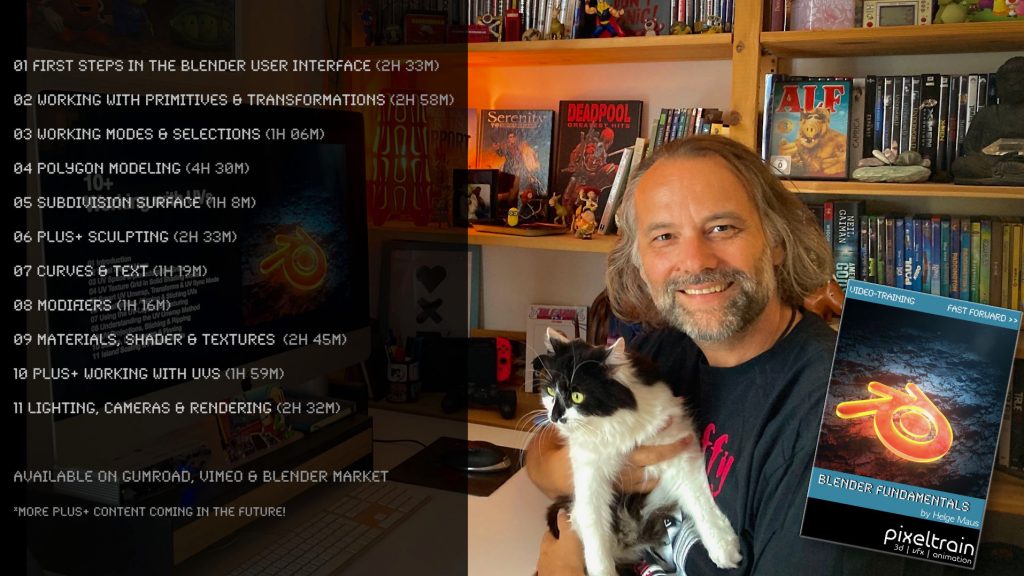
Then I would like to present you my publication “pixeltrain – Blender Fundamentals >> Fast Forward”.

In 137 lessons with a duration of nearly 25 hours, I take you through the complete fundamentals of Blender and the basic workflows you need to know to get started with this amazing free software.

This training is designed to get you up and running quickly, enabling you with the skills needed to work effectively in this incredibly powerful 3d package.

No matter whether you are a beginner in the Blender world or already have previous knowledge of other 3D applications.

Additionally, it lays the foundation of essential concepts and paradigms to understand more advanced topics for other areas and workflows of Blender 3d down the road.

With additional PLUS chapters, you can refine your know-how if necessary and determine your own personal learning path.

If you have any questions while learning, I’m available to you in my Discord.

👉 Blender Market

https://blendermarket.com/products/pixeltrain-blender-fundamentals-fast-forward

👉 VIMEO video on demand

https://vimeo.com/ondemand/blenderfundamentals

👉 GUMROAD

https://pixeltrain3d.gumroad.com/l/BlenderFundamentals

If you have any questions or you need individual Blender training please let me know 🙂

Helge

Blender 3.6 LTS Splashscreen

This is the last release for the Blender 3.x series and therefore it’s an LTS (long term support) version, ready for longer productions.


What’s new?

  • Simulation-Nodes in Geometry Nodes
  • Loading large geometries into Cycles is much, much faster
  • Cycles Hardware Raytracing
  • Better UV Editing with new Packing UV islands
  • Asset Library (17 human base meshes)
  • Animation Improvements
  • VDM Brush Baker Add-on


and so much more

See the full release notes:
👉  https://www.blender.org/download/releases/3-6/

Check out this Blender 3.6 Demoreel:
👉 https://youtu.be/BnY2JdBrvaI

One thing I really love about working with FOSS (Free and Open-Source Software) is that there are so many different ways to help and collaborate with each other. Anyone can use the software immediately, no matter what their budget or where they are in their creative career.

However, I am just as happy to give something back to the projects so that others can benefit as well and not just a small number of investors or senior management.

This “giving back” can have many different faces: 
Actively developing, writing documentation, teaching :-), doing PR and also giving something financially (in the personal possibilities). Even small amounts give the projects more planning security.

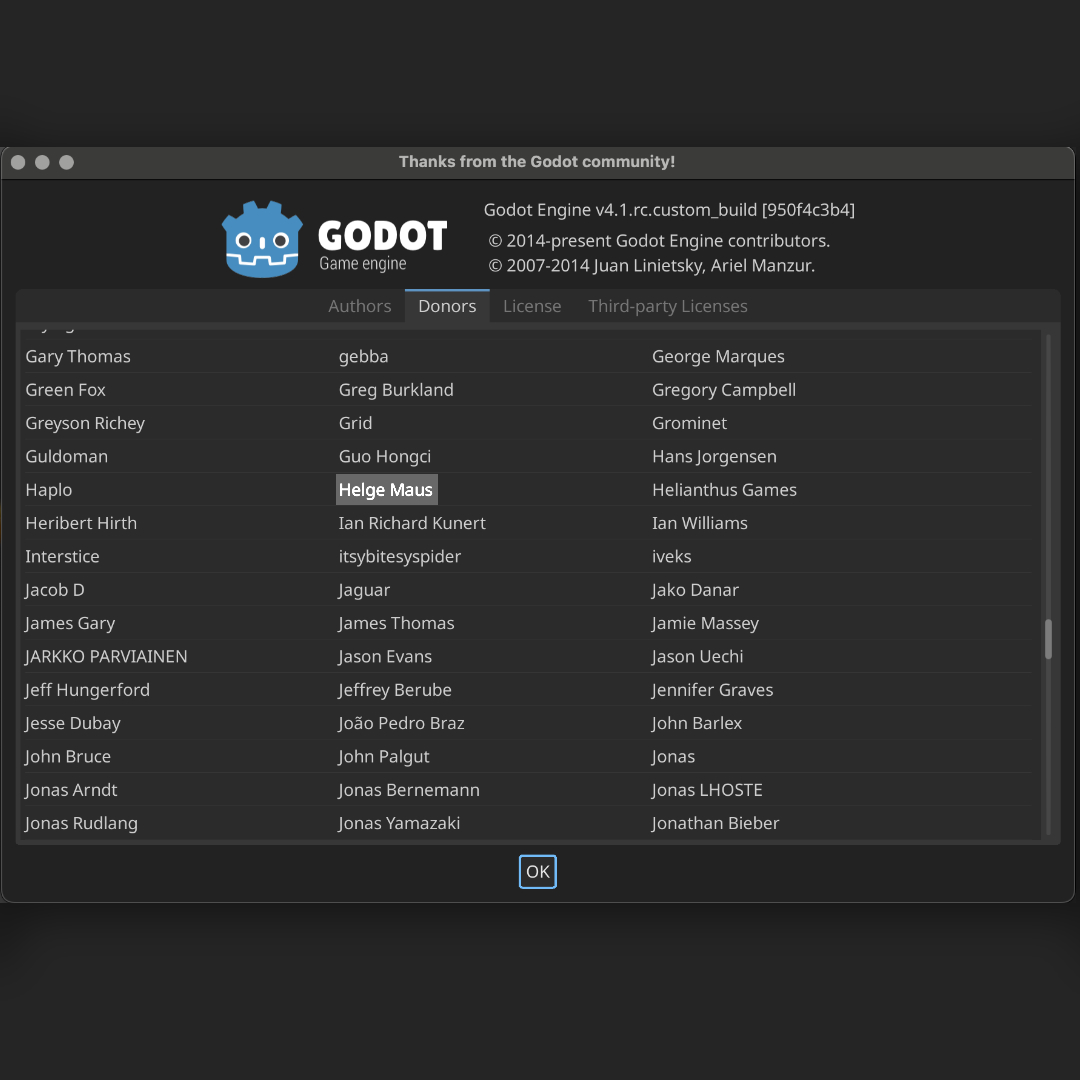
Godot as a free game engine is one of those projects that I’ve grown fond of. Glad to be here on this list now too.

👉 https://godotengine.org

Perhaps you will also find such a project that inspires you?

Helge

#3d #godot #gamedev #gamedevelopment #games #godotengine #gamedesigner #indiedev #gamedevelopers #pixeltrain#helgemaus

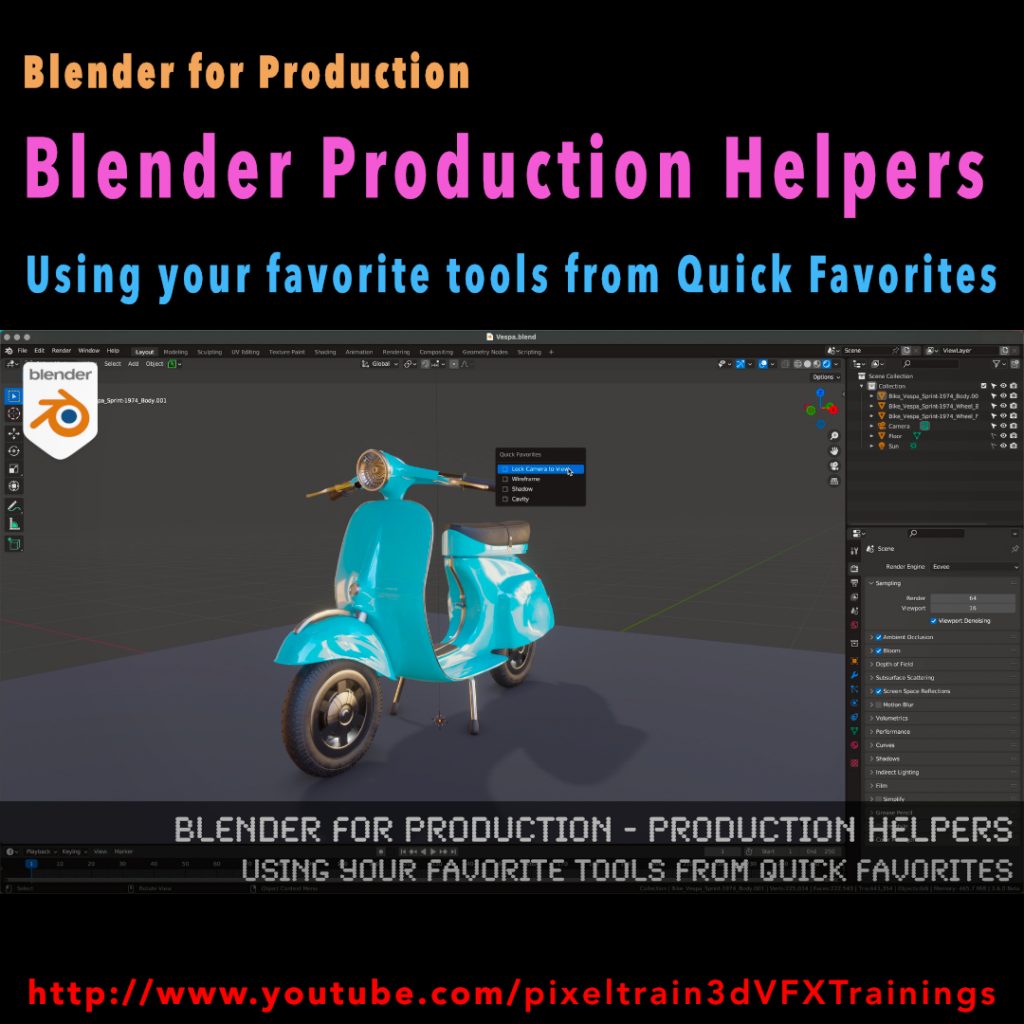
Blender for Production - Production Helpers - Using Your Favorite Tools from Quick Favorites Tutorial by Helge Maus / pixeltrain

Published another free “Blender for Production” tutorial:

“Production Helpers – Using Your Favorite Tools from Quick Favorites”

👉 https://youtu.be/rdqAm_px-oI

In this tutorial we will talk about setting up a Quick Favorites menu for the different working modes inside of Blender. Often used functions and options can be added there by the artist to work faster and more efficient. While explaining the process we will look into several clever helpers like switching edit meshes with keyboard shortcuts, fading inactive objects, configure often used overlays and much more.

Have fun!

Helge

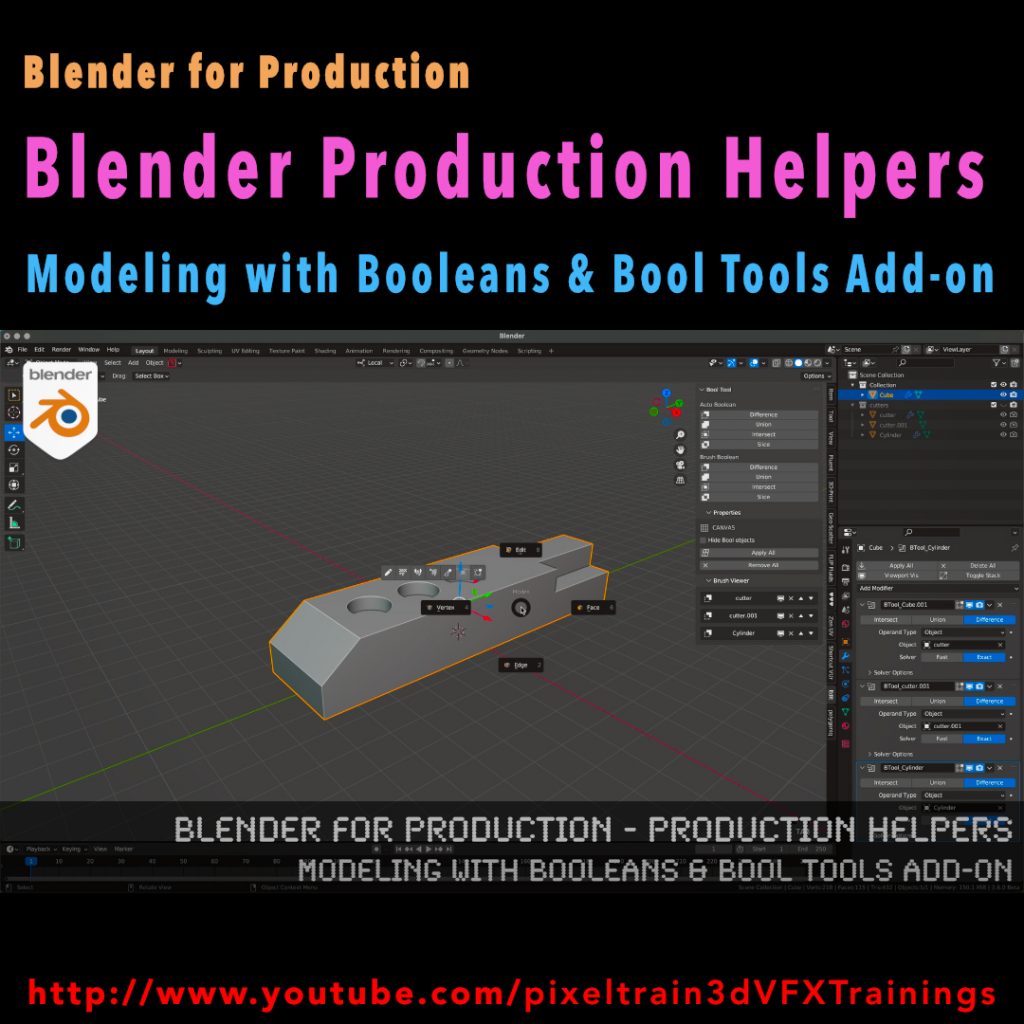
Tutorial Blender for Production - Production Helpers - Modeling with Booleans & Bool Tools Add-on by Helge Maus

This series „Blender for Production“ focuses on Blender as a full Production Suite for (Indie) 3D- & VFX Productions. 

I will explain how to work with the different Modules of Blender and how they are connected.

Also, I will give you an introduction to the specific functionalities, but also the production context and workflows, which can help you to use Blender in your productions. 

In this tutorial we will talk about the basic principles of making hard surface models inside of Blender and how modifiers like booleans, solidify, array and mirror can help you with that. You will see the default Blender workflow and get a lot of workflow insights and tricks how to work with object visibilities, collections, and transformations. They are the basics for a procedural modeling approach for your models. Then we will see, how the free built-in Blender Bool Tools add-on can help you with this workflow to make less clicks and have a faster result.

As a Senior 3D & VFX Trainer, Helge Maus teaches 3D- & VFX Applications for 20 years. His focus lies on VFX, but he also works with many studios/ agencies from different visualization areas and clients from the games industry. He focuses on Blender, Unity, Fusion & Godot for his daily work and training. He has a strong industry background in teaching Houdini FX, Nuke, and Maya over many years.

If you have questions or topics, which should be added, please let me know.

If you want to support me for publishing more free tutorials you could join my Patreons:

https://www.patreon.com/pixeltrain3d

or give me a fast Coffee time Tip on
PayPal: https://paypal.me/pixeltrain

Find more information on www.pixeltrain.net

YouTube: https://www.youtube.com/pixeltrain3DVFXTrainings

Mastodon: https://mastodon.art/web/@pixeltrain3d

Instagram: https://www.instagram.com/pixeltrain3d/

LinkedIn: https://www.linkedin.com/in/pixeltrain/