pixeltrain Patreon by Helge Maus. Blender & Godot tutorials.

As many of you probably know, in addition to my normal job as trainer for 3D, VFX and games, I also publish many free video tutorials and articles on industry-relevant topics.

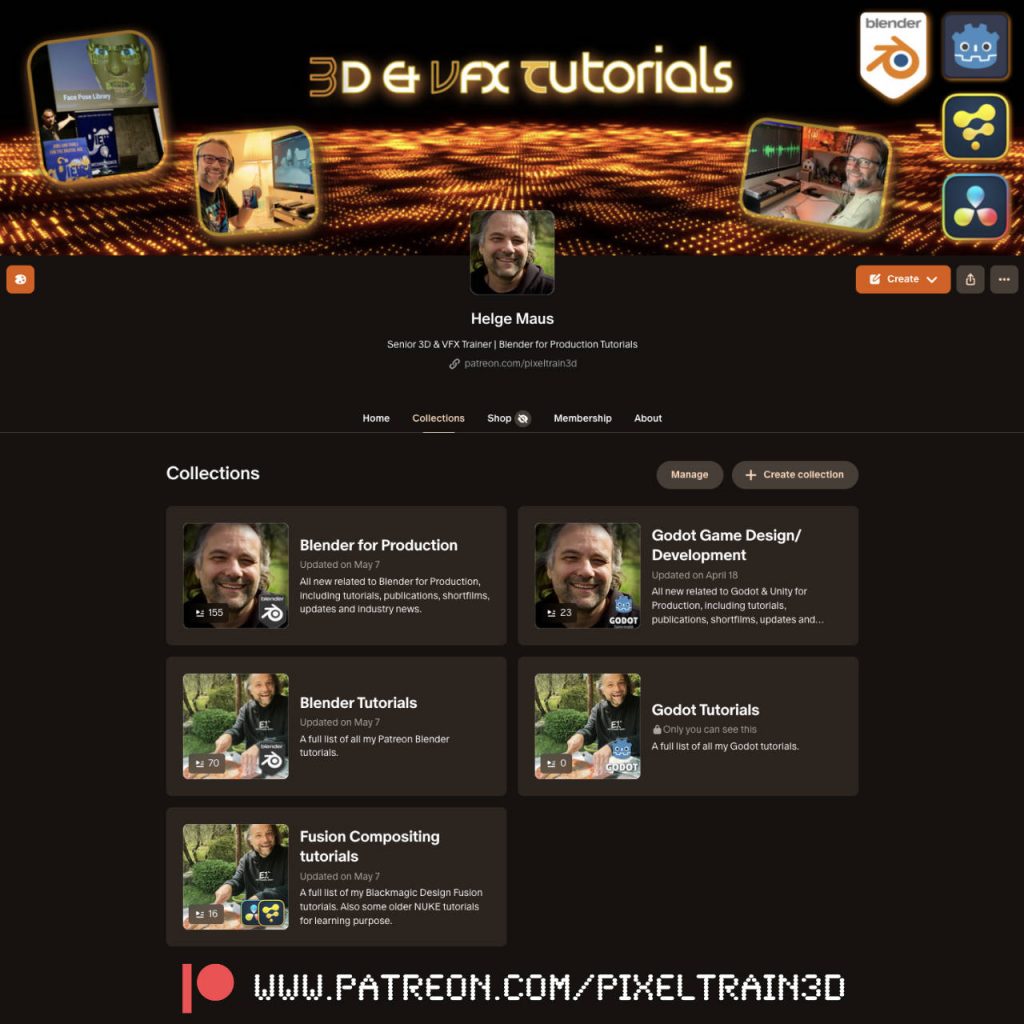
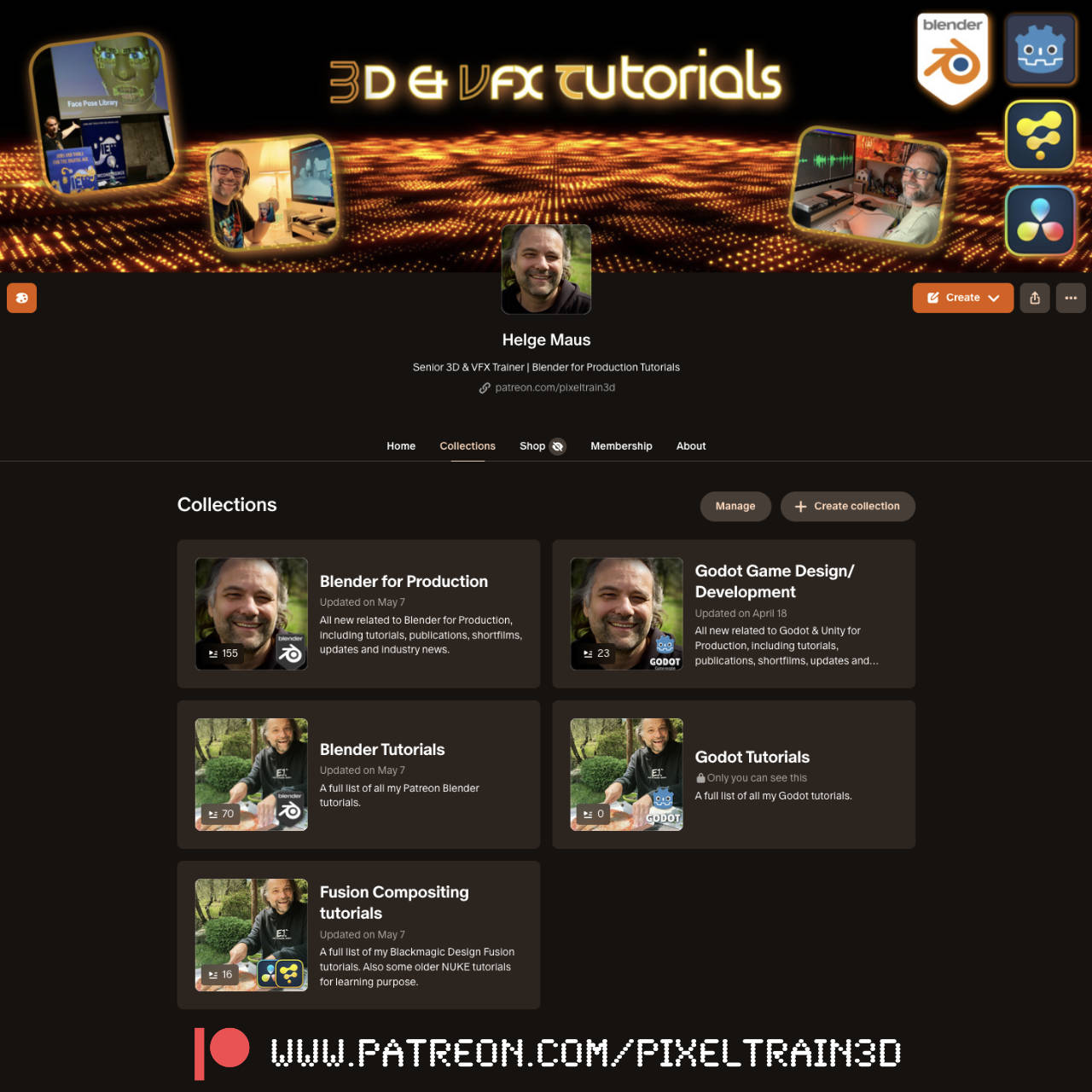
Since I’m lucky enough that some nice folks support me on Patreon, you’ll find everything collected there again in my profile. And, unlike on YouTube, you can enjoy my videos there without any advertising noise and distractions 😉
Screenshot


👉 http://www.patreon.com/pixeltrain3d

Today I’ve created “Collections” for a better overview. I hope this will bring even more order to the many past posts. There is still a lot to do… 😓

P.S. You can also follow my account on Patreon without a paid membership. Most of my posts are free.
Blender Kurse mit 3D Senior Trainer Helge Maus / pixeltrain

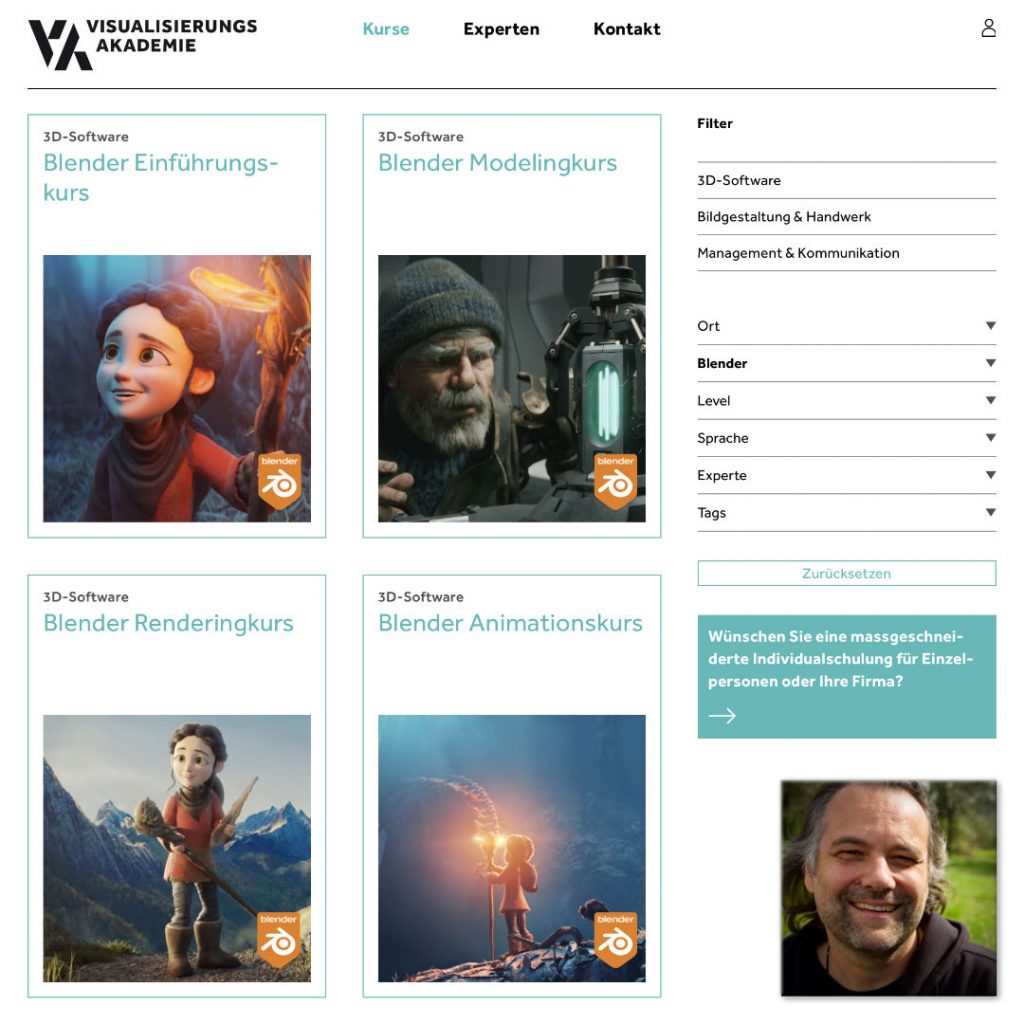
Du möchtest Blender effizient und fundiert lernen und fit werden für die tägliche Produktion?
Dafür habe ich in Zusammenarbeit mit der Visualisierungs-Akademie ein komplettes Kursprogramm konzeptioniert.
Diese Kurse werden online in kleinen Gruppengrößen in deutscher Sprache durchgeführt. 

Mehr Informationen und die aktuellen Termine findest Du hier:
👉 https://visualisierungs-akademie.ch/de

Blender Grundlagen
👉 https://visualisierungs-akademie.ch/de/kurs/blender-einfuhrungskurs/21d29c48-ee8a-4549-a500-6f82f7ff7ddc

Blender Modelingkurs
👉 https://visualisierungs-akademie.ch/de/kurs/blender-modelingkurs/ff1b0321-e948-41c1-bca6-1c23651e75ea

Blender Shading & Rendering Kurs
👉 https://visualisierungs-akademie.ch/de/kurs/blender-renderingkurs/98514946-325f-4818-bcdb-4f6b351a490b

Blender Einführung in Animation & Rigging
👉 https://visualisierungs-akademie.ch/de/kurs/blender-animationskurs/68ff897c-f766-4119-bea3-9f3422704d2f

If you are interested in these trainings in English, please let me know ( info (at) pixeltrain.net ).
I offer cooperate trainings for Blender, one-to-one coaching and also english classroom training.

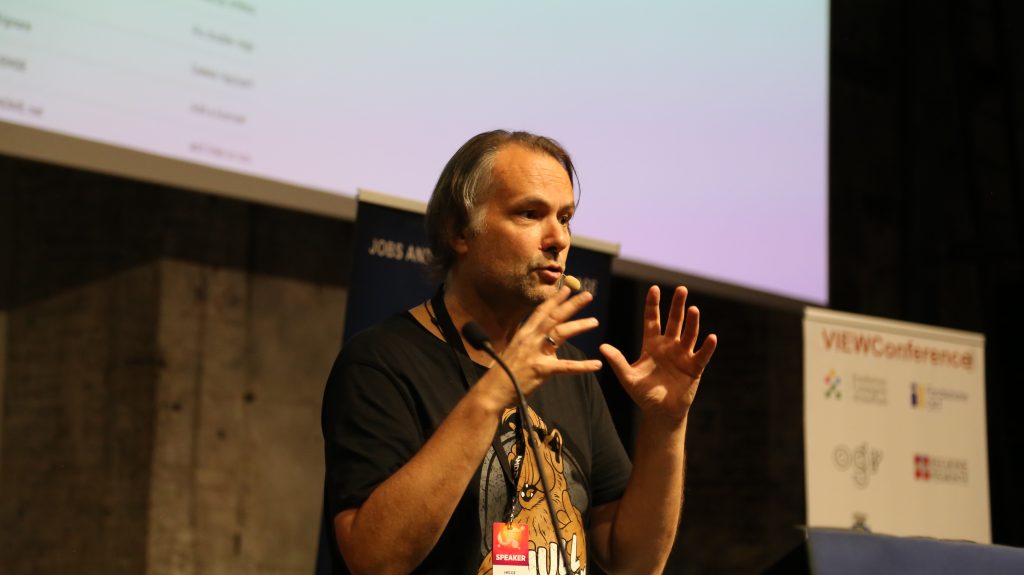
Helge Maus / pixeltrain talking about Blender for Production at the View Conference

Some time ago I had the pleasure to talk to Kirill (Kyrylo) Tokarev from 80.lv about the State of Blender in the industry, how to learn it and my personal journey into the 3d & vfx industry:

https://80.lv/articles/helge-maus-on-the-state-of-blender-and-how-to-learn-it/

Hope you like it and find some inspiration in it!

Helge

P.S. You can also follow me on my (free) Patreon:
https://www.patreon.com/posts/interview-about-95061738?utm_medium=clipboard_copy&utm_source=copyLink&utm_campaign=postshare_creator&utm_content=join_link

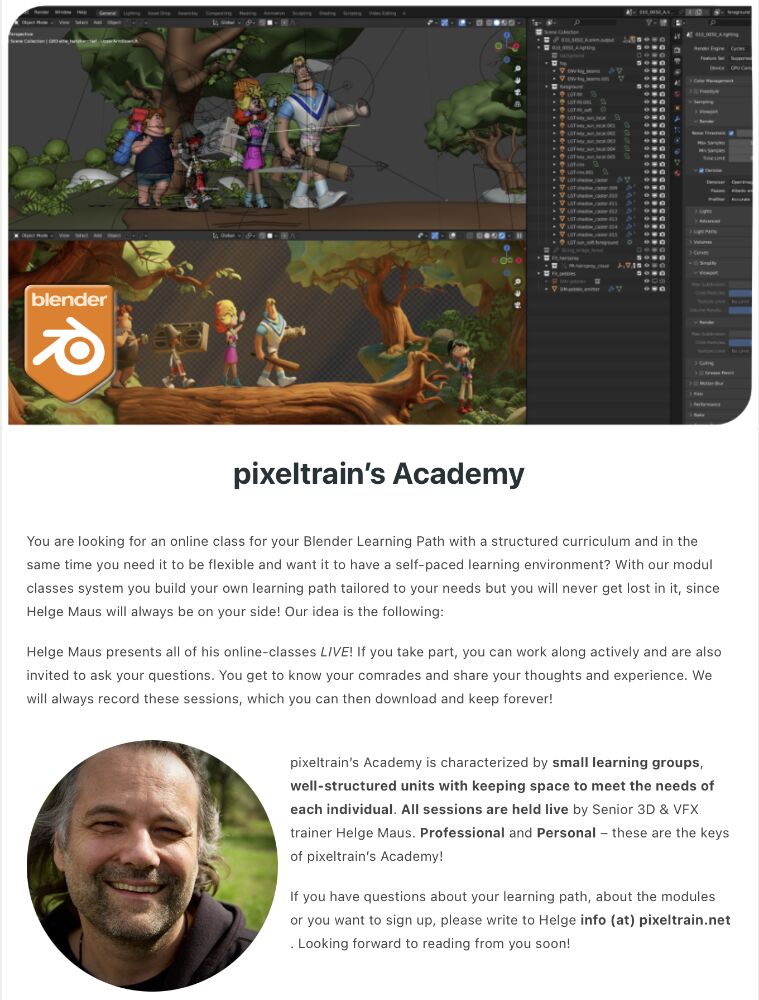
pixeltrain Blender Academy 2024

🔥 pixeltrain Blender Academy 2024 🔥 dates are fixed now!

Would you like to learn Blender in a well-founded and practice-oriented way?
Without watching hundreds of redundant and shallow tutorials?

Learn online, with live teaching sessions, in small groups and with personal mentoring from Senior 3D & VFX trainer Helge Maus.

Through our modular system, you can build your own curriculum to suit your previous knowledge, pace and goals.

The next Blender Fundamentals module starts on January 19th 2024, the Blender Shading & Rendering module on January 26th and Blender Animationsystem on January 31th.

You can find more information here:

👉 http://www.pixeltrain.net/pixeltrains-academy/

For questions and registrations, I am available directly at info@pixeltrain.net .

Have fun!

#b3d #blender #blender3d #blenderforproduction #3d #vfx #animation #training #schulung #course #helgemaus #pixeltrain #pixeltrainacademy

MACHIN3tools_1.6.0

Today I would like to introduce you to a free Blender add-on that I constantly use in my daily work with Blender: Machin3Tools.

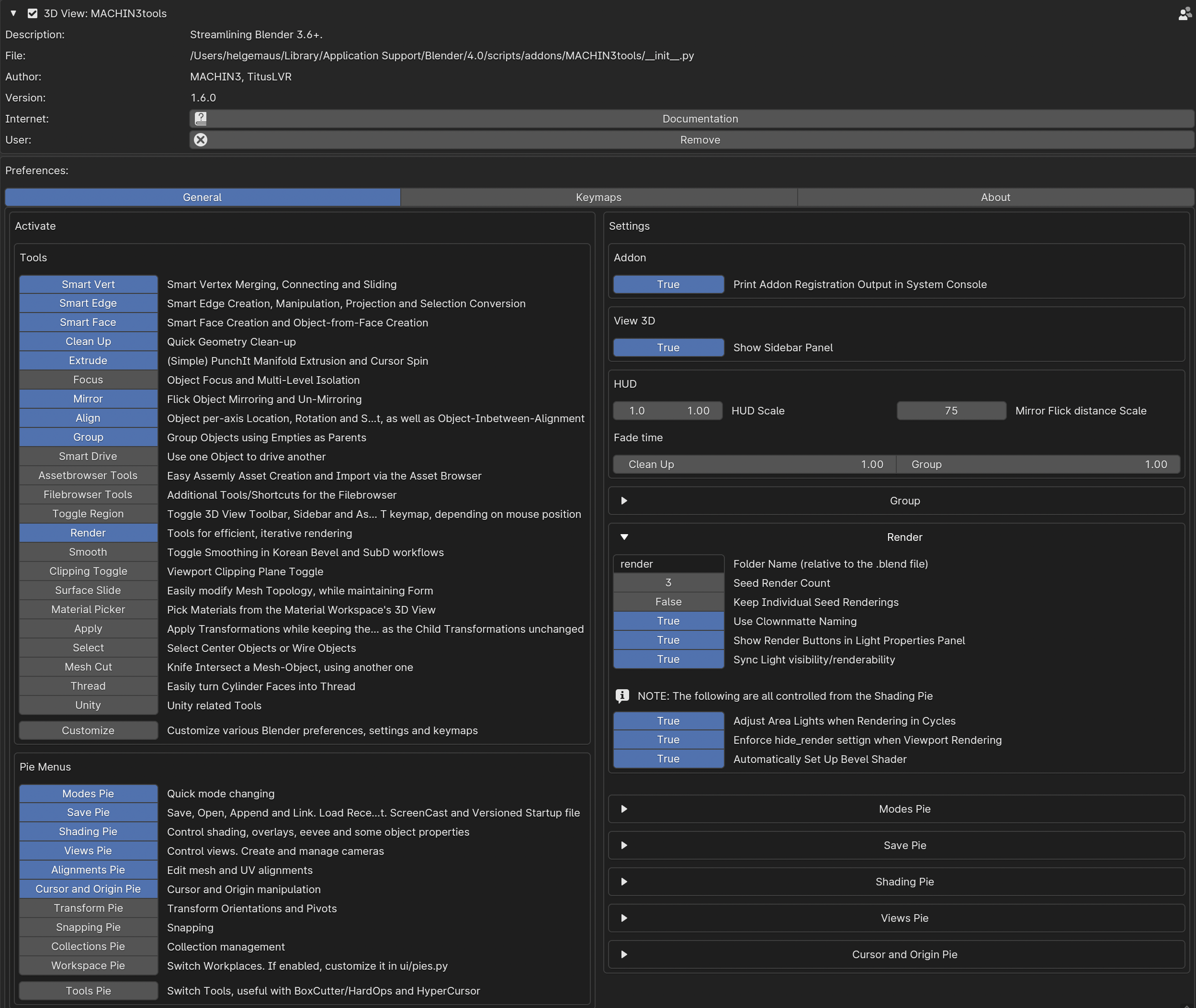
This add-on is a detailed and very complex collection of functions and tools that complement but also change Blender’s functionality.
The nice thing about this add-on is that you can choose which functions are useful for your own workflow in the preferences.

In my case I only use some of the pie menus and only some of the additional tools. All keyboard shortcuts and many of the functions are customizable.
Little by little you learn what you really use in practice and which functions are more of a hindrance.
You can then deactivate them.

Here’s a warning to beginners in Blender:
Machin3tools changes native Blender’s functions and behavior in some chases.

Therefore, you should first have a good overview of Blender’s behavior before digging in too deeply.
I’ve experienced in training sessions that beginners tend to lose track of why their blender behaves differently than expected 😉

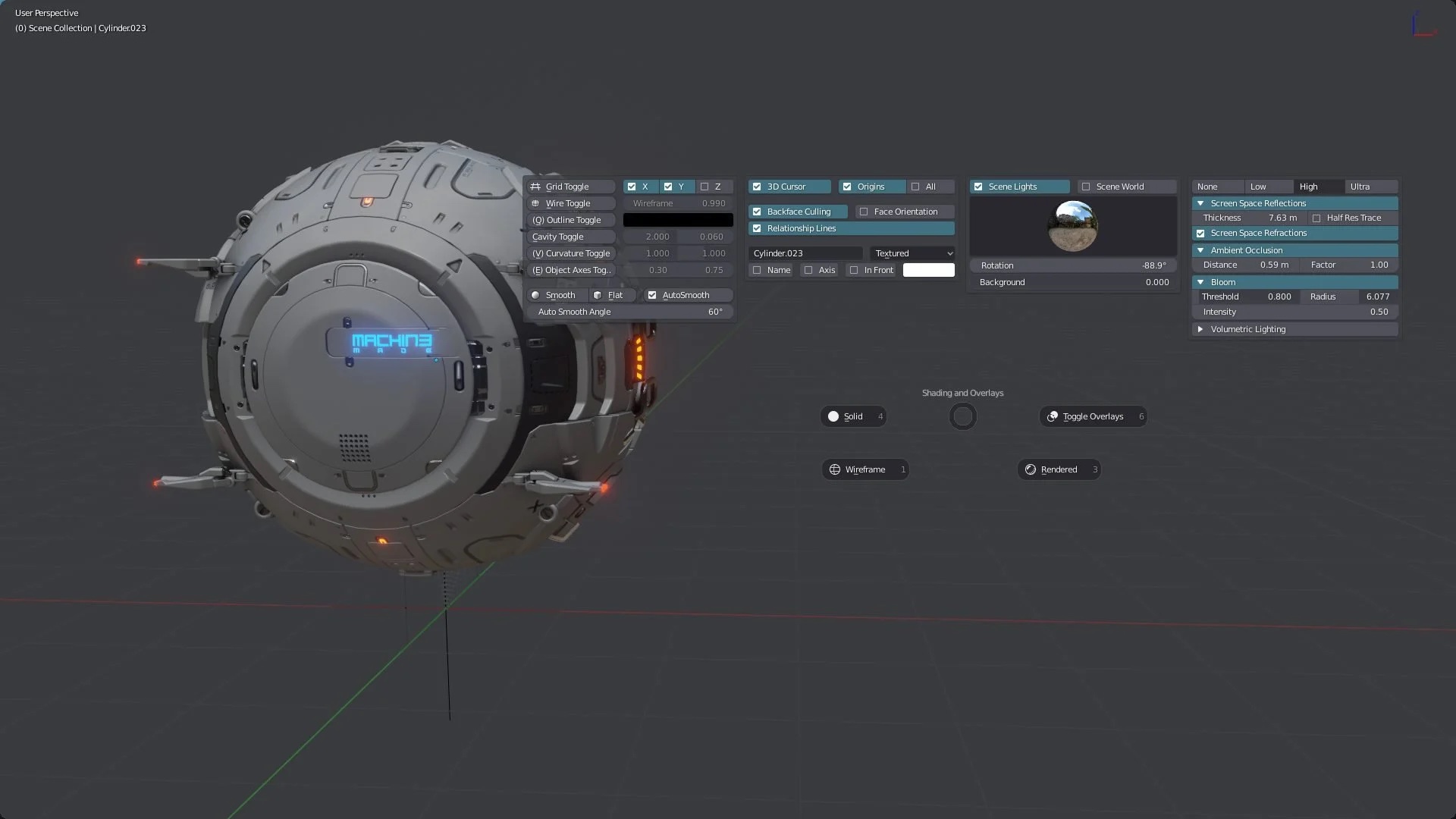
What I love about Machin3Tools is the quick access to common functions via Pie Menu and so many timesaving operations.

For example, changing component modes, changing orbit functions or then quickly creating cameras with SmartCamera. Or quickly setting and changing pivot points of objects and aligning elements.

You can find Machin3tools under this link on Gumroad:

https://machin3.gumroad.com/l/MACHIN3tools

Oh, yes, there is also the extended “Deux Ex” variant. This has some additional functions.
However, you don’t need this at the beginning…

If you have any question about that, please let me know.

Have fun!

Helge


I’ve written about that on my (free) Patreon here:

https://www.patreon.com/posts/free-blender-add-92931047?utm_medium=clipboard_copy&utm_source=copyLink&utm_campaign=postshare_creator&utm_content=join_link

This year I have again the great honor of being invited to speak at the View Conference 2023.
The View Conference in Turin is an exciting and creative place for inspiration, exchange and networking for the 3D, VFX, animation and games industry.

And all of this in a wonderful ambience.
That’s why I’m pleased to be able to offer 3 exciting and intensive Blender hands-on workshops:

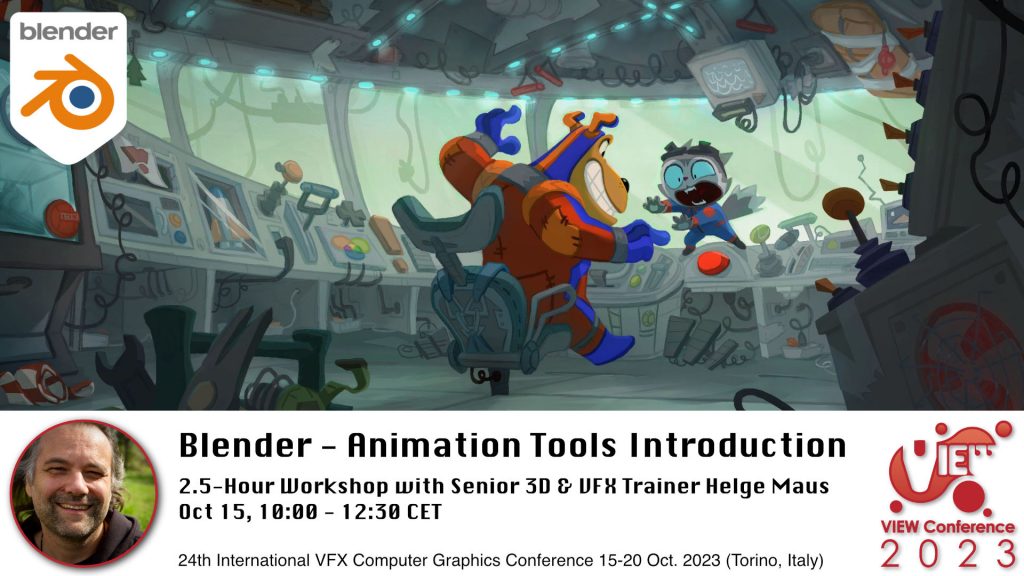
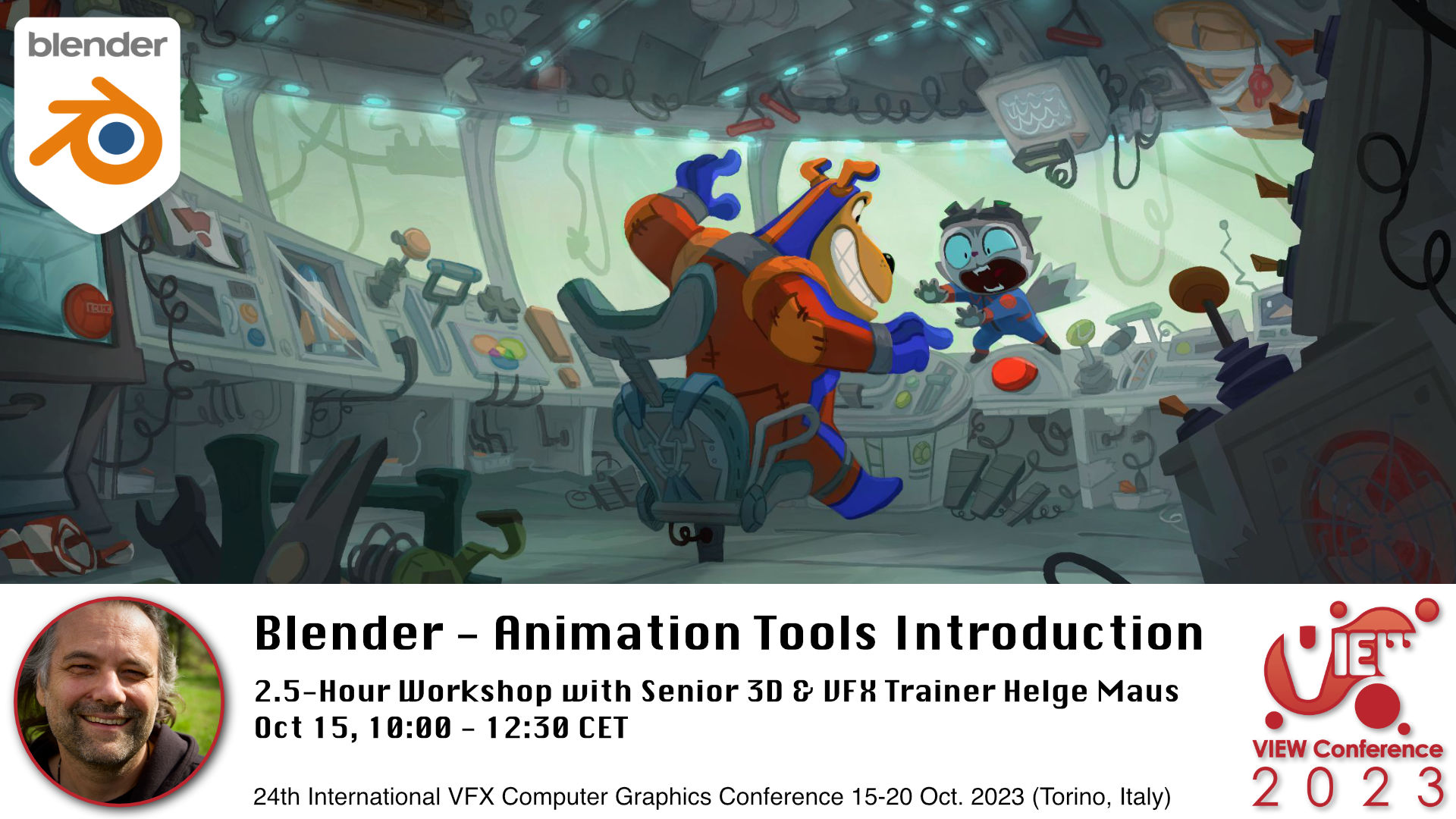
Blender Workshop - Animation Tools Introduction in Blender with Senior 3D & VFX Trainer Helge Maus / pixeltrain

👉 Blender – Animation Tools Introduction

Oct. 15, 10:00-12:30 CET, 2.5-hour workshop in English

In this hands-on workshop, Helge Maus (pixeltrain) teaches you the fundamentals of the powerful Blender 3.6 LTS Animation system.

You will learn important Blender concepts you have to understand before starting animating.
We will talk about key-framing and manipulation of many keyframes effectively and how to go through the different phases of animation.

We take a deep dive into the needed Blender Editors like the Dopesheet Editor, Action Editor and the Graph Editor.
Also we will talk about the NLA Editor and how to transfer existing animations between objects and scenes.
At the end we will have a quick introduction to the Grease Pencil environment for 2D-Animation.

As this is a live workshop you can ask your questions and get answers. At the end of the workshop you will be able to start animating in Blender with confidence.
So, if you have some knowledge of other packages like Maya or Cinema 4D you will also feel at home in Blender afterwards.

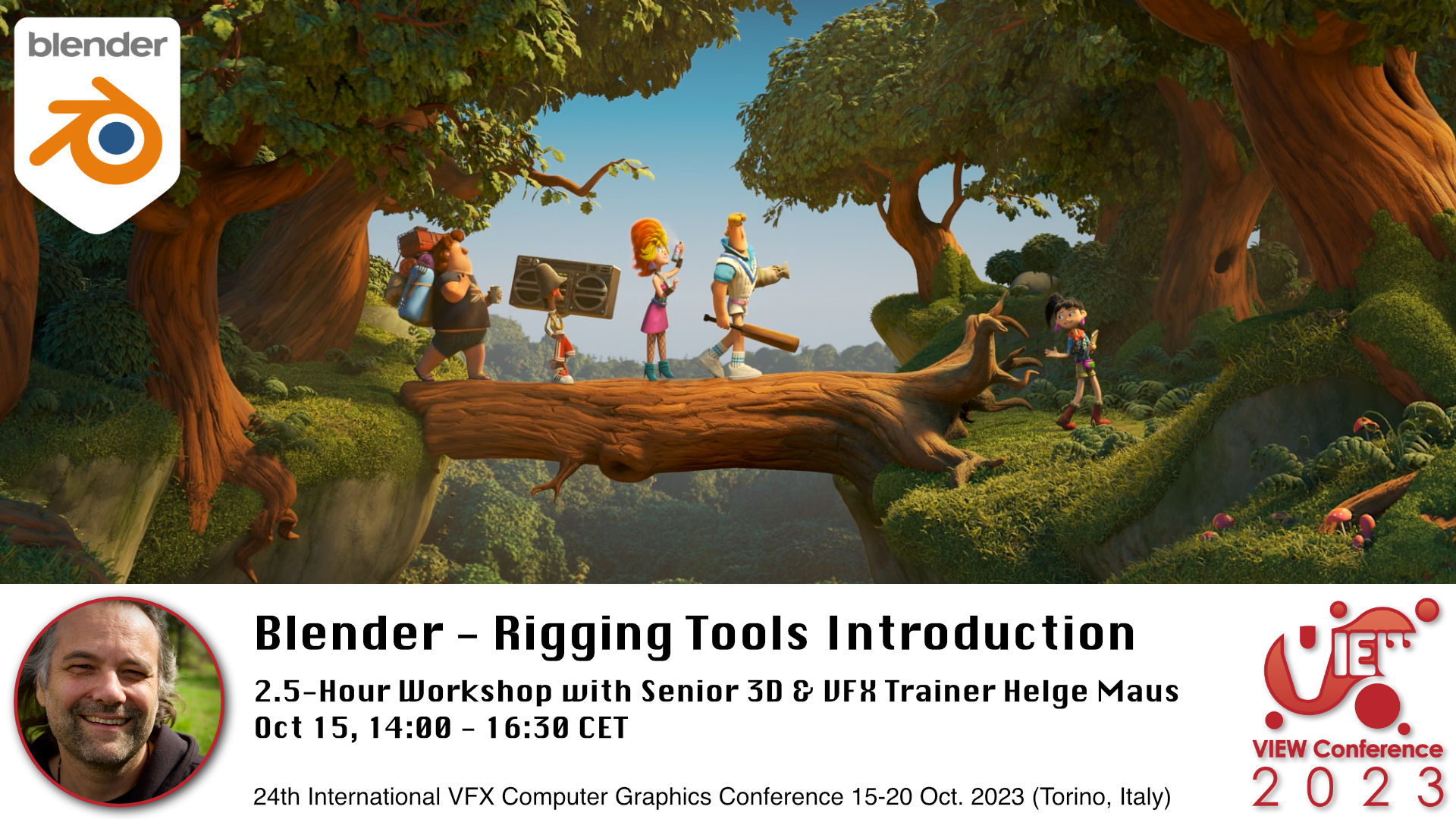
Blender Workshop - Rigging Tools Introduction in Blender with Senior 3D & VFX Trainer Helge Maus / pixeltrain

👉 Blender – Rigging Tools Introduction

Oct 15, 14:00-16:30 CET, 2.5-hour workshop in English

In this hands-on workshop, Helge Maus (pixeltrain) teaches you the fundamentals of the Blender 3.6 LTS Rigging system.

You will learn important Blender concepts you have to understand before you start rigging.

Then we will go into the rigging process for mechanical props and characters.

These topics are covered:

  • Build you first Armature
  • All about Bones, creating, manipulating and organizing them
  • Different Methods of Binding your Mesh
  • Weight Painting
  • Constraints
  • Drivers & Expressions
  • How to work with Inverse Kinematic (IK) in Blender
  • Using the built-in Rigify system 

As this is a live workshop you can ask your questions and get answers. At the end of the workshop you will be able to start rigging in Blender with confidence.

So, if you have some knowledge of other packages like Maya or Cinema 4D you will also feel at home in Blender afterwards.

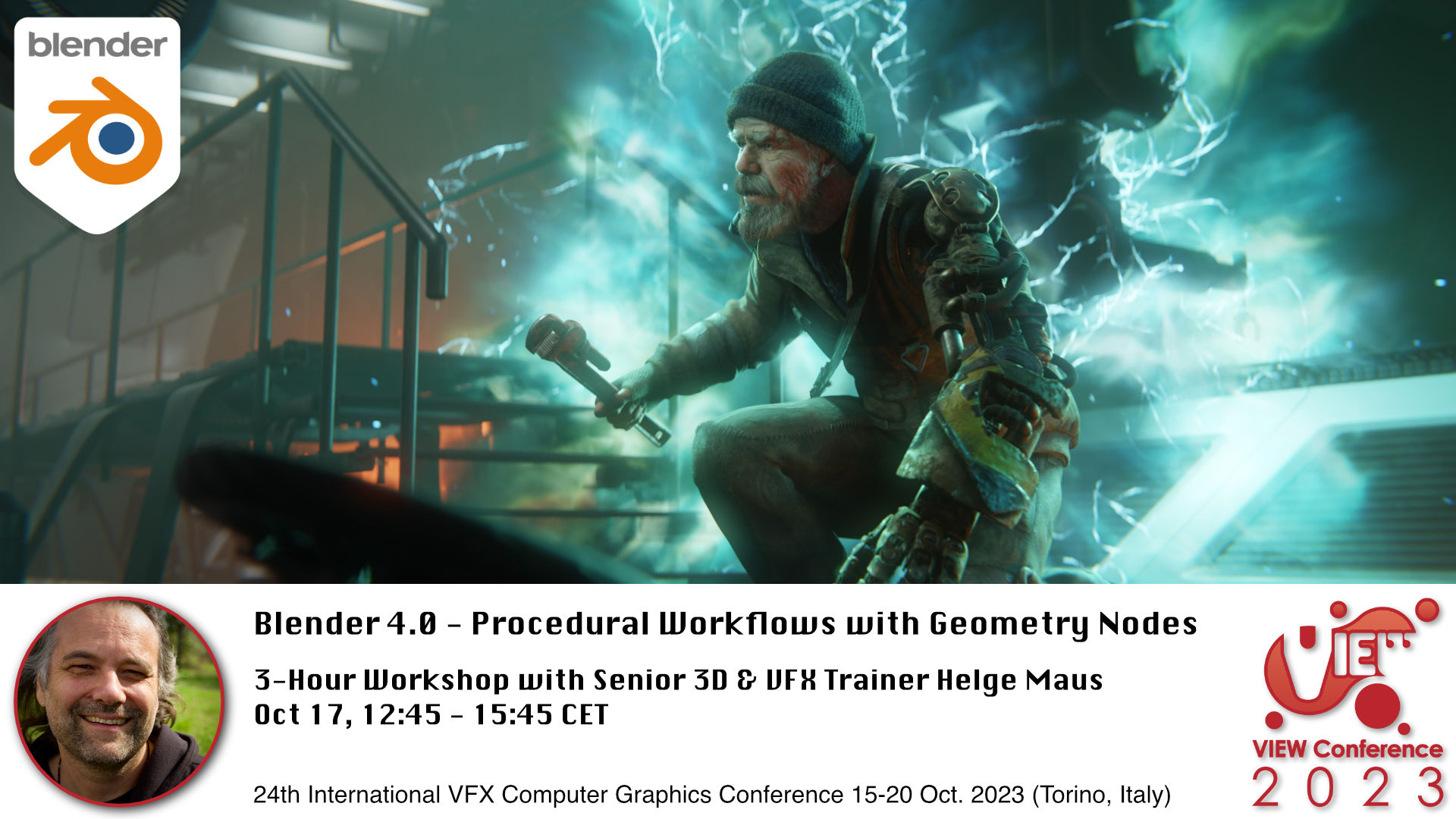
Blender Workshop - Procedural Workflows with Geometry Nodes in Blender 4.0 with Senior 3D & VFX Trainer Helge Maus / pixeltrain

👉 Blender 4.0 – Procedural Workflows with Geometry Nodes

Oct 17, 12:45-15:45 CET 3-Hour Workshop in English

In this workshop, Helge Maus (pixeltrain) teaches you the fundamentals of the Blender 3.6 LTS Geometry Nodes system and also some of the exciting new improvements of the coming version Blender 4.0 .

We will start from scratch, learn the fundamentals and then explore different areas of use.

With the help of Geometry nodes you are able to build powerful procedural tools inside of Blender. They can be combined easily with the existing Blender tools set and can help you for the daily challenges as an 3d artists.

At the moment the development focuses of Geometry, Spline (Hair) and Volume manipulations and lays the foundations of the Blender „All nodes“ project.

These are the topics we will cover:

  • Theory of Geometry Nodes
  • Understanding the Node Editor and Inspector
  • Data structure in Geometry Nodes (Data types, Domains, Attributes)
  • Field System
  • Building Scatter Systems
  • Procedural Modeling setups
  • Working with the new procedural Hair system
  • Simulation Nodes
  • Loops & Iterations
  • Animation Effects with Geometry Nodes

As this is a live workshop you can ask your questions and get answers. If you want to follow along please have beside of your Blender 3.6 LTS also a downloaded package of the current Blender 4.0 Beta (from blender.org) with you.

I look forward to meeting you! Ci vediamo!

Helge Maus


Here is the link to the program:

https://www.viewconference.it/pages/program

And to the other amazing speakers:

https://www.viewconference.it/speakers

#savethedate #viewconference2023 

15-20 Oct 2023 | Turin | Italy 

➡ Get tickets:

https://www.viewconference.it/pages/registration/


About Helge Maus

Helge Maus is Senior 3D & VFX Trainer | Blender for Production | Godot Artist | Compositor

As a Senior 3D & VFX Trainer, Helge Maus teaches 3D- & VFX Applications for over 20 years.

He delivers with his company pixeltrain | 3D | VFX | animation in-house & remote training, workshops and coaching for the 3D & VFX industry. 

His focus lies on Generalist workflows for VFX and Games. He works with studios, agencies and freelancers from different visualization areas and from the games industry.

Meanwhile he focuses on Blender & Godot for his daily work and training. He loves working with Indies and companies adapting FOSS software like Blender and Godot into their pipeline. His strong industry background in teaching Houdini FX, Cinema 4D, Unity, Nuke, and Maya over many years helps him to train artists from the industry within a wide production context.

Helges clients include companies such as Ubisoft, Tangent Animation, Mackevision, Jura, Vitra, Hugo Boss, eder GmbH, Jung-von-Matt, Pirates ´n Paradise, redseven Entertainment, ProSiebenSat.1, SKY Deutschland, NDR, rbb, Sony DADC, Intel and many more international companies. He has worked a couple of years as a freelancer for Adobe Systems, was a Maxon Lead Instructor for Cinema 4D and also beta tester for Maya, Cinema 4D, AfterEffects and Arnold.

Find more information on www.pixeltrain.net
LinkedIn: https://www.linkedin.com/in/pixeltrain/
YouTube: https://www.youtube.com/pixeltrain3DVFXTrainings
Mastodon: https://mastodon.art/web/@pixeltrain3d

Publication Blender Fundamentals Training by Master-Trainer Helge Maus / pixeltrain

Would you like to learn Blender in a well-founded and structured way?

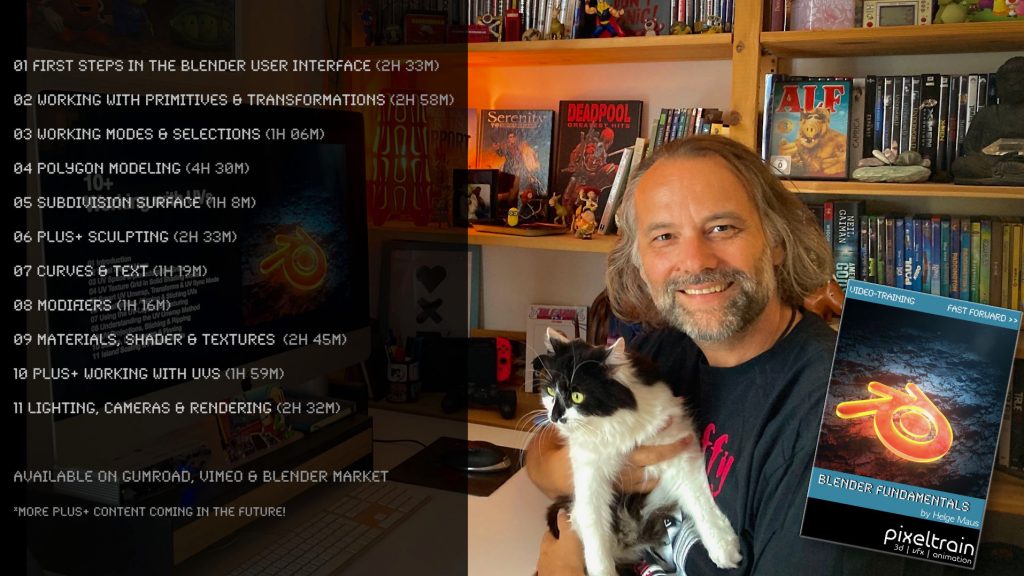
Then I would like to present you my publication “pixeltrain – Blender Fundamentals >> Fast Forward”.

In 137 lessons with a duration of nearly 25 hours, I take you through the complete fundamentals of Blender and the basic workflows you need to know to get started with this amazing free software.

This training is designed to get you up and running quickly, enabling you with the skills needed to work effectively in this incredibly powerful 3d package.

No matter whether you are a beginner in the Blender world or already have previous knowledge of other 3D applications.

Additionally, it lays the foundation of essential concepts and paradigms to understand more advanced topics for other areas and workflows of Blender 3d down the road.

With additional PLUS chapters, you can refine your know-how if necessary and determine your own personal learning path.

If you have any questions while learning, I’m available to you in my Discord.

👉 Blender Market

https://blendermarket.com/products/pixeltrain-blender-fundamentals-fast-forward

👉 VIMEO video on demand

https://vimeo.com/ondemand/blenderfundamentals

👉 GUMROAD

https://pixeltrain3d.gumroad.com/l/BlenderFundamentals

If you have any questions or you need individual Blender training please let me know 🙂

Helge

Blender 3.6 LTS Splashscreen

This is the last release for the Blender 3.x series and therefore it’s an LTS (long term support) version, ready for longer productions.


What’s new?

  • Simulation-Nodes in Geometry Nodes
  • Loading large geometries into Cycles is much, much faster
  • Cycles Hardware Raytracing
  • Better UV Editing with new Packing UV islands
  • Asset Library (17 human base meshes)
  • Animation Improvements
  • VDM Brush Baker Add-on


and so much more

See the full release notes:
👉  https://www.blender.org/download/releases/3-6/

Check out this Blender 3.6 Demoreel:
👉 https://youtu.be/BnY2JdBrvaI

One thing I really love about working with FOSS (Free and Open-Source Software) is that there are so many different ways to help and collaborate with each other. Anyone can use the software immediately, no matter what their budget or where they are in their creative career.

However, I am just as happy to give something back to the projects so that others can benefit as well and not just a small number of investors or senior management.

This “giving back” can have many different faces: 
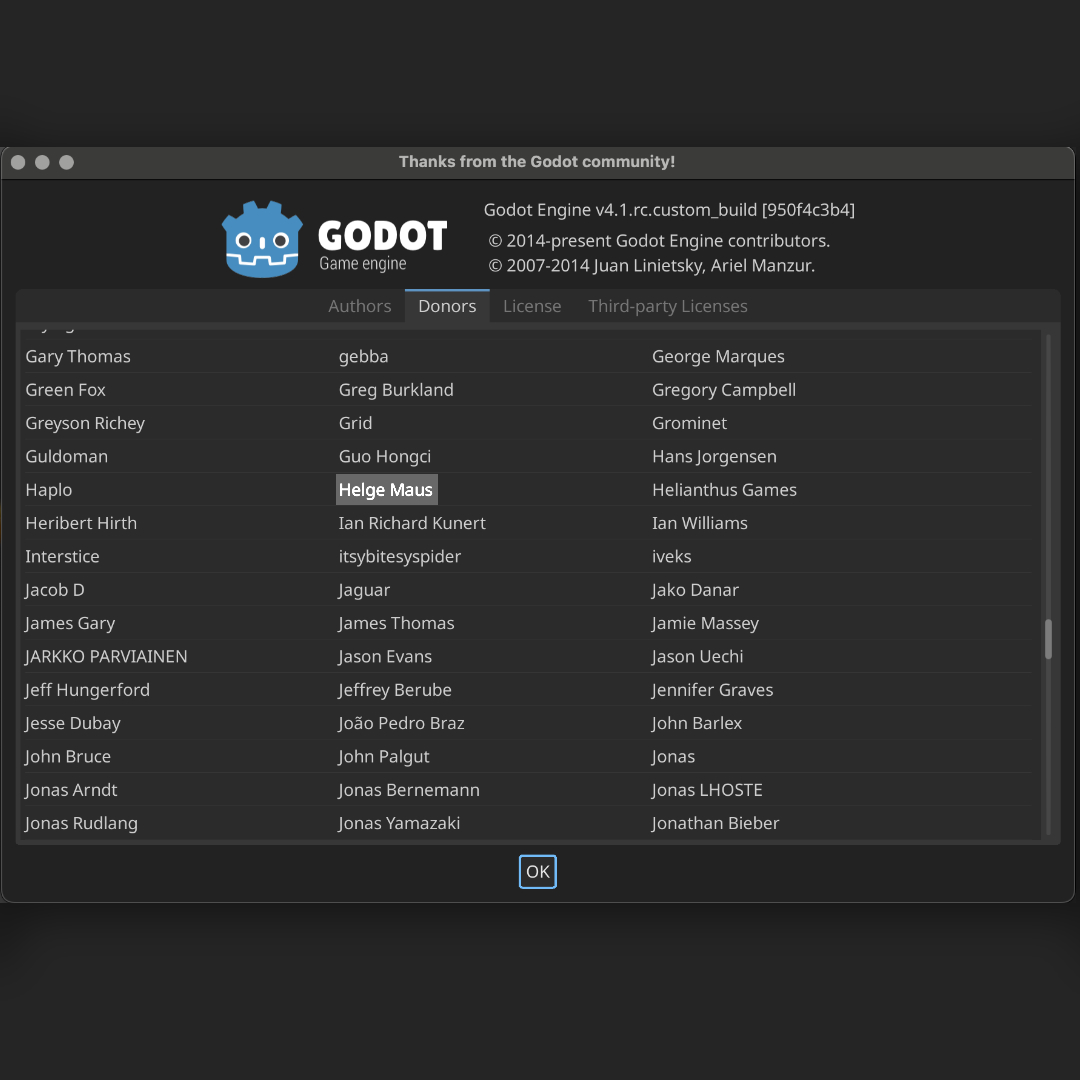
Actively developing, writing documentation, teaching :-), doing PR and also giving something financially (in the personal possibilities). Even small amounts give the projects more planning security.

Godot as a free game engine is one of those projects that I’ve grown fond of. Glad to be here on this list now too.

👉 https://godotengine.org

Perhaps you will also find such a project that inspires you?

Helge

#3d #godot #gamedev #gamedevelopment #games #godotengine #gamedesigner #indiedev #gamedevelopers #pixeltrain#helgemaus

I had two great and relaxing days with my Blender 3.2 Fundamentals training attendees last week.
Such a pleasure to work with artists around the world and helping them to start their journey in this powerful environment. 🎉

Learning basic PBR Shader networks in the Blender Fundamentals training

The next two workshops (2-days, German language) will be 14.+15. July (Photorealistic and NPR Rendering) and 18.+19. August (Rigging & Animation). And, the new Blender Fundamentals training will be 29.+30. Sept 2022.

If you want to join, please contact Visualisierungs-Akademie Schweiz GmbH here:

https://visualisierungs-akademie.ch/category/bildung/

For Blender Trainings (remote, for companies and individuals please check www.pixeltrain.net or contact me directly under info(at)pixeltrain.net ).

Regards, Helge