I’ve released a new “Blender for Production” tutorial. Today I talk about ways to bookmark the Blender 3D view, generate cameras from the current view and how to animate camera switches easily.

Have fun!

Helge

P.S. You can also get this and many more Blender tutorials on my Patreon page:
https://www.patreon.com/pixeltrain3d
Publication Blender Fundamentals Training by Master-Trainer Helge Maus / pixeltrain

Would you like to learn Blender in a well-founded and structured way?

Then I would like to present you my publication “pixeltrain – Blender Fundamentals >> Fast Forward”.

In 137 lessons with a duration of nearly 25 hours, I take you through the complete fundamentals of Blender and the basic workflows you need to know to get started with this amazing free software.

This training is designed to get you up and running quickly, enabling you with the skills needed to work effectively in this incredibly powerful 3d package.

No matter whether you are a beginner in the Blender world or already have previous knowledge of other 3D applications.

Additionally, it lays the foundation of essential concepts and paradigms to understand more advanced topics for other areas and workflows of Blender 3d down the road.

With additional PLUS chapters, you can refine your know-how if necessary and determine your own personal learning path.

If you have any questions while learning, I’m available to you in my Discord.

👉 Blender Market

https://blendermarket.com/products/pixeltrain-blender-fundamentals-fast-forward

👉 VIMEO video on demand

https://vimeo.com/ondemand/blenderfundamentals

👉 GUMROAD

https://pixeltrain3d.gumroad.com/l/BlenderFundamentals

If you have any questions or you need individual Blender training please let me know 🙂

Helge

Blender Fundamentals Publication by Helge Maus / pixeltrain

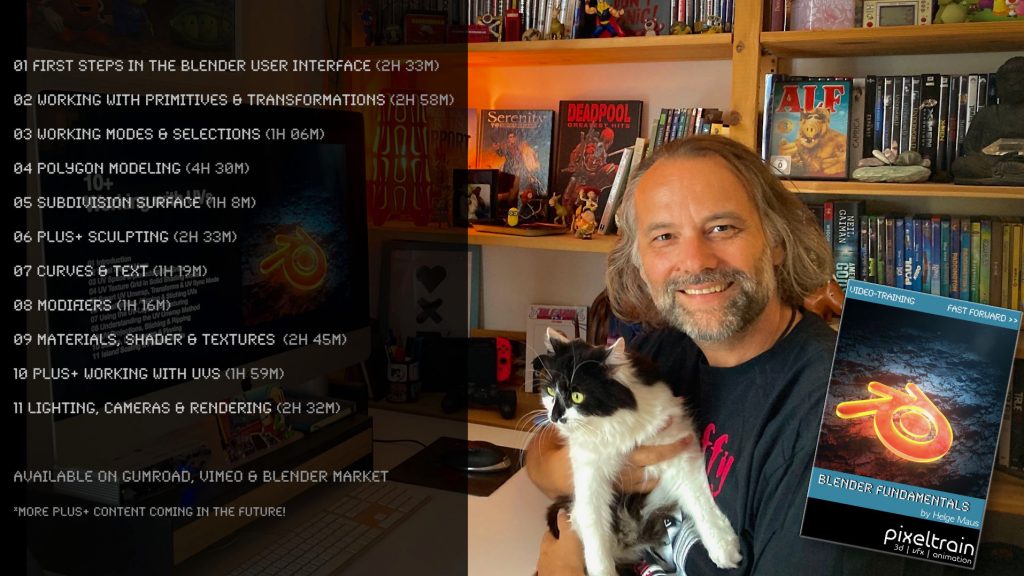
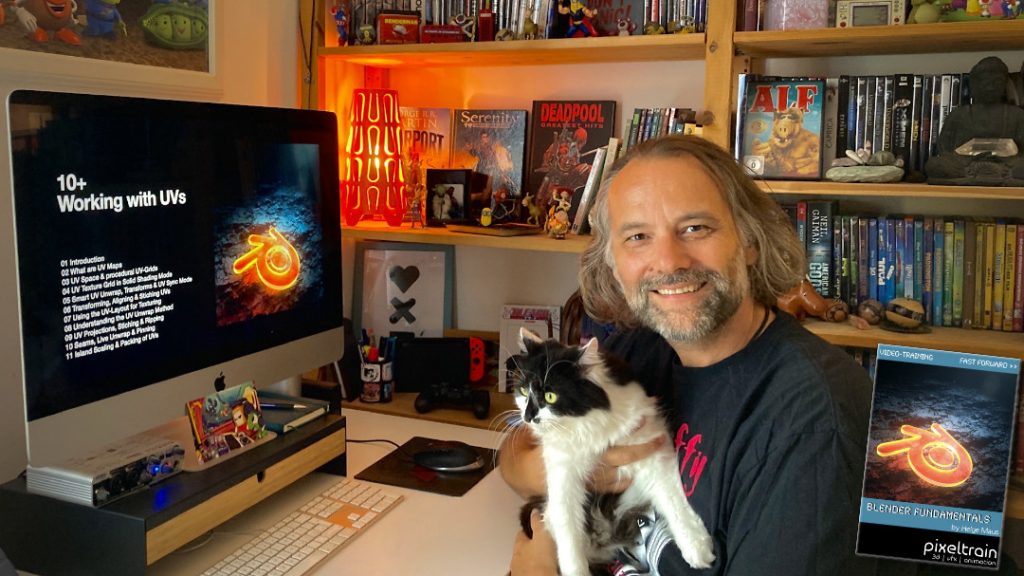
Today, I have added another Plus+ chapter “Working with UVs” to my Blender Fundamentals Publication.

This additional content is free for everyone who has bought the publication in the past. Also I’m working on more Plus+ content for the future.

The publication „pixeltrain – Blender Fundamentals >> Fast Forward“ by Senior 3D & VFX trainer Helge Maus is a complete Introduction to Blender 3D. 

Meanwhile the publication is around 25 hours long with 137 lessons.

👉 Blender Market

https://blendermarket.com/products/pixeltrain-blender-fundamentals-fast-forward

👉 VIMEO Video-on-Demand 

https://vimeo.com/ondemand/blenderfundamentals

👉 GUMROAD

https://pixeltrain3d.gumroad.com/l/BlenderFundamentals

The focus of this publication is NOT building a fancy eye-catchy example scene. But it is concepted as a step-by-step logical structured learning curriculum, with deep explanations of concepts, workflows and tool options. It lays the foundation of essential concepts and paradigms to understand more advanced topics for other areas and workflows of Blender 3d down the road.

Chapterlist, so far:

01 First Steps in the Blender User Interface (2h 33m)

02 Working with Primitives & Transformations (2h 58m)

03 Working Modes & Selections (1h 6m)

04 Polygon Modeling (4h 30m)

05 Subdivision Surface (1h 8m)

06 Plus+ Sculpting (2h 34m) 

07 Curves & Text (1h 19m)

08 Modifiers (1h 16m)

09 Materials, Shader & Textures (2h 45m)

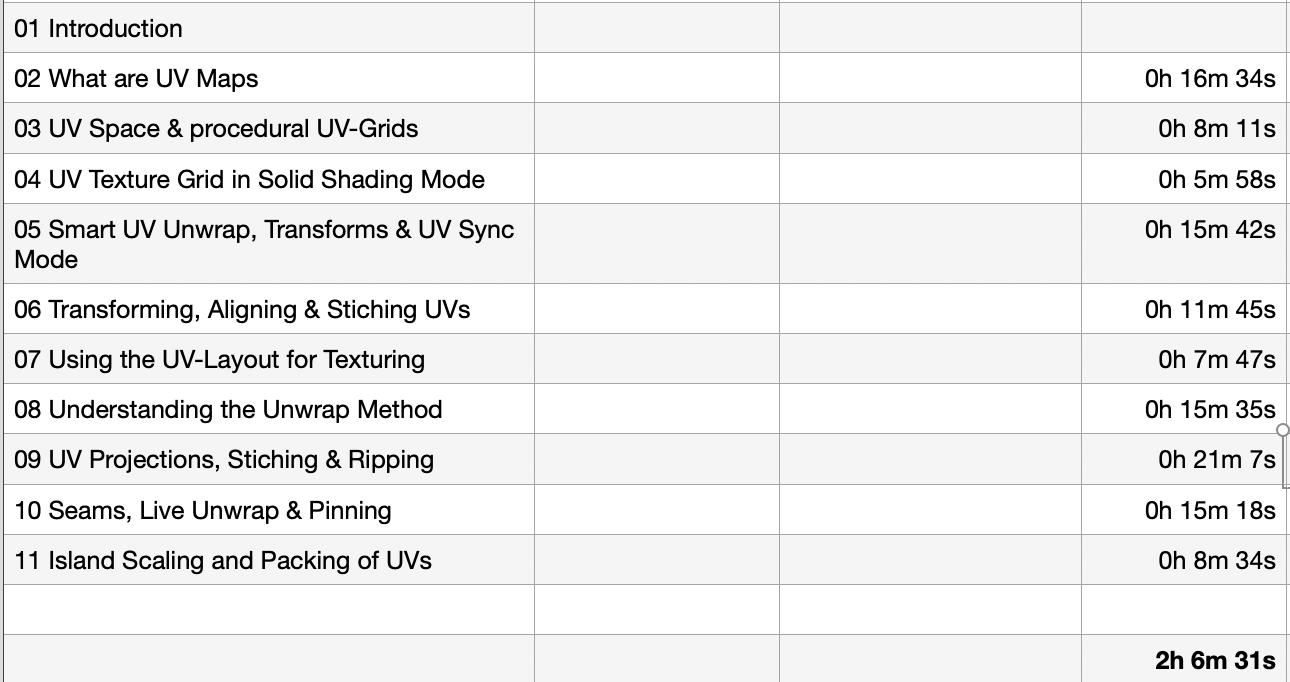
10 Plus+ Working with UVs (1h 56m)

11 Lighting, Cameras & Rendering (2h 32m) 

*Additional PLUS+ content coming soon! This PLUS+ content is free for every owner of the publication. 

Topics covered:

  • Blender’s UI, Setup and Preferences
  • The powerful Add-on system and the most used built-in add-ons
  • Working with Primitives
  • Transformations 
  • Scene-Management
  • Effective Selections 
  • The powerful Polygon-modeling Toolset of Blender
  • Subdivision Surface Modeling
  • Working with Curves & Text
  • Procedural Workflows with Modifiers
  • Introduction to Sculpting
  • Shading, Materials and Texture Workflows
  • The Node-based Shader Editor and PBR Setups
  • Working with UVs
  • Lighting your Scenes with Lights, Sky Models and HDRIs
  • Physical Cameras
  • Camera Effects like Depth of Field
  • Making final Renderings
  • Advanced Cycles Render Settings
  • Sampling, LightPaths, Denoising & Ray Visibilities
  • World Atmospheres and Volume

As always I will put these new lessons into my Patreon Account over the course of the coming weeks as a “Thank you” for the support of my Patreons:

https://www.patreon.com/pixeltrain3d
If you have any questions about this publication or about Blender remote training, please let me know!

Helge

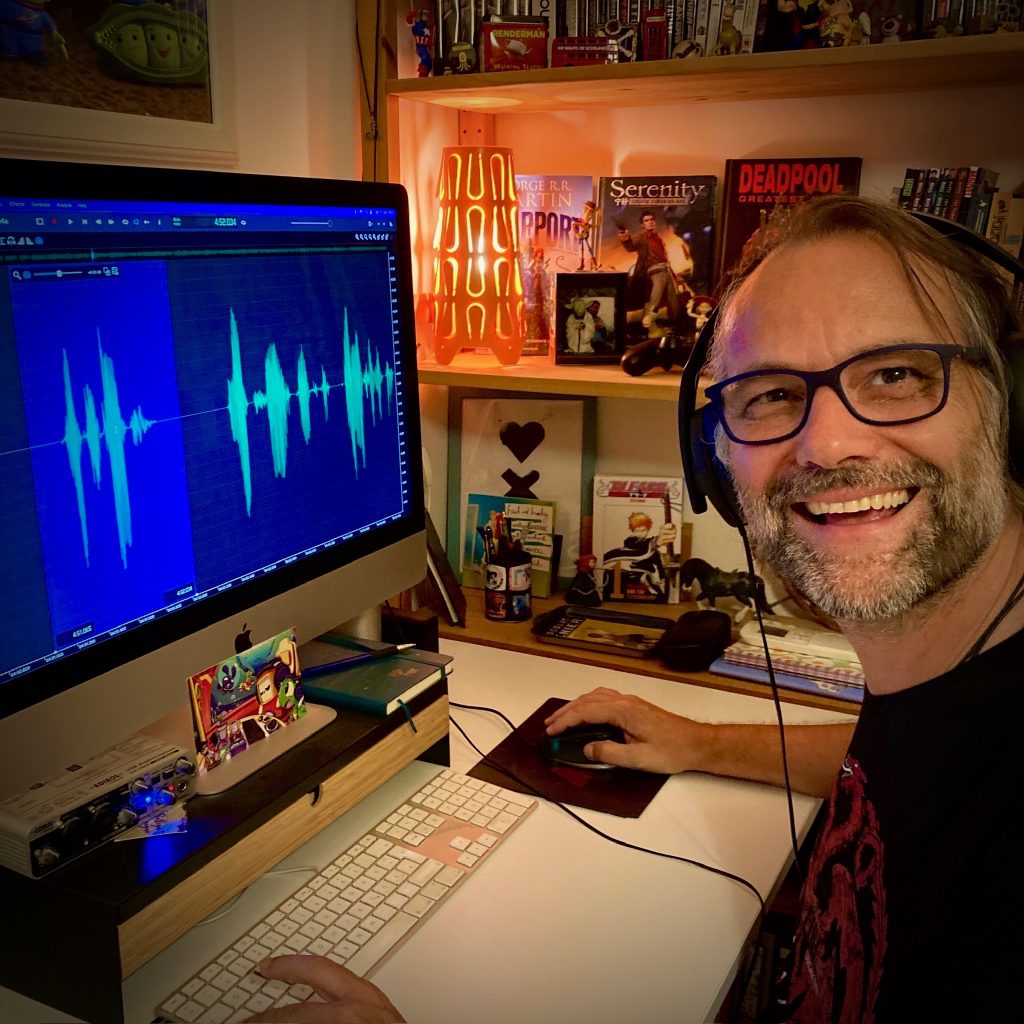
Helge Maus editing the Blender Fundamentals Training

Just finished capturing the next 2-hours free addition to my “Blender Fundamentals” publication.
This time we tackle “UV mapping and packing inside of Blender 3.6“.


With this coming Plus+ chapter the “Blender Fundamentals” publication will grow now to 25 hours of dense content.

As said, this and more updated content will come to the Publication in the future, so you can start learning today and get all the updates for free after the are released!

Content:

01 First Steps in the Blender User Interface (2h 33m)
02 Working with Primitives & Transformations (2h 58m)
03 Working Modes & Selections (1h 6m)
04 Polygon Modeling (4h 30m)
05 Subdivision Surface (1h 8m)
06 Plus+ Sculpting (2h 34m)
07 Curves & Text (1h 19m)
08 Modifiers (1h 16m)
09 Materials, Shader & Textures (2h 45m)
10 Plus+ Working with UVs*
11 Lighting, Cameras & Rendering (2h 32m)

*Additional PLUS+ content coming very soon!

👉 YouTube Trailer

👉 Blender Market
https://blendermarket.com/products/pixeltrain-blender-fundamentals-fast-forward

👉 VIMEO Video-on-Demand
https://vimeo.com/ondemand/blenderfundamentals

👉 GUMROAD
https://pixeltrain3d.gumroad.com/l/BlenderFundamentals

And, this chapter will come to my Patreons in the Patreons-only section:
https://www.patreon.com/pixeltrain3d
Now editing starts, with 30° outside it’s not easy to stay cool …

Have a great day, have fun!

This tutorial is a demo lesson from my Publication „pixeltrain Blender Fundamentals >> Fast Forward“.

Blender Fundamentals – Multiple Materials on one object & Slots (Demo lesson)

In this tutorial, you will learn how to assign Materials through the slot system of Blender to mesh parts. You will understand what a. slot is, how to make effective selections and assignment and how to assign multiple Materials to one mesh.

Here are the links for my Blender Fundamentals publication. In over 120 lessons with a duration of 20+ hours, I will take you through the complete fundamentals of Blender and the basic workflows you need to know to get started with this amazing free software.

👉 YouTube Trailer

👉 Blender Market
https://blendermarket.com/products/pixeltrain-blender-fundamentals-fast-forward

👉 VIMEO Video-on-Demand 
https://vimeo.com/ondemand/blenderfundamentals

👉 GUMROAD
https://pixeltrain3d.gumroad.com/l/BlenderFundamentals

00:00 Overview of the series and the lesson

01:06 Slots & Multiple Materials

01:26 Working with the local Mode

02:00 Basic Material assignment

02:15 Adding an additional Material slot

02:30 Understanding Slots in the Properties & Shader Editor

03:28 Assigning Faces to a slot

04:43 Selecting faces from an assignment

06:07 Selection faces more effectively

07:06 Re-assign a Material

07:34 Going out of Local mode

08:00 Assigning Slots without Materials

08:33 Changing the Material of a slot

If you have questions or topics, which should be added, please let me know.

If you want to support me for publishing more free tutorials you could

join my Patreons: 👉 https://www.patreon.com/pixeltrain3d
or give me a fast Coffee time Tip: 👉 PayPal: https://paypal.me/pixeltrain

Blender Fundamentals - Loop Cut & Offset Loop Cut Tool (Demo lesson)

This tutorial is a demo lesson from my Publication „pixeltrain Blender Fundamentals >> Fast Forward“.

[Tutorial] Blender Fundamentals – Loop Cut & Offset Loop Cut Tool (Demo lesson)

In over 120 lessons with a duration of 20+ hours, I will take you through the complete fundamentals of Blender and the basic workflows you need to know to get started with this amazing free software.

In this tutorial, you will learn the use of the LoopCut tool and the Offset Edge Loop Cut tool. First you will see how to work with these tools from the Quick tools menu and all the options, then we will look into the keyboard shortcuts and options keys for faster access. At the end, Helge shows how to double edges with the Bevel shortcut as an alternative.

Here are the links for my Blender Fundamentals publication:

👉 YouTube Trailer

👉 Blender Market
https://blendermarket.com/products/pixeltrain-blender-fundamentals-fast-forward

👉 VIMEO Video-on-Demand 
https://vimeo.com/ondemand/blenderfundamentals

👉 GUMROAD
https://pixeltrain3d.gumroad.com/l/BlenderFundamentals

00:00 Overview of the series and the lesson

01:06 LoopCut tool & Offset Loopcut tool

01:30 Using Loop Cut from the Quick tools

01:50 Making a loop cut

02:30 Options of the loop cut

04:00 Sliding the cut

04:45 Working with referenced edges

05:20 Options Even and Flip

06:20 Adding loop cuts with shortcuts

07:30 Options Even and Flip with shortcuts

08:30 Offset Edge Loop Cut tool

10:09 Working with the shortcut

10:37 Working with edge bevel as an alternative

If you have questions or topics, which should be added, please let me know.

If you want to support me for publishing more free tutorials you could join my Patreons:

👉 https://www.patreon.com/pixeltrain3d

or give me a fast Coffee time Tip:
👉 PayPal: https://paypal.me/pixeltrain

Today is Valentine’s Day ❤️ – we hope you spend much time with your loved ones today 🙂
As a greeting from us to all 😎 Blender enthusiasts (or those who want to become one), we are offering our “Blender Fundamentals Publication” at the big “For the Love of Blender” sale on Blender Market with a 25% discount 🤩.
Valid until Friday 17th midnight.

Here is the direct link:
👉 https://blendermarket.com/products/pixeltrain-blender-fundamentals-fast-forward

Have fun 🙂

#Blender#b3d#Blender3d#blendercommunity#blendermarket#blenderforproduction#tutorial#training#helgemaus#pixeltrain#3d#vfx#mograph#motiongraphis#animation

Blender Fundamentals - Powerful Transformation Hotkeys (Demo lesson)

This tutorial is a demo lesson from my Publication „pixeltrain Blender Fundamentals >> Fast Forward“.

In over 120 lessons with a duration of 20+ hours, I will take you through the complete fundamentals of Blender and the basic workflows you need to know to get started with this amazing free software.

[Tutorial] Blender Fundamentals – Powerful Transformation Hotkeys (Demo lesson)

In this tutorial, you will learn how to use Blenders powerful transformation hotkeys and shortcuts. We will not only talk about basic constraints when moving your objects around, but also about working with gestures, global vs local transformations and numeric expressions.

Here are the links for my Blender Fundamentals publication:

👉 YouTube Trailer

👉 Blender Market

https://blendermarket.com/products/pixeltrain-blender-fundamentals-fast-forward

👉 VIMEO Video-on-Demand

https://vimeo.com/ondemand/blenderfundamentals

👉 GUMROAD

https://pixeltrain3d.gumroad.com/l/BlenderFundamentals

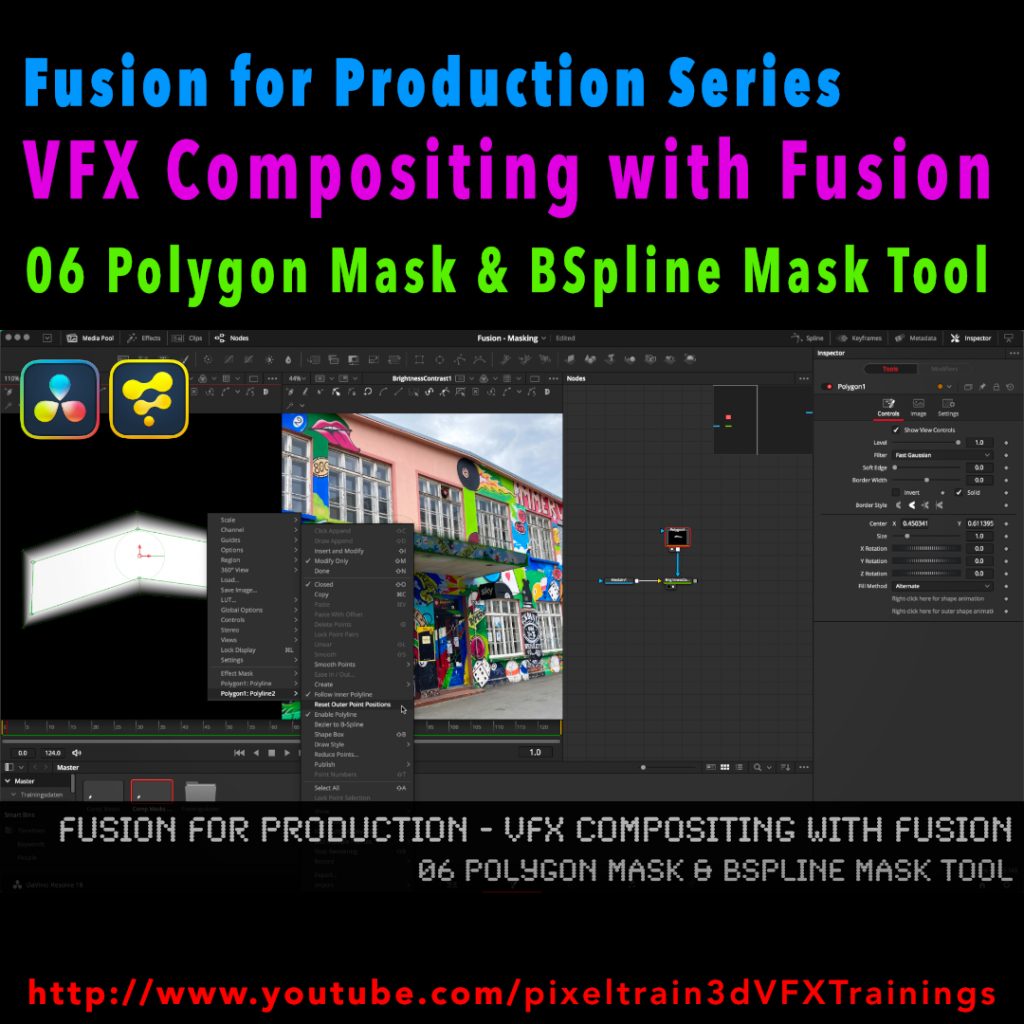
Fusion for Production - VFX Compositing with Fusion - 06 Polygon Masks & BSpline Mask Tool

I’ve just released my next free Blackmagicdesign Fusion Tutorial on my YouTube channel:

https://www.youtube.com/pixeltrain3DVFXTrainings

This time I talk about Masking, the Polygon Mask tool and the BSpline Mask tool. You can follow along with DaVinci Resolve on the Fusion Page or in Fusion Studio.

Have fun!

Helge

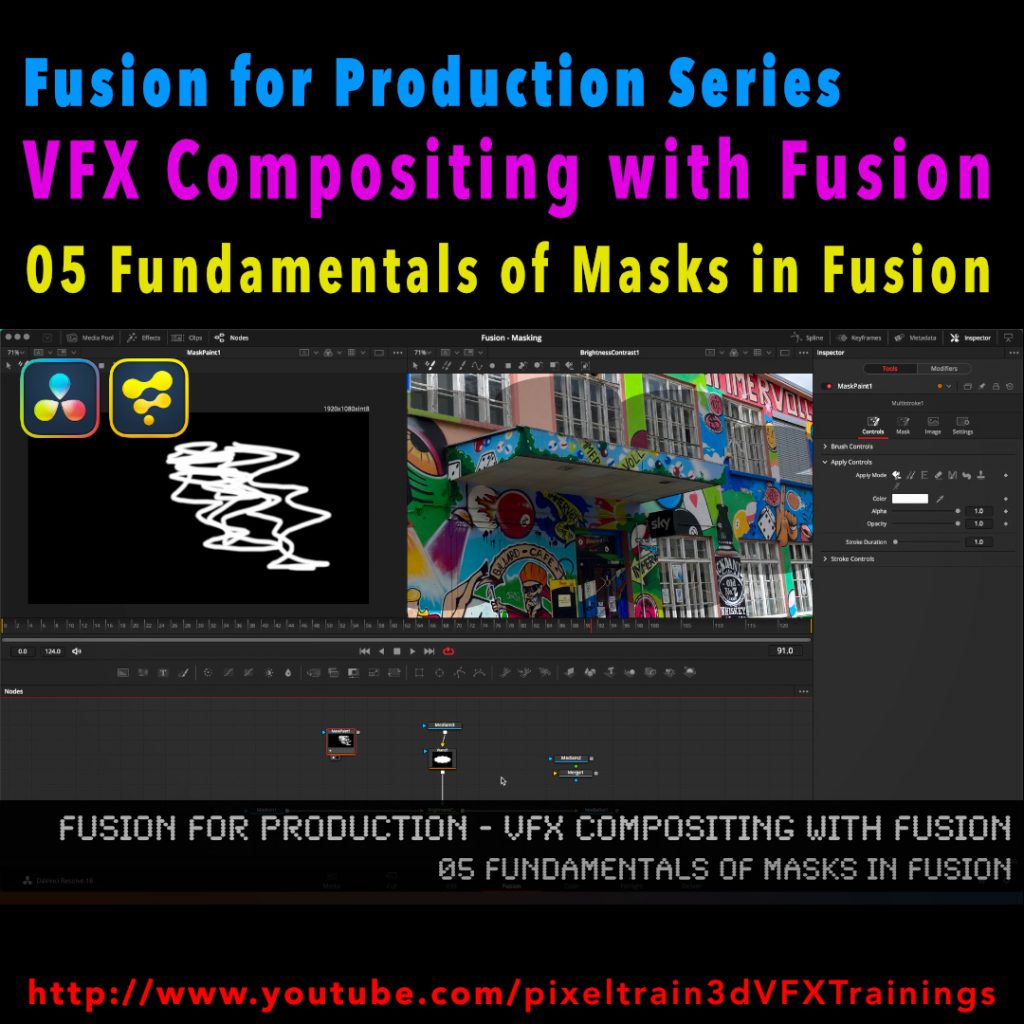
Fusion for Production - VFX Compositing with Fusion - 05 Fundamentals of Masks in Fusion

After a longer pause I’ve released a new free tutorial on my YouTube channel. I hope you like it 🙂

👉 https://youtu.be/RTIdh-ZsbTo

In this tutorial, you will learn the general uses and workflows of Masks in Fusion / Fusion Page in Resolve.

You will learn the different Mask types in Fusion, the most important parameters and options when drawing them. Also we will look into how to combine Masks for complex shapes for Rotoscoping. And, we will talk about bitmap based Masks in Fusion and how to use the Magic Mask, the Bitmap Mask and the Paint Mask.

I hope you like this new tutorial.

If you have questions or topics, which should be added, please let me know.

If you want to support me for publishing more free tutorials you could join my Patreons:

👉 https://www.patreon.com/pixeltrain3d

or give me a fast Coffee time Tip:
👉 PayPal: https://paypal.me/pixeltrain