

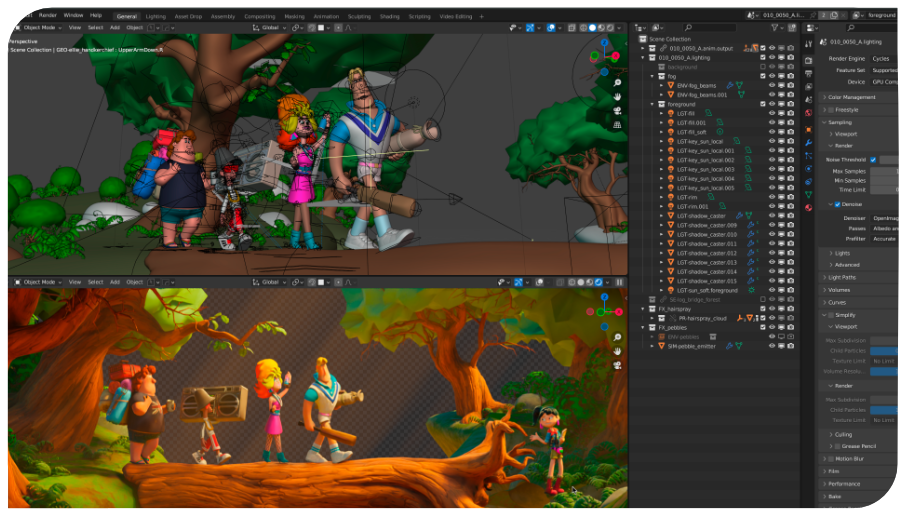
A quick reminder for all Blender enthusiasts:
Next week I’ll be starting two training courses for BlenderFundamentals:
⭐ pixeltrain Blender Academy – Fundamentals (with Senior Blender trainer Helge Maus)
starting from January 20th, remote, in 🇬🇧 English:
👉 shorturl.at/e8NG3
⭐ Blender Grundlagen Schulung (mit Senior Blender Trainer Helge Maus)
in collaboration with the Visualisierungs-Akademie Schweiz GmbH
January 23rd + 24th, remote, in 🇩🇪 German:
👉 shorturl.at/cXWj4
There are still seats available in both courses 🙂
I’m looking forward to seeing you,
Helge

Let’s go into a successful and creative year 2025.
If you want to learn Blender in a structured and practice-proven way, then I would like to introduce you to our pixeltrain Blender Academy.
With our module course system you build your own learning path tailored to your needs. The modules can be booked separately according to needs and prior knowledge.
pixeltrain’s Academy is characterized by small learning groups, well-structured units while keeping room to meet the needs of each individual.
All sessions are held live by Senior 3D & VFX trainer Helge Maus.
Module 1: Blender Fundamentals
20.+21. Jan.’25
27.+28. Jan.’25
Module 2: Blender Shading & Rendering
10.+11. Feb.’25
17.+18. Feb.’25
Module 3: Blender Animation & Rigging System
10.+11. Mar.’25
17.+18. Mar.’25
What’s included?
– Each module consists of 4 live sessions with a total length of 16 hours (4 x 4 hours)
– Each module takes two weeks with two sessions each week (Tuesday + Wednesday)
– Live sessions + downloadable recordings of each session
– Exercises + feedback
– Private discord channel for the students
Information and registration:
👉 https://www.pixeltrain.net/pixeltrains-academy/
If you have any questions, please let me know 🙂
Just published a short Blender tutorial on YouTube. It’s about the changes and improvements of the keyframing workflow in Blender 4.1 .
This video was recorded some time ago for my Patreon page (👉 https://www.patreon.com/pixeltrain3d ) and thanks to my supporters it’s now also on YouTube:
👉 https://youtu.be/v9ZjkkUVVr8?si=2VgKLISXoMI44RSe
Have fun!
Helge
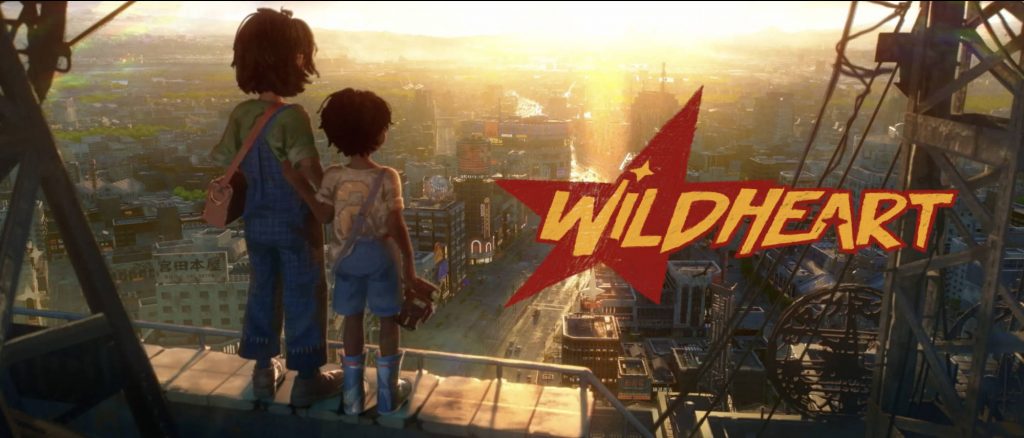
Today I want to share another amazing and beautiful Blender shortfilm project with the name „Wildheart“. The goal of the makers of this short is to make a feature-length film in the future. So they started with this short film. I hope you like it as much as I do!
It tells the story of the bond between two street living kids as they search for a sense of family.
Six year old orphan Kenta and his ten year old friend Makoto team up to search for Kenta’s mother, but their journey becomes a test of their extraordinary bond when they discover that the reunion may come at a cost.
The studio behind this project is named Keytales, located in Paris.
They describe themself as a fun team, eclectic bunch from Japan, Europe, and the USA.
We’re directors, artists, animators, writers, composers, and designers – a mix of industry pros and fresh talents. Together, we’re on a mission to bring a fresh spin to animation, exploring meaningful stories that resonate. We’re all about crafting something that not only reflects our diverse backgrounds and skills but also connects deeply with our audience.
More information:
https://keytales.studio/about
Blender is such an amazing tool for story telling. If you want to learn more about Blender in Production, please visit my Blender trainings website www.pixeltrain.net or reach out directly to me info [at] pixeltrain.net .
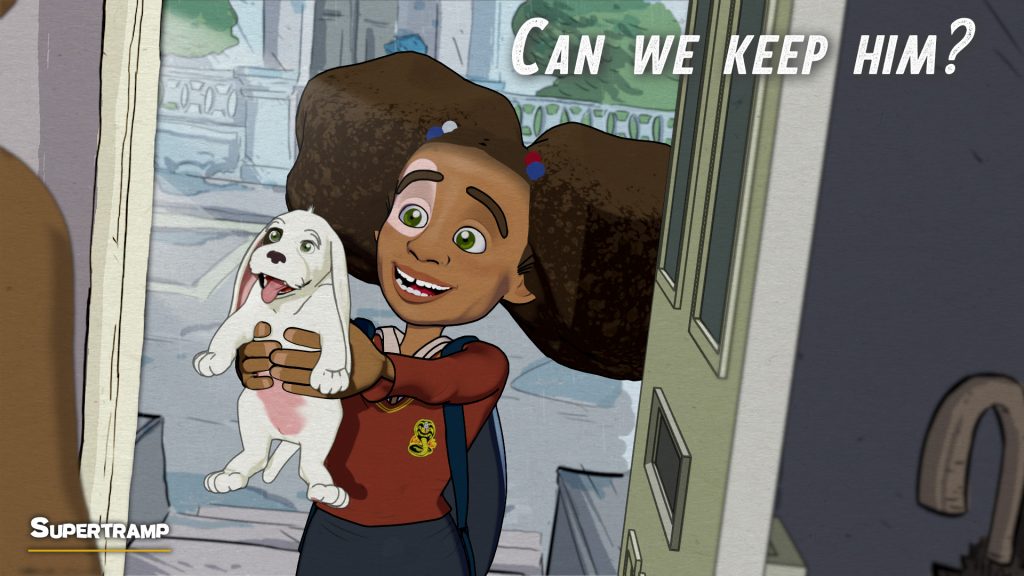
Some time ago I’ve written about the Shortfilm “Supertramp” by Fabrizio Gammardella. It was made in Blender by a small team of talented artists. At the moment there is the opportunity to watch it in the free section of the Festival del Cinema di Salerno.
https://show.festivaldelcinema.it/animazione/supertramp/
The film is heartbreaking on one side, but also a wonderful experience to watch. The animation of the dog and the communication without words is done quit well in my opinion.
You find the article about the Making-of here on my free Patreon:
Blender is such an amazing tool for story telling. If you want to learn more about Blender in Production, please visit my Blender trainings website www.pixeltrain.net or reach out directly to me info [at] pixeltrain.net .
Have fun,
Helge
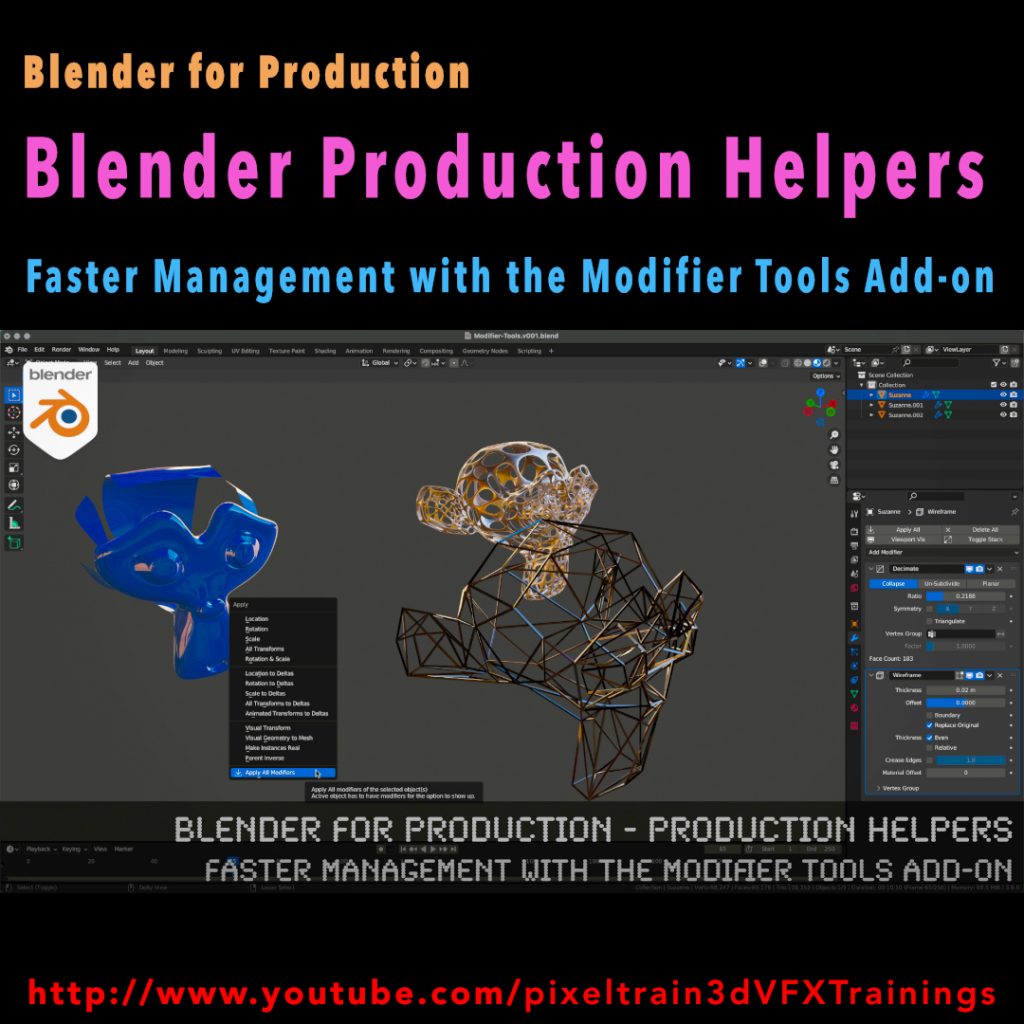
This series „Blender for Production“ focuses on Blender as a full Production Suite for (Indie) 3D- & VFX Productions. I will explain how to work with the different Modules of Blender and how they are connected.
Also, I will give you an introduction to the specific functionalities, but also the production context and workflows, which can help you to use Blender in your productions.
In this tutorial we will talk about the built-in Modifier Tools add-on, which helps you to manage larger modifier stacks on objects more elegant. We also look into some best practice workflows with and without this add-on, when it some to modifiers.
These topics are covered in this tutorial:
00:00 Overview of the tutorial
00:32 Modifiers in Blender Workflow
00:51 Tips for fast opening the modifier stack
01:12 Understanding Modifier Flags
02:23 See Modifier result in Edit Mode
03:00 Applying Modifiers correctly
03:33 Using the Apply Menu
04:19 Activate the Modifier Tools Add-on
04:51 UI of Modifier Tools
05:11 Explanation Toggle Stack and Tips
05:56 Drag activation of multiple Modifiers
06:56 Switching Viewport Visibility of a Modifier stack
07:20 Delete all Modifiers on an object
07:30 Working with multiple Modifier stacks at the same time
09:03 Apply the Modifier stack
09:49 Addition in the Apply Menu
10:14 Outro
As a Senior 3D & VFX Trainer, Helge Maus teaches 3D- & VFX Applications for over 20 years.
His focus lies on Generalist work for VFX and Games. He works with studios, agencies and freelancers from different visualization areas and from the games industry.
Meanwhile he focuses on Blender, Unity, Godot & Fusion for his daily work and training. His strong industry background in teaching Houdini FX, Nuke, and Maya over many years helps him to train artists from the industry within a wide production context.
If you have questions or topics, which should be added, please let me know.
If you want to support me for publishing more free tutorials you could join my Patreons:
https://www.patreon.com/pixeltrain3d
or give me a fast Coffee time Tip on
PayPal: https://paypal.me/pixeltrain
Find more information on www.pixeltrain.net
YouTube: https://www.youtube.com/pixeltrain3DVFXTrainings
Mastodon: https://mastodon.art/web/@pixeltrain3d
Instagram: https://www.instagram.com/pixeltrain3d/
LinkedIn: https://www.linkedin.com/in/pixeltrain/
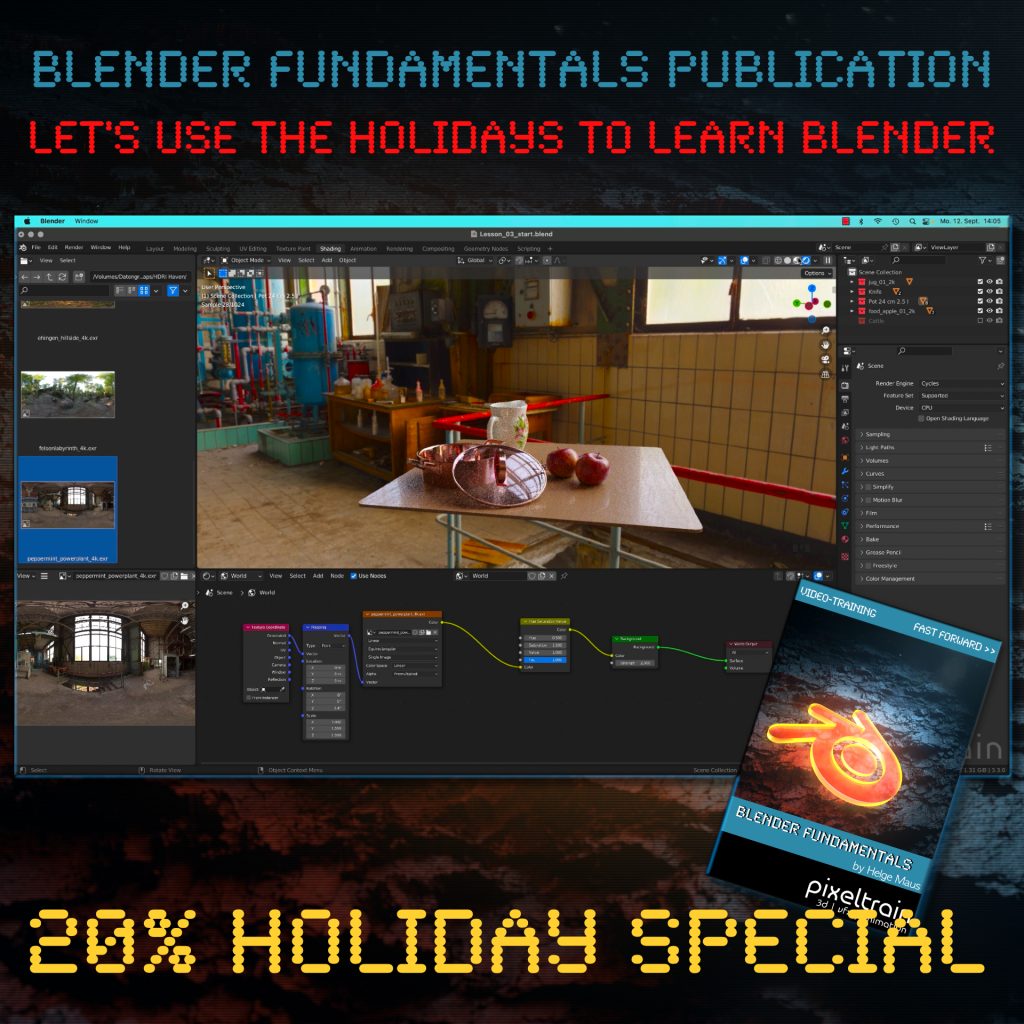
The End of the year brings us time to reflect, relax and to learn something new!
Let’s start learning Blender with our „pixeltrain Blender Fundamentals – Fast Forward“ publication.
👉 YouTube Trailer
More than 20+ hours of content in over 114 lessons.
Learn everything you need to know for beginners and folks from other 3D applications.
Our gift for you is a Holiday Voucher for VIMEO VOD or GUMROAD.
Use „XMAS2022“ at checkout and you get 20% off.
👉 VIMEO „XMAS2022“
https://vimeo.com/r/3E4j/NnJYVjlwam
👉 GUMROAD „XMAS2022“
https://pixeltrain3d.gumroad.com/l/BlenderFundamentals/XMAS2022
Have a great Holiday,
Helge
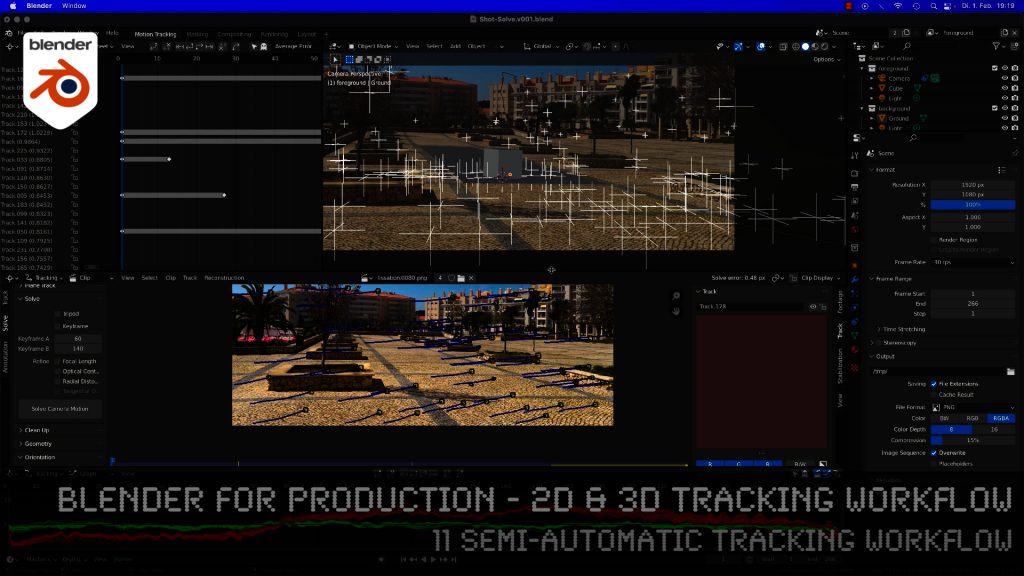
Here is the next lesson of the Tracking Workshop. This time we will talk about semi-automatic tracking, which is a way of adding many trackers for shots, where you don’t want to add supervised trackers. Hope you like the lesson 🙂
Shortly after Sprite Fright, Blender Studio has today announced the next Blender Studio Project. The goal is to develop a high-visual-impact, action-packed 2-minutes-long animation, which is is inspired by the game cinematics and realtime demos formats.
The main goals, beside of making a great short like always, are:
– Challenge Blender and the creative team to make characters and environments at an unprecedented level of realism and complexity
– Push Blender’s capabilities in the interactive PBR workflow, improving and developing new tools (EEVEE, texture painting, baking, etc.)
– Develop and share production assets and pipeline with Blender Studio supporters, and with the film and games industry
This way Blender and it’s tools and workflows will develop much more.
Read more about this project here:
https://studio.blender.org/blog/announcing-project-heist-high-end-cinematic-experience/
Looking forward to it 🙂
Helge
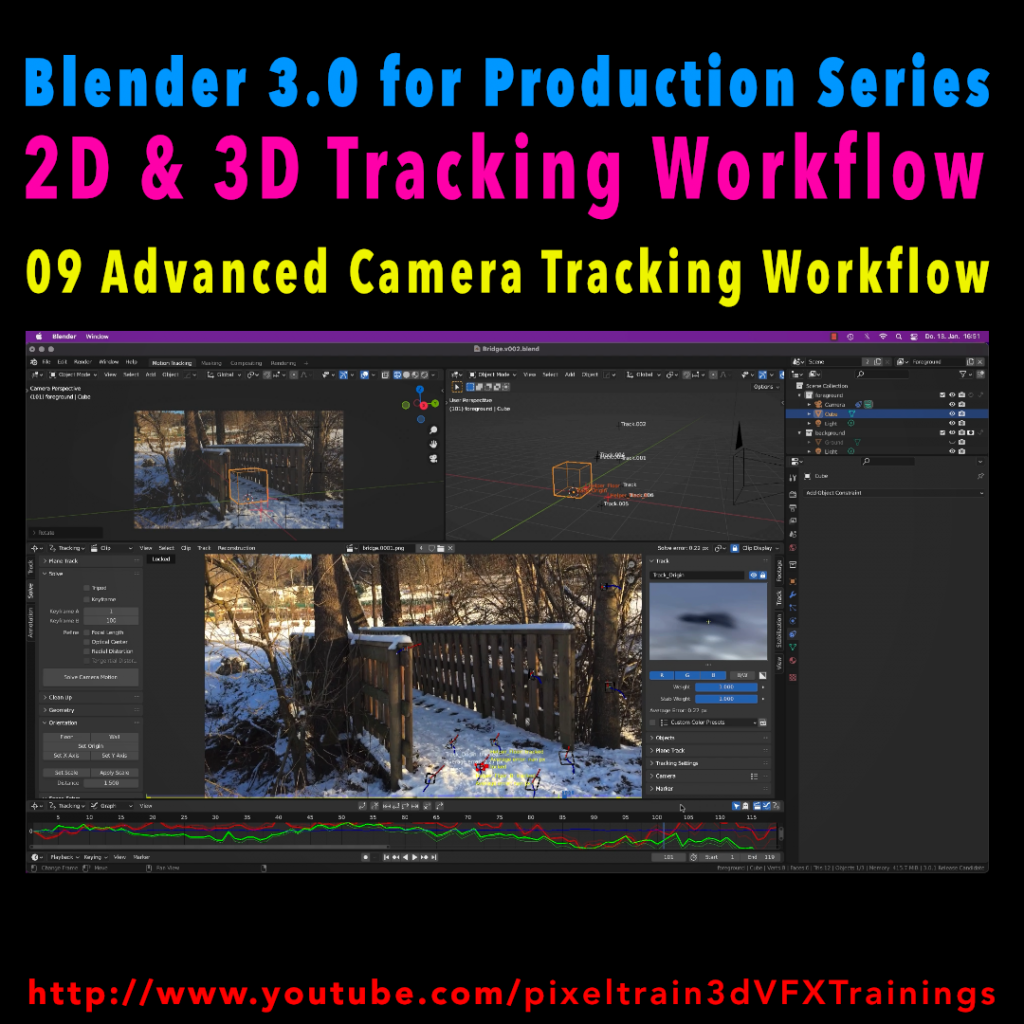
In todays lesson we will dive into the Camera-Tracking Workflow of a scene inside Blender 3.0 . You will learn about “good and bad trackers”, solving strategies, build a reconstruction scene and most important, how to get your solve error down.
Hope you like it!
Helge
In this tutorial series, we will talk about Blender as a solution for 3D Camera and Object Tracking. Step by Step you will learn how to use Blender for preparing your footage in the Video Sequence Editor (VSE) and getting used to the Movie Clip Editor. Then we will cover the important fundamentals of 2D-Tracking in Blender and also some use-cases for directly using these data. Then we build upon these 2D-Tracks and start solving a 3D-Camera and talk about good and bad tracks, nodal shots, tricks like offset-tracking, joining of tracks, and analyzing solve problems. In the final tutorials, we will finish with Object-tracking for props replacement. After this tutorial series, you have a solid understanding of Blender’s Camera and Object Tracking and how to use the solved data inside of Blender or in other applications like Maya, Cinema, or Houdini.
These topics are covered in this tutorial:
Setting up the Tracking Sequence
Learn to analyze a shot for tracking
Rules for good and bad trackers
Making the default tracking settings
2D track the main trackers
Tracking Graph / Tracking Dope Sheet
Solver Panel
Setting the keyframes
Understanding the Solve Error
Interpreting the Solve Error Graph
Sorting with the Solve Error
Checking for suspicious trackers
Setting the correct Camera data
Finding the correct focal length
Solver Pie menu
Refine Focal Length
Optical Center
Lens Distortion
Display undistorted plate
Generate a scene setup
Activate display options for trackers
Setting up the floor
Setting up orientation axis
Setting up a scale reference
Solving helper trackers
Zero-weight trackers
Color Presets for trackers
Blocking out a helper object
Making a viewport playblast
Using DJV2 as animation player
If you want to use the same footage, here is my Gumroad link:
https://pixeltrain3d.gumroad.com/l/GEdjT
Be aware, that these files are included in my Patreon 😉
https://www.patreon.com/pixeltrain3d
This tutorial series „Blender for Production“ focuses on Blender as a full Production Suite for (Indie) 3D- & VFX Productions. In these tutorials, I will explain how to work with the different Modules of Blender and how they are connected. I will give you an introduction to the specific functionalities, but also the production context and workflows, which can help you to use Blender in your productions.
As a Senior 3D & VFX Trainer, Helge Maus teaches 3D- & VFX Applications for 20 years. His focus lies on VFX, but he also works with many studios and agencies from different visualization areas. He focuses on Houdini FX, Blender, and NUKE for his daily work and training.
If you have questions or topics, which should be added, please let me know.
If you want to support Helge Maus for publishing more free tutorials you could join his Patreons:
https://www.patreon.com/pixeltrain3d
Find more information on www.pixeltrain.net
YouTube: https://www.youtube.com/pixeltrain3DVFXTrainings
Twitter: https://twitter.com/pixeltrain
Blog: http://www.helgemaus.com
Instagram: https://www.instagram.com/pixeltrain3d/
LinkedIn: https://www.linkedin.com/in/pixeltrain/
Artstation: https://www.artstation.com/pixeltrain