

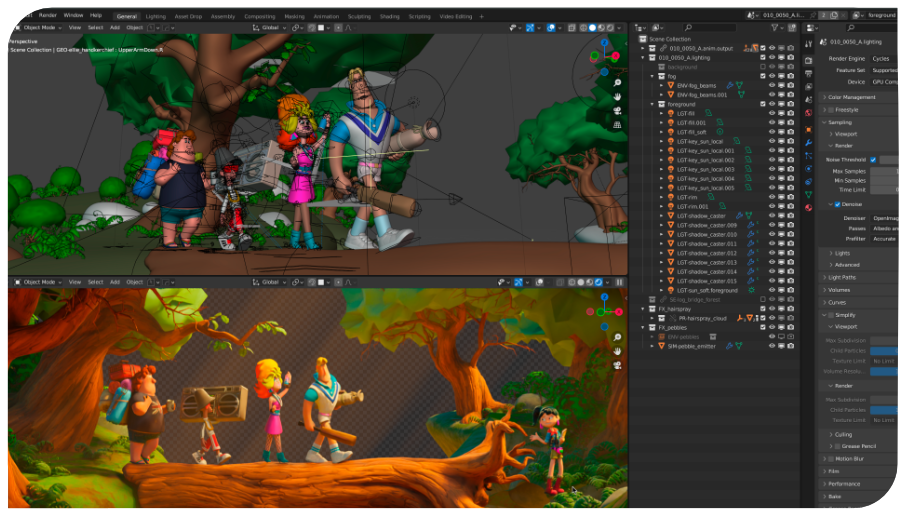
A quick reminder for all Blender enthusiasts:
Next week I’ll be starting two training courses for BlenderFundamentals:
⭐ pixeltrain Blender Academy – Fundamentals (with Senior Blender trainer Helge Maus)
starting from January 20th, remote, in 🇬🇧 English:
👉 shorturl.at/e8NG3
⭐ Blender Grundlagen Schulung (mit Senior Blender Trainer Helge Maus)
in collaboration with the Visualisierungs-Akademie Schweiz GmbH
January 23rd + 24th, remote, in 🇩🇪 German:
👉 shorturl.at/cXWj4
There are still seats available in both courses 🙂
I’m looking forward to seeing you,
Helge

Today I want to share an article I found online about Indie productions in animation, games or even other media, why they exist and most importantly what drives them.
It answers questions like “Why can an animated short can be produced, when companies like Disney or Pixar need millions of dollars and huge teams?”
Why are indie productions really often more attractive than mainstream media?
“Indie stories are magic. They have an unfair advantage.
They are often more personal and relatable than what any large studio can produce.”
And for me, it describes also why I’m falling in love with more and more indie projects.
👉 https://www.palette.tools/stories/magic-of-indie
If you want to learn more about Indie Animation Production with Blender or Indie Game Development with the Godot Game Engine, here is my Patreon:
👉 https://www.patreon.com/pixeltrain3d/posts
Have fun!
Today I would like to introduce you to a free Blender add-on that I constantly use in my daily work with Blender: Machin3Tools.
This add-on is a detailed and very complex collection of functions and tools that complement but also change Blender’s functionality.
The nice thing about this add-on is that you can choose which functions are useful for your own workflow in the preferences.
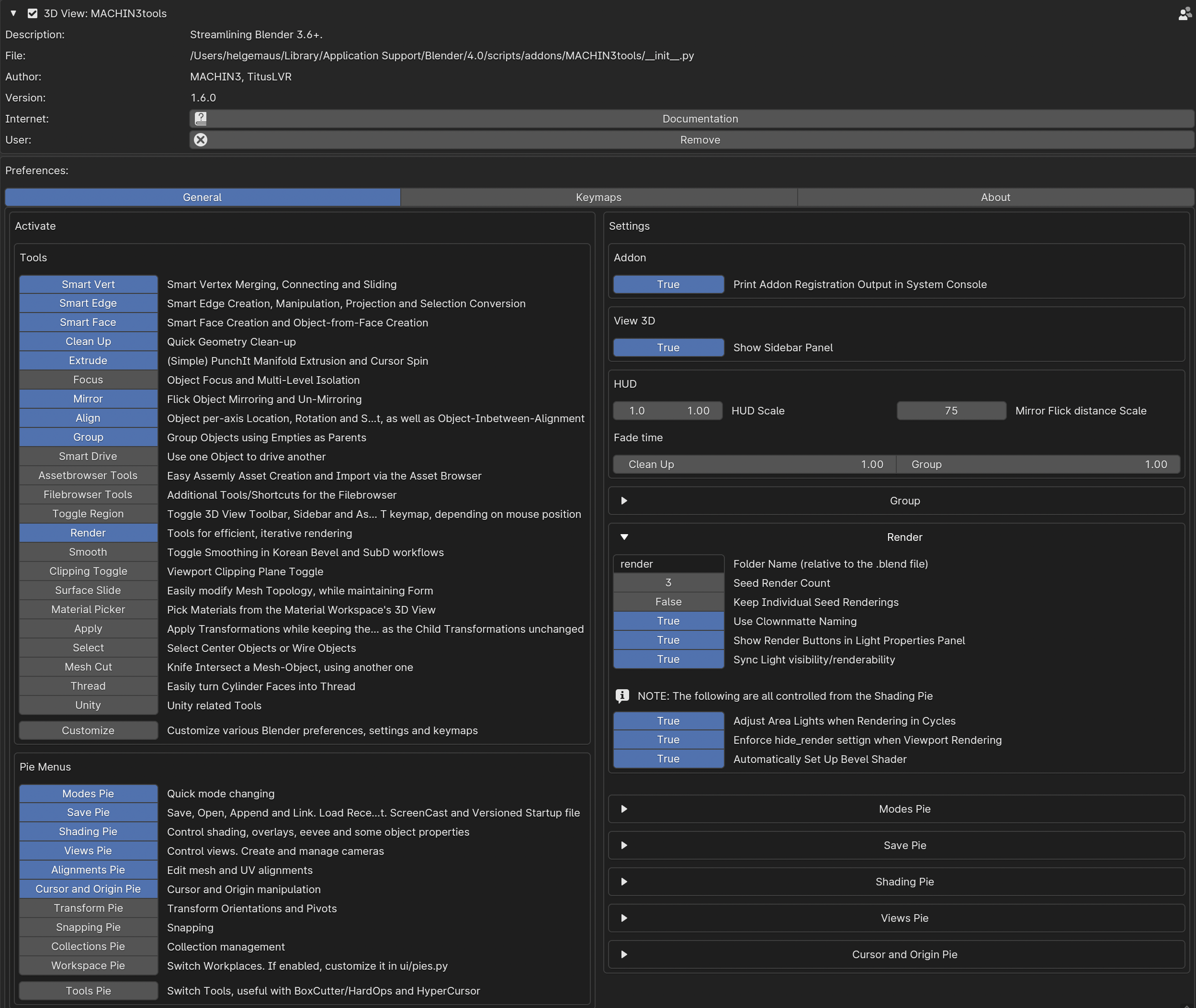
In my case I only use some of the pie menus and only some of the additional tools. All keyboard shortcuts and many of the functions are customizable.
Little by little you learn what you really use in practice and which functions are more of a hindrance.
You can then deactivate them.
Here’s a warning to beginners in Blender:
Machin3tools changes native Blender’s functions and behavior in some chases.
Therefore, you should first have a good overview of Blender’s behavior before digging in too deeply.
I’ve experienced in training sessions that beginners tend to lose track of why their blender behaves differently than expected 😉
What I love about Machin3Tools is the quick access to common functions via Pie Menu and so many timesaving operations.
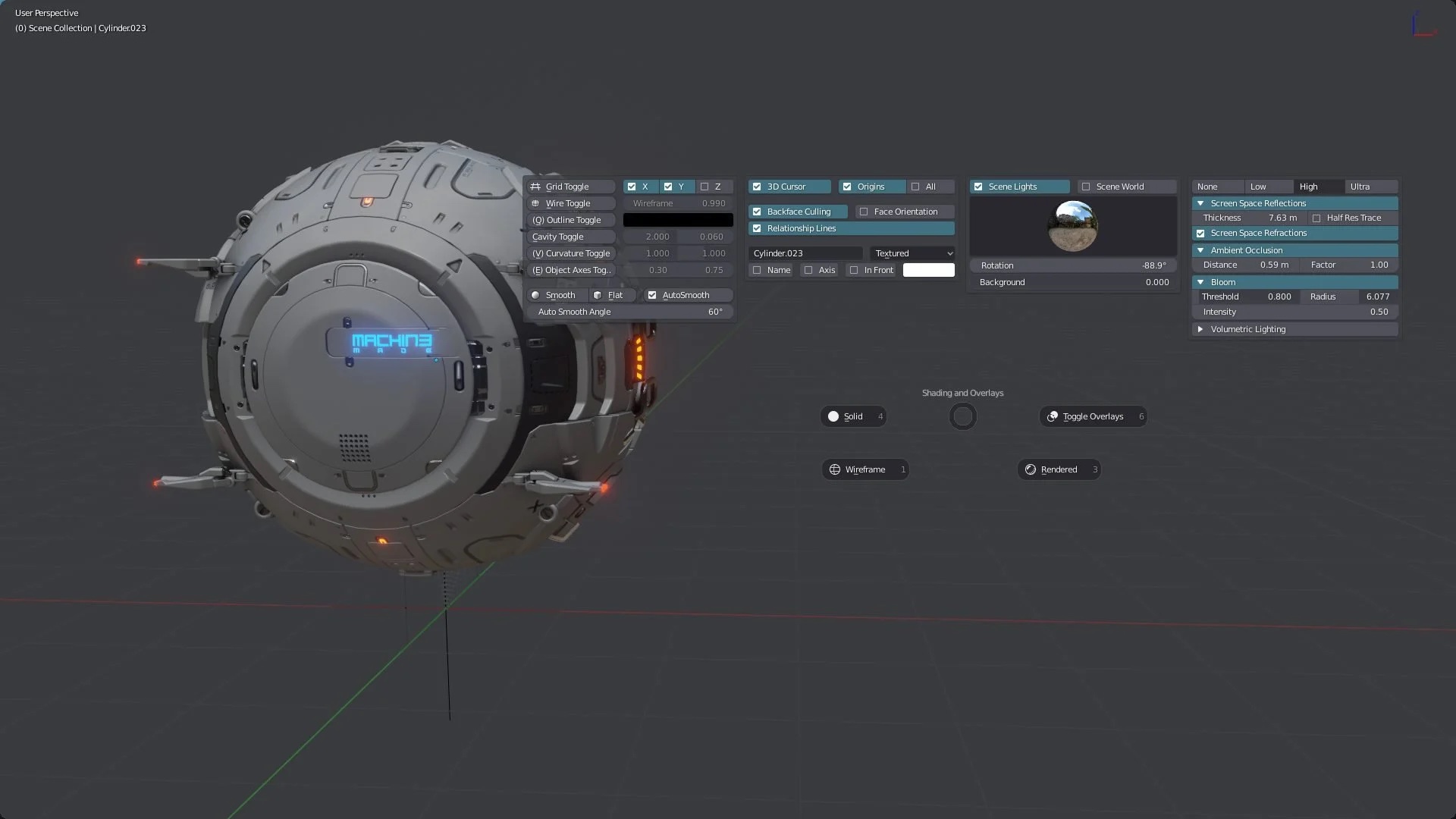
For example, changing component modes, changing orbit functions or then quickly creating cameras with SmartCamera. Or quickly setting and changing pivot points of objects and aligning elements.
You can find Machin3tools under this link on Gumroad:
https://machin3.gumroad.com/l/MACHIN3tools
Oh, yes, there is also the extended “Deux Ex” variant. This has some additional functions.
However, you don’t need this at the beginning…
If you have any question about that, please let me know.
Have fun!
Helge
I’ve written about that on my (free) Patreon here:
>> Introduction to Blender | Visualisierungsakademie Schweiz, July 6 + 7, 2023
On July 6 and 7 I will teach you online taking your first steps in Blender.
If you are interested, please check out the detailed information here:
https://visualisierungs-akademie.ch/bildung/blender-einfuehrungskurs/
On request I also teach this online course in English. Please do not hesitate to ask your questions (info(at) pixeltrain.net). I am always happy, to hear from everyone who is interested to become an Artist in Blender, Nuke or Houdini FX.
Some of the topics you learn in this course:
- Getting to know the Blender Infrastructure
- Installation, AddOns and Konfiguration
- User-Interface and Navigation
- Scene-Organisation, Outlines, Collections
- Polygone-Modeling Techniques
- Working with Curves & Surfaces
- Modifier
- SubDivision Surfaces
- UV Editor
- Lightening, Types of Lights, Previews
- Camera & Physical Setting
- Materials & Shader
- Using Textures
- Photorealism & PBR
- Preview with Eevee (Realtime)
- Using Shading Workspace
- Rendersettings with Eevee and Cycles
- Final Rendering
- Simple Compositing in the Compositing Workspace
- Introduction to Sculpting Workspace
- First Keyframes and Animationen
- Rendering of Animations
>> Blender Animation Training | Visualisierungsakademie Schweiz, June 15 + 16, 2023
On June 15 and 16 I give an Online-Training on Animation in Blender -> „Introduction to Animation and Rigging“
You learn how to work with the powerful Animation Tools of Blender. You get to know helpful add-ons for MotionGraphics and Rigging and you build your first technical and organic animation rigs. We bring camera animations to life and also learn how to export these animations for game engines like Unity, Unreal or Godot. You will get to know Timeline, Dopesheet, Graph Editor, NLA, Shapes and Drivers.
For further information, please visit this website:
https://visualisierungs-akademie.ch/bildung/blender-animation/
>> Introduction to DaVinci Resolve, June 22 + 23, 2023
Learn the fundamentals of Editing, Grading, Audio & Post-Production in DaVinci Resolve in two days. This training is meant for everyone who wants to make professional video edits for social media or company presentations. It’s a beginners course, you also learn many useful tipps and workflows you need for an efficient production of video content. Also if you have some knowledge from other NLAs like Adobe Premiere Pro, Apple Final Cut etc.
More Information: www.visualisierungs-akademie.ch
Contents
- Importing & managing your Media
- Project Settings
- Building a Rough Cut
- Working in the Timeline
- Refining the Cut with advanced Editing Tools
- Transitions & Effects
- Titles & Lower Thirds
- Sound Editing on the Edit page
- Fusion Page Fundamentals
- Building Effects in Fusion
- Title Building in Fusion
- Color Page Fundamentals
- Color Workflow
- Primary & Secondary Color Correction
- Fairlight Page Fundamentals
- Sound Editing & Mixing in Fairlight
- Delivering your final product
On request I also teach this online course in English. Please do not hesitate to ask your questions (info(at) pixeltrain.net). I am always happy, to hear from everyone who is interested to become an Artist in Blender, Nuke or Houdini FX.
If you have any questions, please write me on this adress: info (at) pixeltrain.net.
Hope to see you soon!
If you are interested in the same courses in English or you are looking for a company training / individual coaching, please let me know as DM.
Yours,
Helge

Find more information on www.pixeltrain.net
YouTube: https://www.youtube.com/pixeltrain3DVFXTrainings
VIMEO: vimeo.com/pixeltrain
Patreon: https://www.patreon.com/pixeltrain3d
LinkedIn: linkedin.com/in/pixeltrain
Instagram: https://www.instagram.com/pixeltrain3d/
Mastodon: https://mastodon.art/web/@pixeltrain3d
You want to dive deeper into Blender and it’s workflows?
Together with Visualisierungs-Akademie Schweiz GmbH, I offer all the trainings modules you need to start with Blender and deepen your knowledge depending on your needs.
These courses are online in small groups, in German language at the moment.
Every course can be booked separately depending on your time, budget and needs.
You find all the dates on:
https://visualisierungs-akademie.ch
Blender Introduction, 2 days
April 27 + 28, 2023
Blender Shading & Rendering, 2 days
May 11 + 12, 2023
Blender Animation & Rigging, 2 days
April 20 + 21, 2023
or
June 15 + 16
If you are interested in the same courses in English or you are looking for a company training / individual coaching, please let me know as DM.
Helge
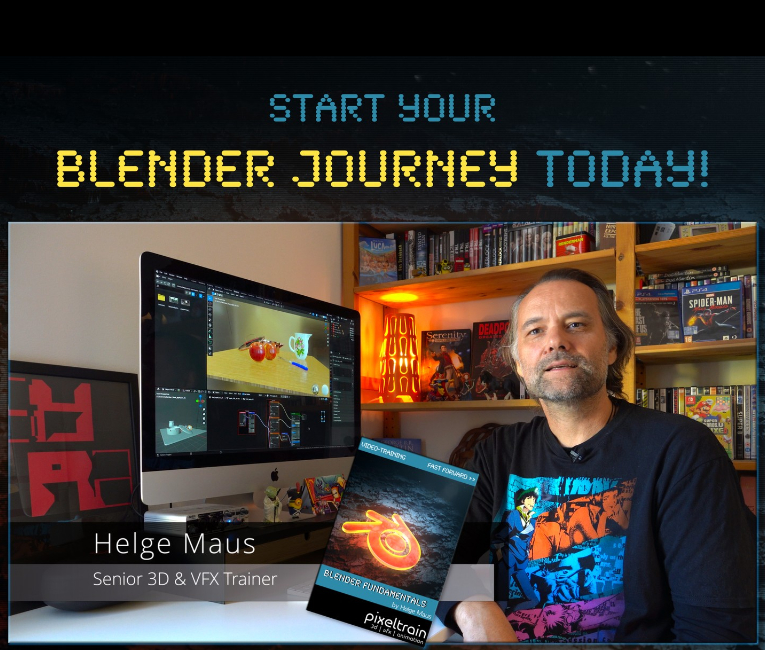
We have good news for everyone who wants to dive into Blender, learn the Fundamentals, and beyond.
Together with Visualisierungs-Akademie Schweiz GmbH, I will host another season of Blender online workshops in 2023.
In this TrainingCycle you will learn everything you need to know in order to work and create with Blender. These are the three Moduls for you becoming a Blender Pro: We start the year with 2 days of Fundmental Online Class “Introduction to Blender” in January. In February we have 2 days deep dive into Blender Rendering – Eevee and Cycles, and then in March you learn Animation and Rigging to finish your TrainingCycle.
These workshops are in German or English language – as requested. So keep in touch 🙂
Of course, you can decide if you want to fullfill the whole TrainingCycle or if you rather choose just doing one or two Moduls depending on the topic you want to tackle.
If you have any questions, please write me an E-Mail to info (at) pixeltrain . net
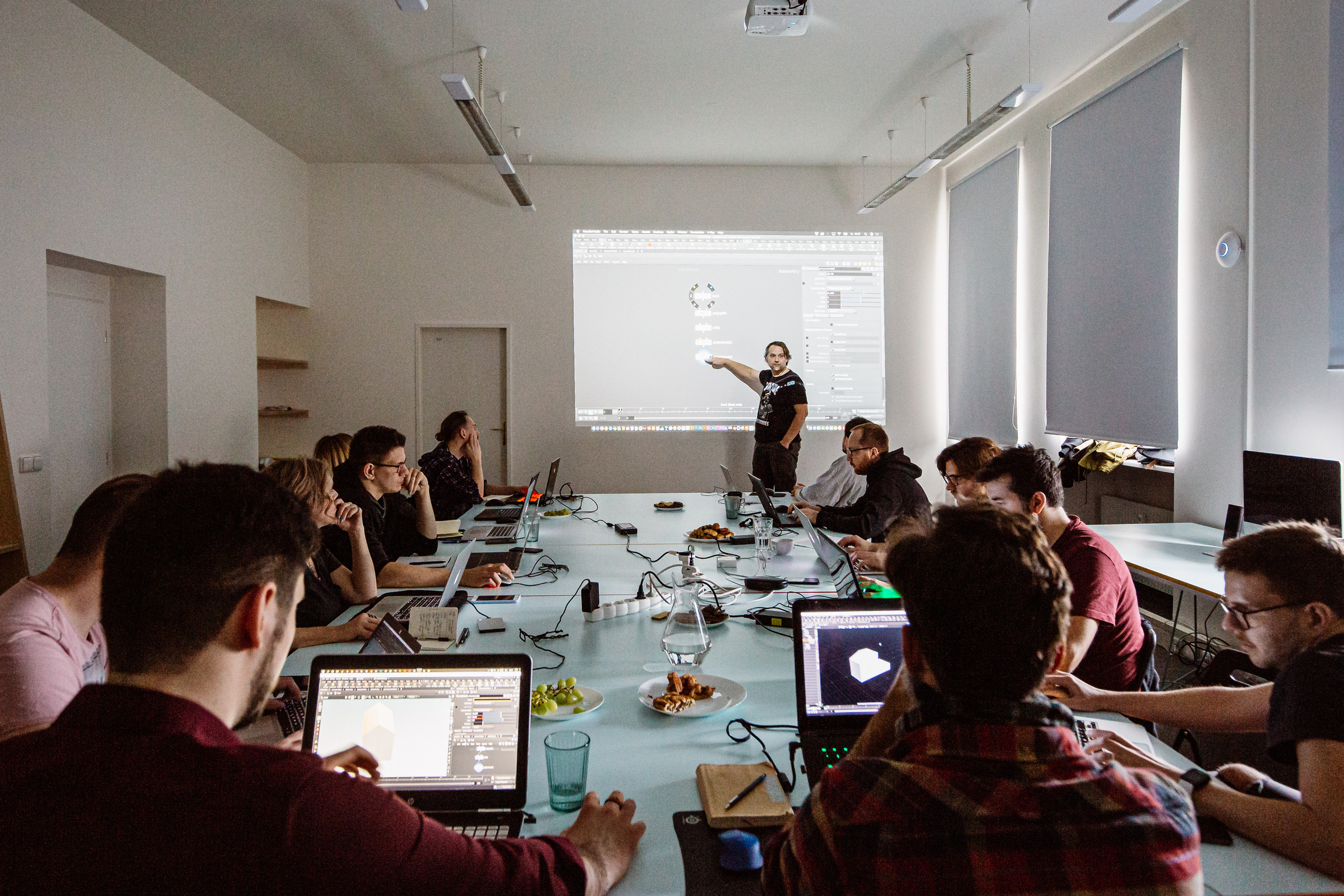
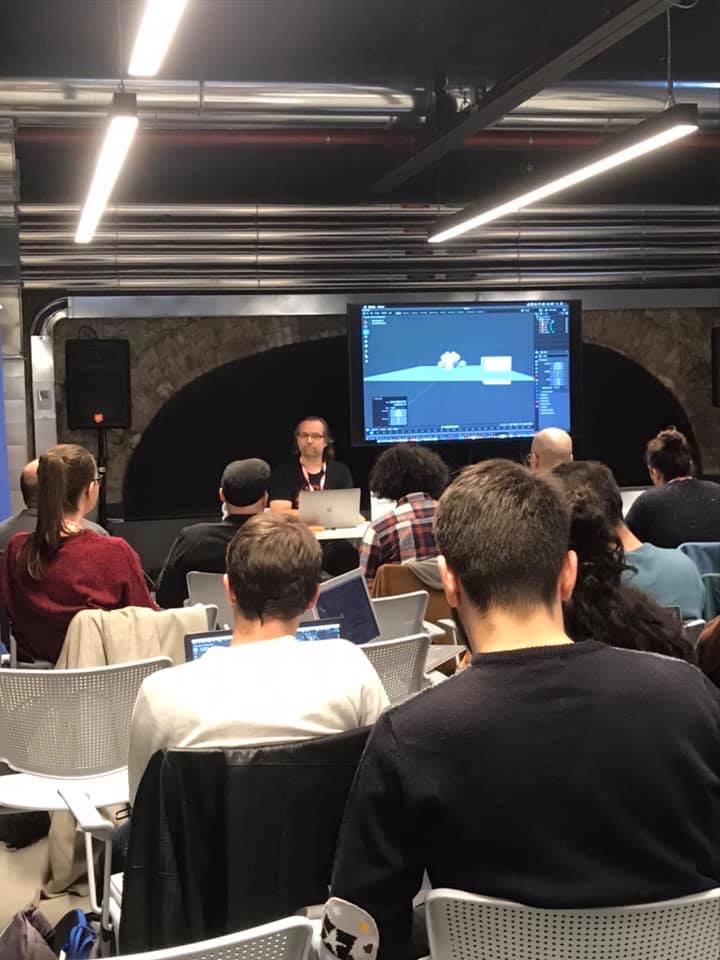

Introduction to Blender
February 23 + 24, 2023
Online Class
I will teach you online taking your first steps in Blender.
If you are interested, please check out the detailed information here:
https://visualisierungs-akademie.ch/bildung/blender-einfuehrungskurs/
Please do not hesitate to ask your questions (info(at) pixeltrain.net). I am always happy, to hear from everyone who is interested to become an Artist in Blender, Nuke or Houdini FX.
Some of the topics you learn in this course:
- Getting to know the Blender Infrastructure
- Installation, AddOns and Konfiguration
- User-Interface and Navigation
- Scene-Organisation, Outlines, Collections
- Polygone-Modeling Techniques
- Working with Curves & Surfaces
- Modifier
- SubDivision Surfaces
- UV Editor
- Lightening, Types of Lights, Previews
- Camera & Physical Setting
- Materials & Shader
- Using Textures
- Photorealism & PBR
- Preview with Eevee (Realtime)
- Using Shading Workspace
- Rendersettings with Eevee and Cycles
- Final Rendering
- Simple Compositing in the Compositing Workspace
- Introduction to Sculpting Workspace
- First Keyframes and Animationen
- Rendering of Animations
Rendering in Blender with Eevee and Cycles
March 16 + 17, 2023
Online Class
On March 16 and 17 I give an Online-Training on Rendering in Blender -> https://visualisierungs-akademie.ch/bildung/blender-vertiefung/
Two days of intensive advanced training for everyone who wants to use Blender to create sophisticated materials and visualizations for architecture, product design, games & film.
In addition to photorealistic rendering, you will also learn techniques for non-photorealistic rendering for animation, motion design, manga, comics and architecture / product sketching.
Some of the topics you learn in this course:
- CyclesX Render-Engine for Photorealism
- Physical Lighting and physical settings in Cameras
- Eevee for Realtime Rendering
- Using the powerful Asset Manager for Objects, Materials, Light- & World setups
- Deep dive into the Shader Editor
- Building complex Shaders
- PBR Workflows
- Creating photorealistic Materials
- Architecture- & Design Materials
- Photorealistic Lighting through HDRIs, World Settings and Light Sources
- Advanced Cycles features like Micropolygon Displacement, AOVs, LightGroups, Caustics
- Introduction to Sculpting & Color Attributes for detailing Objects
- Detail-Sculpting & Baking of Normals and Displacement
- Introduction to Texture Painting in Blender
- Introduktion to Grease Pencil
- Image-Finishing with the internal Compositor
- Exchange with Photoshop, Affinity Photo, After Effects, Fusion & NUKE
- Internal Freestyle Renderer for Sketch & Toon
- Creating Freestyle Materials
- Creating Comic Shader
- Refining Comic & Manga styles in the Compositor
For further information, please visit this website:
https://visualisierungs-akademie.ch/bildung/blender-vertiefung/
On request I also teach this online course in English. Please do not hesitate to ask your questions (info(at) pixeltrain.net). I am always happy, to hear from everyone who is interested to become an Artist in Blender, Nuke or Houdini FX.
If you have any questions, please write me on this adress: info (at) pixeltrain.net
Blender Animation Training
April 20 + 21, 2023
Online Class
On March 02 and 03 I give an Online-Training on Animation in Blender -> „Introduction to Animation and Rigging“
You learn how to work with the powerful Animation Tools of Blender. You get to know helpful add-ons for MotionGraphics and Rigging and you build your first technical and organic animation rigs. We bring camera animations to life and also learn how to export these animations for game engines like Unity, Unreal or Godot. You will get to know Timeline, Dopesheet, Graph Editor, NLA, Shapes and Drivers.
Overview of topics of this online class:
- Important Blender Concepts for Animators & Riggers
- Project Settings for Animation
- Blender Timeline
- Keying, Keying Sets & Autokeys
- Channels & Keyframes in the Dopesheet
- Making of Playblasts
- Motion Path Tool
- Graph Editor & F-Curves
- Interpolation & Handles
- Curves Modifiers
- Channel Groups
- Basics of Rigging
- Armatures
- Building Rigs for mechanical / organic Objects
- Bone Layers, Bone Groups & Bendy Bones
- Binding Meshes & Weight-Painting
- IK Setups
- Poses
- Shape Keys
- Working with Constraints
- Drivers & Expressions
- Action Editor & Blender’s Action System
- Pose Libraries
- Asset Manager
- NLA System
- Working with Audio
- Basics of Grease Pencil
For further information, please visit this website:
https://visualisierungs-akademie.ch/bildung/blender-animation/
On request I also teach this online course in English. Please do not hesitate to ask your questions (info(at) pixeltrain.net). I am always happy, to hear from everyone who is interested to become an Artist in Blender, Nuke or Houdini FX.
If you have any questions, please write me on this adress: info (at) pixeltrain.net.
Hope to see you soon!
Yours,
Helge
Special Offer:
For more Information read below >>
Everyone of you who is attending one or more of my Blender-Classes, gets a 50% OFF-Voucher for my BBBIIIGGG Blender Fundamentals – Publication!
Blender Fundamentals – Fast Forward >>
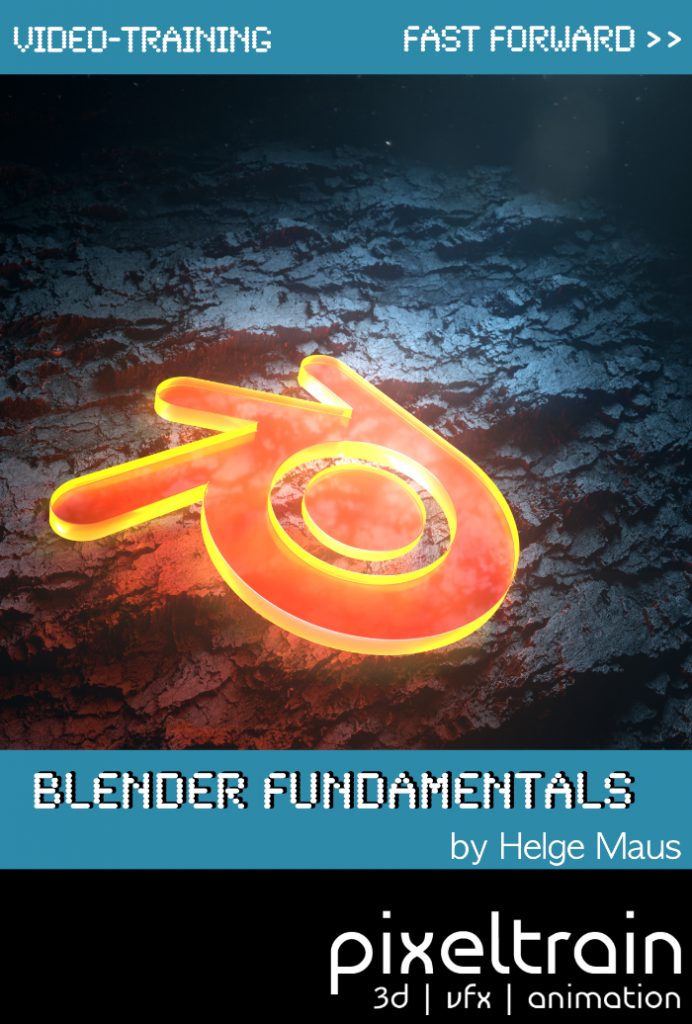
My new publication – a step-by-step Introduction into Blender – is out now!
In 114 lessons with a duration of 20+ hours, I take you through the complete fundamentals of Blender and the basic workflows you need to know to get started with this amazing free software. This training is designed to get you up and running quickly, enabling you with the skills needed to work effectively in this incredibly powerful 3d package.
Additionally, it lays the foundation of essential concepts and paradigms to understand more advanced topics for other areas and workflows of Blender 3d down the road.
The focus of this publication is NOT building a fancy eye-catchy example scene.
It’s concepted as a step-by-step logical structured learning curriculum, with deep explanations of concepts, workflows and tool options.
The lessons are packed with information and are meant to watch them several times, make your own experiments and come back later when you are working on your own projects and need some refreshing on several topics.
Links to the Tutorial:
👉 YouTube Trailer
https://youtu.be/4tB7jNkXuM0
👉 Blender Market
https://blendermarket.com/products/pixeltrain-blender-fundamentals-fast-forward
👉 VIMEO Video-on-Demand
https://vimeo.com/ondemand/blenderfundamentals
👉 GUMROAD
https://pixeltrain3d.gumroad.com/l/BlenderFundamentals
Content
01 First Steps in the Blender User Interface (2h 33m)
02 Working with Primitives & Transformations (2h 58m)
03 Working Modes & Selections (1h 6m)
04 Polygon Modeling (4h 30m)
05 Subdivision Surface (1h 8m)
06 Plus+ Sculpting (2h 34m)
07 Curves & Text (1h 19m)
08 Modifiers (1h 16m)
09 Materials, Shader & Textures (2h 45m)
10 Plus+ Working with UVs*
11 Lighting, Cameras & Rendering (2h 32m)
*Additional PLUS+ content coming soon!
Beside of the fundamental chapters of this publication, we will release additional, more deep dive chapters as „Working with UVs“ in the near future as PLUS+ content. So you will have the chance to deepen your Blender Fundamentals knowledge even more.
The first PLUS+ content “06+ Sculpting” with over 2.5 hours in 12 lessons was added mid December 2022.