BlackmagicDesign Fusion Tutorials by Helge Maus / pixeltrain

Hi folks,
At the moment I’m reworking the DaVinci Resolve & Fusion tutorials collection on my pixeltrain Patreon. So you now can watch all my tutorials there without YouTube’s advertising bombardment.

https://www.patreon.com/collection/533543

The introductory tutorials for BlackmagicDesign Fusion and Fusion in BlackmagicDesign DaVinci Resolve are now relinked and therefore available to all Patreons.

This software package is simply fantastic for anyone who wants to edit videos, composite animations and renderings, and create HUDs. I hope you enjoy it.

Let me know if you’d like to delve deeper into BlackmagicDesign Fusion.
Then we can plan more for the future.

Cheers,
Helge
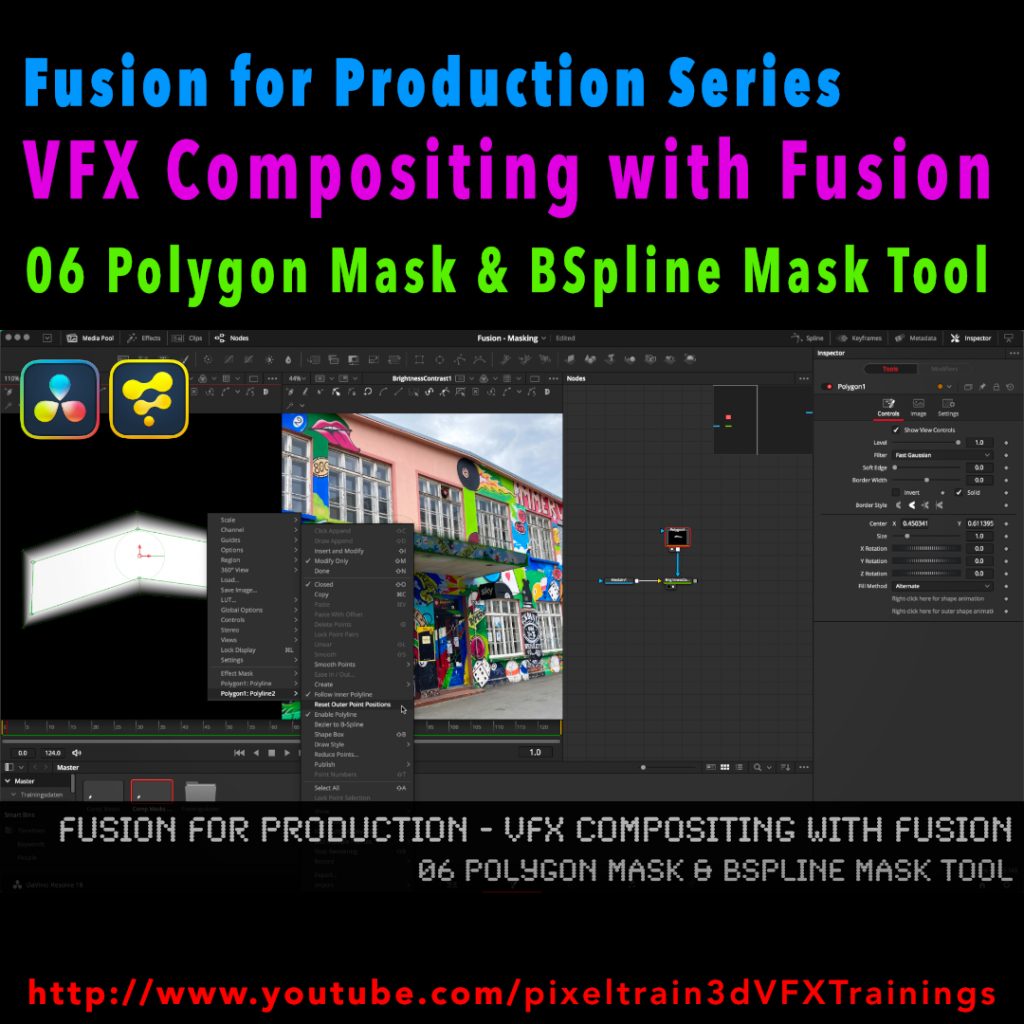
Fusion for Production - VFX Compositing with Fusion - 06 Polygon Masks & BSpline Mask Tool

I’ve just released my next free Blackmagicdesign Fusion Tutorial on my YouTube channel:

https://www.youtube.com/pixeltrain3DVFXTrainings

This time I talk about Masking, the Polygon Mask tool and the BSpline Mask tool. You can follow along with DaVinci Resolve on the Fusion Page or in Fusion Studio.

Have fun!

Helge

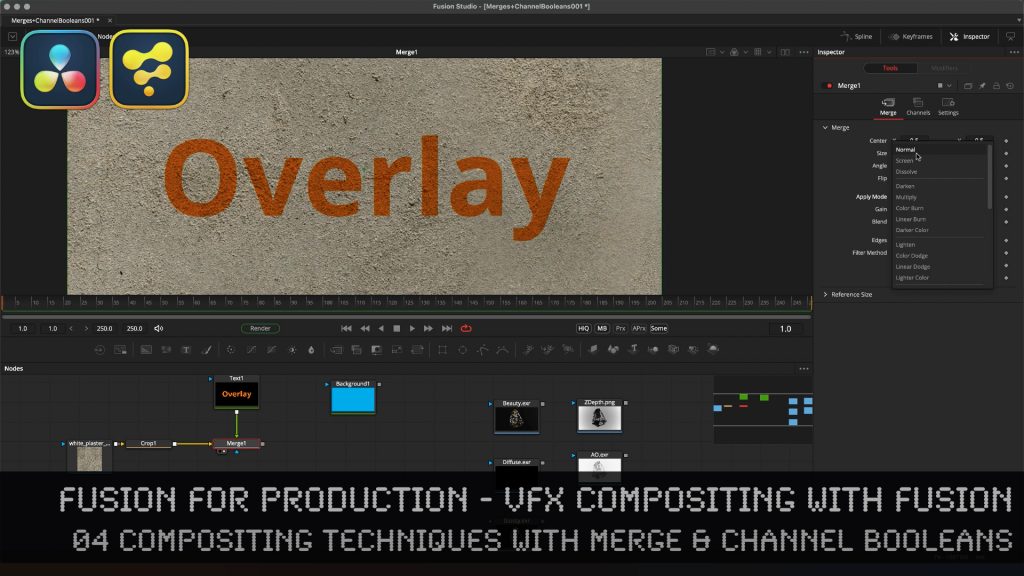
Learn the Fundamentals of the Merge tool & the almighty Channel Booleans tool in Fusion Studio.

Here is the Link to the tutorial and the whole series. VFX Compositing Techniques with Merge & Channel Booleans in Fusion Studio.

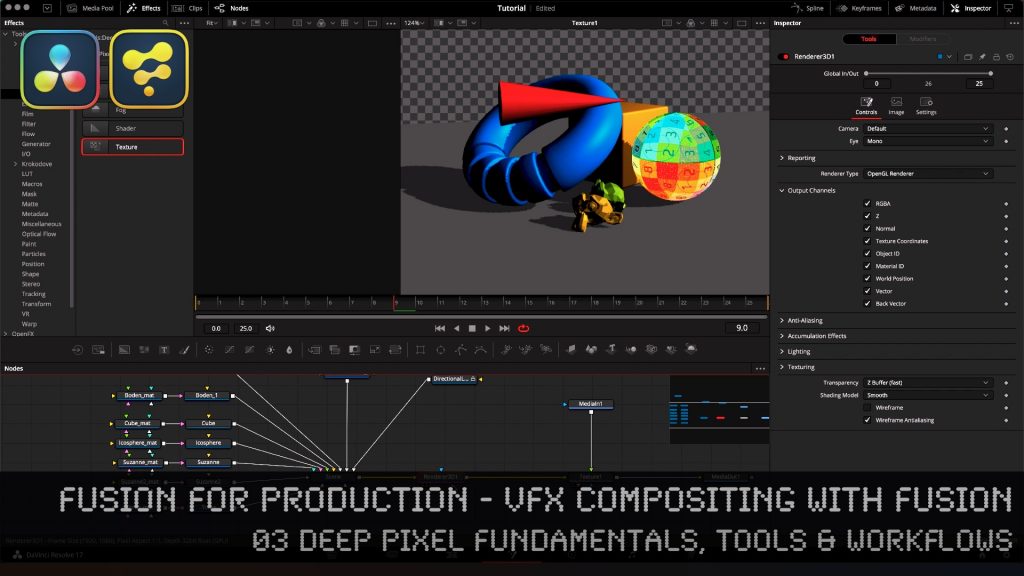
Fusion for Production - VFX Compositing with Fusion - 03 Deep Pixel Fundamentals, Tools & Workflows

In this tutorial series, we will talk about Blackmagic Fusion Studio and Blackmagic DaVinci Resolve (Fusion page) as a professional VFX Compositing package. We will dive into basic workflows and techniques to make your daily compositing work more effective and fun.

In this tutorial, you will learn the Fundamentals of Fusions Deep Pixel workflows, which gives you as a compositing artist an extremely powerful toolset inside of Fusion. You will see which data channels are transported through the composition node flow as Deep Pixel information to help specialized Fusion tools / nodes to make operations like SSAO, Re-Lighting, Re-Texturing, Depth of Field, Vector MotionBlur, Depth Merging, Z-based Masking, ObjectIDs, MaterialIDs and much more. You will see how to generate them directly in the OpenGL renderer of Fusion from a 3D scene so that you can later use the same techniques with MultiChannel EXRs from other 3D packages like Blender, Maya and Houdini.

If you have questions or topics, which should be added, please let me know.

If you want to support me for publishing more free tutorials you could join my Patreons:
https://www.patreon.com/pixeltrain3d

or give me a fast Coffee time Tip:PayPal: https://paypal.me/pixeltrain

These topics are covered in this tutorial:

00:00 Overview of the series and the lesson
00:38 Deep Compositing in NUKEX vs Deep Pixel in Fusion
01:04 What is the Deep Pixel Approach?
04:20 Importing Data into Resolve
05:30 Generating a Fusion Comp inside Resolve
06:55 Bringing a Fusion Studio composition to DaVinci Resolve
08:37 Working with 3D-Scenes in Fusion
10:15 Renderer3D Node
13:12 Understanding Multichannel EXR channels
13:42 Channel mapping in Loaders and MediaIn
16:20 Setting Output Channels for Deep Pixel
17:00 Sampling channels in the Viewer
17:46 Z-Depth
19:31 Deep Pixel Tools / Nodes
19:59 Ambient Occlusion (SSAO) Tool
20:38 Normals
21:05 Settings and usage for Ambient Occlusion
24:12 Depth Blur Tool for Depth of Field
27:55 Fog Tool & Settings
29:03 Volume Fog Tool for Position-based Masking
30:00 World Position Pass
33:20 Using Volume Fog as a Mask
34:45 Z-Merge / Depth-based Merge operations
37:13 Motion Vectors & MotionBlur with the Vector Blur Tool
39:38 Working with ObjectID and MaterialID
42:21 ReLighting & Reflections with the Shader Tool
46:50 Re-Texturing with the Texture Tool
47:44 Understanding UVs / Texture Coordinates
48:45 Outro

As a Senior 3D & VFX Trainer, Helge Maus teaches 3D- & VFX Applications for 20 years. His focus lies on VFX, but he also works with many studios and agencies from different visualization areas. He focuses on Houdini FX, Blender, and NUKE for his daily work and training.

Find more information on www.pixeltrain.net
YouTube: https://www.youtube.com/pixeltrain3DVFXTrainings
Twitter: https://twitter.com/pixeltrain
Blog: http://www.helgemaus.com
Mastodon: https://mastodon.art/web/@pixeltrain3d
Instagram: https://www.instagram.com/pixeltrain3d/
LinkedIn: https://www.linkedin.com/in/pixeltrain/
Artstation: https://www.artstation.com/pixeltrain

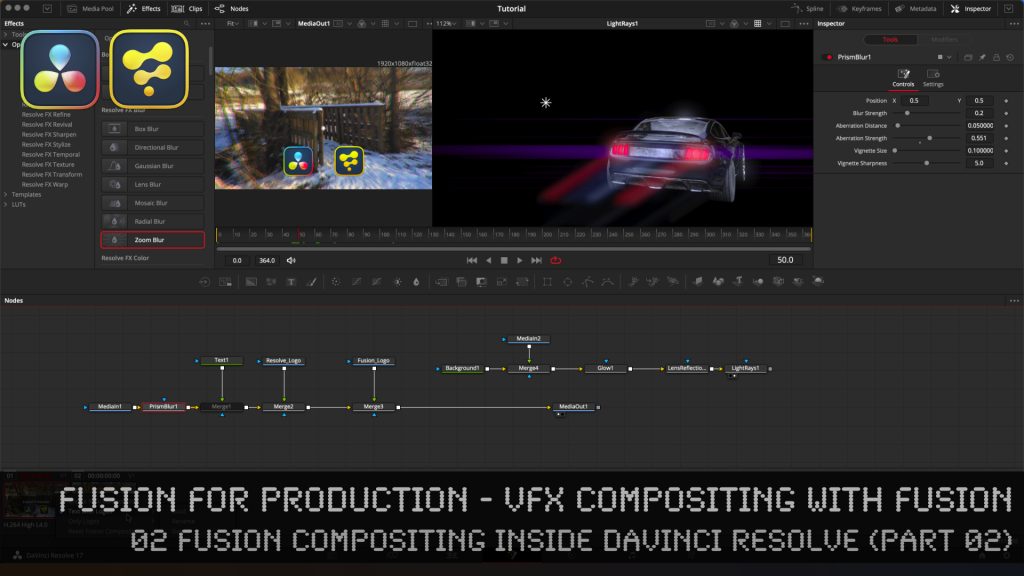
Fusion for Production - VFX Compositing with Fusion - 02b Fusion Compositing inside DaVinci Resolve

Here is the second part of last weeks tutorial. In this second part of lesson two, we will examine how to work with Fusion inside of DaVinci Resolve. I will show you different ways of making Fusion composites, some on the timeline, but also independent from the timeline. Also, you will learn how to have several versions on Fusion comps on a Timeline Clip for making variants or versions of your work.

Then we will discuss and solve some of the most asked problems when working with Fusion inside of the DaVinci Resolve Environment, for example how to import EXR and PNG sequences from Blender and other DCCs, how and when to use MediaIn Nodes correctly, how to add Loaders and Savers to your toolbar, how to split EXRs in severals Loaders with the Hos_SplitEXR script and how to get your Linear EXRs correctly into the Viewer. 

Also, we talk very briefly about ColorManagement for VFX assets in DaVinci Resolve and where to find the Resolve FX OFX plugins, which you can directly use inside of Fusion in the DaVinci Resolve Environment.

It’s quite a long tutorial, but I believe that it gives you everything you have to know if your want to start comping with Fusion inside of DaVinci Resolve and helps you around the common pitfalls.

If you have questions or topics, which should be added, please let me know.

If you want to support me for publishing more free tutorials you could join my Patreons:

Become a Patron!

or give me a fast Coffee time tip:
PayPal: https://paypal.me/pixeltrain

Have fun!