

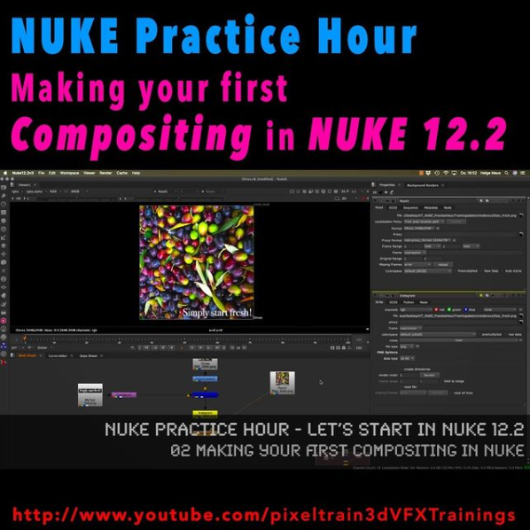
Today I have finished the first module of our „Nuke Practice Hour“ with the last tutorial about Linear Color, 32Bit Floats and EXRs in Foundry Nuke 12.2. The title of this Module is “Let’s start in NUKE 12.2“ and I have covered the most important concepts you have to learn when starting with node-based Compositing in NUKE.

Thanks a lot for all the positive feedback.

The next module will follow soon 🙂

01 Introduction to the NUKE 12.2 Interface

02 Making your first compositing in NUKE

03 Layers, Channels & Shuffle Nodes in NUKE

04 Understanding Premults & Alphas in NUKE

05 Linear Color, 32Bit Float & EXRs in NUKE

Here is my YouTube for all my tutorials about Houdini, Blender, Nuke & more:
https://www.youtube.com/pixeltrain3DVFXTrainings

BTW, if you want to support my work with these free tutorials, please subscribe to my YouTube channel, give me a ThumbsUp for the content you like. Also, I have a Patreon page, starting with $1 per month. That’s a nice way to say “Thank You”: https://www.patreon.com/pixeltrain3d


If you like Helge’s Tutorials, give him some support to go on!

If you want to support Helge Maus for publishing more free tutorials, you can join his Patreons:
https://www.patreon.com/pixeltrain3d

Or if you want to buy me a coffee or pizza, here’s my Tip Jar:
https://www.paypal.com/donate/?hosted_button_id=72PHXB852BW5A

Thanks for your support!


Find more information on www.pixeltrain.de

YouTube: https://www.youtube.com/pixeltrain3DVFXTrainings

VIMEO: vimeo.com/pixeltrain

LinkedIn: linkedin.com/in/pixeltrain

Artstation: https://www.artstation.com/pixeltrain

Instagram: https://www.instagram.com/pixeltrain3d/

Facebook: https://www.facebook.com/helge.maus

Twitter: https://twitter.com/pixeltrain
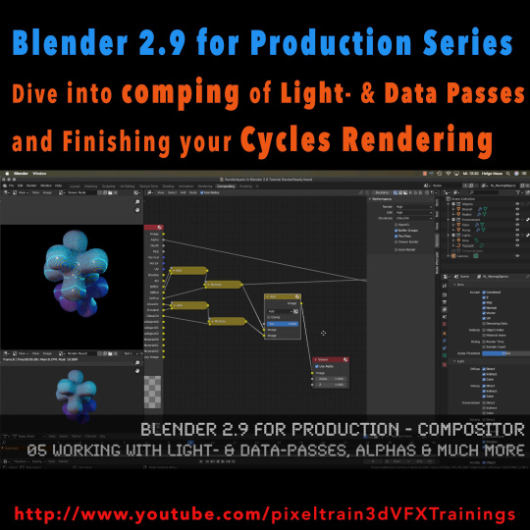
The first module of my „Blender 2.9 for Production“ series is done. In this first module we’ve talked about the build-in node-based Compositor of Blender 2.9 and how to work with it in an effective integrated workflow. You have learned how you set up Render-Layers and -Passes and how to work also with external OpenEXRs from other 3D-Applications and Renderers. My conclusion is, that this Compositor is a really powerful addition to every workflow and I am hoping for more improvements in the future.

01 Introduction to the Blender Compositor Workflow

02 Basic Compositing Tasks in Blender 2.9 Compositor

03 RenderLayers, Collections & Ray-Visibility

04 RenderLayers, LightPasses & DataPasses

05 Working with Light- & Data-Passes, Alphas and much more

I hope, you enjoyed this series and learned a lot. But for now I will dive into the new Houdini 18.5 stuff.

Let’s say it like that „I will be back“ 😉 Blender 2.91 is around the corner and I will continue this „Blender 2.9 for Production“ series with the 2D- & 3D-Tracking system.

If you have questions or topics, which should be added, please let us know.


If you like Helge’s Tutorials, give him some support to go on!

If you want to support Helge Maus for publishing more free tutorials, you can join his Patreons:
https://www.patreon.com/pixeltrain3d

Or if you want to buy me a coffee or pizza, here’s my Tip Jar:
https://www.paypal.com/donate/?hosted_button_id=72PHXB852BW5A

Thanks for your support!


Find more information on www.pixeltrain.net

YouTube: https://www.youtube.com/pixeltrain3DVFXTrainings

VIMEO: vimeo.com/pixeltrain

LinkedIn: linkedin.com/in/pixeltrain

Artstation: https://www.artstation.com/pixeltrain

Instagram: https://www.instagram.com/pixeltrain3d/

Facebook: https://www.facebook.com/helge.maus

Twitter: https://twitter.com/pixeltrain
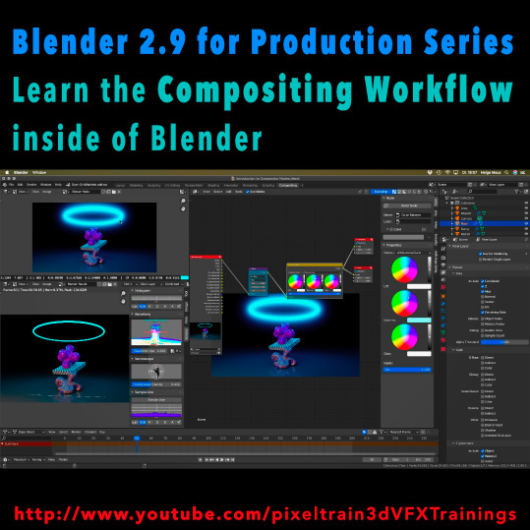
Learn the Compositing Workflow inside of Blender!

Today, I have started a new tutorial series for Blender 2.9 “Blender 2.9 for Production”.

This tutorial series „Blender 2.9 for Production“ focuses on Blender 2.9 as a full Production Suite for (Indie) 3D- & VFX Productions. In this tutorials, I will explain how to work with the different Modules of Blender 2.9 and how they are connected to each other. I will give you an introduction of the specific functionalities, but also the production context and workflows, which can help you to use Blender in your productions.

The first tutorial is online now on my YouTube – enjoy!

These topics are covered:
  • Overview over the series
  • Understanding the Blender Render Process
  • Rendersettings
  • Image Editor Window
  • Direct Saving of Render Results
  • Images in Blender’s Memory
  • Re-open a previous render
  • Slots for Comparison
  • View Layers (Renderlayers) & Render-Channels / Passes / AOVs
  • Differences in saving Stills vs. Animations
  • Understand Blender’s Post Processing Pipeline
  • Adding Channels in the View Layer Properties
  • Denoising Data, Mist, Cryptomatte Passes
  • Renderlayers & Composite Node
  • Loading pre-rendered images or sequences
  • Outputting compositing results as EXRs
  • Adding Output Channels for the EXR export
  • Using the Node Wrangler
  • Adding useful Keyboard Shortcuts
  • Node Search Shortcut
  • Adding some Quick Favorites
  • Adding Nodes to the stream
  • Deleting Nodes
  • Working effective with the Viewer Node
  • Backdrop Image / Image Viewer
  • Saving out final stills directly
  • Finding the control widgets for special nodes
  • Performance Settings
  • Sampling Colors
  • Float normalized Colors Adding a Glow
  • Rendering & Comping a whole animation at once

If you have questions or topics, which should be added, please let us know.

If you want to support Helge Maus for publishing more free tutorials you could join his Patreons: https://www.patreon.com/pixeltrain3d

Find more information on pixeltrain.de YouTube: https://www.youtube.com/pixeltrain3DVFXTrainings

VIMEO: vimeo.com/pixeltrain

LinkedIn: linkedin.com/in/pixeltrain

Artstation: https://www.artstation.com/pixeltrain

Instagram: https://www.instagram.com/pixeltrain3d/

Facebook: https://www.facebook.com/helge.maus

Twitter: https://twitter.com/pixeltrain



Willst Du The Foundry Nuke lernen?

Bist du begeistert und fasziniert von den Möglichkeiten, die Dir dieses Compositing Tool eröffent und kannst es nicht erwarten, endlich zu verstehen, wie diese Node-basierende Software tickt?

>> Dann komm’ zu uns ins pixeltrain studio und ergreife die Möglichkeit, Nuke in nur 2,5 Tagen schnell, kompakt und effizient von Helge zu lernen.

So schnell und so kostengünstig bekommst Du selten die Möglichkeit, Dich in Nuke einzuarbeiten.


Wir freuen uns, wenn wir Dich im pixeltrain studio begrüßen können und holen Dich gerne vom Bahnhof oder Flughafen in Graz ab.

Unterkünfte gibt’s kostengünstig bei uns um die Ecke:

Bauerhof Zoller www.bauernhofzoller.com oder
Gasthof Gruber www.gasthof-gruber.at


Hier noch mal die Eckdaten auf einen Blick:


>> First Steps in NUKE

Lerne schell, effizient und kompakt die grundlegende Arbeitsweise von The Foundry NUKE in nur 2,5 Tagen im pixeltrain studio zu einem unschlagbaren Preis. Die Welt des Compositings wartet auf Dich!

Datum: 28. September – 30. September 2017 (Donnerstag Mittag – Samstag Abend)

Ort: pixeltrain studio, Feldbacherstrasse 493, 8311 Markt Hartmannsdorf / bei Graz
Kosten: 670 Euro exkl. Ust.

Mehr INFOS zu Anreise, Unterkunft und Anmeldung gibt’s HIER >> oder gerne auch persönlich unter info(at)pixeltrain.de oder ++43.699.10669979


Im aktuellen Compositing-Sonderheft der Digital Production (Sonderheft-Compositing) dreht sich alles um das Thema Compositing-Software und -Workflows. Hierbei wird ein umfassender Überblick über die Geschichte des Compositings, den Markt und die verfügbaren Tools, sowie Trends gegeben.

Es wird Einsteigern und Umsteigern den Überblick über alle Möglichkeiten gegeben – egal, ob Sie als One-Man-Band Ihr Repertoire erweitern wollen, als Einsteiger den ersten Überblick suchen oder als alter Hase mal über den Tellerrand schauen wollen.

Es wird ein großen Bogen geschlagen – von einer Grundlageneinführung zur Geschichte und den Standards des Compositings bis zu den Trends und Tools, flankiert von Projekten, Anwenderinterviews und Workshops.

Ich habe für dieses Sonderheft zwei Artikel geschrieben, die ich Ihnen hier kostenfrei anbieten kann:

Aufbruch in die node-basierenden Compositing-Welt

NUKE Compositing-Workflow


Wer tiefer in die Arbeit mit NUKE 6.3 / NUKEX 6.3 einsteigen möchte, biete ich mit meiner Firma pixeltrain (www.pixeltrain.de) Firmen- und Individualtrainings in D, AT und CH an. => Link zu den NUKE-Trainings

Viel Spass damit!

Helge Maus