pixeltrain | Helge Maus is teaching online Blender & Godot

You are looking for an online class for your Blender Learning Path with a well structured curriculum?
 With our module course system you build your own learning path tailored to your needs. You can book only one or two or all the modules, however you want 🙂

pixeltrain’s Academy is characterized by small learning groups, well-structured units while keeping room to meet the needs of each individual.

All sessions are held live by Senior 3D & VFX trainer Helge Maus.

Module 1: Blender Fundamentals
20.+21. Jan. ’25
27.+28. Jan. ’25

Module 2: Blender Shading & Rendering
10.+11. Feb. ’25
17.+18. Feb. ’25

Module 3: Blender Animation & Rigging System
10.+11. Mar. ’25
17.+18. Mar. ’25

What we offer:
– Each module consists of 4 live sessions with a total length of 16 hours (4 x 4 hours)
– Each module takes two weeks with two sessions each week (Tuesday + Wednesday)
– Live sessions + downloadable recordings of each session
– Exercises + feedback
– Private discord channel for the students

Information and registration:
👉 https://www.pixeltrain.net/pixeltrains-academy/

If you have any questions, please let me know 🙂
Blender Kurse mit 3D Senior Trainer Helge Maus / pixeltrain

The last Blender training courses for this year still have a few seats available. I’m looking forward to help you deepen your Blender production knowlege.

These trainings are delivered in person by Senior Trainer & Mentor Helge Maus.
Helge teaches 3D-, VFX & Game software and workflows for over 20 years.

If you are interested in an individual Blender or Godot Game Engine training with Helge Maus, you can reach us by email info(at)pixeltrain.net.

Blender – Shading, Lighting & Rendering

Nov. 28.+29, online, German language

👉 https://visualisierungs-akademie.ch/de/kurs/blender-renderingkurs/98514946-325f-4818-bcdb-4f6b351a490b

Two days of intensive training for everyone who wants to use Blender to create sophisticated materials, shaders and visualizations for architecture, product design, games & film. In addition to photorealistic rendering, you will also learn techniques for non-photorealistic rendering for animation, motion design, manga, comics and architecture.

Blender – Animation & Rigging

Dec. 05.+06, online, German language

👉 https://visualisierungs-akademie.ch/de/kurs/blender-animationskurs/68ff897c-f766-4119-bea3-9f3422704d2f

Learn the powerful Blender animation system from scratch. Immerse yourself in the various editors such as Dopesheet, Curves and NLA and learn how to bring your scenes to life. We also dive into the exciting world of rigging in Blender. Learn about organic and non-organic rigging, as well as the powerful built-in add-on Rigify.

P.S. If you are looking for these training in English or for your company, please reach out to me. Let’s talk!

I’ve released a new Blender tutorial on YouTube. In this tutorial we will talk about the work with instanced collections in production, why they are so important but also which problems will come up if you don’t organize them correctly. We talk about some strategies to find the source collection of the instances in one scene, but also when they are linked from the outside. Then we look into a great free add-on / extension with the name „Edit Instanced Collection“, which helps you to modify the content of a collection easily.

[Tutorial] Blender 4.2 for Production – How to effectively use and edit instanced collections

You find the add-on here:

https://github.com/SuperFLEB/BlenderEditCollectionAddon

These topics are covered in this tutorial:

00:00 Helge Introduction
00:38 Introduction of instanced collections in production
01:20 Explanation of instanced collections
03:08 How to instance them
04:05 Object Data & Object Data Properties
05:02 Solutions of finding the source collection
07:57 Installation of add-on „Edit instanced Collection“
09:21 Generate a temp scene with the instanced content
10:22 Modifying the source of a collection
11:39 Changing all the instanced collections
13:00 Wrapping up

As a Senior 3D & VFX Trainer, Helge Maus teaches 3D- & VFX Applications for over 20 years.
His focus lies on Generalist work for VFX and Games. He works with studios, agencies and freelancers from different visualization areas and from the games industry.

Meanwhile he focuses on Blender, Unity, Godot & Fusion for his daily work and training. His strong industry background in teaching Houdini FX, Nuke, and Maya over many years helps him to train artists from the industry within a wide production context.

If you have questions or topics, which should be added, please let me know.

If you want to support me for publishing more free tutorials you could join my Patreons:
https://www.patreon.com/pixeltrain3d

or give me a fast Coffee time Tip on
PayPal:
https://paypal.me/pixeltrain

Find more information on www.pixeltrain.net

YouTube: https://www.youtube.com/pixeltrain3DVFXTrainings
LinkedIn: https://www.linkedin.com/in/pixeltrain/

Mastodon: https://mastodon.art/web/@pixeltrain3d
BlueSky: https://bsky.app/profile/pixeltrain3d.bsky.social

Flipped Normals: https://flippednormals.com/creator/pixeltrain3d
Blender Market: https://blendermarket.com/creators/pixeltrain3d

I’ve released a new “Blender for Production” tutorial. Today I talk about ways to bookmark the Blender 3D view, generate cameras from the current view and how to animate camera switches easily.

Have fun!

Helge

P.S. You can also get this and many more Blender tutorials on my Patreon page:
https://www.patreon.com/pixeltrain3d

Just added a new lesson to my “Blender Fundamentals” publication about the changes in the Blender 4.2+ Auto Smooth / Normals workflow.

I also made this lesson free for everyone on my free Patreon here:

https://www.patreon.com/posts/tutorial-blender-112301874?utm_medium=clipboard_copy&utm_source=copyLink&utm_campaign=postshare_creator&utm_content=join_link

Have fun!

P.S. Keep in mind, it’s a lesson from a beginners publication 😉

Blender Kurse mit 3D Senior Trainer Helge Maus / pixeltrain

Blender Trainings in 2024

(English below 👇 )
Das zweite Trainings-Semester 2024 hat begonnen und diese Woche starte ich mit dem ersten 2-tägigen Blender Fundamentals Kurs. Wie immer in Zusammenarbeit mit der Visualisierungs-Akademie Schweiz GmbH.

In den jeweils 2 Tagen lernst Du online mit mir in deutscher Sprache Blender praxisnah kennen. Die Gruppen sind klein, so dass jeder genug Zeit bekommt seine Fragen zu stellen und optimal zu lernen.

Wir haben noch frei Plätze 😉

Blender Fundamentals
29.+ 30. August
👉 https://visualisierungs-akademie.ch/de/kurs/blender-einfuhrungskurs/21d29c48-ee8a-4549-a500-6f82f7ff7ddc

Blender Shading und Rendering
26.+ 27. Sept
👉 https://visualisierungs-akademie.ch/de/kurs/blender-renderingkurs/98514946-325f-4818-bcdb-4f6b351a490b

Blender Animation & Rigging
10.+ 11. Okt
👉 https://visualisierungs-akademie.ch/de/kurs/blender-animationskurs/68ff897c-f766-4119-bea3-9f3422704d2f

Blender Polygon Modeling
24.+ 25. Okt
👉 https://visualisierungs-akademie.ch/de/kurs/blender-modelingkurs/ff1b0321-e948-41c1-bca6-1c23651e75ea


(english)
P.S. If you are looking for these training in english, please let me know as DM.
I also deliver corporate remote training for all kinds of Blender topics.

The second training semester of 2024 has begun and this week I’m starting the first 2-day Blender Fundamentals course. As always in collaboration with the Visualization Academy.

During the 2 days you will get to know Blender in a practical way online with me in German. The groups are small so that everyone has enough time to ask their questions and learn optimally.

We still have seats available 😉

P.S. If you are looking for these training in english, please let me know as DM.
I also deliver corporate remote training for all kinds of Blender topics.

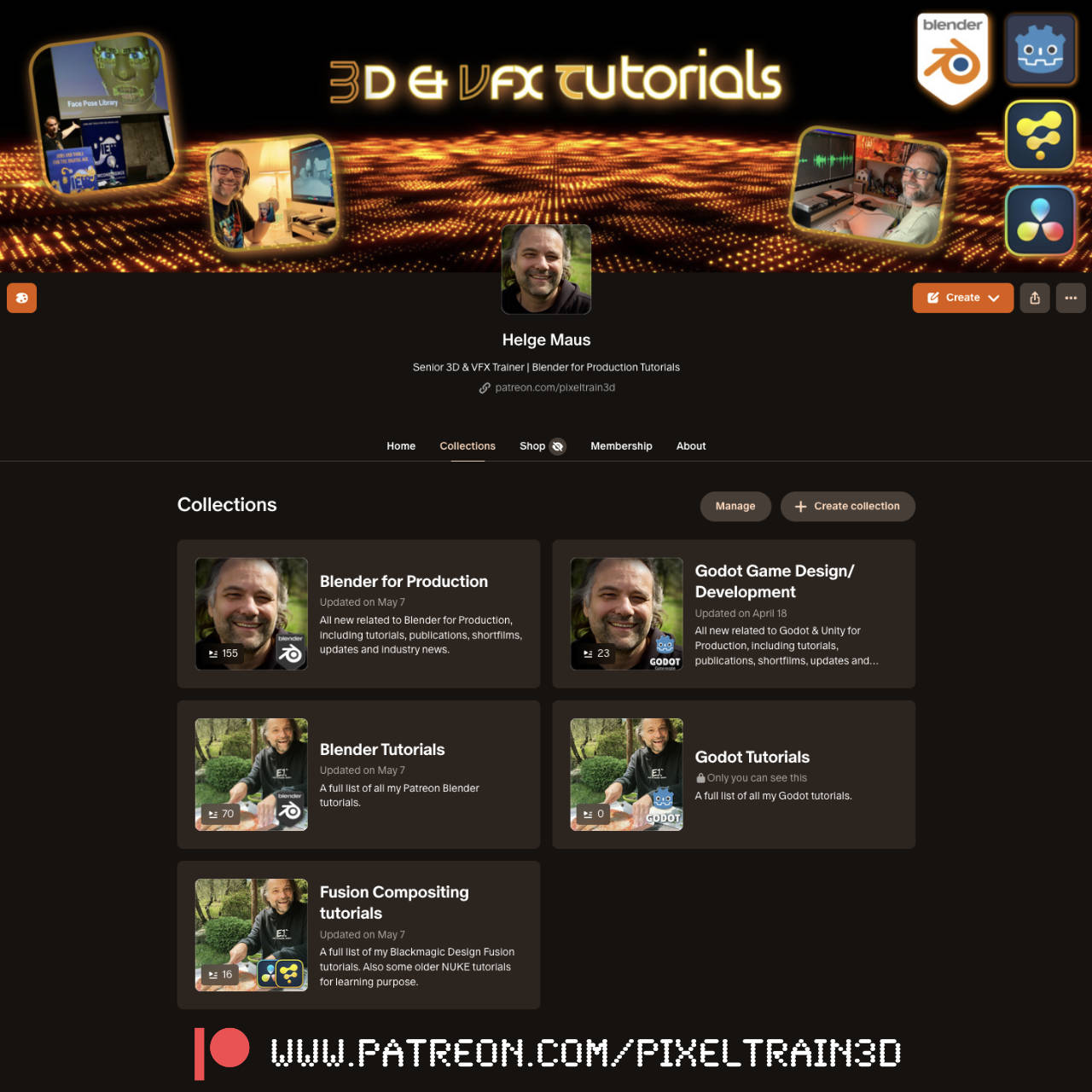
patreon Page of Helge Maus / pixeltrain - Blender - Godot - Fusion

I’m not sure if you all have seen it, but I started to upload all the tutorial videos of my “Blender Fundamentals” publication to my Patreon for the $5 tier. At the end it will be around 25 hours of content 😉

I plan for the future, that following publications about Blender and Godot will be published as a buyable product and as Patreon videos at the same time. The reason is, that I believe, that Patreons should have all my publication stuff for free as a “Thank you 💖 ” for their support.

https://www.patreon.com/pixeltrain3d/posts

I also published more technical articles and news about Blender and Godot in the last weeks with the goal that you find my free Patreon also a good resource of industry news. And, most important, ad-free. I will invest even more time in that in the future.

Thank you all for your support, have a great day.

Helge

P.S. These tutorials can be found in the Collections Tab under “Blender Fast Forward”. Still many to upload in the next weeks 😉https://www.patreon.com/pixeltrain3d/collections

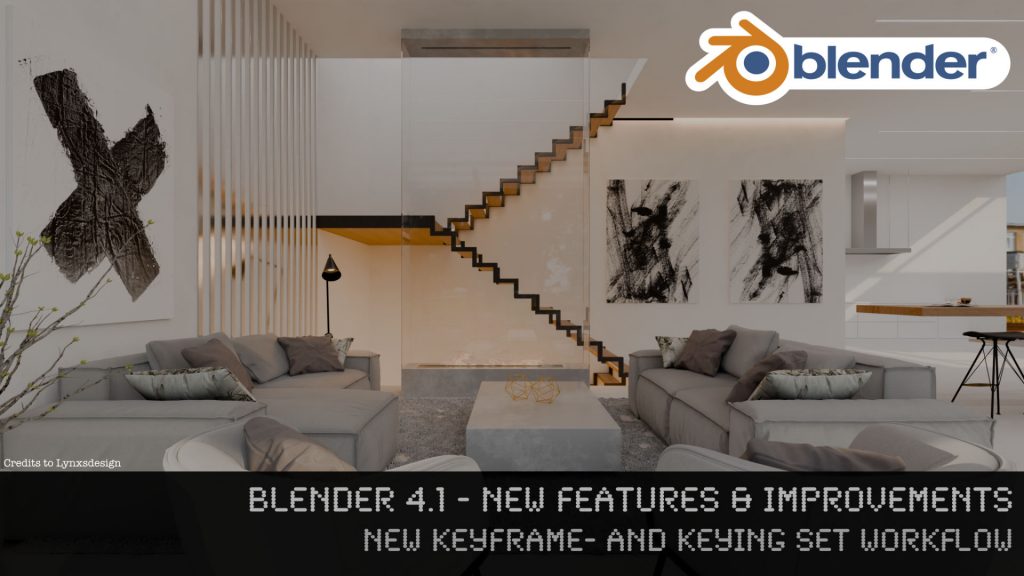
Tutorial Blender 4.1 - New Features - Keyframes & Keying Sets by Helge Maus / pixeltrain

Just published a short Blender tutorial on YouTube. It’s about the changes and improvements of the keyframing workflow in Blender 4.1 .

This video was recorded some time ago for my Patreon page (👉 https://www.patreon.com/pixeltrain3d ) and thanks to my supporters it’s now also on YouTube:

👉 https://youtu.be/v9ZjkkUVVr8?si=2VgKLISXoMI44RSe

Have fun!

Helge

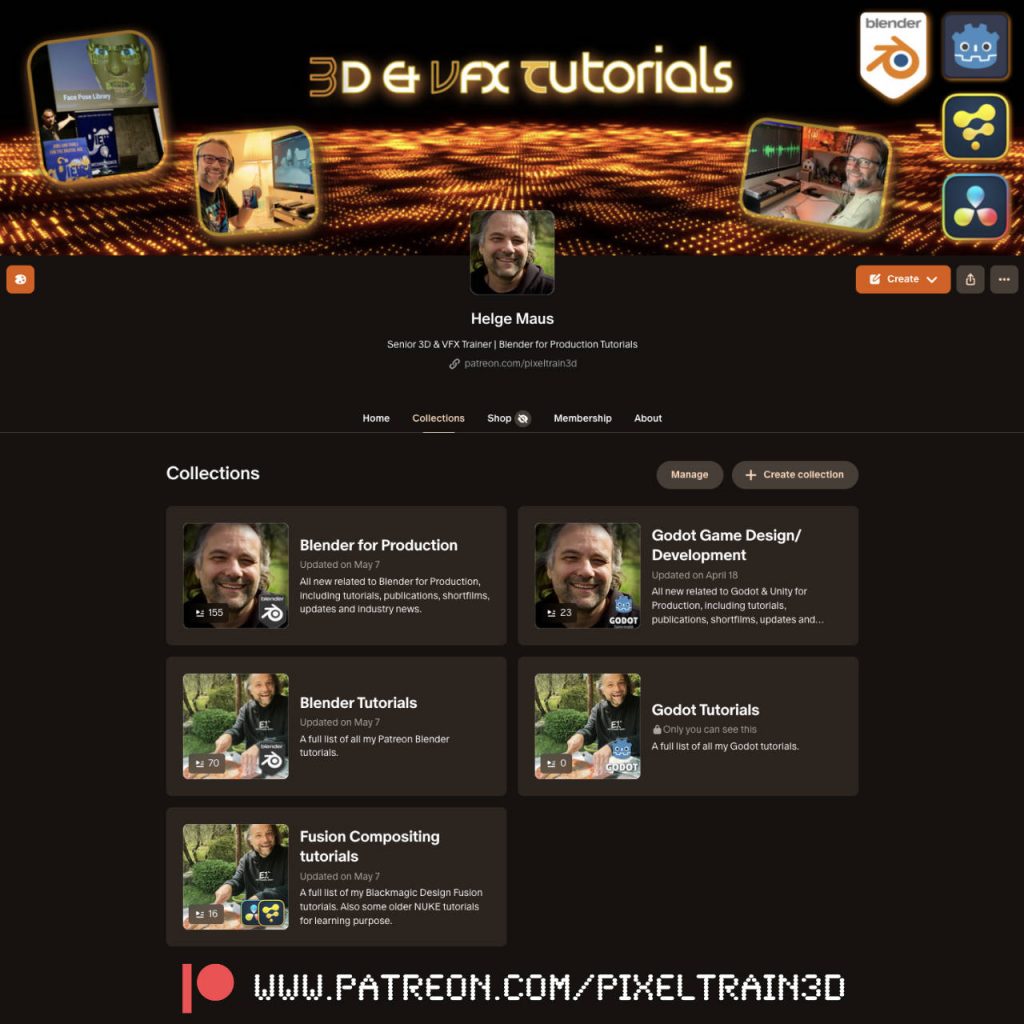
pixeltrain Patreon by Helge Maus. Blender & Godot tutorials.

As many of you probably know, in addition to my normal job as trainer for 3D, VFX and games, I also publish many free video tutorials and articles on industry-relevant topics.

Since I’m lucky enough that some nice folks support me on Patreon, you’ll find everything collected there again in my profile. And, unlike on YouTube, you can enjoy my videos there without any advertising noise and distractions 😉

Screenshot


👉 http://www.patreon.com/pixeltrain3d

Today I’ve created “Collections” for a better overview. I hope this will bring even more order to the many past posts. There is still a lot to do… 😓

P.S. You can also follow my account on Patreon without a paid membership. Most of my posts are free.

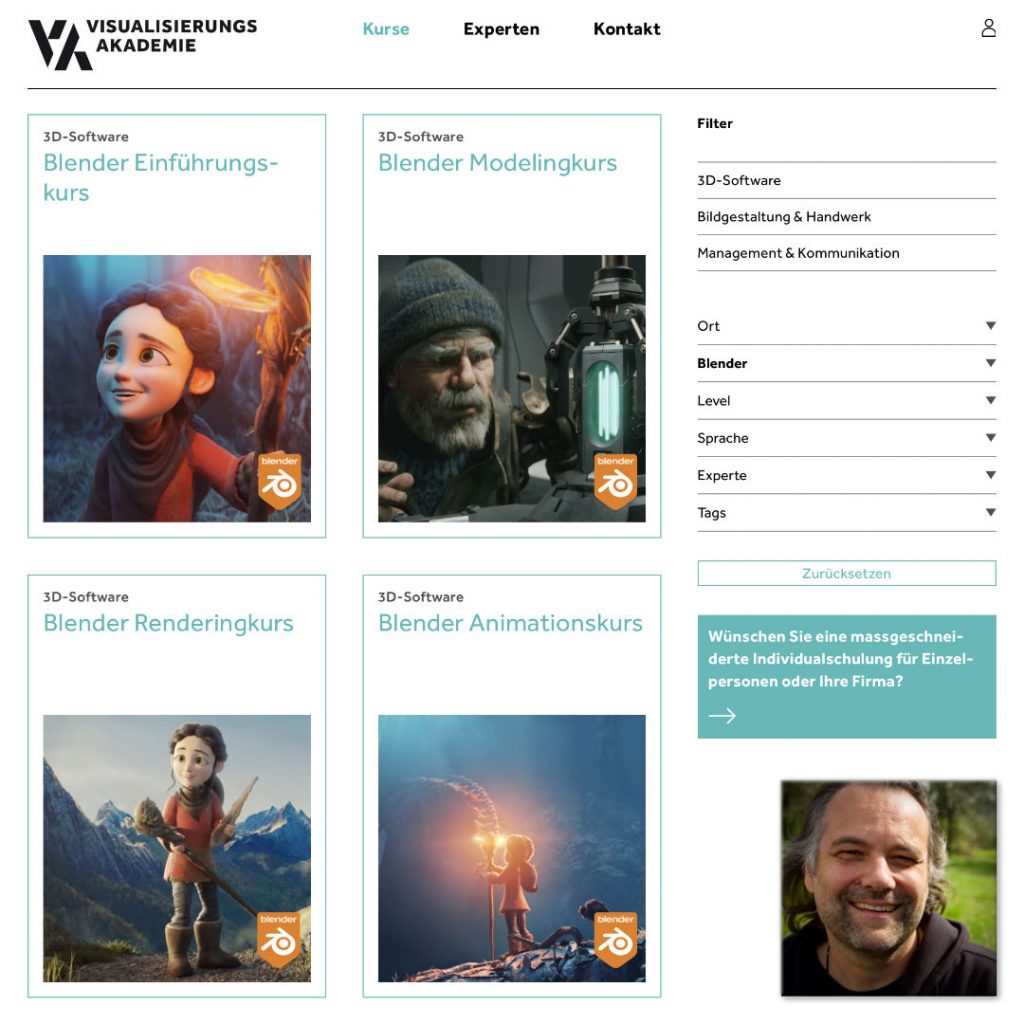
Blender Kurse mit 3D Senior Trainer Helge Maus / pixeltrain

Du möchtest Blender effizient und fundiert lernen und fit werden für die tägliche Produktion?
Dafür habe ich in Zusammenarbeit mit der Visualisierungs-Akademie ein komplettes Kursprogramm konzeptioniert.
Diese Kurse werden online in kleinen Gruppengrößen in deutscher Sprache durchgeführt. 

Mehr Informationen und die aktuellen Termine findest Du hier:
👉 https://visualisierungs-akademie.ch/de

Blender Grundlagen
👉 https://visualisierungs-akademie.ch/de/kurs/blender-einfuhrungskurs/21d29c48-ee8a-4549-a500-6f82f7ff7ddc

Blender Modelingkurs
👉 https://visualisierungs-akademie.ch/de/kurs/blender-modelingkurs/ff1b0321-e948-41c1-bca6-1c23651e75ea

Blender Shading & Rendering Kurs
👉 https://visualisierungs-akademie.ch/de/kurs/blender-renderingkurs/98514946-325f-4818-bcdb-4f6b351a490b

Blender Einführung in Animation & Rigging
👉 https://visualisierungs-akademie.ch/de/kurs/blender-animationskurs/68ff897c-f766-4119-bea3-9f3422704d2f

If you are interested in these trainings in English, please let me know ( info (at) pixeltrain.net ).
I offer cooperate trainings for Blender, one-to-one coaching and also english classroom training.