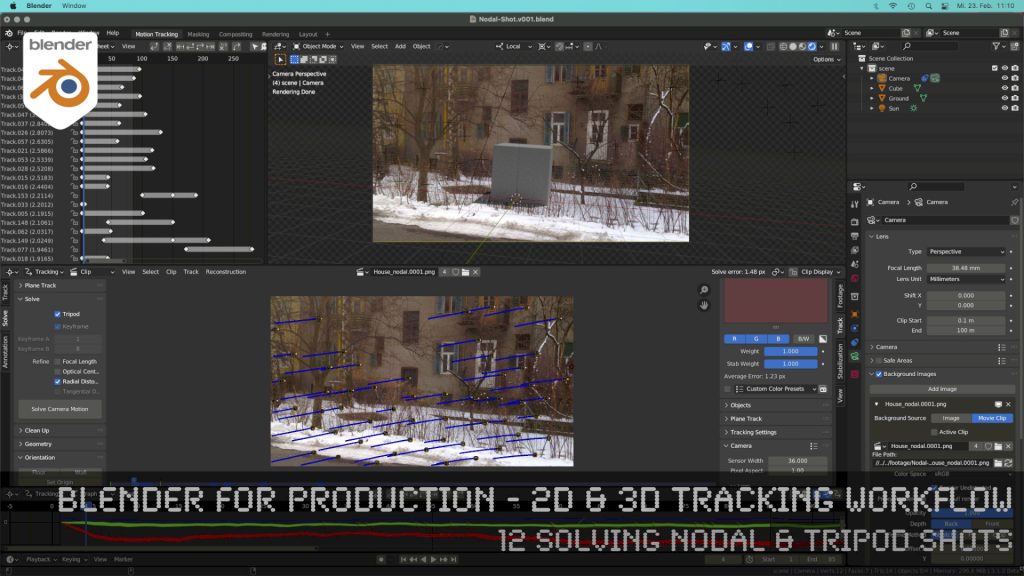
Blender 3.0 for Production - 2D & 3D Tracking Workflow - 12 Solving Nodal & Tripod Shots

How to solve an un-solvable shot without parallax? In this lesson we will talk about that.

Have fun!

Helge

Blender 3.0 for Production – 2D & 3D Tracking Workflow – 12 Solving Nodal & Tripod Shots

These topics are covered in this tutorial:

  • Importance of Nodal Shots for production
  • Analyzing the shot
  • Trying to solve with semi automatic tracking
  • Detect features
  • Camera Settings
  • Solving Keyframes
  • Finding problematic trackers
  • Cleaning up trackers automatically
  • Indicators for a nodal shot in the result
  • Start again, but the right way
  • Clearing out a previous solve
  • Definition of a Nodal / Tripod Shot
  • Solver Tripod Mode
  • Focal Length
  • Lens Distortion
  • Setup a tracking scene
  • Understanding the Camera-Movement
  • Tracker Markers in 3D
  • Setting up a logical manual scene
  • Aligning you camera more easily
  • Working with the 3d cursor
  • Adjusting the Transform Pivot
  • Building a fast Shadow Catcher Setup
  • Cycles Setup
  • Check the Camera-Tracking in a short animation
  • Using an external free Animation Player (DJV2)

If you want to use the same footage, here is my Gumroad link:

https://pixeltrain3d.gumroad.com/l/GEdjT

Be aware, that these files are included in my Patreon 😉

https://www.patreon.com/pixeltrain3d

This tutorial series „Blender for Production“ focuses on Blender as a full Production Suite for (Indie) 3D- & VFX Productions. In these tutorials, I will explain how to work with the different Modules of Blender and how they are connected. I will give you an introduction to the specific functionalities, but also the production context and workflows, which can help you to use Blender in your productions. 

As a Senior 3D & VFX Trainer, Helge Maus teaches 3D- & VFX Applications for 20 years. His focus lies on VFX, but he also works with many studios and agencies from different visualization areas. He focuses on Houdini FX, Blender, and NUKE for his daily work and training.
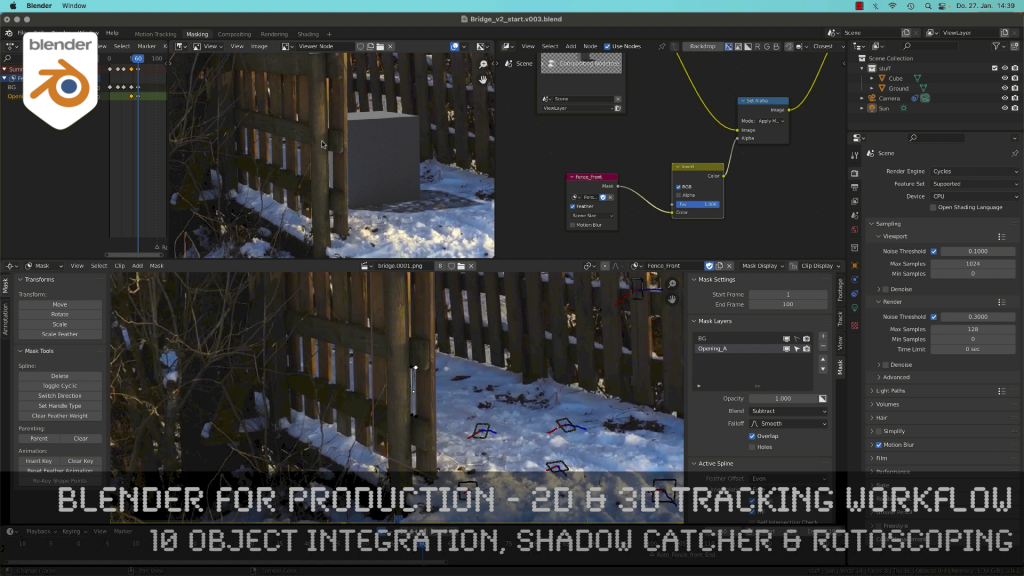
Blender 3.0 for Production - 2D & 3D Tracking Workflow - 10 Object Integration, Shadow Catcher & Rotoscoping

Today, I’ve just published my next Blender 3.0 tutorial.
We talk about 3D-Object Integration, Shadow Catchers & Rotoscoping in Blender 3.1 after 3D-Tracking. It’s part of my free “Blender for Production” series. Have fun!

Blender Studio Project - Heist

Shortly after Sprite Fright, Blender Studio has today announced the next Blender Studio Project. The goal is to develop a high-visual-impact, action-packed 2-minutes-long animation, which is is inspired by the game cinematics and realtime demos formats.

The main goals, beside of making a great short like always, are:

– Challenge Blender and the creative team to make characters and environments at an unprecedented level of realism and complexity

– Push Blender’s capabilities in the interactive PBR workflow, improving and developing new tools (EEVEE, texture painting, baking, etc.)

– Develop and share production assets and pipeline with Blender Studio supporters, and with the film and games industry

This way Blender and it’s tools and workflows will develop much more.

Read more about this project here:

https://studio.blender.org/blog/announcing-project-heist-high-end-cinematic-experience/

Looking forward to it 🙂

Helge

As many of you know, I am a huge fan of Blender. I’m convinced that this free software will be a new industry standard for many visualization and animation projects in the future.

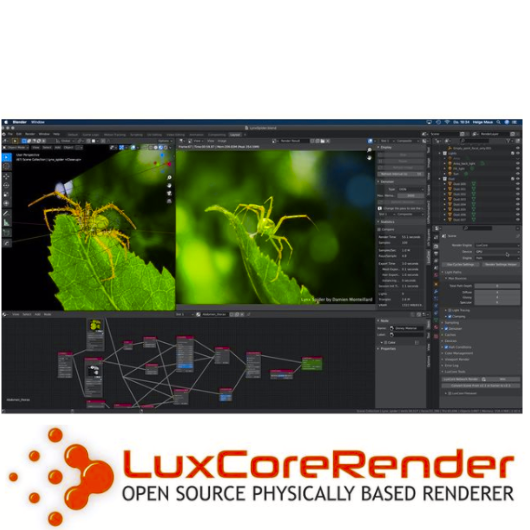
I use Blender with Houdini FX in my trainings and also for personal projects all the time. Besides Cycles and Eevee I am also using LuxCore Renderer for photorealistic rendering with deep ray counts, complex camera effects and light linking. It’s best suited for Architecture, Product Visualization, and many more chases when it comes to realism.

The featureset is great!
And best of all it supports CPU and GPU (also on Mac with AMD cards).

Version 2.5 was just released, take a look here: https://luxcorerender.org

Thanks to the development team!


Here is my YouTube for all my tutorials about Houdini, Blender, Nuke & more:
https://www.youtube.com/pixeltrain3DVFXTrainings

BTW, if you want to support my work with these free tutorials, please subscribe to my YouTube channel, give me a ThumbsUp for the content you like. Also, I have a Patreon page, starting with $1 per month. That’s a nice way to say “Thank You”:
https://www.patreon.com/pixeltrain3d


If you like Helge’s Tutorials, give him some support to go on!

If you want to support Helge Maus for publishing more free tutorials, you can join his Patreons:
https://www.patreon.com/pixeltrain3d

Or if you want to buy me a coffee or pizza, here’s my Tip Jar:
https://www.paypal.com/donate/?hosted_button_id=72PHXB852BW5A

Thanks for your support!


Find more information on www.pixeltrain.net

YouTube: https://www.youtube.com/pixeltrain3DVFXTrainings

VIMEO: vimeo.com/pixeltrain

LinkedIn: linkedin.com/in/pixeltrain

Artstation: https://www.artstation.com/pixeltrain

Instagram: https://www.instagram.com/pixeltrain3d/

Twitter: https://twitter.com/pixeltrain

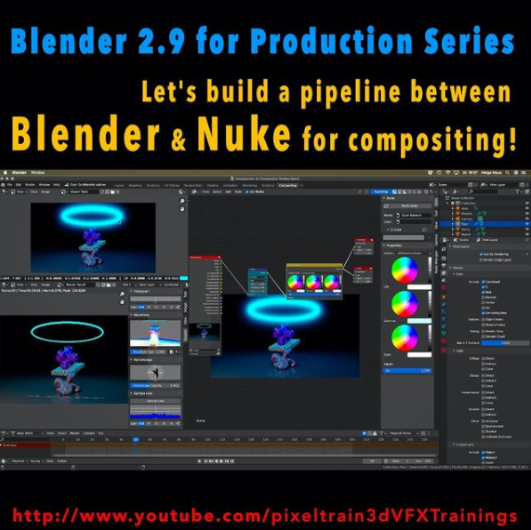
Here is a new tutorial for my series “Blender for Production“.

This time we will talk about an exciting software combination because we start setting up a Blender to NUKE pipeline. YES – Blender is an excellent choice as a 3d application and so it is important to learn how to use it together with Nuke in a compositing pipeline. This series has three parts.

These are the topics:

  • How to set up a Blender to Nuke-Pipeline
  • How to compose the Light Passes from Blender Cycles inside of NUKE
  • How to get a correct World Position Pass. You learn how to fix all the issues which will appear if you try to use a Blender Cycles WPP in NUKE directly. You learn to solve the problems in NUKE, but also in Blender, so you later have a deep understanding of the workflow and solutions. As always we then build our tools for a later production pipeline.

Have fun!
Helge

01 Setting up a Blender to Nuke Pipeline

02 Working with Blender Light Passes in Nuke

03 Building correct World Position Passes and custom AOVS

Here is my YouTube for all my tutorials about Houdini, Blender, Nuke & more:
https://www.youtube.com/pixeltrain3DVFXTrainings

BTW, if you want to support my work with these free tutorials, please subscribe to my YouTube channel, give me a ThumbsUp for the content you like. Also, I have a Patreon page, starting with $1 per month. That’s a nice way to say “Thank You”:
https://www.patreon.com/pixeltrain3d


If you like Helge’s Tutorials, give him some support to go on!

If you want to support Helge Maus for publishing more free tutorials, you can join his Patreons:
https://www.patreon.com/pixeltrain3d

Or if you want to buy me a coffee or pizza, here’s my Tip Jar:
https://www.paypal.com/donate/?hosted_button_id=72PHXB852BW5A

Thanks for your support!


Find more information on www.pixeltrain.net

YouTube: https://www.youtube.com/pixeltrain3DVFXTrainings

VIMEO: vimeo.com/pixeltrain

LinkedIn: linkedin.com/in/pixeltrain

Artstation: https://www.artstation.com/pixeltrain

Instagram: https://www.instagram.com/pixeltrain3d/

Twitter: https://twitter.com/pixeltrain