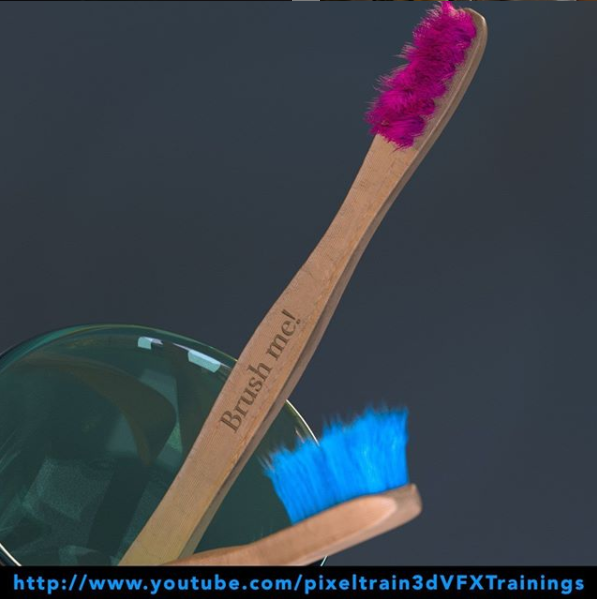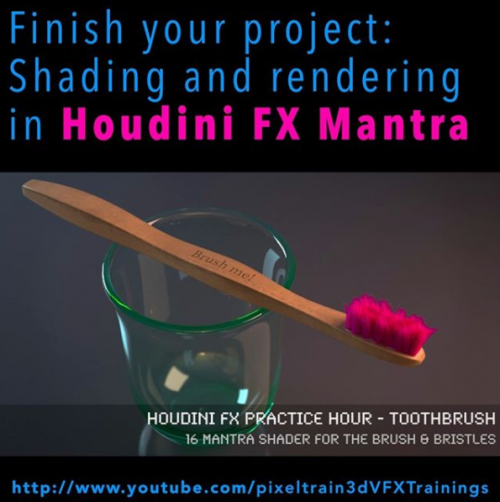
It’s done – today I have finished the complete “Toothbrush” series of my “Houdini FX Practice Hour”.
16 FREE lessons, over 3 hours of training about Houdini FX, Grooming Hair, Substance Painter and Mantra Rendering.
Now I am planing the next project 🙂
YouTube: https://www.youtube.com/pixeltrain3DVFXTrainings
Thanks for subscribing and sharing!
If you want to support me for publishing more free tutorials, you could join my Patreons: https://www.patreon.com/pixeltrain3d
Or you can download the Project files on Gumroad: https://gumroad.com/pixeltrain3d
Link to the YouTube-Playlist “Houdini FX Practice Hour”:
https://www.youtube.com/playlist?list=PLp90cx0wSyKZ2Nxnyp4W-EeaEQBp53k-f
If your are searching for a complete introduction into the fundamentals of Houdini FX, you can take a look here: https://vimeo.com/ondemand/houdinifxfundamentals
In this tutorial, we will finish our project by adding Mantra Shaders for the Brushes and the Bristles.
You will learn to add the external textures from Substance Painter and how to get the right look.
Also, we talk about subnets and how to pack the whole brush into a subnet as a preparation for a later HDA workflow.
These topics are covered:
- Making the Bristles setup moveable
- Working with Subnets
- Re-caching Guide Groom data
- Principled Shader
- Adding Textures (from Substance Painter)
- Normal Maps
- Base Color, Metallic, Roughness Maps
- Houdini Hair Shader for the Bristles
- Changing the Hair
- Generation to SOP Working with the tree view
- Rendering the final image
This tutorial series „Houdini Practice Hour“ is meant for newbies in Houdini FX, who want to learn the basic tasks of modeling, uvs, shading, lighting and rendering on a project base in Houdini FX. I will explain you step by step the workflows and tools, so you can follow along and then experiment to deepen your knowledge. Learning means „getting your hands dirty“. This series doesn’t give you the most effective, elegant or the “only right way”, it’s concepted to give you a solid learning experience.
If your are searching for a complete introduction into the fundamentals of Houdini FX, you can take a look here: https://vimeo.com/ondemand/houdinifxfundamentals
If you have questions or topics, which should be added, please let us know.
Find more information on pixeltrain.de YouTube: https://www.youtube.com/pixeltrain3DVFXTrainings
VIMEO: https://www.vimeo.com/pixeltrain
LinkedIn: https://www.linkedin.com/in/pixeltrain
Artstation: https://www.artstation.com/pixeltrain