Blender Shortfilm Wildheart

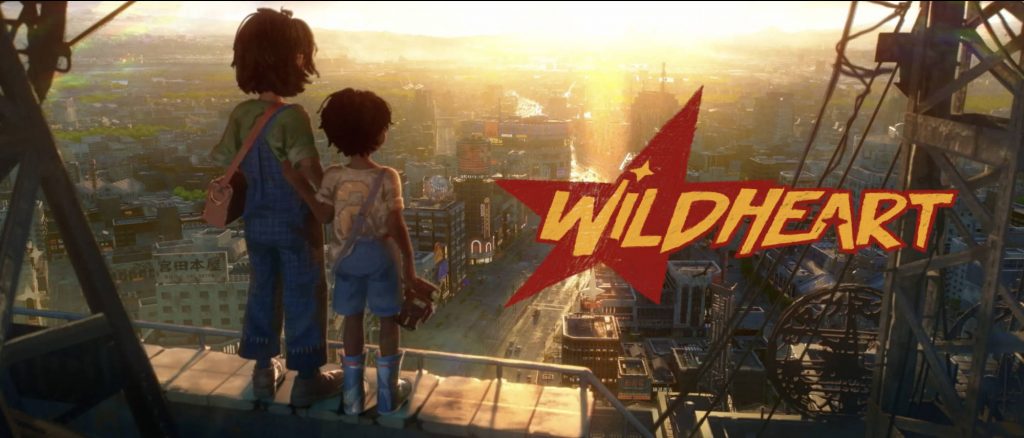
Today I want to share another amazing and beautiful Blender shortfilm project with the name „Wildheart“. The goal of the makers of this short is to make a feature-length film in the future. So they started with this short film. I hope you like it as much as I do!

It tells the story of the bond between two street living kids as they search for a sense of family.

Six year old orphan Kenta and his ten year old friend Makoto team up to search for Kenta’s mother, but their journey becomes a test of their extraordinary bond when they discover that the reunion may come at a cost.

The studio behind this project is named Keytales, located in Paris.

They describe themself as a fun team, eclectic bunch from Japan, Europe, and the USA.

We’re directors, artists, animators, writers, composers, and designers – a mix of industry pros and fresh talents. Together, we’re on a mission to bring a fresh spin to animation, exploring meaningful stories that resonate. We’re all about crafting something that not only reflects our diverse backgrounds and skills but also connects deeply with our audience.

More information:
https://keytales.studio/about

Blender is such an amazing tool for story telling. If you want to learn more about Blender in Production, please visit my Blender trainings website www.pixeltrain.net or reach out directly to me info [at] pixeltrain.net .

Helge Maus 2024

Dear Followers,

Today is officially my second day at work and I would therefore like to wish you all a healthy, successful and happy year 2024. I wish you many creative thoughts and projects.

I would also like to thank my dear Patreons, for their support and loyalty. Their constant support means a lot to me and it motivates me to stay on track with my vision:

I want to give indies an opportunity to learn and develop creatively.
I want artists to be able to make a living from their creativity, no matter where they live and without having to sell themselves, their lives and their families into the big machine of the 3D, VFX and games industry.

I would therefore like to present to you a plan for the first half of 2024.

In addition to further publications about Blender, free tutorials and technical articles, I would also like to spend more time with you as a community. I hope that the pixeltrain Discord Server can become a platform for this, but I’m also looking for other ideas.

The pixeltrain Academy is developing, but I would like to find other platforms for mutual exchange.

For example, live events like the View Conference in Turin, which kindly gives me the opportunity every year to talk about open-source tools like Blender and Godot and to offer training sessions for indies. If you have any further ideas on this, I would be happy to talk about them.

Here are the two big topic areas I want to focus on this year:


Blender for Production

Blender is now widespread in the 3D, animation, VFX and games industries and is already widely accepted. Therefore, having in-depth Blender production knowledge can now be a ticket to a professional career entry.

But Blender is also the all-round solution for artists who work on indie projects, set up indie studios or simply work on their private projects.

I would like to help here and provide suitable training material.


Godot Game Development for Indies

The second big area I want to focus on is game design and development with Godot. Again, it is FOSS – Free Open Source software. For the same reasons I chose Blender.

Godot is available to everyone free of charge, but is also open source. Therefore, there are no license changes, restrictions or anything similar to worry about. And we saw a lot of this in the games sector last year. It has been shown that only „free of charge“ can be very dangerous, Unity, Unreal and others have shown this clearly this year and have threatened the existence of many projects in development and the artists behind them.

Godot is already a capable 2D and 3D (more and more) game engine with a constant and community-driven development cycle.

Godot has its own, highly effective scripting language with GD Script, which is also easy to learn for beginners. Anyone who comes from professional game development, for example from Unity, can also work in C#. Many free add-ons (plugins) extend Godot, similar to what we know from Blender.

The created games or applications can be exported for Windows, Mac, Linux, iOS, Android and, with the help of third-party providers, also on consoles such as XBOX, Playstation and Nintendo Switch.

Game design and development is the consistent development of telling stories and building new user experiences. In addition to the 2D and 3D environment, audio and interactivity give artists further opportunities for expression.

I am currently in the process of transferring, adapting and expanding my long-standing Unity training concepts to Godot. Therefore, I hope that I will soon be able to present you new tutorials, publications and training courses on Godot.

In addition to these projects, I continue to train Blender in company training, one-to-ones and for some training providers in order to be able to pay my bills.

I look forward to your feedback and am excited to see what this new year brings us.

Thank you and best regards

Helge

P.S. If you want to support me and get ad-free tutorials, discount vouchers and more, please consider to become a Patreon. Thanks 🙂

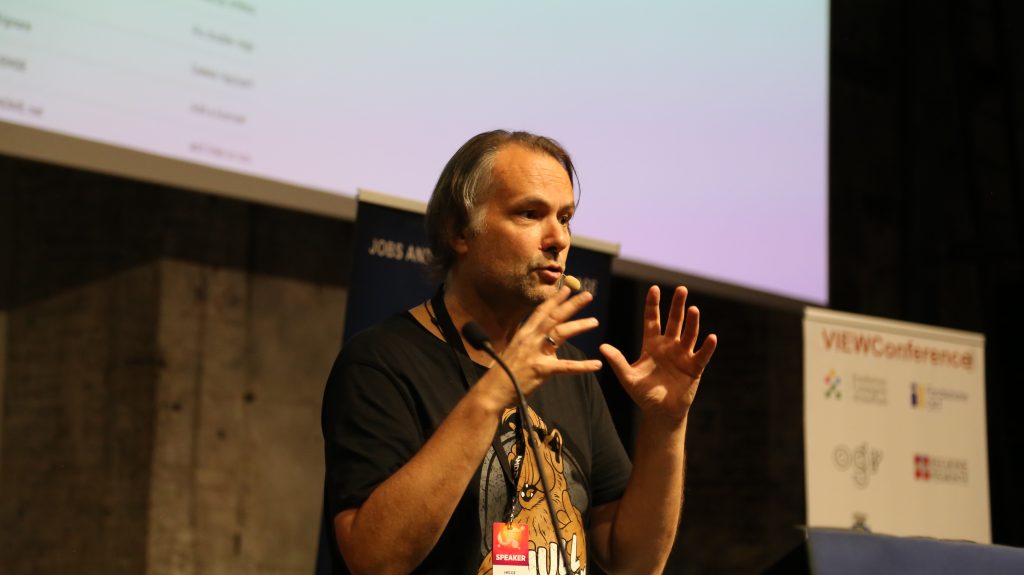
Helge Maus / pixeltrain talking about Blender for Production at the View Conference

Some time ago I had the pleasure to talk to Kirill (Kyrylo) Tokarev from 80.lv about the State of Blender in the industry, how to learn it and my personal journey into the 3d & vfx industry:

https://80.lv/articles/helge-maus-on-the-state-of-blender-and-how-to-learn-it/

Hope you like it and find some inspiration in it!

Helge

P.S. You can also follow me on my (free) Patreon:
https://www.patreon.com/posts/interview-about-95061738?utm_medium=clipboard_copy&utm_source=copyLink&utm_campaign=postshare_creator&utm_content=join_link

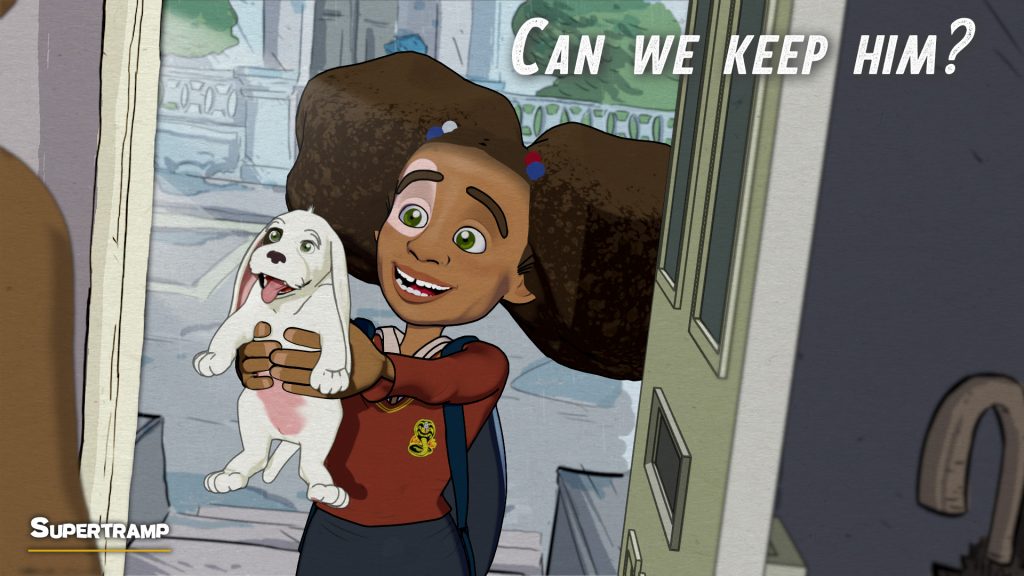
Blender Shortfilm "Supertramp" by Fabrizio Gammardella

Some time ago I’ve written about the Shortfilm “Supertramp” by Fabrizio Gammardella. It was made in Blender by a small team of talented artists. At the moment there is the opportunity to watch it in the free section of the Festival del Cinema di Salerno.

https://show.festivaldelcinema.it/animazione/supertramp/

The film is heartbreaking on one side, but also a wonderful experience to watch. The animation of the dog and the communication without words is done quit well in my opinion.

You find the article about the Making-of here on my free Patreon:

https://www.patreon.com/posts/blender-92163540?utm_medium=clipboard_copy&utm_source=copyLink&utm_campaign=postshare_creator&utm_content=join_link

Blender is such an amazing tool for story telling. If you want to learn more about Blender in Production, please visit my Blender trainings website www.pixeltrain.net or reach out directly to me info [at] pixeltrain.net .

Have fun,

Helge

pixeltrain Blender Academy 2024

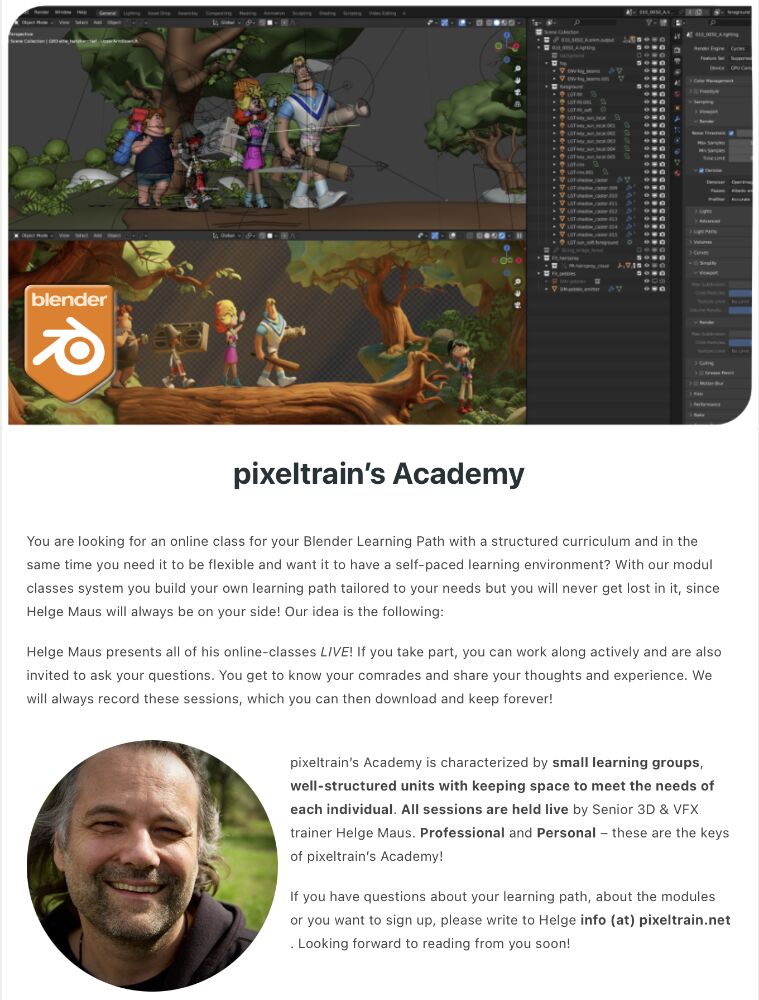
🔥 pixeltrain Blender Academy 2024 🔥 dates are fixed now!

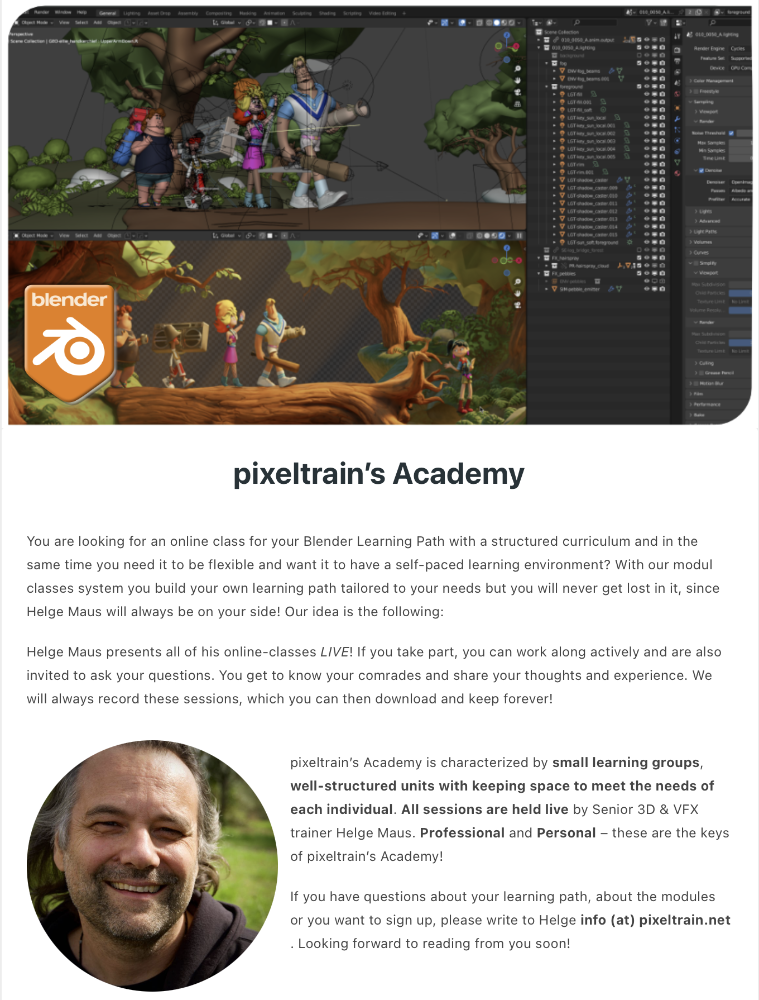
Would you like to learn Blender in a well-founded and practice-oriented way?
Without watching hundreds of redundant and shallow tutorials?

Learn online, with live teaching sessions, in small groups and with personal mentoring from Senior 3D & VFX trainer Helge Maus.

Through our modular system, you can build your own curriculum to suit your previous knowledge, pace and goals.

The next Blender Fundamentals module starts on January 19th 2024, the Blender Shading & Rendering module on January 26th and Blender Animationsystem on January 31th.

You can find more information here:

👉 http://www.pixeltrain.net/pixeltrains-academy/

For questions and registrations, I am available directly at info@pixeltrain.net .

Have fun!

#b3d #blender #blender3d #blenderforproduction #3d #vfx #animation #training #schulung #course #helgemaus #pixeltrain #pixeltrainacademy

MACHIN3tools_1.6.0

Today I would like to introduce you to a free Blender add-on that I constantly use in my daily work with Blender: Machin3Tools.

This add-on is a detailed and very complex collection of functions and tools that complement but also change Blender’s functionality.
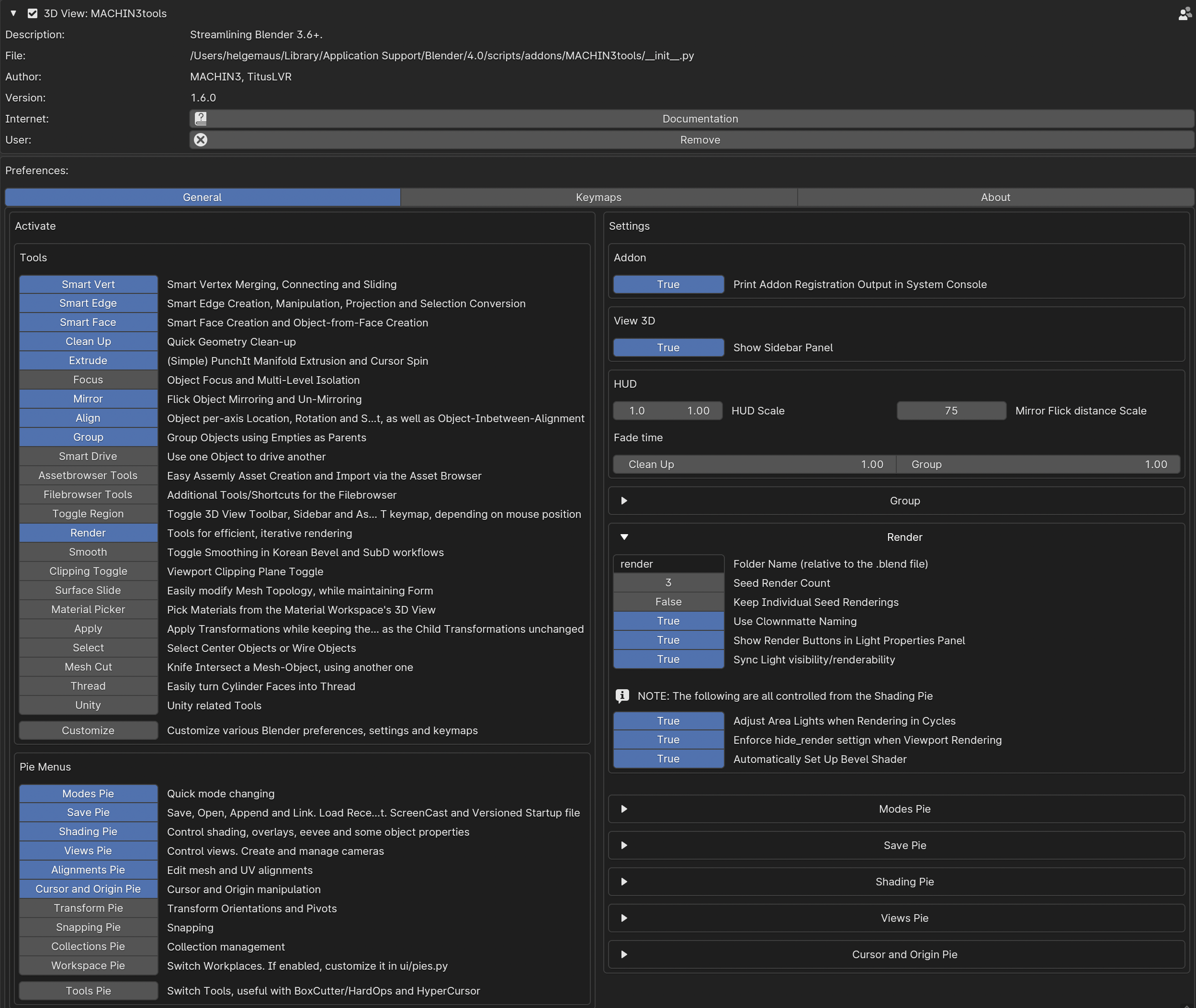
The nice thing about this add-on is that you can choose which functions are useful for your own workflow in the preferences.

In my case I only use some of the pie menus and only some of the additional tools. All keyboard shortcuts and many of the functions are customizable.
Little by little you learn what you really use in practice and which functions are more of a hindrance.
You can then deactivate them.

Here’s a warning to beginners in Blender:
Machin3tools changes native Blender’s functions and behavior in some chases.

Therefore, you should first have a good overview of Blender’s behavior before digging in too deeply.
I’ve experienced in training sessions that beginners tend to lose track of why their blender behaves differently than expected 😉

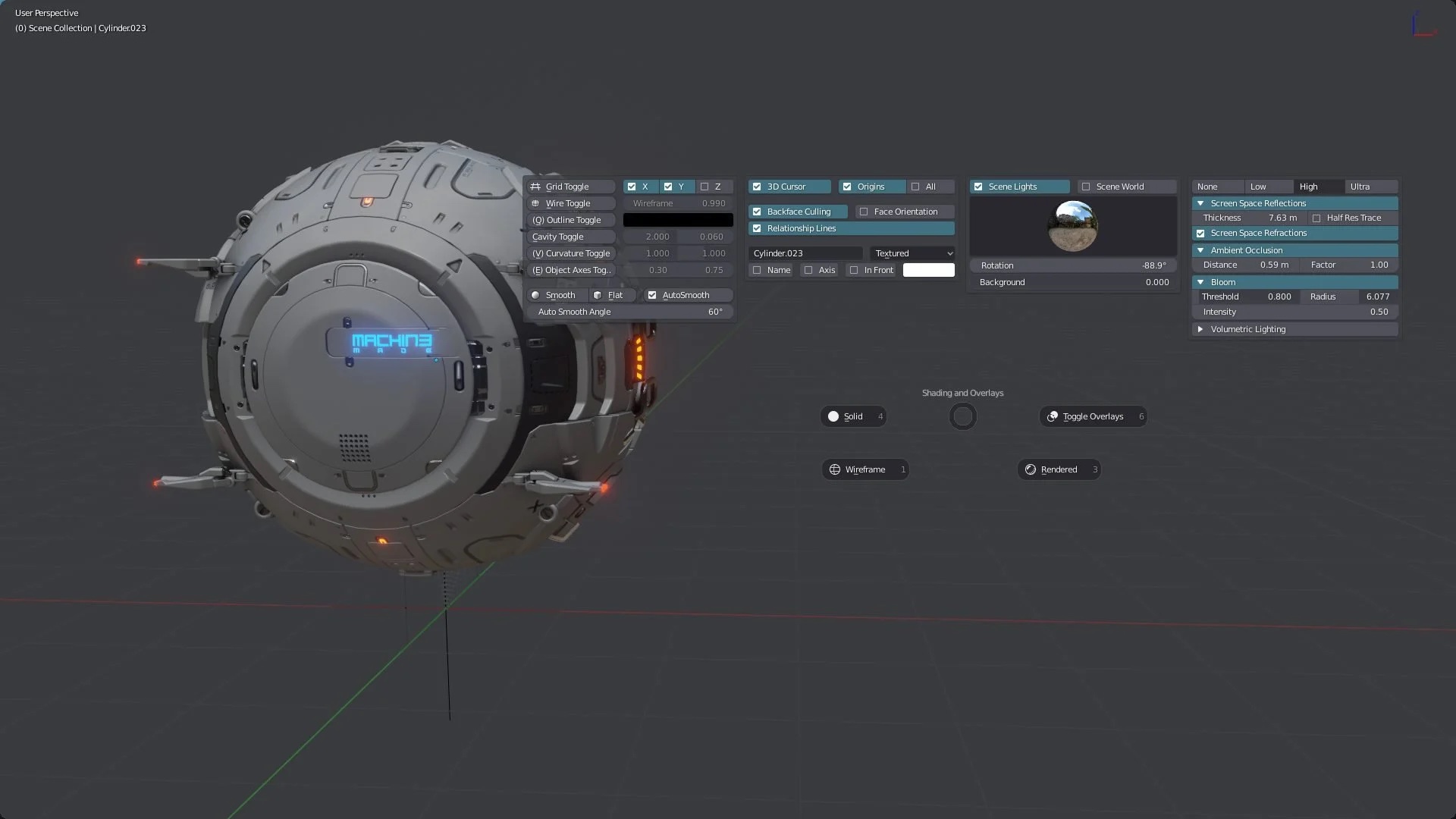
What I love about Machin3Tools is the quick access to common functions via Pie Menu and so many timesaving operations.

For example, changing component modes, changing orbit functions or then quickly creating cameras with SmartCamera. Or quickly setting and changing pivot points of objects and aligning elements.

You can find Machin3tools under this link on Gumroad:

https://machin3.gumroad.com/l/MACHIN3tools

Oh, yes, there is also the extended “Deux Ex” variant. This has some additional functions.
However, you don’t need this at the beginning…

If you have any question about that, please let me know.

Have fun!

Helge


I’ve written about that on my (free) Patreon here:

https://www.patreon.com/posts/free-blender-add-92931047?utm_medium=clipboard_copy&utm_source=copyLink&utm_campaign=postshare_creator&utm_content=join_link

Blender Flip Fluids Add-on

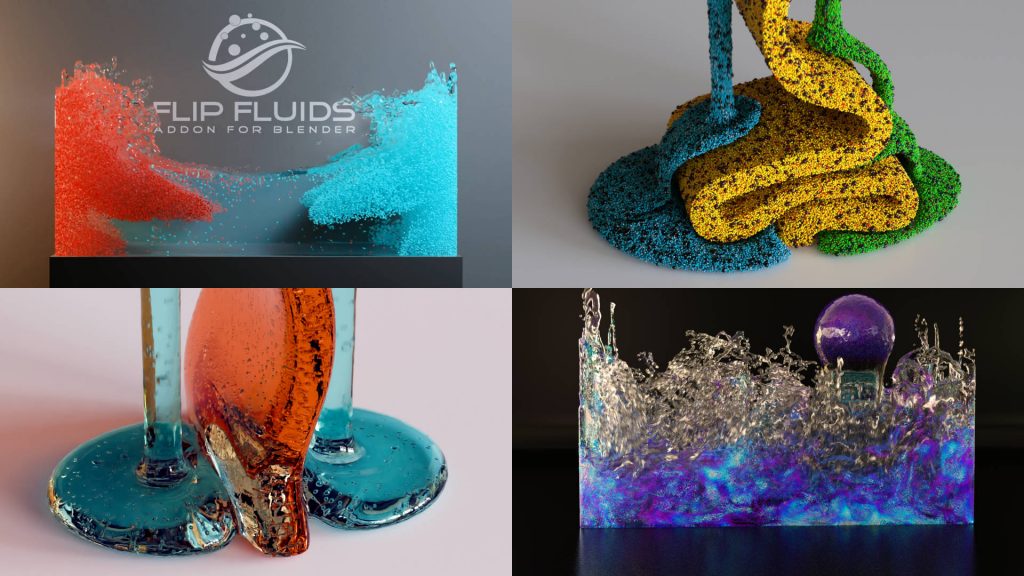
Today I would like to introduce you to one of my frequently used tools from the “Blender for Production” series: Blender Flip Fluids Add-on .

Flip Fluids is a paid add-on that seems quite expensive at around $75 for a Blender add-on.
So a little background information about this add-on.

Trailer

Blender itself has a fluid engine called Mantaflow. Mantaflow is able to simulate liquids, fire, smoke and the like.

Mantaflow’s feature set is actually quite broad. Unfortunately, there is currently no maintainer for this project, meaning bugs and limitations cannot be fixed. Therefore, there are many things in Mantaflow that are very annoying in production and occasionally disrupt the workflow.

This is exactly where Flip Fluids scores for Blender.

This add-on specializes in liquids. If necessary, these can also be highly viscous, e.g. honey, chocolate, etc.

The add-on is very fast and has been actively maintained by the manufacturer for many years. This means that bug fixes and feature updates appear very frequently. Completely free for owners. Therefore, anyone who needs fluids in their 3D scenes should take a look at this add-on. I am very satisfied with that!

I’ve written a short article about that on my (free) Patreon:

https://www.patreon.com/posts/blender-for-flip-92578445?utm_medium=clipboard_copy&utm_source=copyLink&utm_campaign=postshare_creator&utm_content=join_link

If you have any Blender needs as training or mentorship, please contact me:
http://www.pixeltrain.net

Have fun!

Helge

pixeltrain’s Academy 2023

Would you like to learn Blender in a well-founded and practice-oriented way?

Without watching hundreds of redundant and shallow tutorials?

Then our pixeltrain Academy 2023 is just right for you.

Learn online, with live teaching session, in small groups and with personal mentoring from Helge Maus.

Through our modular system, you can build your own curriculum to suit your previous knowledge, pace and goals.

The next Blender Fundamentals module starts on November 3rd, the Blender Shading & Rendering module on November 9th and Blender Animationsystem on November 18th.

You can find more information here:

👉 https://www.pixeltrain.net/pixeltrains-academy/

For questions and registrations, I am available directly at info@pixeltrain.net .

Have fun!

This year I have again the great honor of being invited to speak at the View Conference 2023.
The View Conference in Turin is an exciting and creative place for inspiration, exchange and networking for the 3D, VFX, animation and games industry.

And all of this in a wonderful ambience.
That’s why I’m pleased to be able to offer 3 exciting and intensive Blender hands-on workshops:

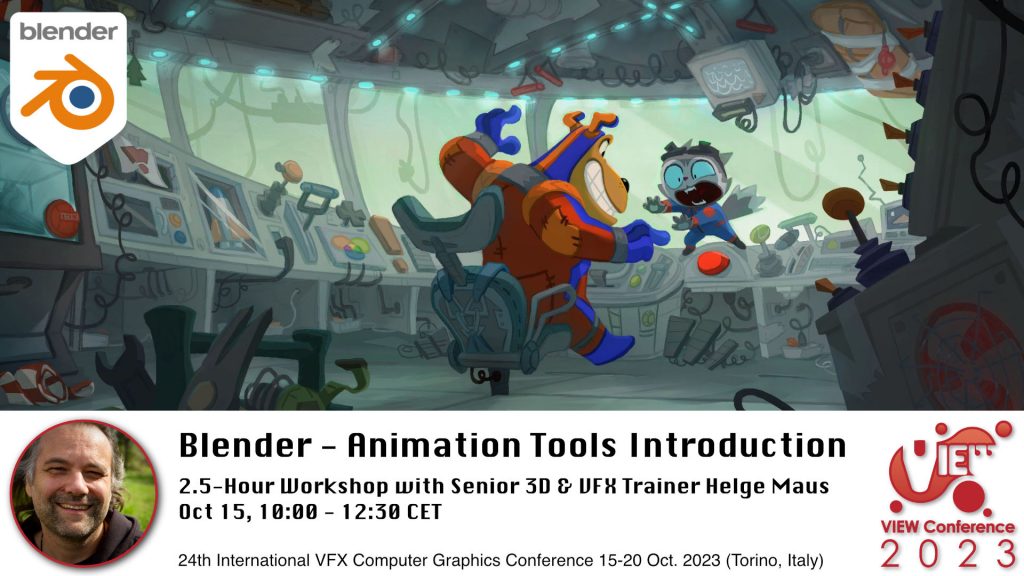
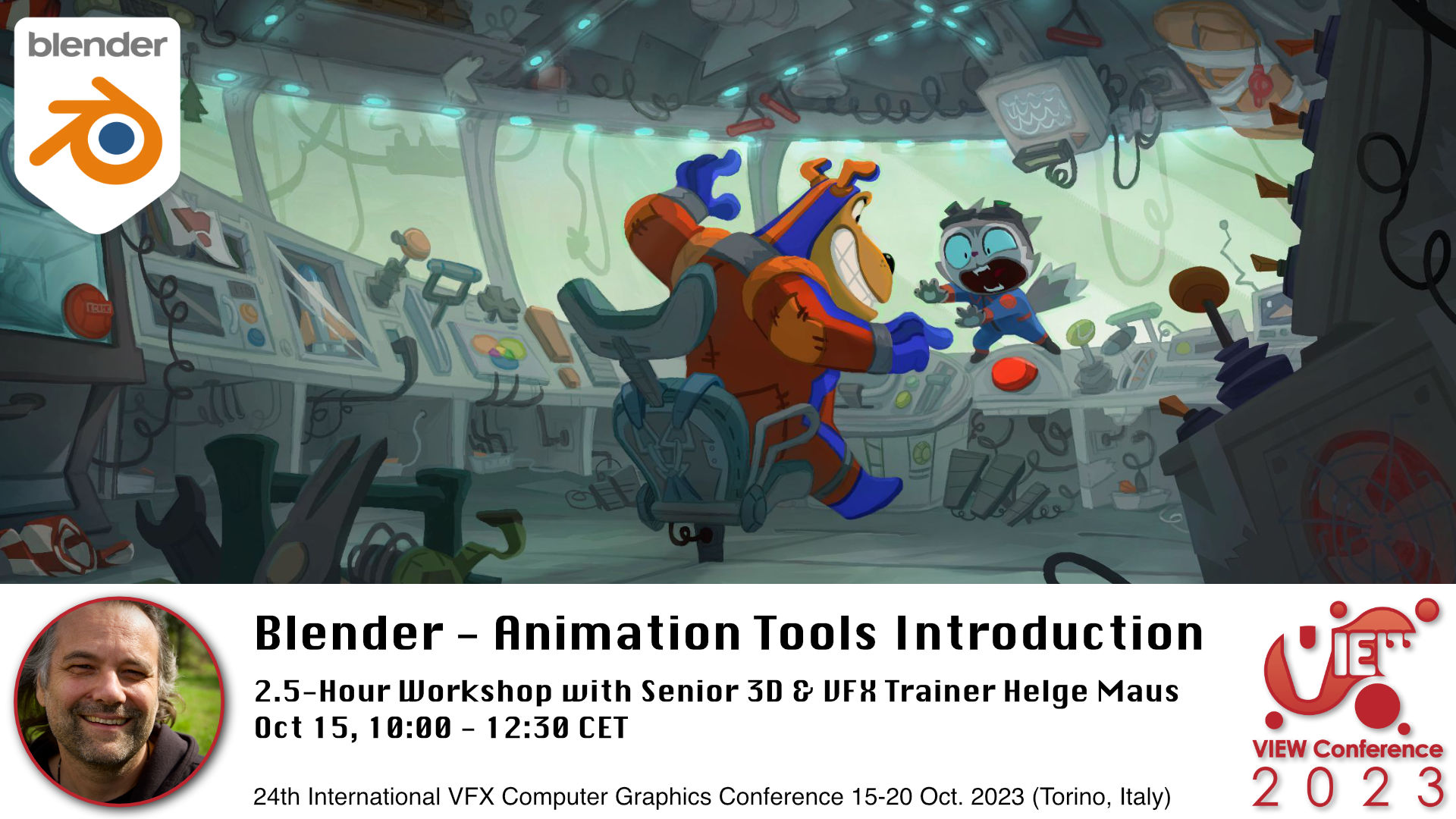
Blender Workshop - Animation Tools Introduction in Blender with Senior 3D & VFX Trainer Helge Maus / pixeltrain

👉 Blender – Animation Tools Introduction

Oct. 15, 10:00-12:30 CET, 2.5-hour workshop in English

In this hands-on workshop, Helge Maus (pixeltrain) teaches you the fundamentals of the powerful Blender 3.6 LTS Animation system.

You will learn important Blender concepts you have to understand before starting animating.
We will talk about key-framing and manipulation of many keyframes effectively and how to go through the different phases of animation.

We take a deep dive into the needed Blender Editors like the Dopesheet Editor, Action Editor and the Graph Editor.
Also we will talk about the NLA Editor and how to transfer existing animations between objects and scenes.
At the end we will have a quick introduction to the Grease Pencil environment for 2D-Animation.

As this is a live workshop you can ask your questions and get answers. At the end of the workshop you will be able to start animating in Blender with confidence.
So, if you have some knowledge of other packages like Maya or Cinema 4D you will also feel at home in Blender afterwards.

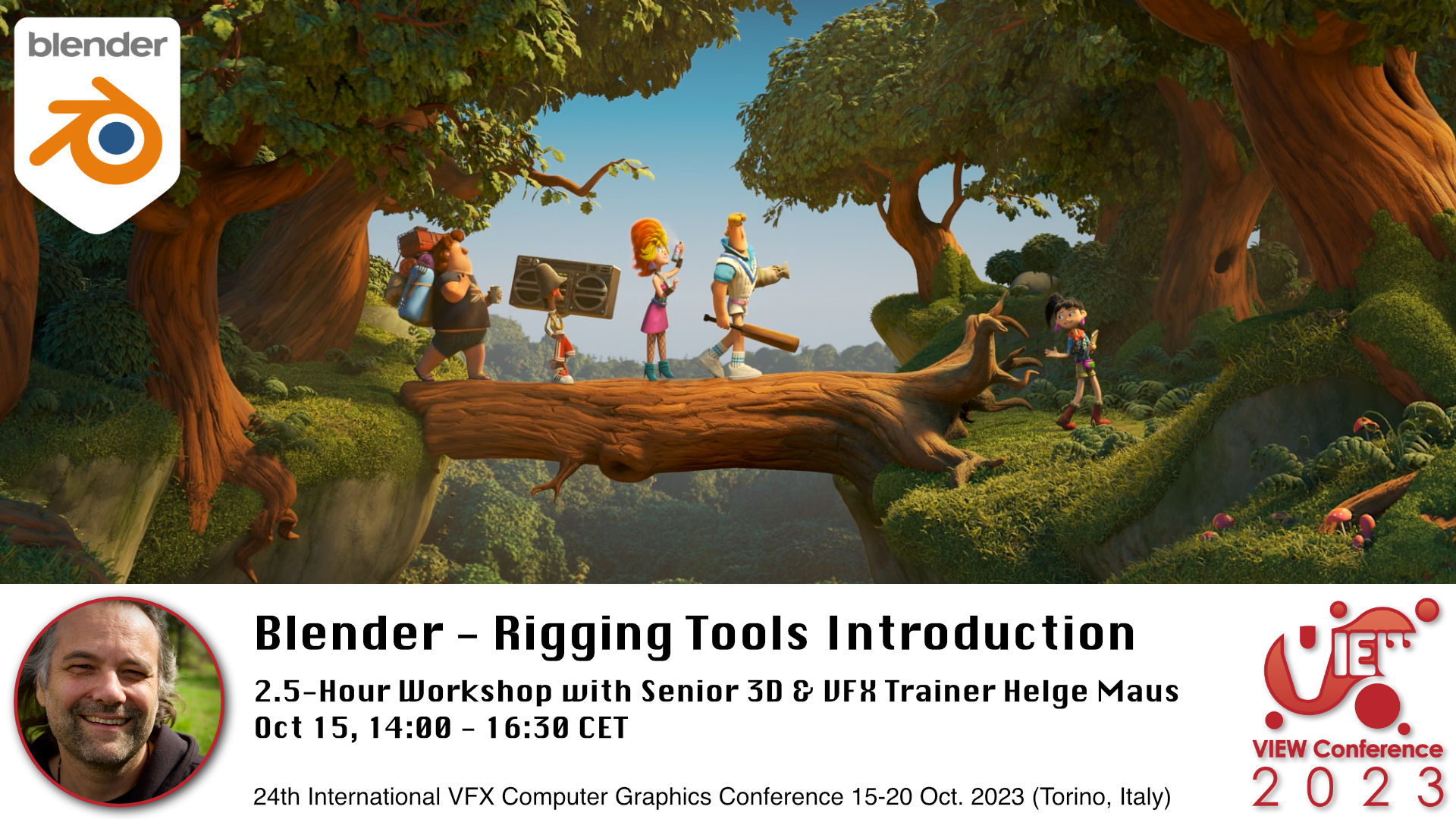
Blender Workshop - Rigging Tools Introduction in Blender with Senior 3D & VFX Trainer Helge Maus / pixeltrain

👉 Blender – Rigging Tools Introduction

Oct 15, 14:00-16:30 CET, 2.5-hour workshop in English

In this hands-on workshop, Helge Maus (pixeltrain) teaches you the fundamentals of the Blender 3.6 LTS Rigging system.

You will learn important Blender concepts you have to understand before you start rigging.

Then we will go into the rigging process for mechanical props and characters.

These topics are covered:

  • Build you first Armature
  • All about Bones, creating, manipulating and organizing them
  • Different Methods of Binding your Mesh
  • Weight Painting
  • Constraints
  • Drivers & Expressions
  • How to work with Inverse Kinematic (IK) in Blender
  • Using the built-in Rigify system 

As this is a live workshop you can ask your questions and get answers. At the end of the workshop you will be able to start rigging in Blender with confidence.

So, if you have some knowledge of other packages like Maya or Cinema 4D you will also feel at home in Blender afterwards.

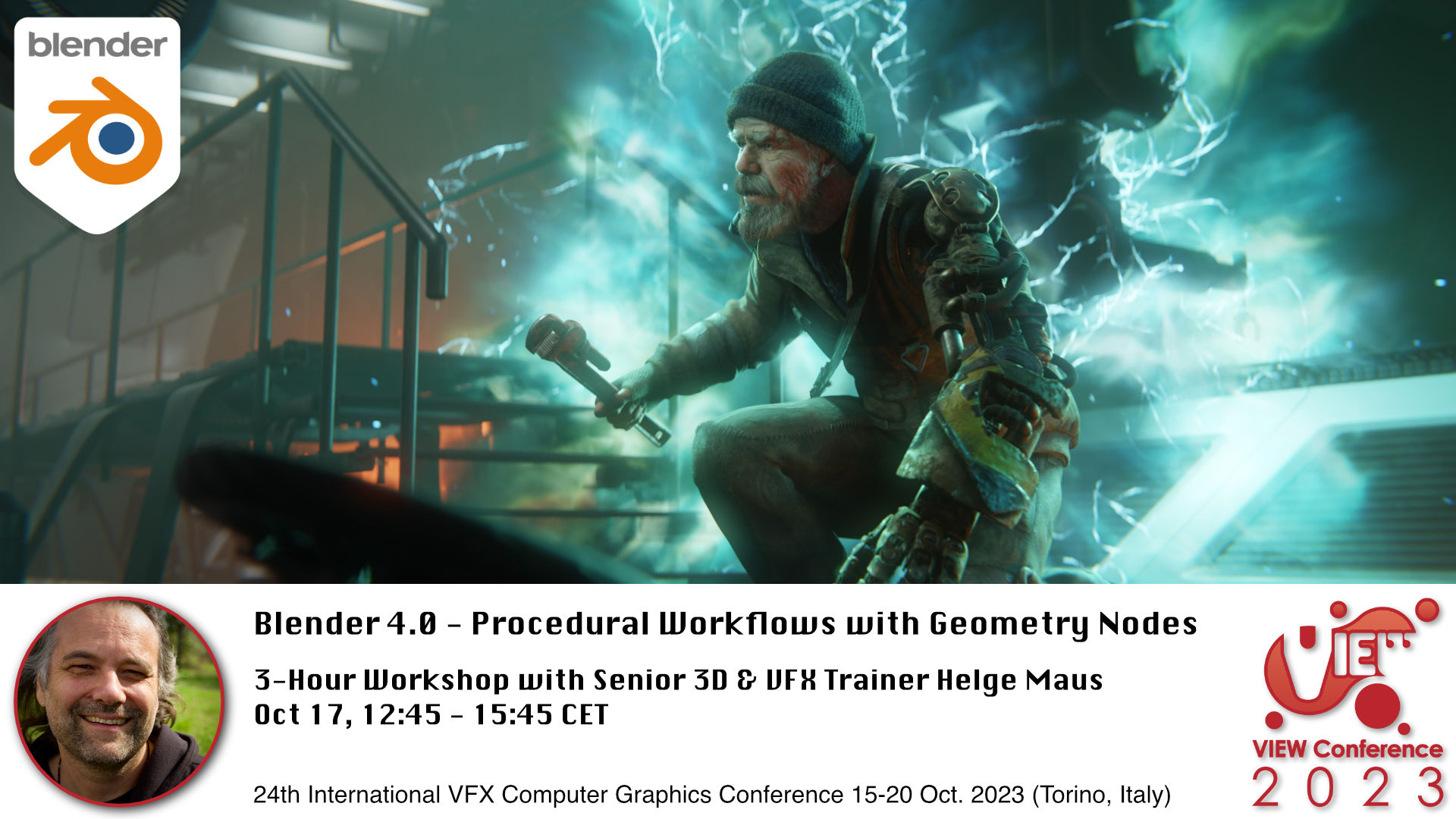
Blender Workshop - Procedural Workflows with Geometry Nodes in Blender 4.0 with Senior 3D & VFX Trainer Helge Maus / pixeltrain

👉 Blender 4.0 – Procedural Workflows with Geometry Nodes

Oct 17, 12:45-15:45 CET 3-Hour Workshop in English

In this workshop, Helge Maus (pixeltrain) teaches you the fundamentals of the Blender 3.6 LTS Geometry Nodes system and also some of the exciting new improvements of the coming version Blender 4.0 .

We will start from scratch, learn the fundamentals and then explore different areas of use.

With the help of Geometry nodes you are able to build powerful procedural tools inside of Blender. They can be combined easily with the existing Blender tools set and can help you for the daily challenges as an 3d artists.

At the moment the development focuses of Geometry, Spline (Hair) and Volume manipulations and lays the foundations of the Blender „All nodes“ project.

These are the topics we will cover:

  • Theory of Geometry Nodes
  • Understanding the Node Editor and Inspector
  • Data structure in Geometry Nodes (Data types, Domains, Attributes)
  • Field System
  • Building Scatter Systems
  • Procedural Modeling setups
  • Working with the new procedural Hair system
  • Simulation Nodes
  • Loops & Iterations
  • Animation Effects with Geometry Nodes

As this is a live workshop you can ask your questions and get answers. If you want to follow along please have beside of your Blender 3.6 LTS also a downloaded package of the current Blender 4.0 Beta (from blender.org) with you.

I look forward to meeting you! Ci vediamo!

Helge Maus


Here is the link to the program:

https://www.viewconference.it/pages/program

And to the other amazing speakers:

https://www.viewconference.it/speakers

#savethedate #viewconference2023 

15-20 Oct 2023 | Turin | Italy 

➡ Get tickets:

https://www.viewconference.it/pages/registration/


About Helge Maus

Helge Maus is Senior 3D & VFX Trainer | Blender for Production | Godot Artist | Compositor

As a Senior 3D & VFX Trainer, Helge Maus teaches 3D- & VFX Applications for over 20 years.

He delivers with his company pixeltrain | 3D | VFX | animation in-house & remote training, workshops and coaching for the 3D & VFX industry. 

His focus lies on Generalist workflows for VFX and Games. He works with studios, agencies and freelancers from different visualization areas and from the games industry.

Meanwhile he focuses on Blender & Godot for his daily work and training. He loves working with Indies and companies adapting FOSS software like Blender and Godot into their pipeline. His strong industry background in teaching Houdini FX, Cinema 4D, Unity, Nuke, and Maya over many years helps him to train artists from the industry within a wide production context.

Helges clients include companies such as Ubisoft, Tangent Animation, Mackevision, Jura, Vitra, Hugo Boss, eder GmbH, Jung-von-Matt, Pirates ´n Paradise, redseven Entertainment, ProSiebenSat.1, SKY Deutschland, NDR, rbb, Sony DADC, Intel and many more international companies. He has worked a couple of years as a freelancer for Adobe Systems, was a Maxon Lead Instructor for Cinema 4D and also beta tester for Maya, Cinema 4D, AfterEffects and Arnold.

Find more information on www.pixeltrain.net
LinkedIn: https://www.linkedin.com/in/pixeltrain/
YouTube: https://www.youtube.com/pixeltrain3DVFXTrainings
Mastodon: https://mastodon.art/web/@pixeltrain3d

Publication Blender Fundamentals Training by Master-Trainer Helge Maus / pixeltrain

Would you like to learn Blender in a well-founded and structured way?

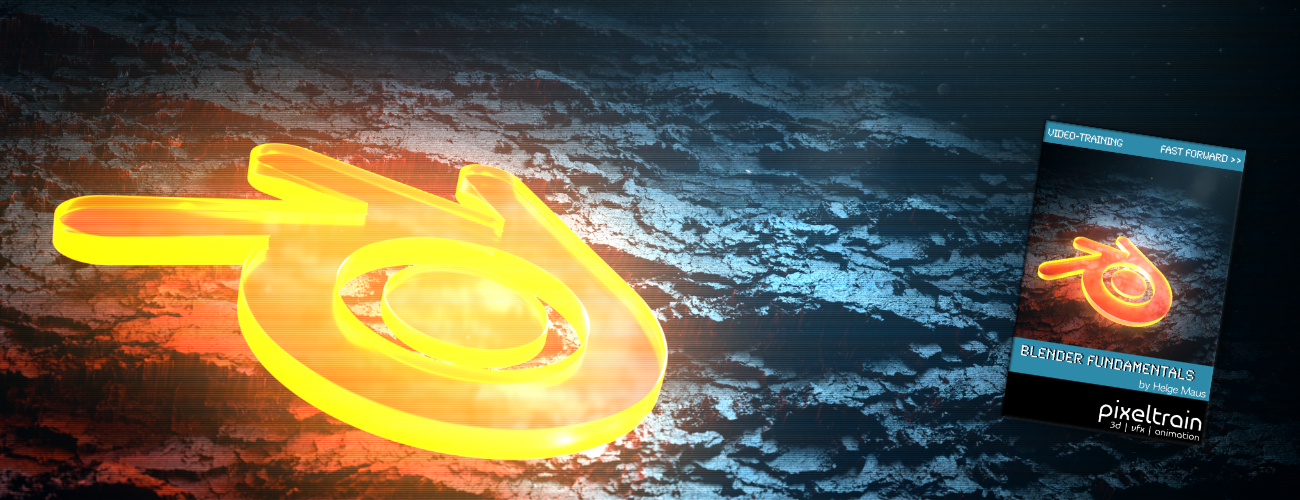
Then I would like to present you my publication “pixeltrain – Blender Fundamentals >> Fast Forward”.

In 137 lessons with a duration of nearly 25 hours, I take you through the complete fundamentals of Blender and the basic workflows you need to know to get started with this amazing free software.

This training is designed to get you up and running quickly, enabling you with the skills needed to work effectively in this incredibly powerful 3d package.

No matter whether you are a beginner in the Blender world or already have previous knowledge of other 3D applications.

Additionally, it lays the foundation of essential concepts and paradigms to understand more advanced topics for other areas and workflows of Blender 3d down the road.

With additional PLUS chapters, you can refine your know-how if necessary and determine your own personal learning path.

If you have any questions while learning, I’m available to you in my Discord.

👉 Blender Market

https://blendermarket.com/products/pixeltrain-blender-fundamentals-fast-forward

👉 VIMEO video on demand

https://vimeo.com/ondemand/blenderfundamentals

👉 GUMROAD

https://pixeltrain3d.gumroad.com/l/BlenderFundamentals

If you have any questions or you need individual Blender training please let me know 🙂

Helge