
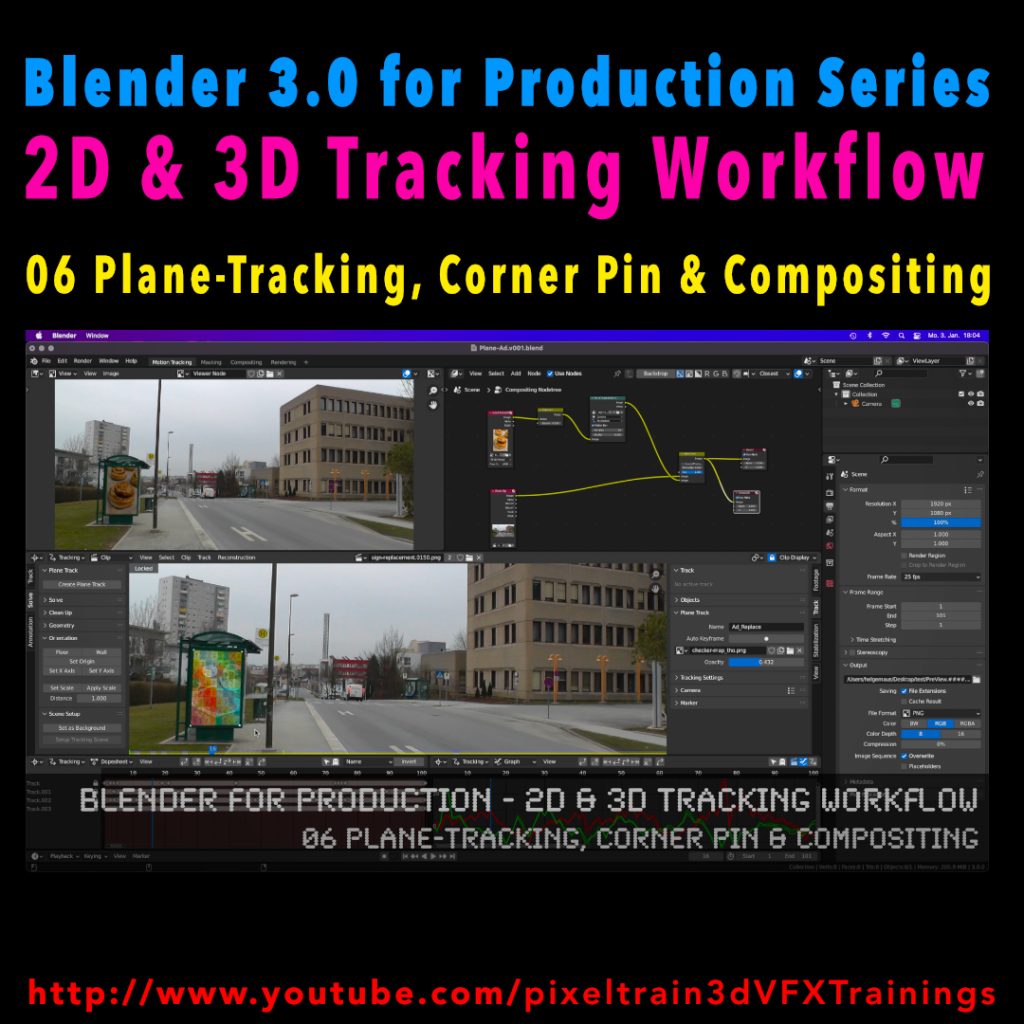
My next free “Blender 3.0 for Production” tutorial is out.
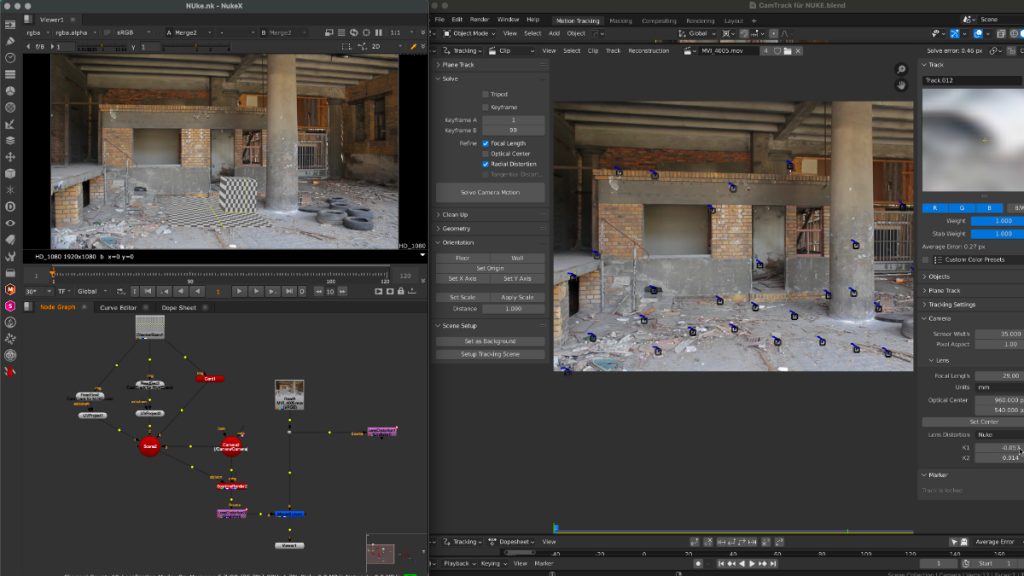
Let’s talk about plane-tracking, corner pining and the integration with the built-in compositor.
Have fun!
My next free “Blender 3.0 for Production” tutorial is out.
Let’s talk about plane-tracking, corner pining and the integration with the built-in compositor.
Have fun!
What do I love about Blender? That working in the application is so integrated, fast & flexible, for example for shading while changing some uvs on the fly with Cycles still running.
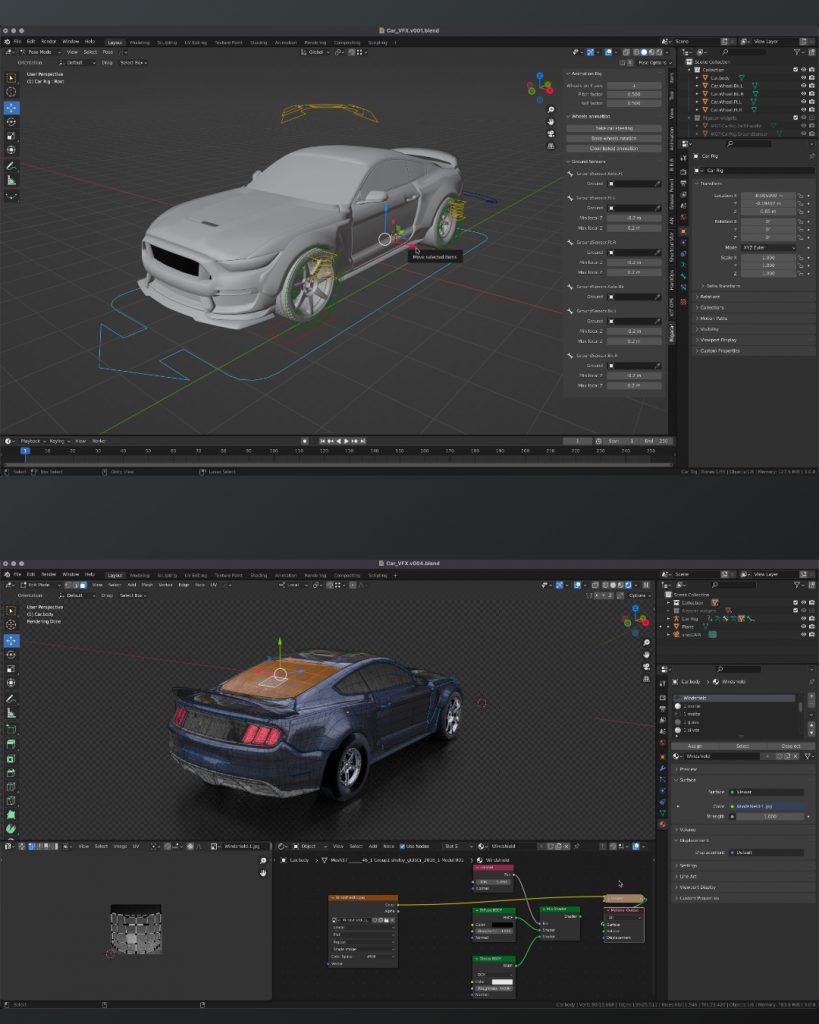
Also the amazing bunch of build-in add-ons for so many useful things, from archviz to generating trees. And, of course, the Add-ons made by talented programmers are so affordable or even free. For example this Car Rig add-on. Needless to say, subscription-free.
Yes, still many areas can be improved, but so much stuff is there already.
If you want to dive deeper into Blender, visit my YouTube channel for many free tutorials:
https://www.youtube.com/pixeltrain3DVFXTrainings
Thanks to the new USD export in Blender, the exchange between Blender’s powerful motion tracker and NUKE or Houdini is becoming easier and easier. Blender is becoming more and more team-minded – thanks to the developers.
My upcoming Blender free tutorial series offers a deep dive into camera and object tracking.
More information then on YouTube. Coming soon: https://www.youtube.com/pixeltrain3DVFXTrainings
If you want to support Helge Maus for publishing more free tutorials, you can join his Patreons:
https://www.patreon.com/pixeltrain3d
Or if you want to buy me a coffee or pizza, here’s my Tip Jar:
https://www.paypal.com/donate/?hosted_button_id=72PHXB852BW5A
Thanks for your support!
Find more information on www.pixeltrain.net
YouTube: https://www.youtube.com/pixeltrain3DVFXTrainings
LinkedIn: linkedin.com/in/pixeltrain
Artstation: https://www.artstation.com/pixeltrain
Instagram: https://www.instagram.com/pixeltrain3d/
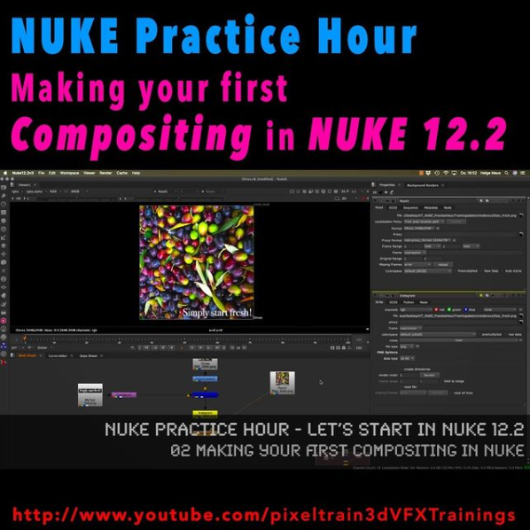
Today I have finished the first module of our „Nuke Practice Hour“ with the last tutorial about Linear Color, 32Bit Floats and EXRs in Foundry Nuke 12.2. The title of this Module is “Let’s start in NUKE 12.2“ and I have covered the most important concepts you have to learn when starting with node-based Compositing in NUKE.
Thanks a lot for all the positive feedback.
The next module will follow soon 🙂
Here is my YouTube for all my tutorials about Houdini, Blender, Nuke & more:
https://www.youtube.com/pixeltrain3DVFXTrainings
BTW, if you want to support my work with these free tutorials, please subscribe to my YouTube channel, give me a ThumbsUp for the content you like. Also, I have a Patreon page, starting with $1 per month. That’s a nice way to say “Thank You”: https://www.patreon.com/pixeltrain3d
If you want to support Helge Maus for publishing more free tutorials, you can join his Patreons:
https://www.patreon.com/pixeltrain3d
Or if you want to buy me a coffee or pizza, here’s my Tip Jar:
https://www.paypal.com/donate/?hosted_button_id=72PHXB852BW5A
Thanks for your support!
Find more information on www.pixeltrain.de
YouTube: https://www.youtube.com/pixeltrain3DVFXTrainings
VIMEO: vimeo.com/pixeltrain
LinkedIn: linkedin.com/in/pixeltrain
Artstation: https://www.artstation.com/pixeltrain
Instagram: https://www.instagram.com/pixeltrain3d/
Facebook: https://www.facebook.com/helge.maus
Twitter: https://twitter.com/pixeltrain
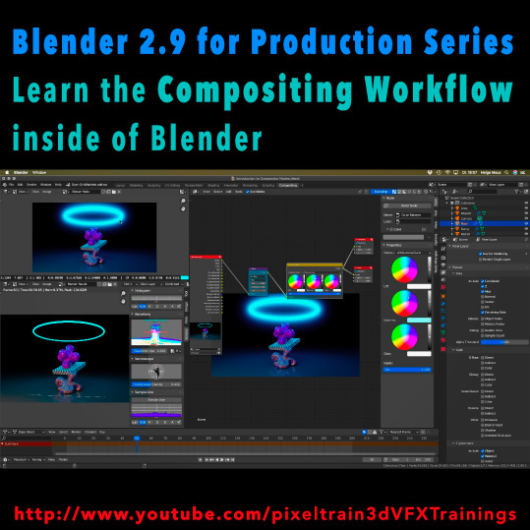
Today, I have started a new tutorial series for Blender 2.9 “Blender 2.9 for Production”.
This tutorial series „Blender 2.9 for Production“ focuses on Blender 2.9 as a full Production Suite for (Indie) 3D- & VFX Productions. In this tutorials, I will explain how to work with the different Modules of Blender 2.9 and how they are connected to each other. I will give you an introduction of the specific functionalities, but also the production context and workflows, which can help you to use Blender in your productions.
The first tutorial is online now on my YouTube – enjoy!
If you have questions or topics, which should be added, please let us know.
If you want to support Helge Maus for publishing more free tutorials you could join his Patreons: https://www.patreon.com/pixeltrain3d
Find more information on pixeltrain.de YouTube: https://www.youtube.com/pixeltrain3DVFXTrainings
VIMEO: vimeo.com/pixeltrain
LinkedIn: linkedin.com/in/pixeltrain
Artstation: https://www.artstation.com/pixeltrain
Instagram: https://www.instagram.com/pixeltrain3d/
Facebook: https://www.facebook.com/helge.maus
Twitter: https://twitter.com/pixeltrain
Next to my beloved Houdini FX, Blender is for me the solutions for Modeling, Animation and PreViz.
As you may have seen, I have published the last days 4 free tutorials about the new features of Blender 2.9.
You find them on my YouTube channel: https://www.youtube.com/pixeltrain3DVFXTrainings
If you now have the feeling, that you want to start seriously to learn this great free production suite, here are some event tips, where I will be teaching Blender for you.
https://www.viewconference.it/
The next live workshop will be at the exciting VIEW CONFERENCE 2020 – on-site and online
I will give a 2-hours Workshop:
in Room Mezzanino on Sunday 18th Oct 2020 in English.
You find more Information about the Online-Workshop here: https://www.viewconference.it/article/384/blender-29-the-free-production-studio-for-indies
And, don’t miss all the other great Keynotes, Masterclasses and talks. This conference is great!
https://visualisierungs-akademie.ch/
In Cooperation with Visualisierungs-Akademie Schweiz, I will teach again some online sessions for small groups of 4-8 attendees. This is in german language. If you are interested in an English workshop, please let me know!
Date: 26 and 27 November, 2020 – online
You find more Information about the Training here: https://visualisierungs-akademie.ch/bildung/blender-einfuehrungskurs/
Date:04 December, 2020 – online
You find more Information about the Training here: https://visualisierungs-akademie.ch/bildung/blender-vertiefung/
Date: 10 and 11 December, 2020 – online
You find more Information about the Training here: https://visualisierungs-akademie.ch/bildung/blender-animation/
If you have questions or your company wants to adapt Blender (or Houdini FX) to the pipeline, get in contact. I’m happy to help!
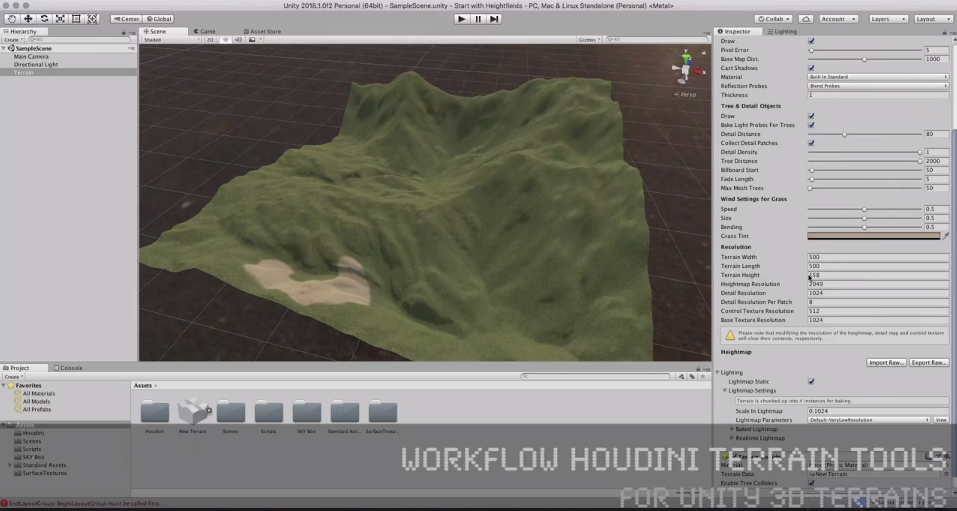
In diesem Tutorial zeigt Helge Maus den Workflow, wie man Terrain Data von sidefx Houdini nach UNITY 3D bringt.
Zuerst erklärt Helge das Konzept des terrain objects innerhalb von Unity 3D. Außerdem zeigt er die verschiedenen Möglichkeiten, wie die nativen Sculpting Tools und das Texturieren mittels Splatmaps funktionieren. Danach baut er ein einfaches Heightfield based Terrain in Houdini 16.5 auf.
Nachdem die verschiedenen Nodes im Heightfield system von Houdini erklärt wurden, ist das Shapen des natural environments richtig einfach und ganz und gar procedural! Helge gibt eine kurze Einführung in
Zum Schluss zeigt Helge, wie man Heightdata in eine Datei exportiert und welche wichtigen Settings man dazu braucht. Er konvertiert alles in ein raw file und lässt es dann in das Unity terrain object einlesen.
TIPP:
Helge Maus bietet jedes Jahr gemeinsam mit seiner Firma pixeltrain einen intensiven Kurzlehrgang zu Houdini an.
Lernt schnell und tiefgründig Houdini in nur drei Wochenenden von Helge!
Hier bekommt Ihr mehr Infos zu unserer Intensiv-Workshop-Serie
>> First Steps in Houdini FX
Like us on Facebook: facebook.com/pixeltrain3D
Newsletter: pixeltrain.de/de/newsletter
Helge Maus auf Linkedin: linkedin.com/in/pixeltrain/
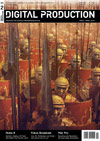 In der aktuellen Ausgabe der Digital Production 02/2014 findet Ihr einen 4-seitigen Artikel von mir zur Arbeit mit dem neuen Architektur-Gras in CINEMA 4D R15. Neben der Vorstellung der Funktionen selbst gehe ich insbesonders auf das Stapeln von verschiedenen Gras-Layern mit Hilfe von Vertex-Maps und Texturen ein, sowie auf die passenden Einstellungen zum Rendering. Ich hoffe, es ist für jeden etwas dabei. Viel Spaß dabei. Der Link zum Artikel: http://www.helgemaus.de/pdfs/DP1402_104-107_C4DGras_Beleg.PDF .
 Im aktuellen Compositing-Sonderheft der Digital Production (Sonderheft-Compositing) dreht sich alles um das Thema Compositing-Software und -Workflows. Hierbei wird ein umfassender Überblick über die Geschichte des Compositings, den Markt und die verfügbaren Tools, sowie Trends gegeben.
Es wird Einsteigern und Umsteigern den Überblick über alle Möglichkeiten gegeben – egal, ob Sie als One-Man-Band Ihr Repertoire erweitern wollen, als Einsteiger den ersten Überblick suchen oder als alter Hase mal über den Tellerrand schauen wollen.
Es wird ein großen Bogen geschlagen – von einer Grundlageneinführung zur Geschichte und den Standards des Compositings bis zu den Trends und Tools, flankiert von Projekten, Anwenderinterviews und Workshops.
Ich habe für dieses Sonderheft zwei Artikel geschrieben, die ich Ihnen hier kostenfrei anbieten kann:
Aufbruch in die node-basierenden Compositing-Welt
Wer tiefer in die Arbeit mit NUKE 6.3 / NUKEX 6.3 einsteigen möchte, biete ich mit meiner Firma pixeltrain (www.pixeltrain.de) Firmen- und Individualtrainings in D, AT und CH an. => Link zu den NUKE-Trainings
Viel Spass damit!
Helge Maus
Trainings-DVD: Flash Spieleprogrammierung
 Autor: Helge Maus
Verlag: video2brain
Preis: Euro 49,90
ISBN: 978-3-9501978-2-2
Ob als Pausenfüller, Werbemittel oder als Besucher-Magnet für die eigene Website: mit Flash-Games sorgen Sie für Spaß und Begeisterung. Das nötige Know-How in Sachen ActionScript vermittelt Ihnen dieses Video-Training.