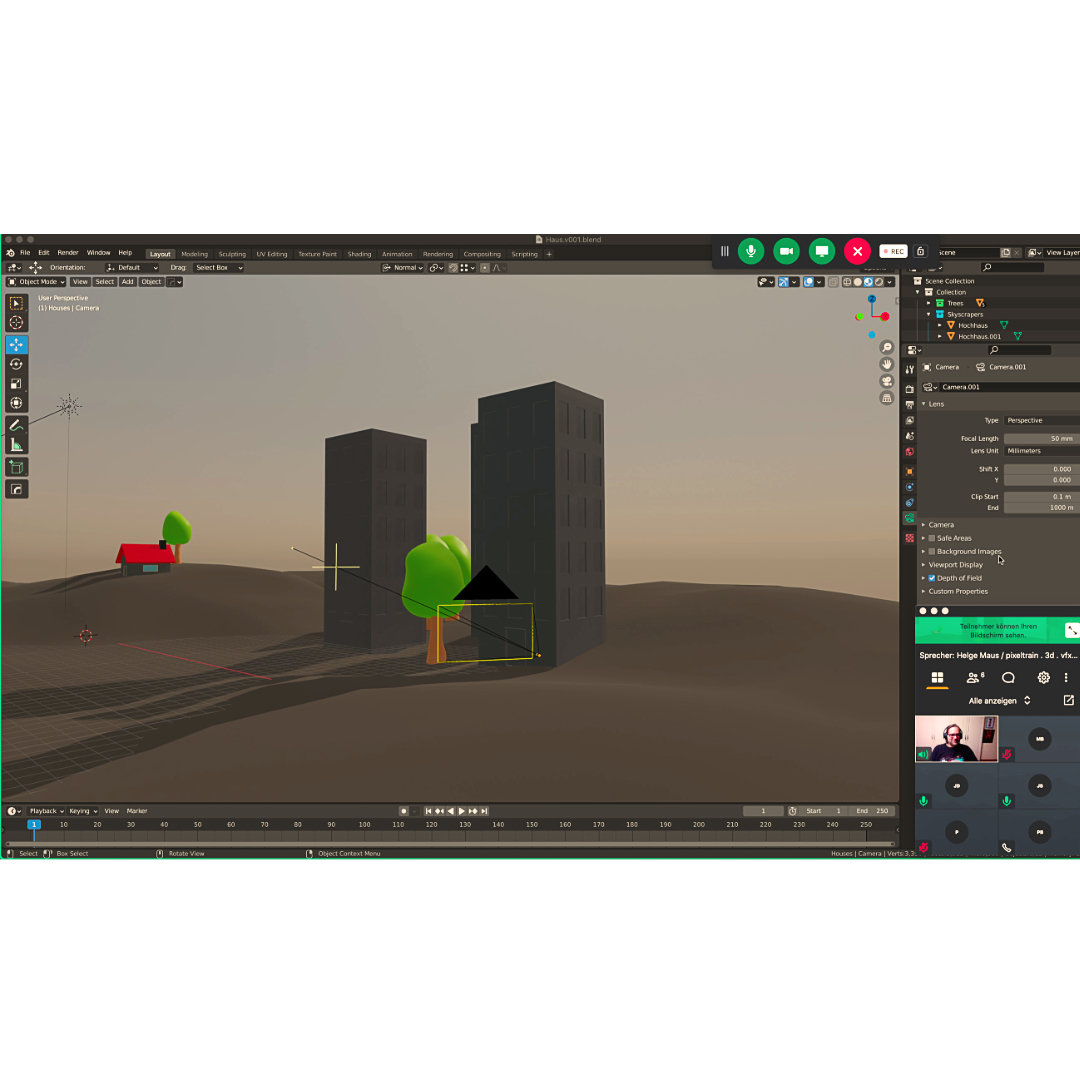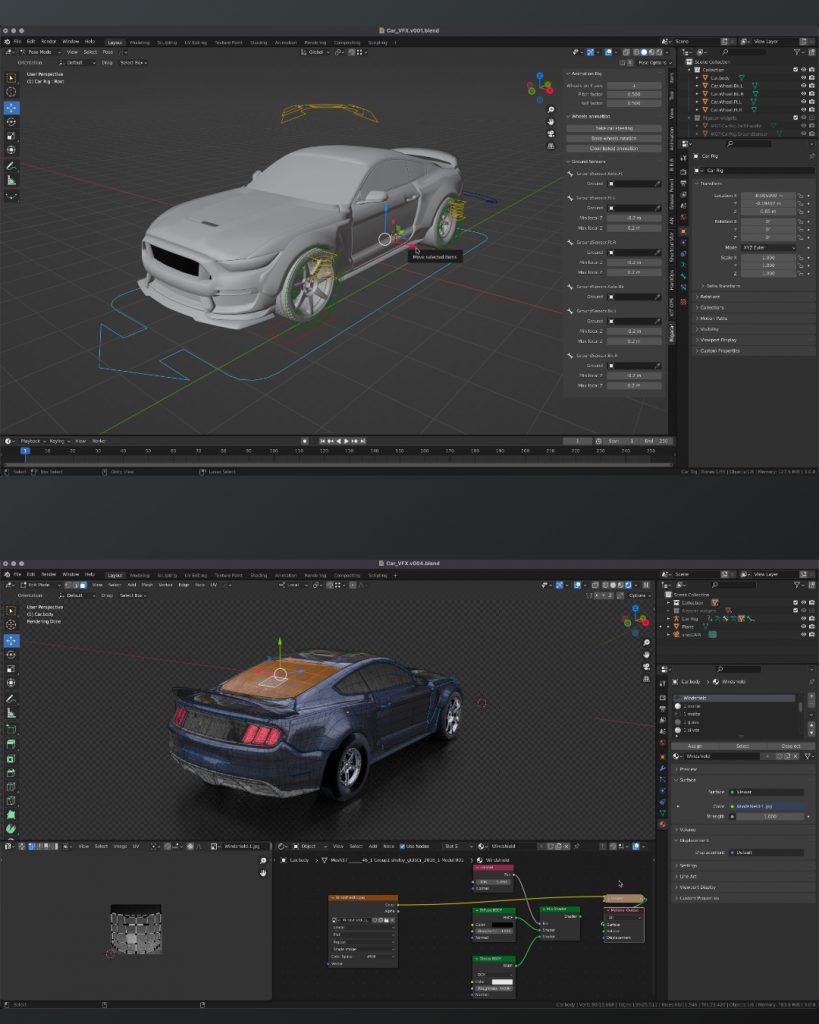
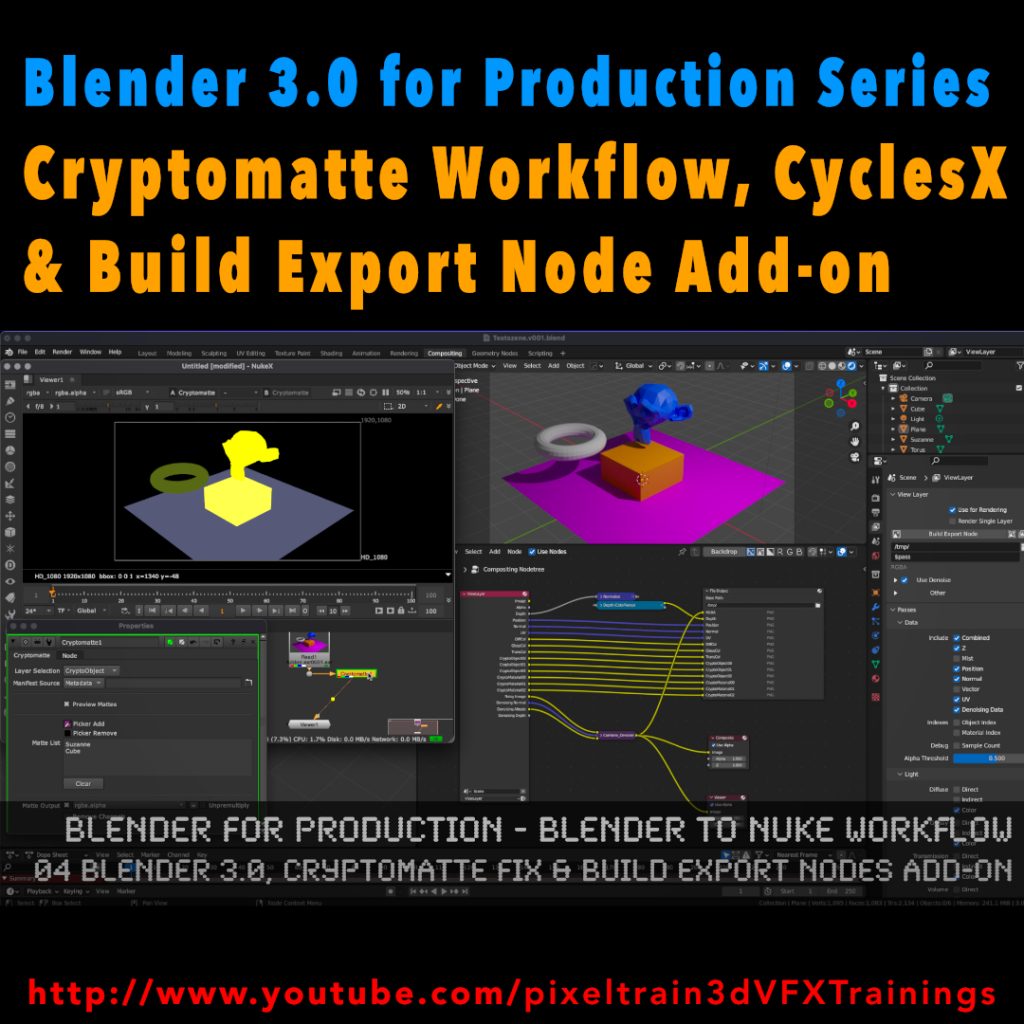
My new tutorial is out – Blender 3.0 to NUKE Workflow – 04 Cryptomatte Fix, CyclesX & Build Export Nodes Add-on

In this tutorial, we will talk about the changes in Blender 3.0 and NUKE 13.0v5 and fix the Cryptomatte problems some of you have been fighting with.

Also I go though the process of exporting Multilayer EXRs from Blender to NUKE again and show how to make EXR sequences for every pass separately.

Then I demonstrate you a fast Blender Add-on, which builds your export node trees in the Blender compositor automatically for you and how to generate a World Position Pass in Cycles X.

YouTube: https://www.youtube.com/pixeltrain3DVFXTrainings
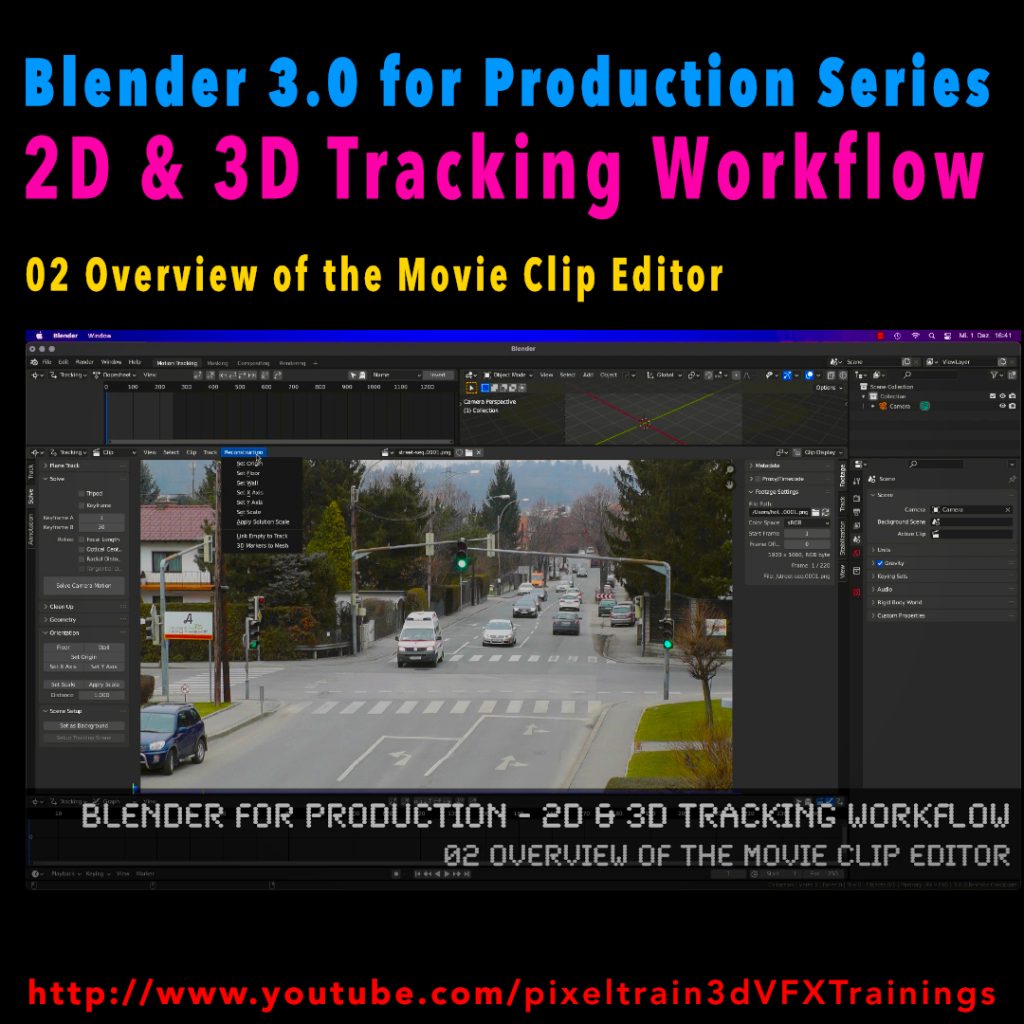
The drink - Blender Shortfilm by William Landgren

Today I want to talk about another shot film made completely in Blender by Artist William Landgren (14 years old). First watch the movie before reading more 😉

The production of the short took 2 months and is 100% CG. He used Blender, After Effects, Marvelous Designer and DaVinci Resolve. I think, it looks amazing, right?

This brings me to an important point:

If you are creative and want to be a CG filmmaker you can start today! 

You don’t need high end software and equipment. I want to stress that, because I had an interesting conversation this week with a program manager for a big VFX Event in India. After I was asked to talk there I decided I want to do an “Introduction for Blender for Indie VFX- & Animation studios”, because I was thinking about the many young creative folks in India and all over the world, who are dreaming to become a CG Artist. 

The answer I heard then from the organizers of the event (owner of a big production house in India) was, that I better do a NUKE class, because it’s “more relevant” for the audience. This would have been no problem for me, because I train NUKE since many years and I’m loving it, but it brought me to an important insight.

The film industry is mostly driven by big investment companies, and the artist is only a “anonymous working bee” for them. The tools are so expensive and the workflows are quite complex, so that the artists have to pirate the softwares (mostly a whole bunch of them) or sell their souls for the maintenance fees. The result is, that they are forced into these big companies to make the stuff they want. And if you are bound in a company like that you have to go every step they demand from you or you are laid off, because the company is bought or it closes suddenly it’s doors forever.

Don’t get me wrong, it’s not a bad thing to work in such a company and have fun to work on great blockbusters as a highly specialized member of a team.

But I am a strong believer that we have many more options to make a living from creative work and art development. So for artists with less money and chances from all ends of the world or even for Indie artists which have ideas for art, which is not mainstream or boring mid-standard like the big productions, there has to be a place. 

Why, because it’s important for an artist to have an own voice for ideas, thoughts and also an independent income. Storys are different for everyone, for every culture, age and social groups. They have to been told. For this, software has to be approachable. 

So, in the future I will invest more time into my “Blender for Production” series, to help these filmmakers. I want to show how you can use high quality stuff with Blender and the infrastructure around it. Also I will post more stories like that here, to show you what’s possible to motivate you.

Here is the link to my YouTube tutorials:
https://www.youtube.com/pixeltrain3DVFXTrainings
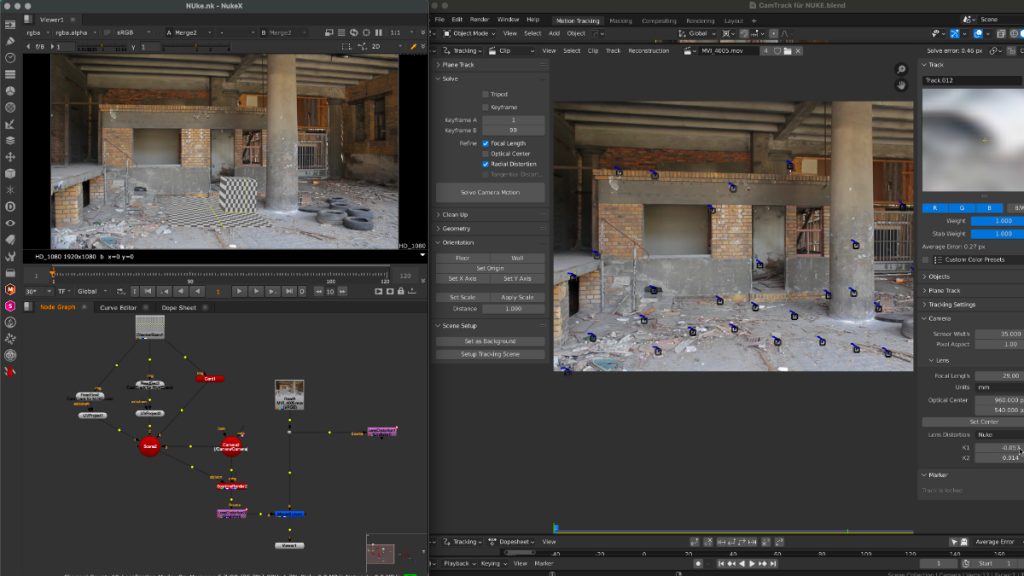
And if you want to support my tutorials, here is my Patreon link:
https://www.patreon.com/pixeltrain3d

Don’t be afraid, I will still do Houdini FX and NUKE tutorials, because it’s important for you to see, how it is done there. Then you can apply this knowledge to every tool.

I hope you like that.

More in the next days.

Thanks for your support,

Helge

Here are the new features:

https://www.blender.org/download/releases/2-93/

And the cool new features reel:

https://youtu.be/fxNlpQYRz7s

Such a great final release for Blender 2+ series – now the Blender 3 can come!

Thanks to all the great developers!

P.S. If you want to start now, my next Blender Animation & Rigging Training (German) is June 17 + 18, 2021.

More information: http://www.pixeltrain.net/events/


If you like Helge’s Tutorials, give him some support to go on!

If you want to support Helge Maus for publishing more free tutorials, you can join his Patreons:
https://www.patreon.com/pixeltrain3d

Or if you want to buy me a coffee or pizza, here’s my Tip Jar:
https://www.paypal.com/donate/?hosted_button_id=72PHXB852BW5A

Thanks for your support!


Find more information on www.pixeltrain.net

YouTube: https://www.youtube.com/pixeltrain3DVFXTrainings
VIMEO: vimeo.com/pixeltrain

LinkedIn: linkedin.com/in/pixeltrain

Artstation: https://www.artstation.com/pixeltrain

Instagram: https://www.instagram.com/pixeltrain3d/

Twitter: https://twitter.com/pixeltrain

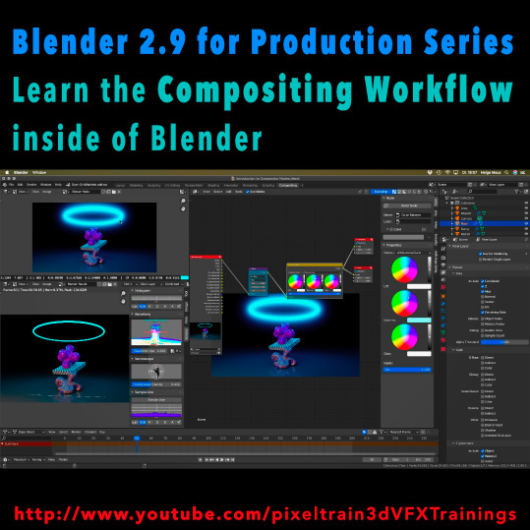
Learn the Compositing Workflow inside of Blender!

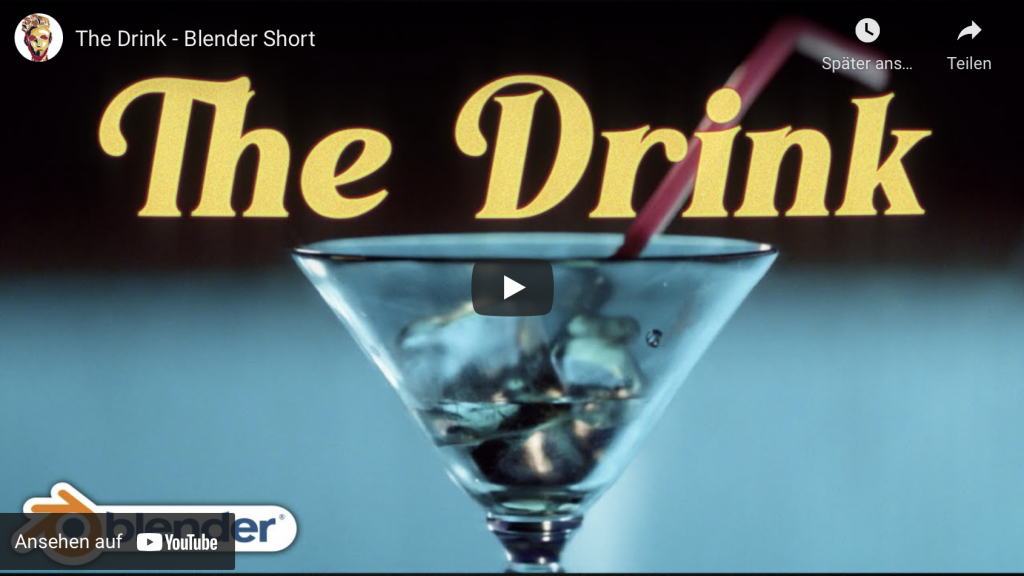
Today, I have started a new tutorial series for Blender 2.9 “Blender 2.9 for Production”.

This tutorial series „Blender 2.9 for Production“ focuses on Blender 2.9 as a full Production Suite for (Indie) 3D- & VFX Productions. In this tutorials, I will explain how to work with the different Modules of Blender 2.9 and how they are connected to each other. I will give you an introduction of the specific functionalities, but also the production context and workflows, which can help you to use Blender in your productions.

The first tutorial is online now on my YouTube – enjoy!

These topics are covered:
  • Overview over the series
  • Understanding the Blender Render Process
  • Rendersettings
  • Image Editor Window
  • Direct Saving of Render Results
  • Images in Blender’s Memory
  • Re-open a previous render
  • Slots for Comparison
  • View Layers (Renderlayers) & Render-Channels / Passes / AOVs
  • Differences in saving Stills vs. Animations
  • Understand Blender’s Post Processing Pipeline
  • Adding Channels in the View Layer Properties
  • Denoising Data, Mist, Cryptomatte Passes
  • Renderlayers & Composite Node
  • Loading pre-rendered images or sequences
  • Outputting compositing results as EXRs
  • Adding Output Channels for the EXR export
  • Using the Node Wrangler
  • Adding useful Keyboard Shortcuts
  • Node Search Shortcut
  • Adding some Quick Favorites
  • Adding Nodes to the stream
  • Deleting Nodes
  • Working effective with the Viewer Node
  • Backdrop Image / Image Viewer
  • Saving out final stills directly
  • Finding the control widgets for special nodes
  • Performance Settings
  • Sampling Colors
  • Float normalized Colors Adding a Glow
  • Rendering & Comping a whole animation at once

If you have questions or topics, which should be added, please let us know.

If you want to support Helge Maus for publishing more free tutorials you could join his Patreons: https://www.patreon.com/pixeltrain3d

Find more information on pixeltrain.de YouTube: https://www.youtube.com/pixeltrain3DVFXTrainings
VIMEO: vimeo.com/pixeltrain

LinkedIn: linkedin.com/in/pixeltrain

Artstation: https://www.artstation.com/pixeltrain

Instagram: https://www.instagram.com/pixeltrain3d/

Facebook: https://www.facebook.com/helge.maus

Twitter: https://twitter.com/pixeltrain

Start your Blender 2.9 Journey now!
Blender 2.9 – A full production suite for 3D, VFX and Animation.


Next to my beloved Houdini FX, Blender is for me the solutions for Modeling, Animation and PreViz.

As you may have seen, I have published the last days 4 free tutorials about the new features of Blender 2.9.
You find them on my YouTube channel: https://www.youtube.com/pixeltrain3DVFXTrainings
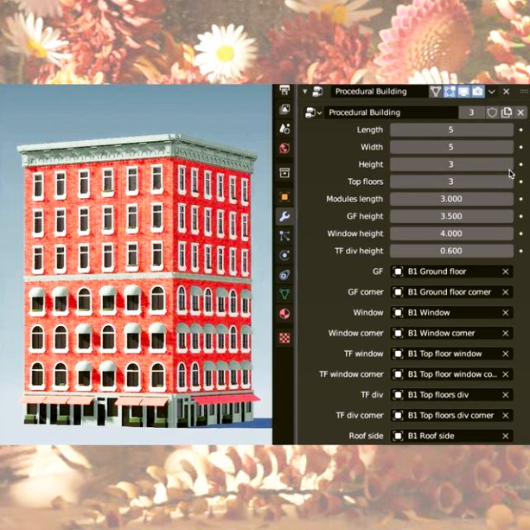

If you now have the feeling, that you want to start seriously to learn this great free production suite, here are some event tips, where I will be teaching Blender for you.


>> VIEW CONFERENCE 2020, Oct 18 – 23

https://www.viewconference.it/

The next live workshop will be at the exciting VIEW CONFERENCE 2020 – on-site and online
I will give a 2-hours Workshop:

“Blender 2.9: The Free Production Studio for Indies“

in Room Mezzanino on Sunday 18th Oct 2020 in English.

You find more Information about the Online-Workshop here: https://www.viewconference.it/article/384/blender-29-the-free-production-studio-for-indies
And, don’t miss all the other great Keynotes, Masterclasses and talks. This conference is great!


>> Blender-Trainings – Visualisierungs-Akademie Schweiz, Nov & Dec 2020

https://visualisierungs-akademie.ch/

In Cooperation with Visualisierungs-Akademie Schweiz, I will teach again some online sessions for small groups of 4-8 attendees. This is in german language. If you are interested in an English workshop, please let me know!


Blender 2.9 – Einführungskurs

Date: 26 and 27 November, 2020 – online
You find more Information about the Training here: https://visualisierungs-akademie.ch/bildung/blender-einfuehrungskurs/

Blender 2.9 – Rendering mit Eevee und Cycles

Date:04 December, 2020 – online
You find more Information about the Training here: https://visualisierungs-akademie.ch/bildung/blender-vertiefung/

Blender 2.9 – Animation & Rigging

Date: 10 and 11 December, 2020 – online
You find more Information about the Training here: https://visualisierungs-akademie.ch/bildung/blender-animation/


If you have questions or your company wants to adapt Blender (or Houdini FX) to the pipeline, get in contact. I’m happy to help!