FMX2023 - Helge Maus Online Workshop for Blender for Production

🔴 FMX2023 🔴 

🗓 Save the date !

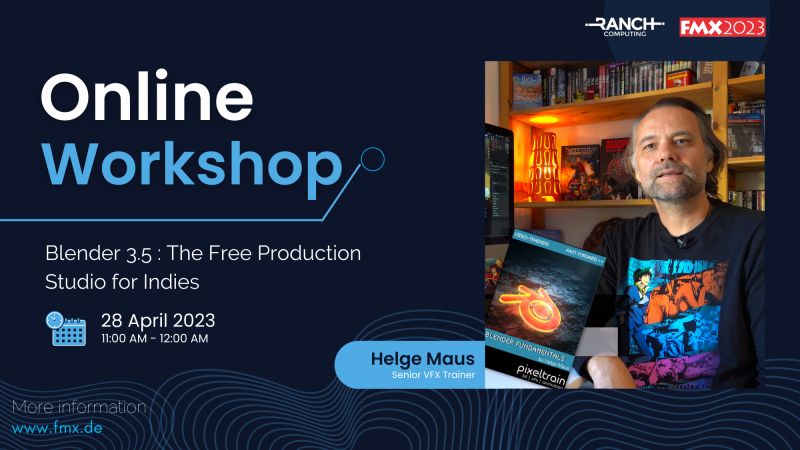
Meet the Senior VFX Trainer Helge Maus on Friday 28 April for an online workshop.

As part of FMX 2023, Helge Maus (pixeltrain) will give you an overview of the broad feature set of Blender 3.5, how the development cycles and infrastructure of this open-source tool is working and how Indies (but also pro studios) can start using this software in their pipeline.

You will learn how Blender “thinks“, how to take your first steps and dive into different areas of this amazing software.

So don’t miss the opportunity and join us on Friday 28 April from 11:00 to 12:00!

More information at
https://fmx.de/en/program-2023/detail/event/27173

FMX – Film & Media Exchange

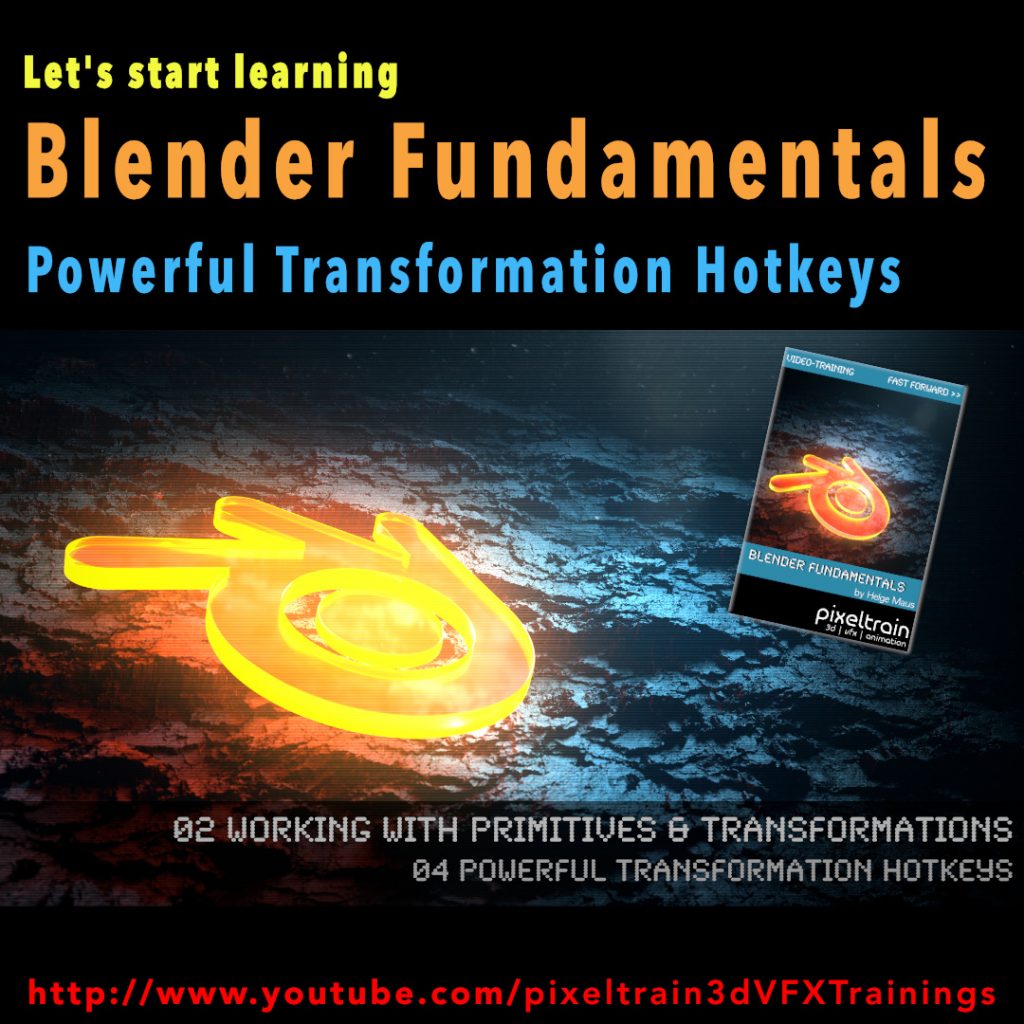
Blender Fundamentals - Powerful Transformation Hotkeys (Demo lesson)

This tutorial is a demo lesson from my Publication „pixeltrain Blender Fundamentals >> Fast Forward“.

In over 120 lessons with a duration of 20+ hours, I will take you through the complete fundamentals of Blender and the basic workflows you need to know to get started with this amazing free software.

[Tutorial] Blender Fundamentals – Powerful Transformation Hotkeys (Demo lesson)

In this tutorial, you will learn how to use Blenders powerful transformation hotkeys and shortcuts. We will not only talk about basic constraints when moving your objects around, but also about working with gestures, global vs local transformations and numeric expressions.

Here are the links for my Blender Fundamentals publication:

👉 YouTube Trailer

👉 Blender Market

https://blendermarket.com/products/pixeltrain-blender-fundamentals-fast-forward

👉 VIMEO Video-on-Demand

https://vimeo.com/ondemand/blenderfundamentals

👉 GUMROAD

https://pixeltrain3d.gumroad.com/l/BlenderFundamentals

Blender Fundamentals - Adjusting the Transform Orientation (Demo lesson)

Today we switch gears – this is my first Blender tutorial of this year.

It’s a beginners lesson from my “Blender Fundamentals” publication and teaches you how you can work with different transform orientations. I hope you like it.

I’m quit curious if also some long-time Blender users find some new tips and tricks in it 😎

You find this tutorial as always on my YouTube channel:

👉 https://youtu.be/an8IXdtTQbo

In this tutorial, you will learn the different transformation spaces and how to change the transform orientation for your tools. We will talk about Global and Local space and how to switch the widgets with fast keyboard shortcuts.
Also you will learn how to make your own custom orientation with the help of another object.

If you are interested in the full Blender Fundamentals Publication:

👉 YouTube Trailer:

👉 Blender Market:

https://blendermarket.com/products/pixeltrain-blender-fundamentals-fast-forward

👉 GUMROAD:

https://pixeltrain3d.gumroad.com/l/BlenderFundamentals

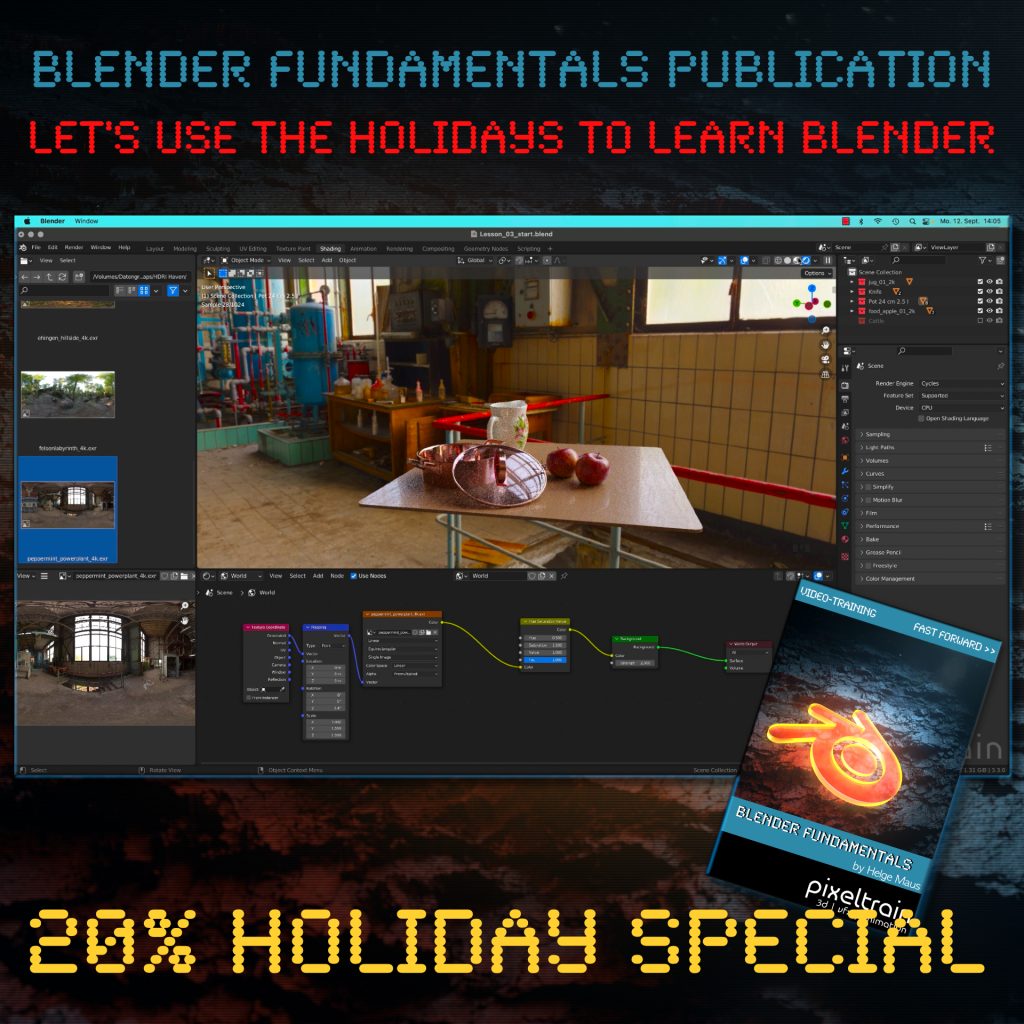
The End of the year brings us time to reflect, relax and to learn something new!

Let’s start learning Blender with our „pixeltrain Blender Fundamentals – Fast Forward“ publication.

👉 YouTube Trailer

More than 20+ hours of content in over 114 lessons.
Learn everything you need to know for beginners and folks from other 3D applications.

Our gift for you is a Holiday Voucher for VIMEO VOD or GUMROAD.
Use „XMAS2022“ at checkout and you get 20% off.

👉 VIMEO „XMAS2022“

https://vimeo.com/r/3E4j/NnJYVjlwam

👉 GUMROAD „XMAS2022“

https://pixeltrain3d.gumroad.com/l/BlenderFundamentals/XMAS2022

Have a great Holiday,

Helge

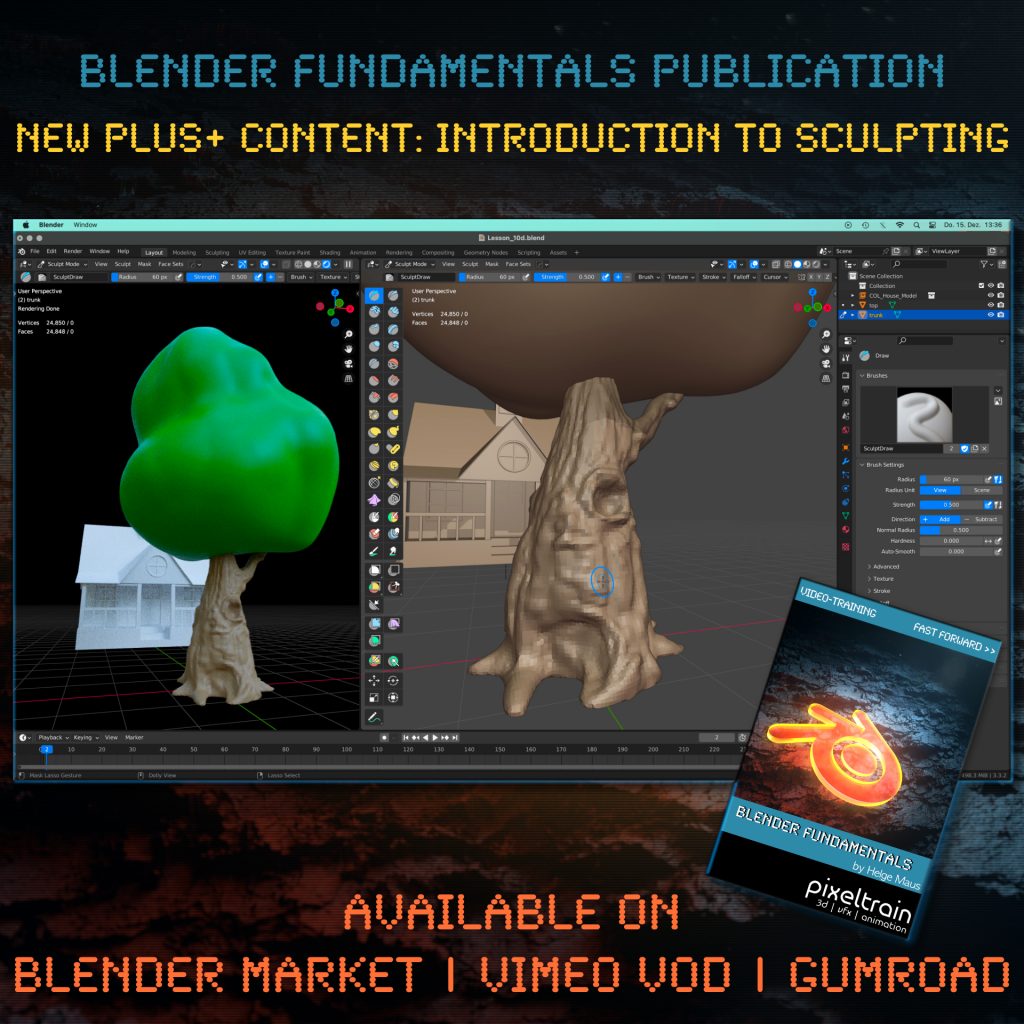
Introduction to the Blender Sculpting

One month after launching our “pixeltrain Blender Fundamentals” publication, we added today another Plus+ content chapter with more than 2.5 hours (12 lessons) to the package.

Free for every existing customer, of course 🙂

You now get a guided Introduction to the Blender Sculpting environment, it’s tools and workflows like Dyntopo, Remeshing and Multires. Also we work on two little projects to practice the new learned skills.

The full publication with over 20+ hours including this and coming Plus+ content is available on Blender Market, Gumroad and as VIMEO Video-on-Demand:

👉 YouTube Trailer

👉 Blender Market

https://blendermarket.com/products/pixeltrain-blender-fundamentals-fast-forward

👉 VIMEO Video-on-Demand 

https://vimeo.com/ondemand/blenderfundamentals

👉 GUMROAD

https://pixeltrain3d.gumroad.com/l/BlenderFundamentals

Have fun,

Helge

View Conference 2022

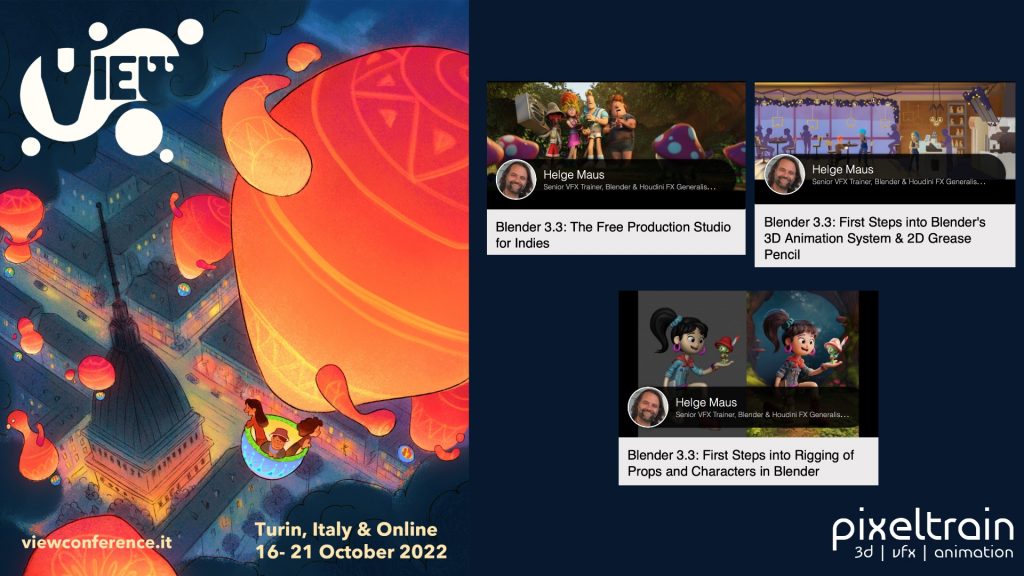
The amazing program for the VIEW Conference 2022 (https://www.viewconference.it) is online!

If you join this year’s Conference you will have the chance to start your Blender journey with 3 workshops for beginners:

Blender 3.3: The Free Production Studio for Indies
Tuesday 18th, 14:00 – 15:00

Blender 3.3: First Steps into Rigging of Props and Characters in Blender
Sunday 16th, 10:00-12:30

Blender 3.3: First Steps into Blender’s 3D Animation System & 2D Grease Pencil
Monday 17th, 11:15 – 14:15

Here is the direct link to the program:
https://www.viewconference.it/assets/html/view_CET.html

Don’t miss the opportunity to visit also the other exciting workshops and talks.

I am looking so forward to meeting you all in person!

CU,

Helge

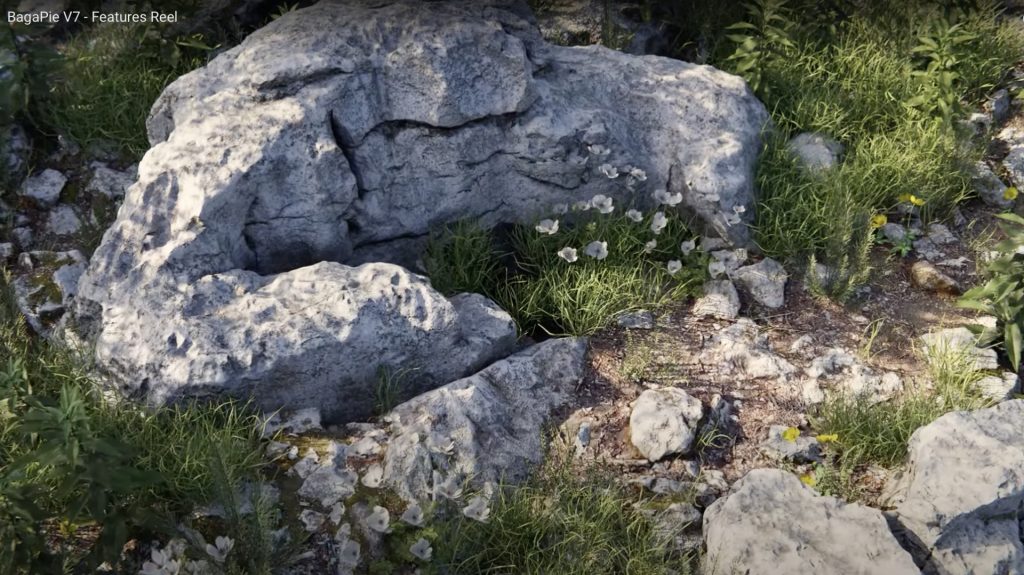
Blender BagaPie V7 Addon

Do you know BagaPie?

The BagaPie Modifier is an “all in one” free Blender addon, you can use it for any purpose by Antoine Bagattini.

Also watch the version V6 reel to understand a little bit more, what this great tool is capable of: https://youtu.be/FlLotEd0zFU 

And the BagaPie version for Blender 3 feature reel:


It started as a collection of cool tools for lazy artists and has evolved over the last versions to a very powerful and useful multi tool for all kinds of operations.

I mostly use it for Scattering purposes of my own assets for nature scenes.
If supports a really fast scatter process, an easy to use Painting system for you instances, Proxies and also Camera Culling. Wow, and that’s for free!

But if you like the addon, you can get also the BagaPie Asset collection (around $55) which gives you around 200+ environment assets for your scenes.

More information and the free download:

https://abaga.gumroad.com/l/BbGVh?_gl

Hope you like it!

Helge

I had two great and relaxing days with my Blender 3.2 Fundamentals training attendees last week.
Such a pleasure to work with artists around the world and helping them to start their journey in this powerful environment. 🎉

Learning basic PBR Shader networks in the Blender Fundamentals training

The next two workshops (2-days, German language) will be 14.+15. July (Photorealistic and NPR Rendering) and 18.+19. August (Rigging & Animation). And, the new Blender Fundamentals training will be 29.+30. Sept 2022.

If you want to join, please contact Visualisierungs-Akademie Schweiz GmbH here:

https://visualisierungs-akademie.ch/category/bildung/

For Blender Trainings (remote, for companies and individuals please check www.pixeltrain.net or contact me directly under info(at)pixeltrain.net ).

Regards, Helge

Blender 3.0 for Production - 2D & 3D Tracking Workflow - 11 Semi-automatic Tracking Workflow

Here is the next lesson of the Tracking Workshop. This time we will talk about semi-automatic tracking, which is a way of adding many trackers for shots, where you don’t want to add supervised trackers. Hope you like the lesson 🙂

Blender 3.0 for Production - 2D & 3D Tracking Workflow - 10 Object Integration, Shadow Catcher & Rotoscoping

Today, I’ve just published my next Blender 3.0 tutorial.
We talk about 3D-Object Integration, Shadow Catchers & Rotoscoping in Blender 3.1 after 3D-Tracking. It’s part of my free “Blender for Production” series. Have fun!