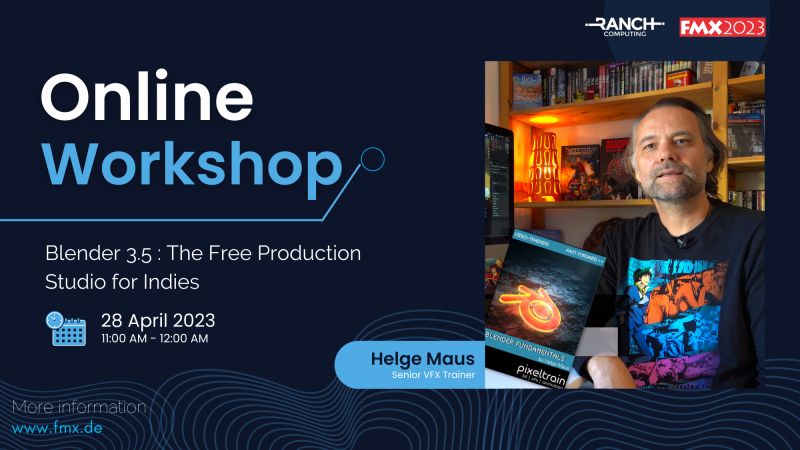
FMX2023 - Helge Maus Online Workshop for Blender for Production

🔴 FMX2023 🔴 

🗓 Save the date !

Meet the Senior VFX Trainer Helge Maus on Friday 28 April for an online workshop.
As part of FMX 2023, Helge Maus (pixeltrain) will give you an overview of the broad feature set of Blender 3.5, how the development cycles and infrastructure of this open-source tool is working and how Indies (but also pro studios) can start using this software in their pipeline.

You will learn how Blender “thinks“, how to take your first steps and dive into different areas of this amazing software.

So don’t miss the opportunity and join us on Friday 28 April from 11:00 to 12:00!

More information at
https://fmx.de/en/program-2023/detail/event/27173
FMX – Film & Media Exchange

This tutorial is a demo lesson from my Publication „pixeltrain Blender Fundamentals >> Fast Forward“.

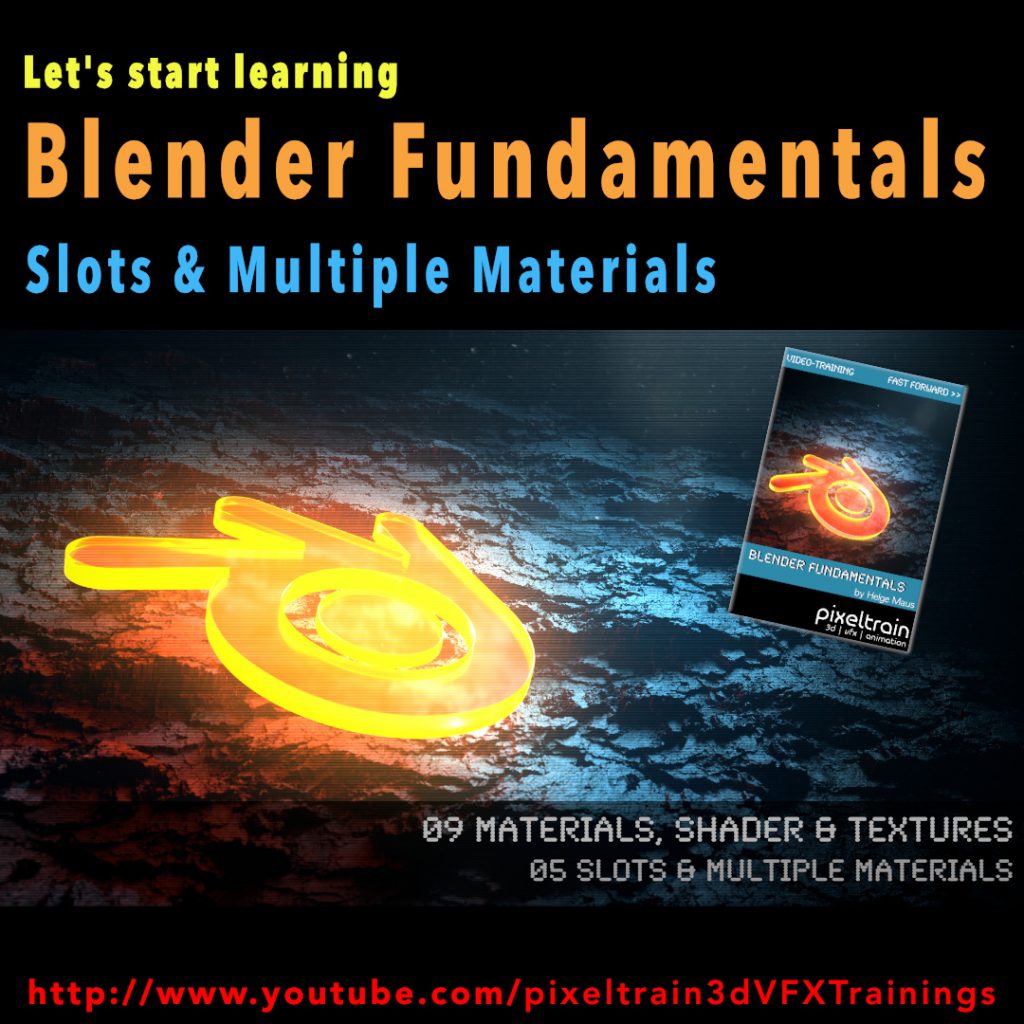
Blender Fundamentals – Multiple Materials on one object & Slots (Demo lesson)

In this tutorial, you will learn how to assign Materials through the slot system of Blender to mesh parts. You will understand what a. slot is, how to make effective selections and assignment and how to assign multiple Materials to one mesh.

Here are the links for my Blender Fundamentals publication. In over 120 lessons with a duration of 20+ hours, I will take you through the complete fundamentals of Blender and the basic workflows you need to know to get started with this amazing free software.

👉 YouTube Trailer

👉 Blender Market
https://blendermarket.com/products/pixeltrain-blender-fundamentals-fast-forward

👉 VIMEO Video-on-Demand 
https://vimeo.com/ondemand/blenderfundamentals

👉 GUMROAD
https://pixeltrain3d.gumroad.com/l/BlenderFundamentals

00:00 Overview of the series and the lesson

01:06 Slots & Multiple Materials

01:26 Working with the local Mode

02:00 Basic Material assignment

02:15 Adding an additional Material slot

02:30 Understanding Slots in the Properties & Shader Editor

03:28 Assigning Faces to a slot

04:43 Selecting faces from an assignment

06:07 Selection faces more effectively

07:06 Re-assign a Material

07:34 Going out of Local mode

08:00 Assigning Slots without Materials

08:33 Changing the Material of a slot

If you have questions or topics, which should be added, please let me know.

If you want to support me for publishing more free tutorials you could

join my Patreons: 👉 https://www.patreon.com/pixeltrain3d

or give me a fast Coffee time Tip: 👉 PayPal: https://paypal.me/pixeltrain

Blender Fundamentals - Loop Cut & Offset Loop Cut Tool (Demo lesson)

This tutorial is a demo lesson from my Publication „pixeltrain Blender Fundamentals >> Fast Forward“.

[Tutorial] Blender Fundamentals – Loop Cut & Offset Loop Cut Tool (Demo lesson)

In over 120 lessons with a duration of 20+ hours, I will take you through the complete fundamentals of Blender and the basic workflows you need to know to get started with this amazing free software.

In this tutorial, you will learn the use of the LoopCut tool and the Offset Edge Loop Cut tool. First you will see how to work with these tools from the Quick tools menu and all the options, then we will look into the keyboard shortcuts and options keys for faster access. At the end, Helge shows how to double edges with the Bevel shortcut as an alternative.

Here are the links for my Blender Fundamentals publication:

👉 YouTube Trailer

👉 Blender Market
https://blendermarket.com/products/pixeltrain-blender-fundamentals-fast-forward

👉 VIMEO Video-on-Demand 
https://vimeo.com/ondemand/blenderfundamentals

👉 GUMROAD
https://pixeltrain3d.gumroad.com/l/BlenderFundamentals

00:00 Overview of the series and the lesson

01:06 LoopCut tool & Offset Loopcut tool

01:30 Using Loop Cut from the Quick tools

01:50 Making a loop cut

02:30 Options of the loop cut

04:00 Sliding the cut

04:45 Working with referenced edges

05:20 Options Even and Flip

06:20 Adding loop cuts with shortcuts

07:30 Options Even and Flip with shortcuts

08:30 Offset Edge Loop Cut tool

10:09 Working with the shortcut

10:37 Working with edge bevel as an alternative

If you have questions or topics, which should be added, please let me know.

If you want to support me for publishing more free tutorials you could join my Patreons:

👉 https://www.patreon.com/pixeltrain3d

or give me a fast Coffee time Tip:
👉 PayPal: https://paypal.me/pixeltrain

Blender Fundamentals - Powerful Transformation Hotkeys (Demo lesson)

This tutorial is a demo lesson from my Publication „pixeltrain Blender Fundamentals >> Fast Forward“.

In over 120 lessons with a duration of 20+ hours, I will take you through the complete fundamentals of Blender and the basic workflows you need to know to get started with this amazing free software.

[Tutorial] Blender Fundamentals – Powerful Transformation Hotkeys (Demo lesson)

In this tutorial, you will learn how to use Blenders powerful transformation hotkeys and shortcuts. We will not only talk about basic constraints when moving your objects around, but also about working with gestures, global vs local transformations and numeric expressions.

Here are the links for my Blender Fundamentals publication:

👉 YouTube Trailer

👉 Blender Market

https://blendermarket.com/products/pixeltrain-blender-fundamentals-fast-forward

👉 VIMEO Video-on-Demand

https://vimeo.com/ondemand/blenderfundamentals

👉 GUMROAD

https://pixeltrain3d.gumroad.com/l/BlenderFundamentals

Blender Fundamentals - Adjusting the Transform Orientation (Demo lesson)

Today we switch gears – this is my first Blender tutorial of this year.

It’s a beginners lesson from my “Blender Fundamentals” publication and teaches you how you can work with different transform orientations. I hope you like it.

I’m quit curious if also some long-time Blender users find some new tips and tricks in it 😎

You find this tutorial as always on my YouTube channel:

👉 https://youtu.be/an8IXdtTQbo

In this tutorial, you will learn the different transformation spaces and how to change the transform orientation for your tools. We will talk about Global and Local space and how to switch the widgets with fast keyboard shortcuts.
Also you will learn how to make your own custom orientation with the help of another object.

If you are interested in the full Blender Fundamentals Publication:

👉 YouTube Trailer:

👉 Blender Market:

https://blendermarket.com/products/pixeltrain-blender-fundamentals-fast-forward

👉 GUMROAD:

https://pixeltrain3d.gumroad.com/l/BlenderFundamentals

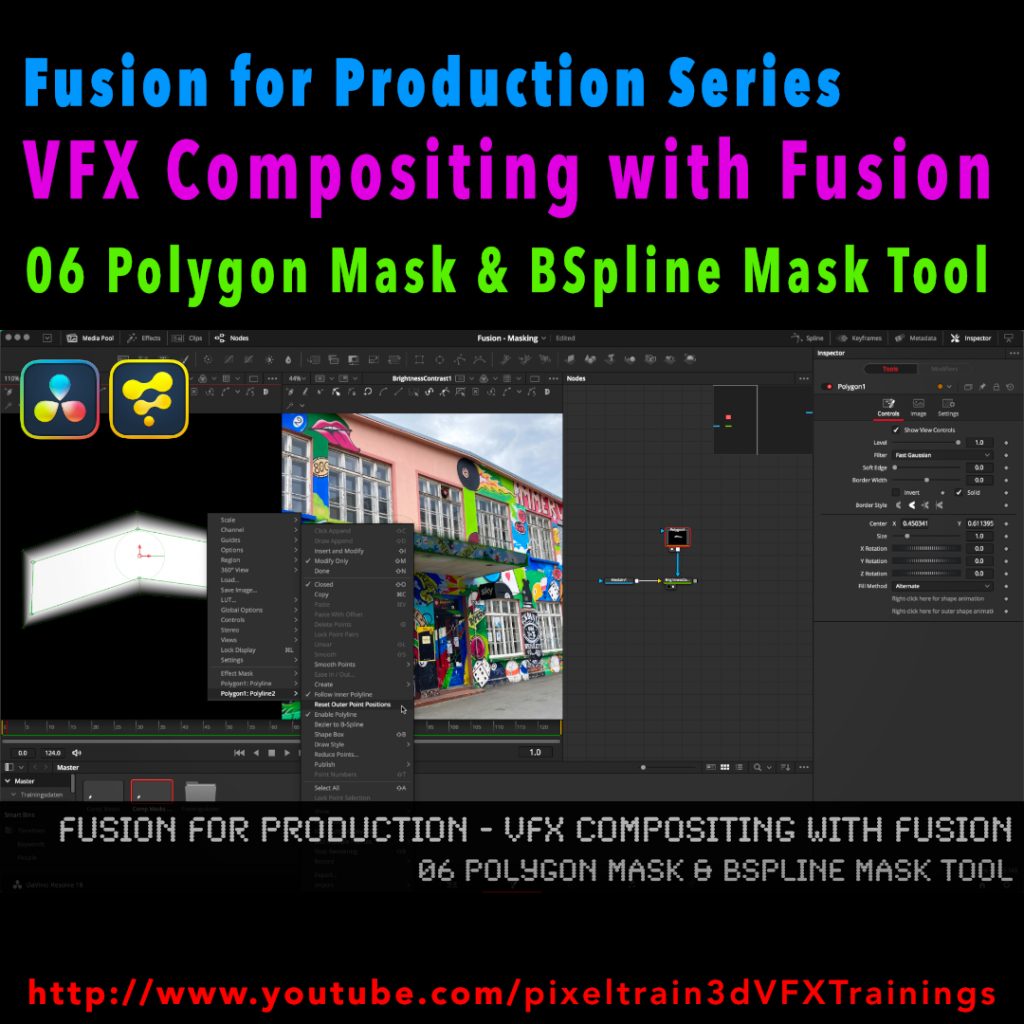
Fusion for Production - VFX Compositing with Fusion - 06 Polygon Masks & BSpline Mask Tool

I’ve just released my next free Blackmagicdesign Fusion Tutorial on my YouTube channel:

https://www.youtube.com/pixeltrain3DVFXTrainings

This time I talk about Masking, the Polygon Mask tool and the BSpline Mask tool. You can follow along with DaVinci Resolve on the Fusion Page or in Fusion Studio.

Have fun!

Helge

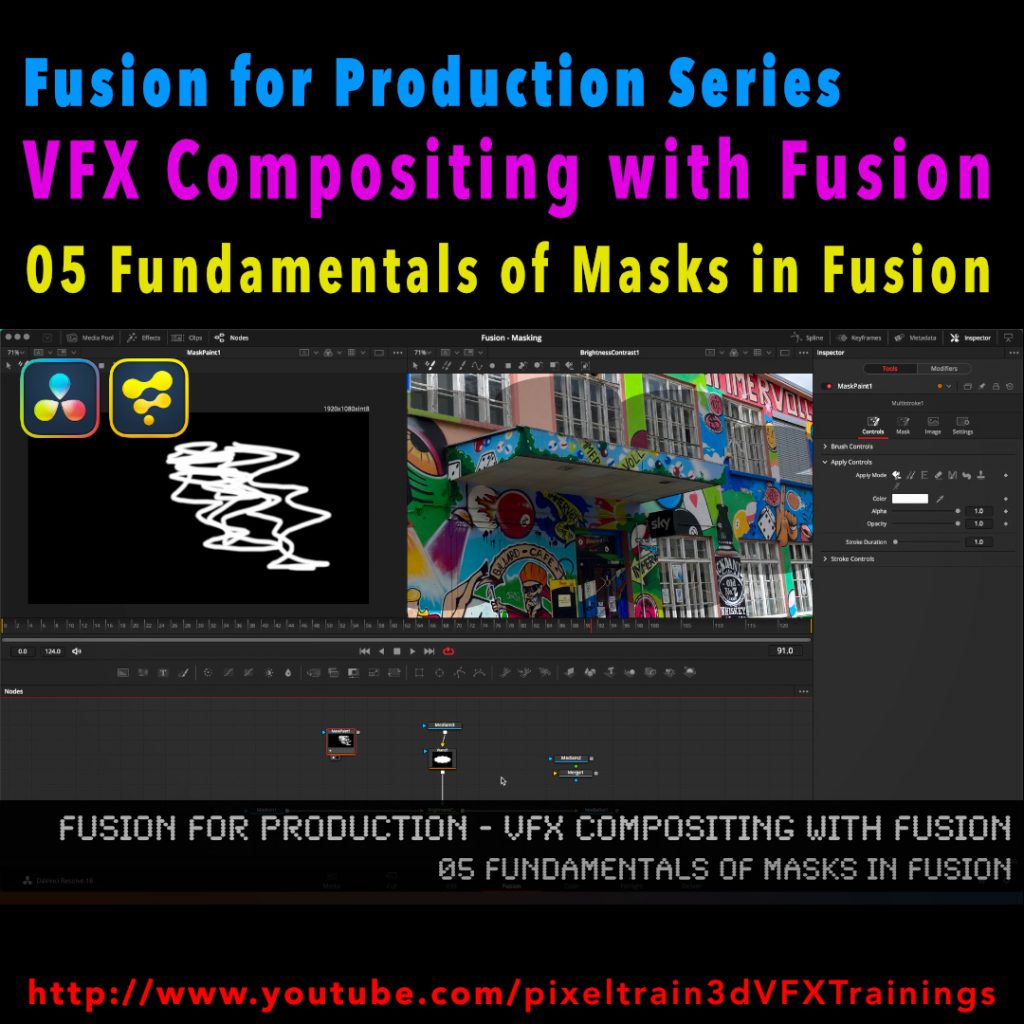
Fusion for Production - VFX Compositing with Fusion - 05 Fundamentals of Masks in Fusion

After a longer pause I’ve released a new free tutorial on my YouTube channel. I hope you like it 🙂

👉 https://youtu.be/RTIdh-ZsbTo

In this tutorial, you will learn the general uses and workflows of Masks in Fusion / Fusion Page in Resolve.

You will learn the different Mask types in Fusion, the most important parameters and options when drawing them. Also we will look into how to combine Masks for complex shapes for Rotoscoping. And, we will talk about bitmap based Masks in Fusion and how to use the Magic Mask, the Bitmap Mask and the Paint Mask.

I hope you like this new tutorial.

If you have questions or topics, which should be added, please let me know.

If you want to support me for publishing more free tutorials you could join my Patreons:

👉 https://www.patreon.com/pixeltrain3d

or give me a fast Coffee time Tip:
👉 PayPal: https://paypal.me/pixeltrain

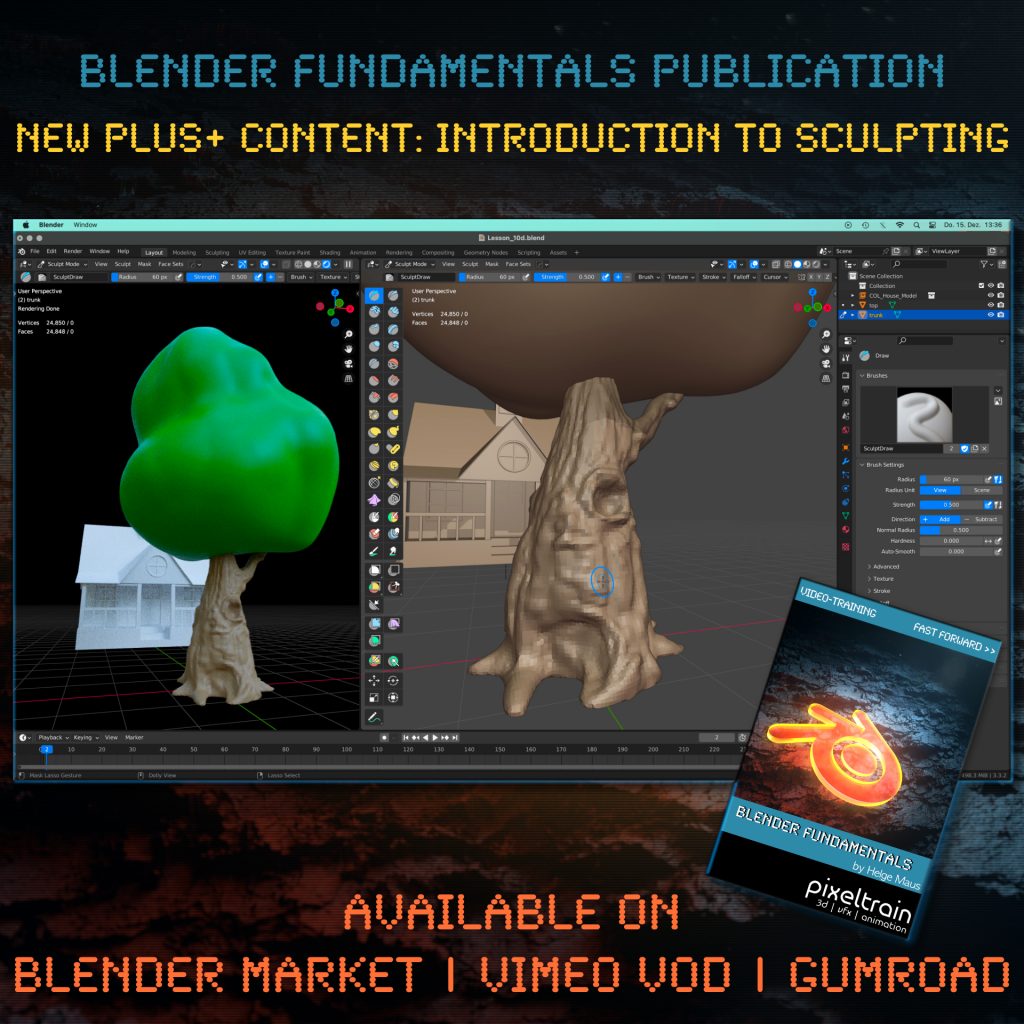
Introduction to the Blender Sculpting

One month after launching our “pixeltrain Blender Fundamentals” publication, we added today another Plus+ content chapter with more than 2.5 hours (12 lessons) to the package.

Free for every existing customer, of course 🙂

You now get a guided Introduction to the Blender Sculpting environment, it’s tools and workflows like Dyntopo, Remeshing and Multires. Also we work on two little projects to practice the new learned skills.

The full publication with over 20+ hours including this and coming Plus+ content is available on Blender Market, Gumroad and as VIMEO Video-on-Demand:

👉 YouTube Trailer

👉 Blender Market

https://blendermarket.com/products/pixeltrain-blender-fundamentals-fast-forward

👉 VIMEO Video-on-Demand 

https://vimeo.com/ondemand/blenderfundamentals

👉 GUMROAD

https://pixeltrain3d.gumroad.com/l/BlenderFundamentals

Have fun,

Helge

View Conference 2022

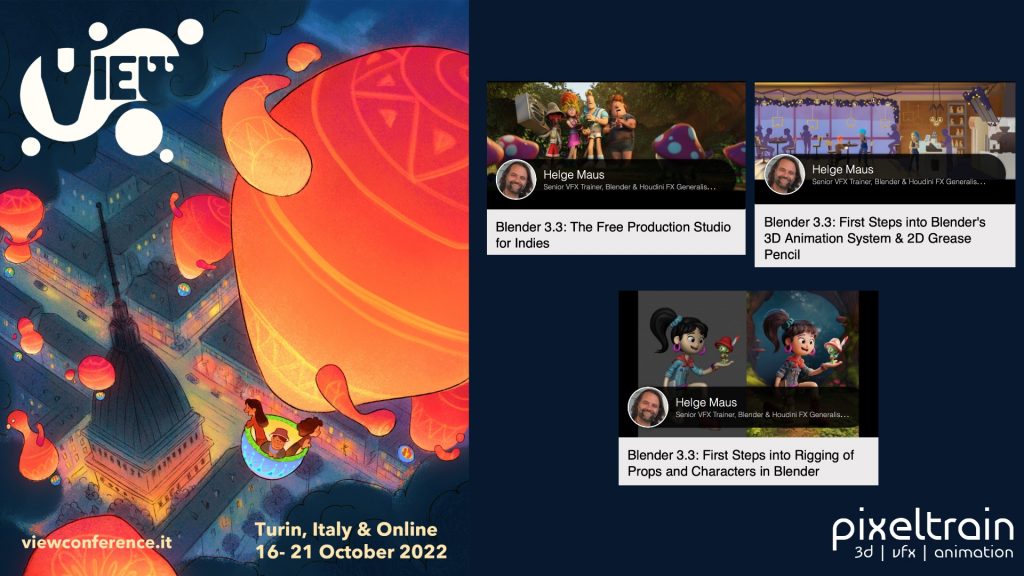
The amazing program for the VIEW Conference 2022 (https://www.viewconference.it) is online!

If you join this year’s Conference you will have the chance to start your Blender journey with 3 workshops for beginners:

Blender 3.3: The Free Production Studio for Indies
Tuesday 18th, 14:00 – 15:00

Blender 3.3: First Steps into Rigging of Props and Characters in Blender
Sunday 16th, 10:00-12:30

Blender 3.3: First Steps into Blender’s 3D Animation System & 2D Grease Pencil
Monday 17th, 11:15 – 14:15

Here is the direct link to the program:
https://www.viewconference.it/assets/html/view_CET.html

Don’t miss the opportunity to visit also the other exciting workshops and talks.

I am looking so forward to meeting you all in person!

CU,

Helge