Today I’ve uploaded another chunk of tutorials from chapter 8 of my „pixeltrain Blender Fundamentals” publication to Patreon.
Have fun!
Today I’ve uploaded another chunk of tutorials from chapter 8 of my „pixeltrain Blender Fundamentals” publication to Patreon.
Have fun!
Just added a new lesson to my “Blender Fundamentals” publication about the changes in the Blender 4.2+ Auto Smooth / Normals workflow.
I also made this lesson free for everyone on my free Patreon here:
Have fun!
P.S. Keep in mind, it’s a lesson from a beginners publication 😉
Dear Followers,
Today is officially my second day at work and I would therefore like to wish you all a healthy, successful and happy year 2024. I wish you many creative thoughts and projects.
I would also like to thank my dear Patreons, for their support and loyalty. Their constant support means a lot to me and it motivates me to stay on track with my vision:
I want to give indies an opportunity to learn and develop creatively.
I want artists to be able to make a living from their creativity, no matter where they live and without having to sell themselves, their lives and their families into the big machine of the 3D, VFX and games industry.
I would therefore like to present to you a plan for the first half of 2024.
In addition to further publications about Blender, free tutorials and technical articles, I would also like to spend more time with you as a community. I hope that the pixeltrain Discord Server can become a platform for this, but I’m also looking for other ideas.
The pixeltrain Academy is developing, but I would like to find other platforms for mutual exchange.
For example, live events like the View Conference in Turin, which kindly gives me the opportunity every year to talk about open-source tools like Blender and Godot and to offer training sessions for indies. If you have any further ideas on this, I would be happy to talk about them.
Here are the two big topic areas I want to focus on this year:

Blender is now widespread in the 3D, animation, VFX and games industries and is already widely accepted. Therefore, having in-depth Blender production knowledge can now be a ticket to a professional career entry.
But Blender is also the all-round solution for artists who work on indie projects, set up indie studios or simply work on their private projects.
I would like to help here and provide suitable training material.

The second big area I want to focus on is game design and development with Godot. Again, it is FOSS – Free Open Source software. For the same reasons I chose Blender.
Godot is available to everyone free of charge, but is also open source. Therefore, there are no license changes, restrictions or anything similar to worry about. And we saw a lot of this in the games sector last year. It has been shown that only „free of charge“ can be very dangerous, Unity, Unreal and others have shown this clearly this year and have threatened the existence of many projects in development and the artists behind them.
Godot is already a capable 2D and 3D (more and more) game engine with a constant and community-driven development cycle.
Godot has its own, highly effective scripting language with GD Script, which is also easy to learn for beginners. Anyone who comes from professional game development, for example from Unity, can also work in C#. Many free add-ons (plugins) extend Godot, similar to what we know from Blender.
The created games or applications can be exported for Windows, Mac, Linux, iOS, Android and, with the help of third-party providers, also on consoles such as XBOX, Playstation and Nintendo Switch.
Game design and development is the consistent development of telling stories and building new user experiences. In addition to the 2D and 3D environment, audio and interactivity give artists further opportunities for expression.
I am currently in the process of transferring, adapting and expanding my long-standing Unity training concepts to Godot. Therefore, I hope that I will soon be able to present you new tutorials, publications and training courses on Godot.
In addition to these projects, I continue to train Blender in company training, one-to-ones and for some training providers in order to be able to pay my bills.
I look forward to your feedback and am excited to see what this new year brings us.
Thank you and best regards
Helge
P.S. If you want to support me and get ad-free tutorials, discount vouchers and more, please consider to become a Patreon. Thanks 🙂
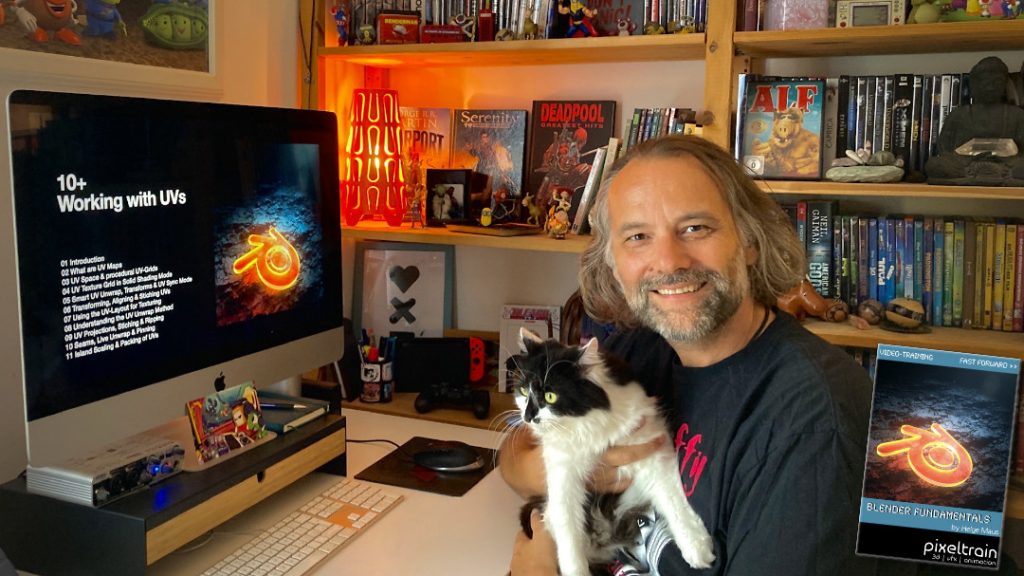
Today, I have added another Plus+ chapter “Working with UVs” to my Blender Fundamentals Publication.
This additional content is free for everyone who has bought the publication in the past. Also I’m working on more Plus+ content for the future.
The publication „pixeltrain – Blender Fundamentals >> Fast Forward“ by Senior 3D & VFX trainer Helge Maus is a complete Introduction to Blender 3D.
Meanwhile the publication is around 25 hours long with 137 lessons.
👉 Blender Market
https://blendermarket.com/products/pixeltrain-blender-fundamentals-fast-forward
👉 VIMEO Video-on-Demand
👉 GUMROAD
https://pixeltrain3d.gumroad.com/l/BlenderFundamentals
The focus of this publication is NOT building a fancy eye-catchy example scene. But it is concepted as a step-by-step logical structured learning curriculum, with deep explanations of concepts, workflows and tool options. It lays the foundation of essential concepts and paradigms to understand more advanced topics for other areas and workflows of Blender 3d down the road.
Chapterlist, so far:
01 First Steps in the Blender User Interface (2h 33m)
02 Working with Primitives & Transformations (2h 58m)
03 Working Modes & Selections (1h 6m)
04 Polygon Modeling (4h 30m)
05 Subdivision Surface (1h 8m)
06 Plus+ Sculpting (2h 34m)
07 Curves & Text (1h 19m)
08 Modifiers (1h 16m)
09 Materials, Shader & Textures (2h 45m)
10 Plus+ Working with UVs (1h 56m)
11 Lighting, Cameras & Rendering (2h 32m)
*Additional PLUS+ content coming soon! This PLUS+ content is free for every owner of the publication.
Topics covered:
As always I will put these new lessons into my Patreon Account over the course of the coming weeks as a “Thank you” for the support of my Patreons:
https://www.patreon.com/pixeltrain3d
If you have any questions about this publication or about Blender remote training, please let me know!
Helge
Just finished capturing the next 2-hours free addition to my “Blender Fundamentals” publication.
This time we tackle “UV mapping and packing inside of Blender 3.6“.
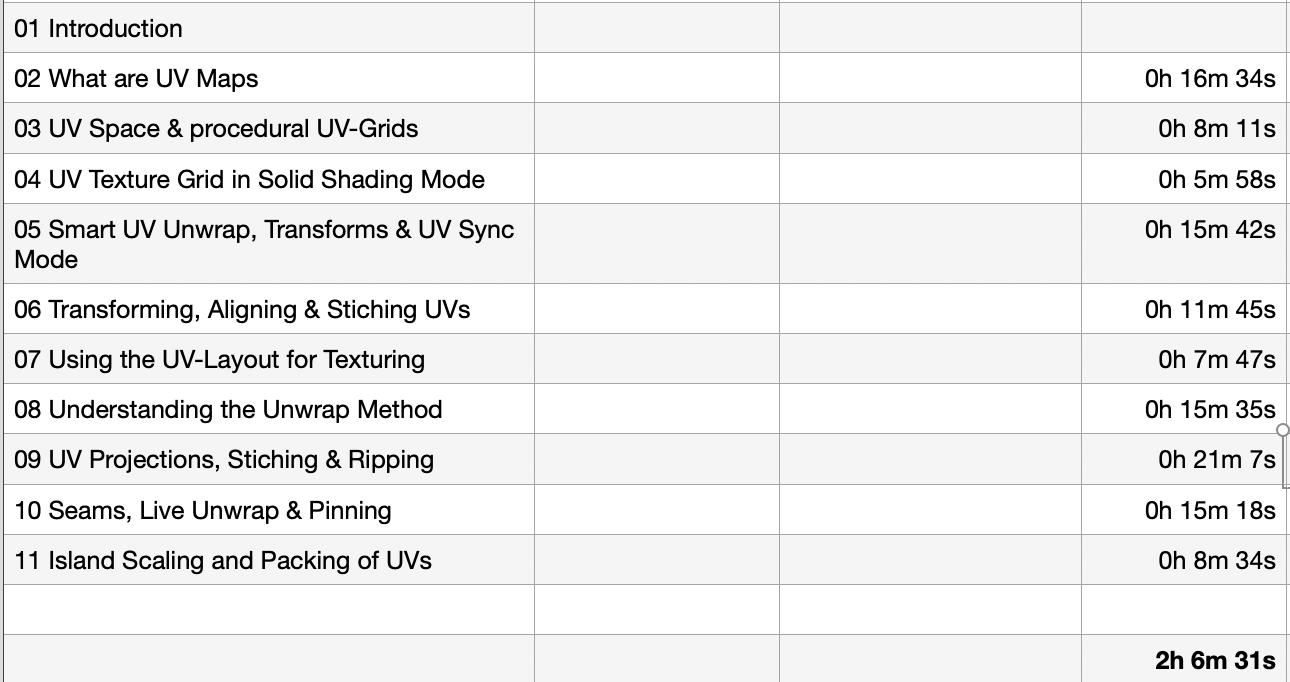
With this coming Plus+ chapter the “Blender Fundamentals” publication will grow now to 25 hours of dense content.
As said, this and more updated content will come to the Publication in the future, so you can start learning today and get all the updates for free after the are released!
Content:
01 First Steps in the Blender User Interface (2h 33m)
02 Working with Primitives & Transformations (2h 58m)
03 Working Modes & Selections (1h 6m)
04 Polygon Modeling (4h 30m)
05 Subdivision Surface (1h 8m)
06 Plus+ Sculpting (2h 34m)
07 Curves & Text (1h 19m)
08 Modifiers (1h 16m)
09 Materials, Shader & Textures (2h 45m)
10 Plus+ Working with UVs*
11 Lighting, Cameras & Rendering (2h 32m)
*Additional PLUS+ content coming very soon!
👉 YouTube Trailer
👉 Blender Market
https://blendermarket.com/products/pixeltrain-blender-fundamentals-fast-forward
👉 VIMEO Video-on-Demand
https://vimeo.com/ondemand/blenderfundamentals
👉 GUMROAD
https://pixeltrain3d.gumroad.com/l/BlenderFundamentals
And, this chapter will come to my Patreons in the Patreons-only section:
https://www.patreon.com/pixeltrain3d
Now editing starts, with 30° outside it’s not easy to stay cool …
Have a great day, have fun!
The End of the year brings us time to reflect, relax and to learn something new!
Let’s start learning Blender with our „pixeltrain Blender Fundamentals – Fast Forward“ publication.
👉 YouTube Trailer
More than 20+ hours of content in over 114 lessons.
Learn everything you need to know for beginners and folks from other 3D applications.
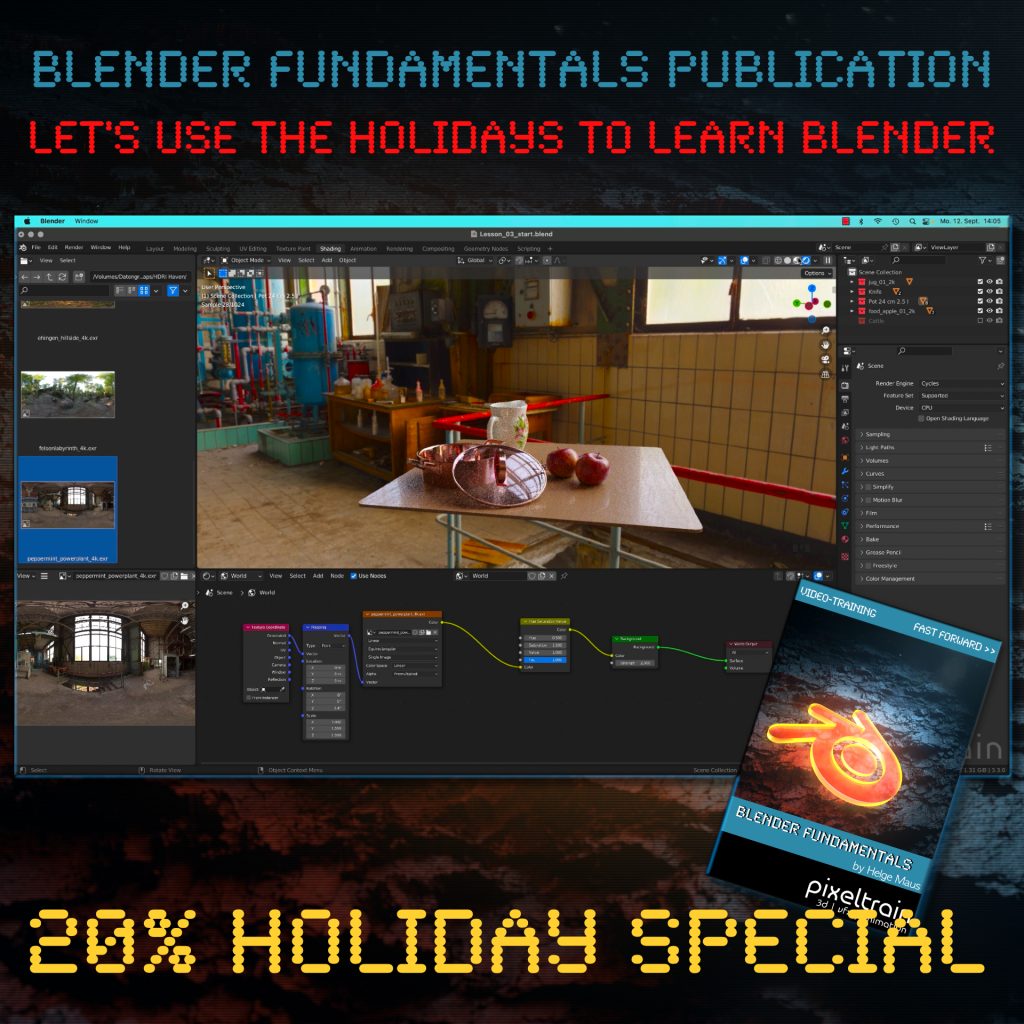
Our gift for you is a Holiday Voucher for VIMEO VOD or GUMROAD.
Use „XMAS2022“ at checkout and you get 20% off.
👉 VIMEO „XMAS2022“
https://vimeo.com/r/3E4j/NnJYVjlwam
👉 GUMROAD „XMAS2022“
https://pixeltrain3d.gumroad.com/l/BlenderFundamentals/XMAS2022
Have a great Holiday,
Helge
Helge’s new publication – a step-by-step Introduction into Blender – is out on November 22, 2022!
In 114 lessons with a duration of 20+ hours, Helge takes you through the complete fundamentals of Blender and the basic workflows you need to know to get started with this amazing free software. This training is designed to get you up and running quickly, enabling you with the skills needed to work effectively in this incredibly powerful 3d package.
Additionally, it lays the foundation of essential concepts and paradigms to understand more advanced topics for other areas and workflows of Blender 3d down the road.
Link to the Tutorial: https://vimeo.com/ondemand/blenderfundamentals
Content
01 First Steps in the Blender User Interface (2h 33m)
02 Working with Primitives & Transformations (2h 58m)
03 Working Modes & Selections (1h 6m)
04 Polygon Modeling (4h 30m)
05 Subdivision Surface (1h 8m)
06 Plus+ Sculpting*
07 Curves & Text (1h 19m)
08 Modifiers (1h 16m)
09 Materials, Shader & Textures (2h 45m)
10 Plus+ Working with UVs*
11 Lighting, Cameras & Rendering (2h 32m)
*PLUS+ content coming soon!