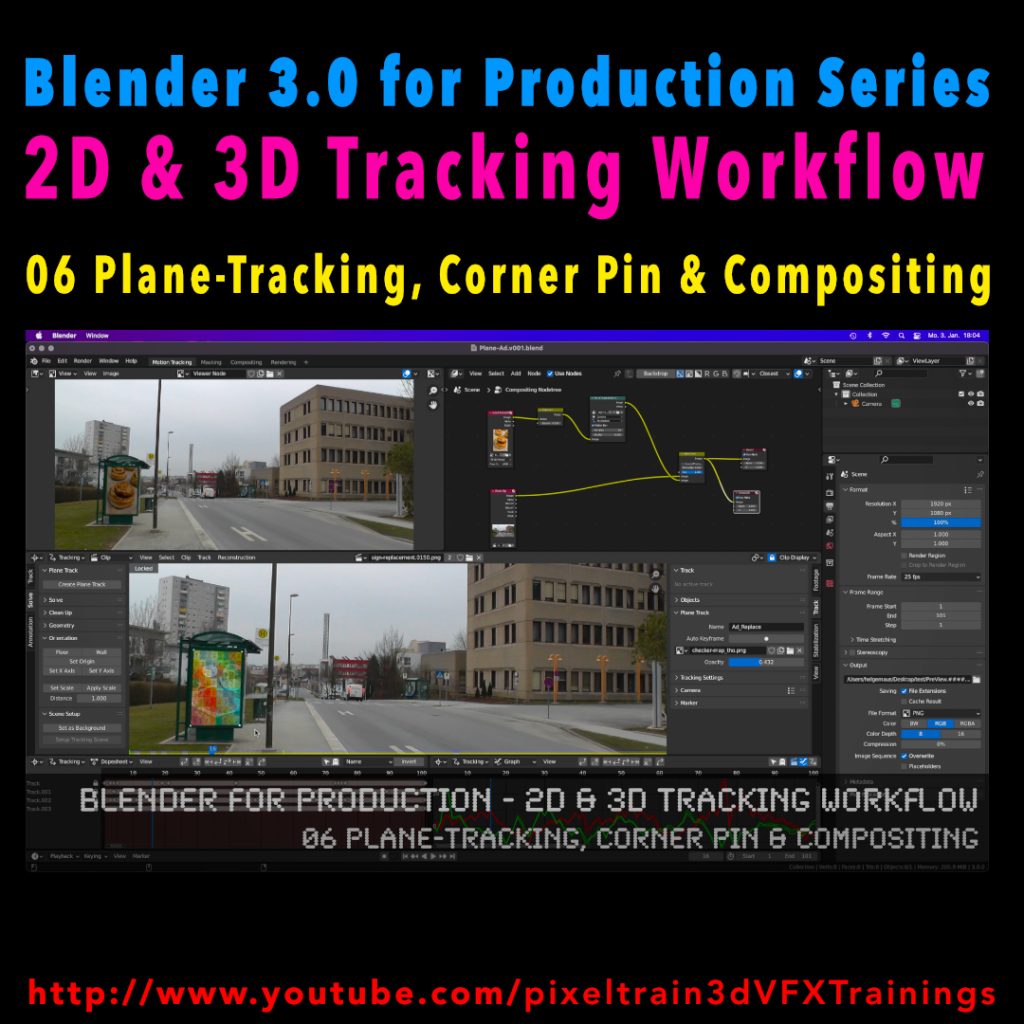
My next free “Blender 3.0 for Production” tutorial is out.
Let’s talk about plane-tracking, corner pining and the integration with the built-in compositor.
Have fun!
My next free “Blender 3.0 for Production” tutorial is out.
Let’s talk about plane-tracking, corner pining and the integration with the built-in compositor.
Have fun!
Have you seen the new Blender 3.0 Feature reel 2021?
Every release motivates me to dive deeper into content creation with this incredible tool.
Maybe you want to make 2022 your starting point for your Blender journey? Here are some trainings classes (German AND English) I will host together with Visualisierungs-Akademie in the following weeks:
Blender 3D entry-level live workshop (English) – 24.+25. January
https://www.eventbrite.ch/e/blender-3d-entrylevel-live-workshop-tickets-194481879537
Blender Einführungskurs (German) – 20.+21. January
https://visualisierungs-akademie.ch/bildung/blender-einfuehrungskurs/
Blender Renderingkurs (German) – 24.+25. February
https://visualisierungs-akademie.ch/bildung/blender-vertiefung/
Blender Animationskurs (German) – 07.+08. March
https://visualisierungs-akademie.ch/bildung/blender-animation/
If you have questions about these trainings or ideas, please write me a direct message.
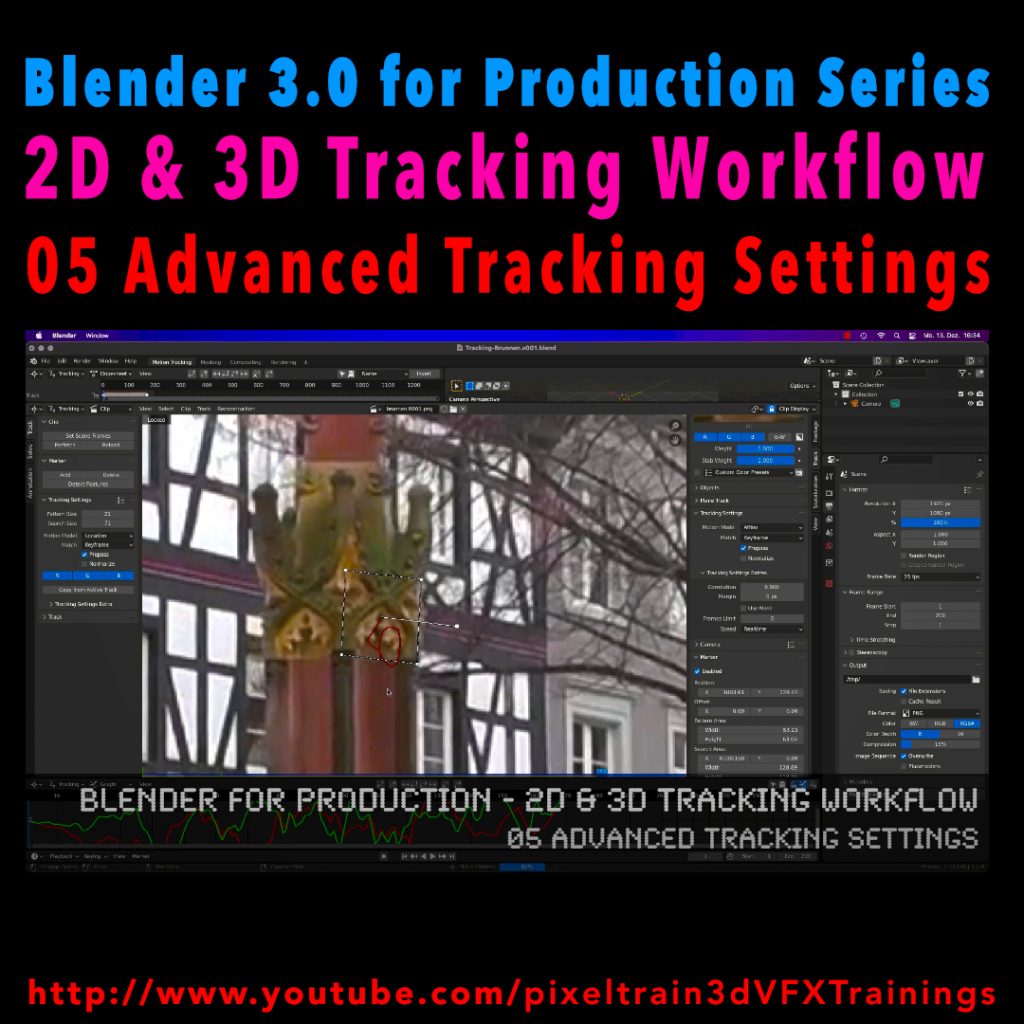
Let’s look into the advanced settings of the Blender 2D-Tracking system.
My next tutorial of my “Blender for Production” tutorial series is online.
Have fun with it!
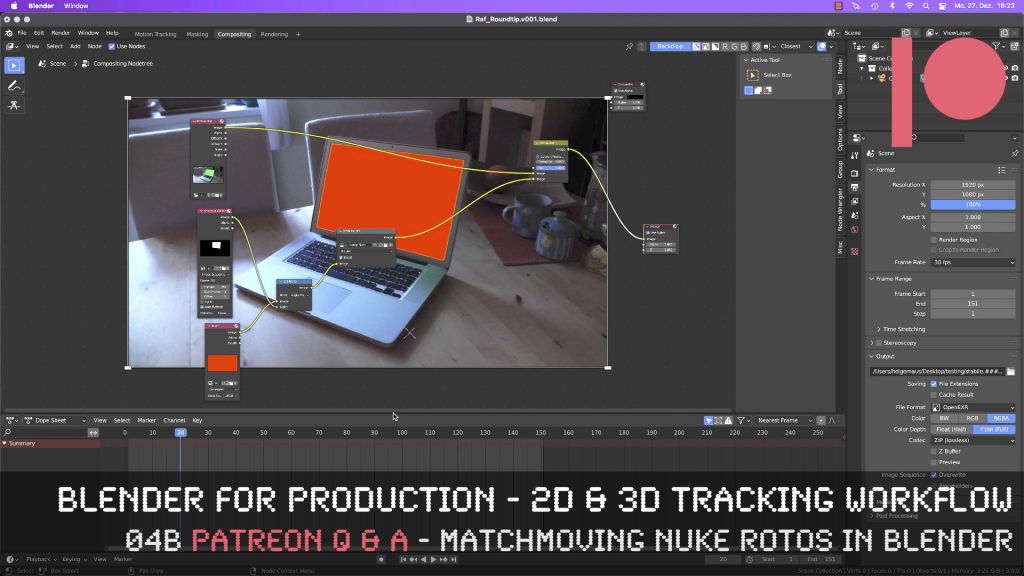
This tutorial is an answer to a pixeltrain Patreon question: It shows the roundtrip of a stabilized shot from Blender’s Tracking system to NUKE (or any other Compositing package like Fusion or AfterEffects) and how to use Rotoscoping data from there back in Blender. If you want to join my Patreon community, you can find it here: https://www.patreon.com/pixeltrain3d
These topics are covered in this tutorial:
If you want to use the same footage, here is my Gumroad link:
https://pixeltrain3d.gumroad.com/l/GEdjT
Be aware, that these files are included in my Patreon 😉
https://www.patreon.com/pixeltrain3d
This tutorial series „Blender for Production“ focuses on Blender as a full Production Suite for (Indie) 3D- & VFX Productions. In these tutorials, I will explain how to work with the different Modules of Blender and how they are connected. I will give you an introduction to the specific functionalities, but also the production context and workflows, which can help you to use Blender in your productions.
As a Senior 3D & VFX Trainer, Helge Maus teaches 3D- & VFX Applications for 20 years. His focus lies on VFX, but he also works with many studios and agencies from different visualization areas. He focuses on Houdini FX, Blender, and NUKE for his daily work and training.
If you have questions or topics, which should be added, please let me know.
If you want to support Helge Maus for publishing more free tutorials you could join his Patreons:
https://www.patreon.com/pixeltrain3d
Find more information on http://www.pixeltrain.net
YouTube: https://www.youtube.com/pixeltrain3DVFXTrainings
Twitter: https://twitter.com/pixeltrain
Instagram: https://www.instagram.com/pixeltrain3d/
LinkedIn: https://www.linkedin.com/in/pixeltrain/
Artstation: https://www.artstation.com/pixeltrain
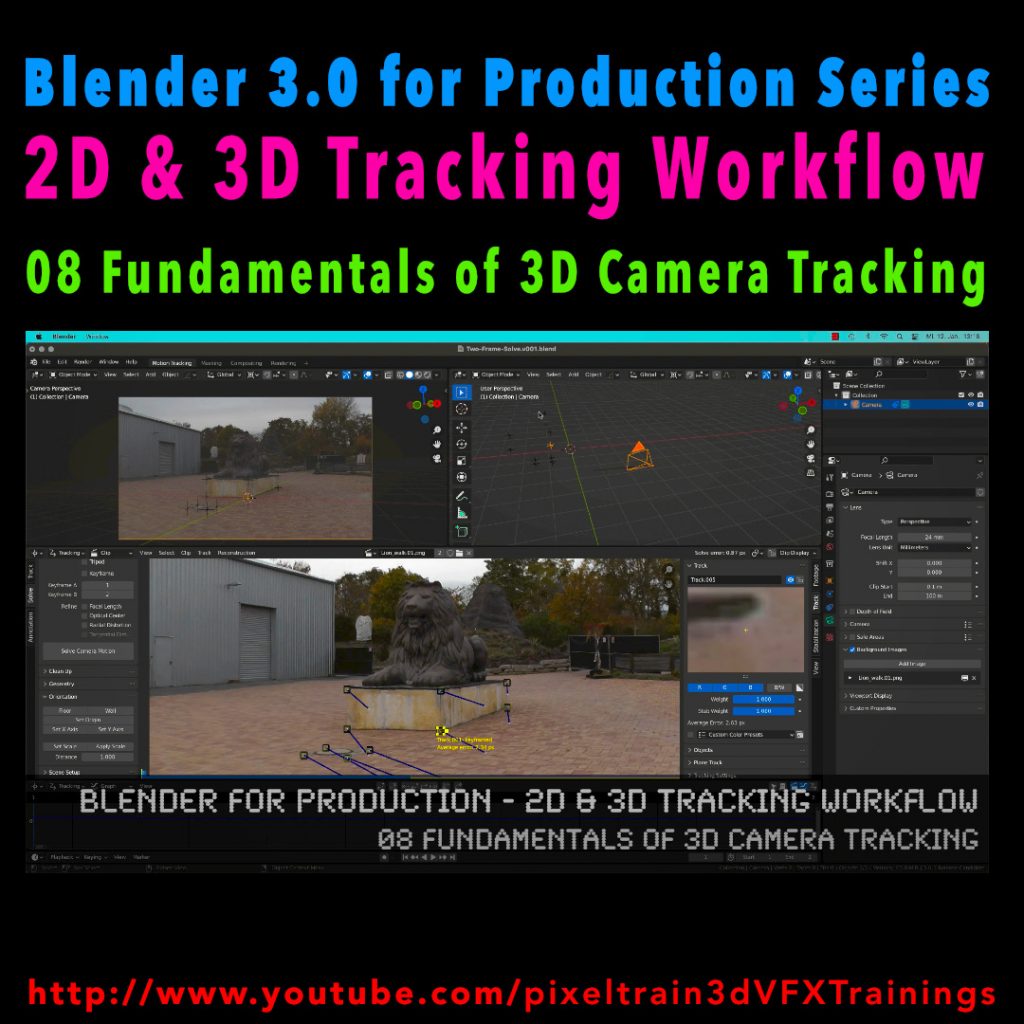
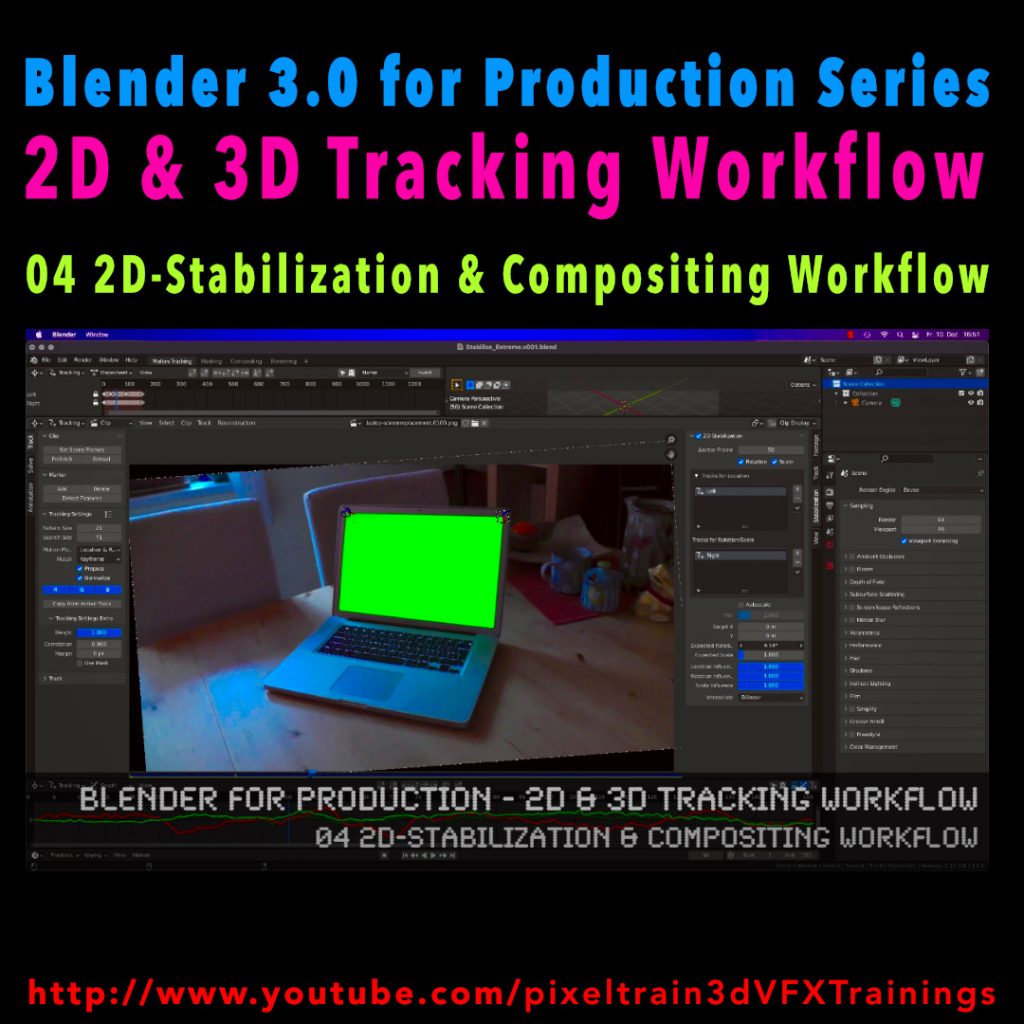
Here’s the next lesson of our Blender 2D- & 3D-Tracking tutorials.
After laying the fundamentals in the last tutorials we will now take a look into the first use of our tracking knowledge for making stabilizations. We use two examples for that and we also use the Blender Compositor. I hope you like it.
👉 YouTube:
More tutorials of this series will follow shortly. Have a great holiday season 🌲 🙂
If you want to use the same footage, here is my Gumroad link:
https://pixeltrain3d.gumroad.com/l/GEdjT
Be aware, that these files are included in my Patreon 😉
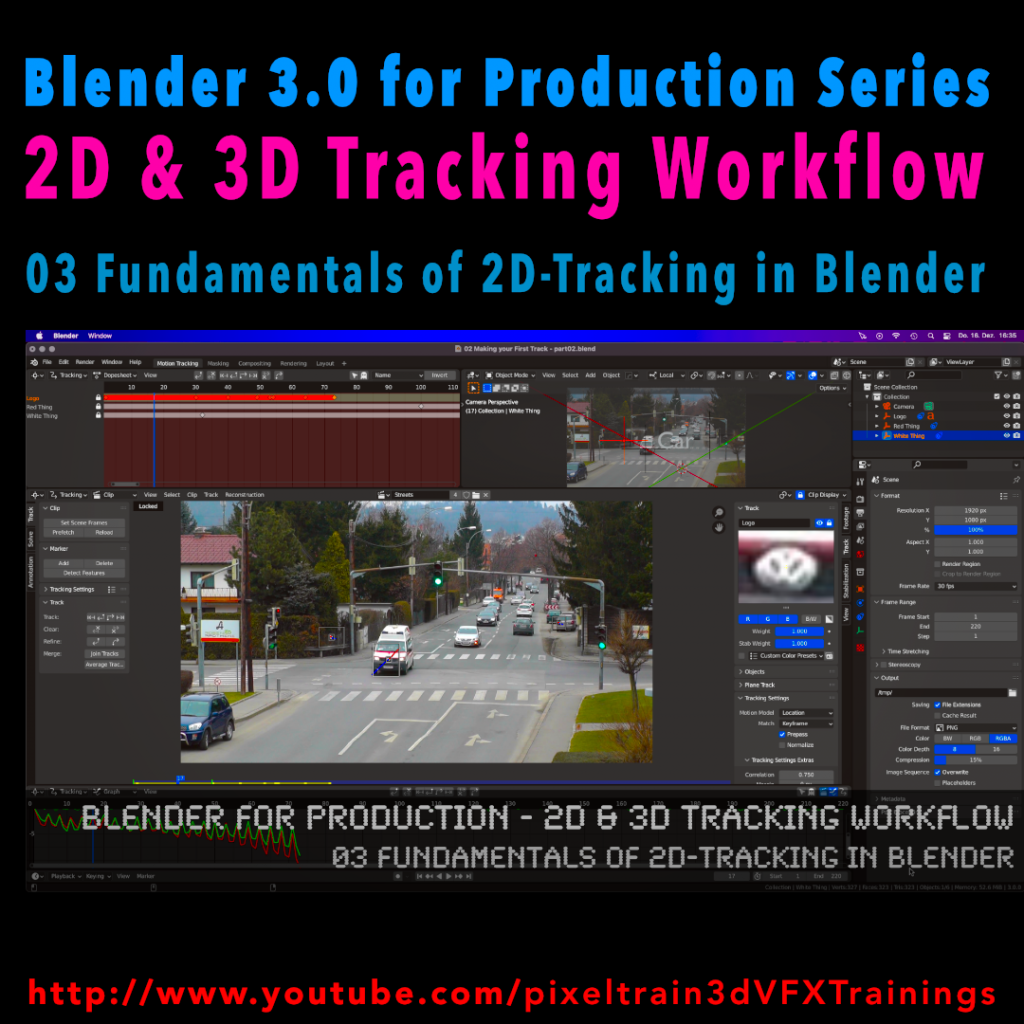
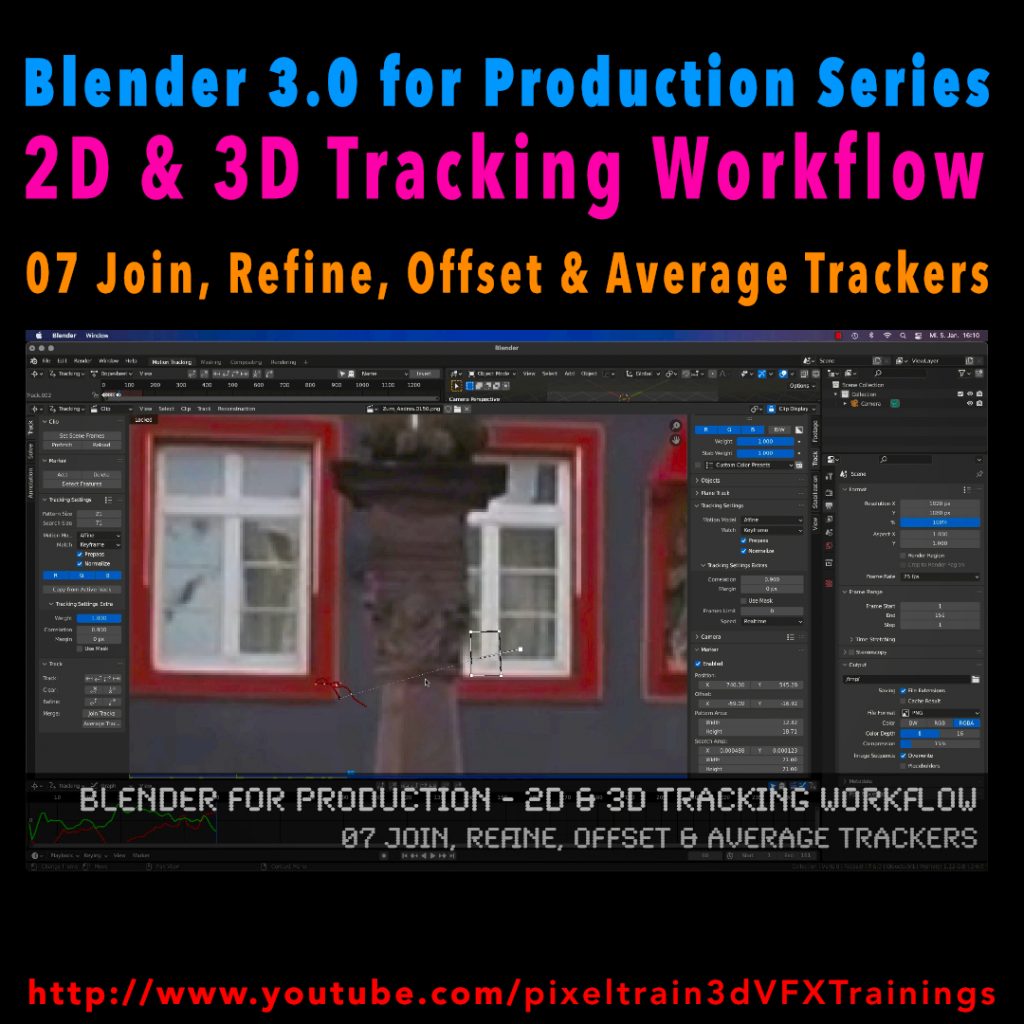
Last week we started the new “Blender 3.0 for Production” series about 2D- & 3D Tracking in Blender. After preparing the footage and an overview of the Movie clip editor in the first two episodes we now dive into the fundamentals of 2D tracking.
Many more episodes will follow 😉
Have fun! 😊
👉 YouTube:
If you want to support these kinds of videos, you can become a pixeltrain Patreon 😉
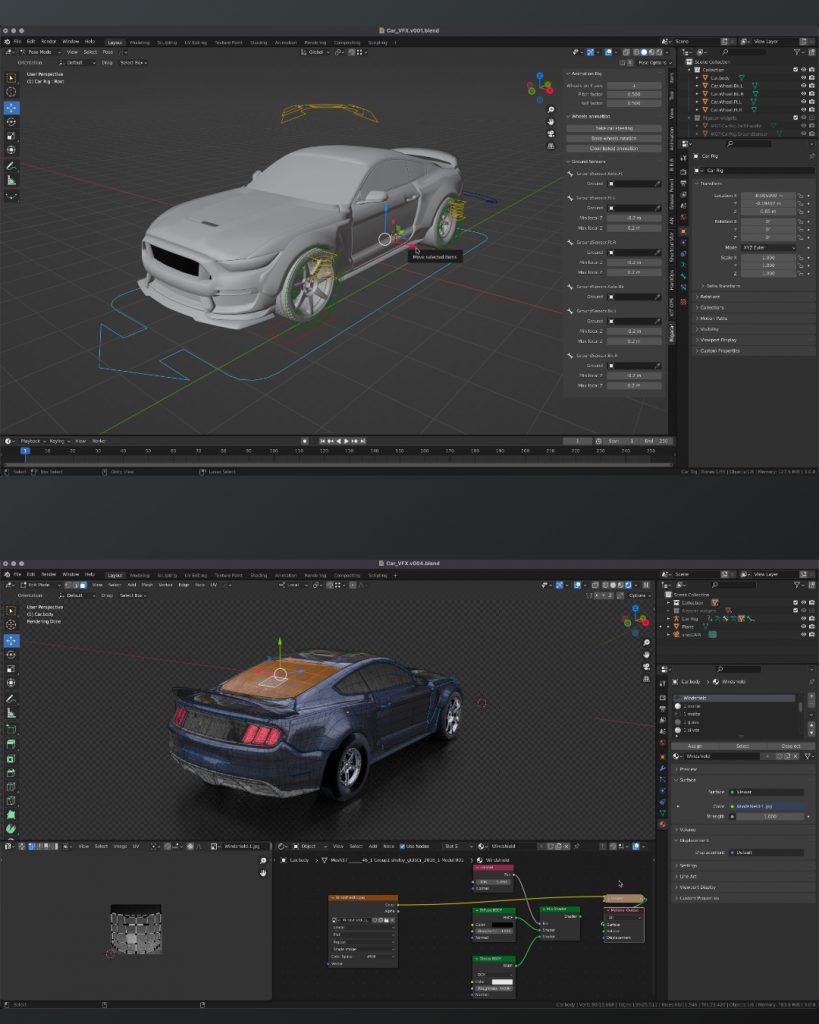
What do I love about Blender? That working in the application is so integrated, fast & flexible, for example for shading while changing some uvs on the fly with Cycles still running.
Also the amazing bunch of build-in add-ons for so many useful things, from archviz to generating trees. And, of course, the Add-ons made by talented programmers are so affordable or even free. For example this Car Rig add-on. Needless to say, subscription-free.
Yes, still many areas can be improved, but so much stuff is there already.
If you want to dive deeper into Blender, visit my YouTube channel for many free tutorials:
https://www.youtube.com/pixeltrain3DVFXTrainings
Here we go – today I’ve started the next free tutorial series “Blender 3.0 for Production”. The topic this time is “2D- & 3D-Tracking Workflows in Blender”.
So, if you ever wanted to learn Camera-Tracking, Matchmoving, and Object-Tracking inside of Blender and also get a deep dive into techniques and workflows for exchanging these data with the Compositor and also external applications like Houdini, Maya, Cinema 4D, or NUKE, then this series is for you.
These first two lessons are about preparing your footage for Tracking inside of Blender with the help of the built-in Video Sequence Editor (VSE). Also, we take a brief tour of the MovieClip Editor. The following tutorials will drop in the next week. Have fun!
Blender 3.0 for Production – 2D & 3D Tracking Workflow – 01 Preparing Footage in the VSE
https://youtu.be/GdUa73KxLsw
Blender 3.0 for Production – 2D & 3D Tracking Workflow – 02 Overview of the Movie Clip Editor
https://youtu.be/K99UNNzYur4
Have fun!
Helge
Thanks to the new USD export in Blender, the exchange between Blender’s powerful motion tracker and NUKE or Houdini is becoming easier and easier. Blender is becoming more and more team-minded – thanks to the developers.
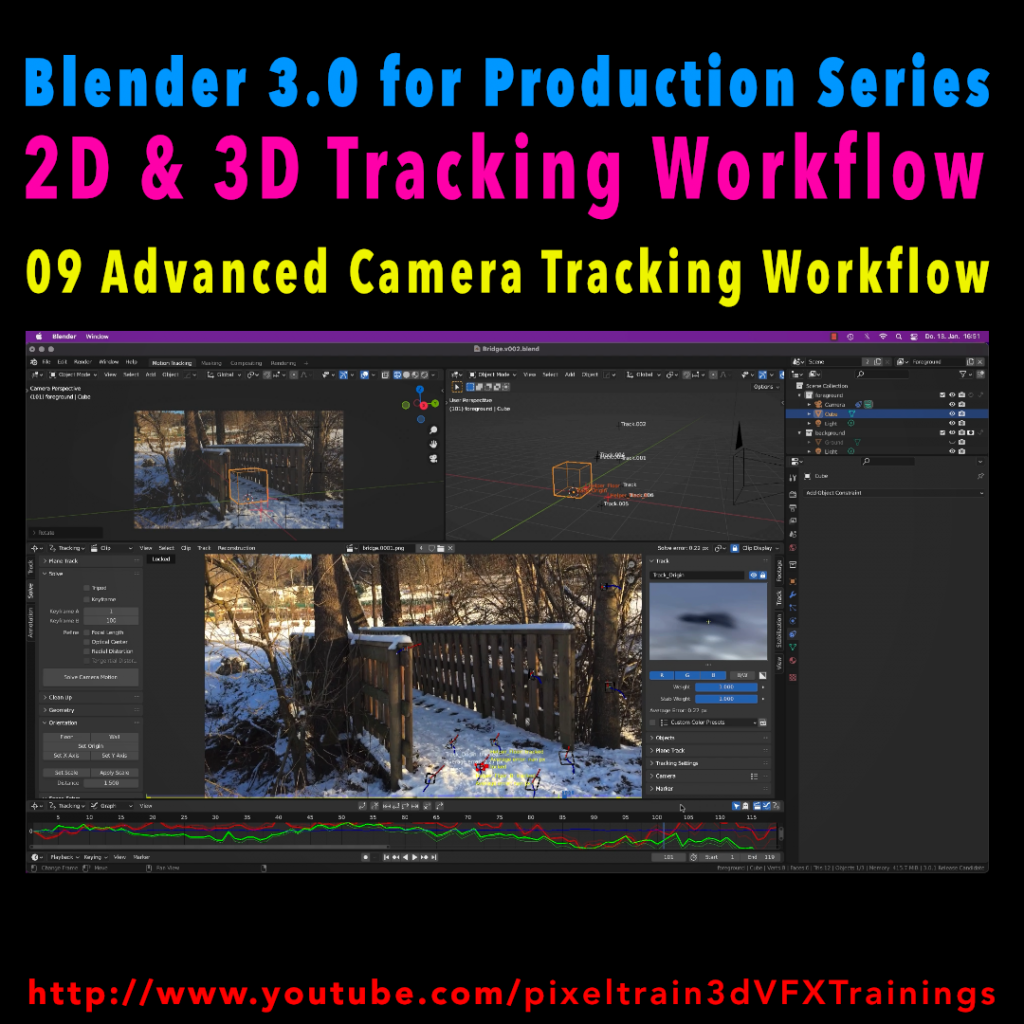
My upcoming Blender free tutorial series offers a deep dive into camera and object tracking.
More information then on YouTube. Coming soon: https://www.youtube.com/pixeltrain3DVFXTrainings
If you want to support Helge Maus for publishing more free tutorials, you can join his Patreons:
https://www.patreon.com/pixeltrain3d
Or if you want to buy me a coffee or pizza, here’s my Tip Jar:
https://www.paypal.com/donate/?hosted_button_id=72PHXB852BW5A
Thanks for your support!
Find more information on www.pixeltrain.net
YouTube: https://www.youtube.com/pixeltrain3DVFXTrainings
LinkedIn: linkedin.com/in/pixeltrain
Artstation: https://www.artstation.com/pixeltrain
Instagram: https://www.instagram.com/pixeltrain3d/
My new tutorial is out – Blender 3.0 to NUKE Workflow – 04 Cryptomatte Fix, CyclesX & Build Export Nodes Add-on
In this tutorial, we will talk about the changes in Blender 3.0 and NUKE 13.0v5 and fix the Cryptomatte problems some of you have been fighting with.
Also I go though the process of exporting Multilayer EXRs from Blender to NUKE again and show how to make EXR sequences for every pass separately.
Then I demonstrate you a fast Blender Add-on, which builds your export node trees in the Blender compositor automatically for you and how to generate a World Position Pass in Cycles X.
YouTube: https://www.youtube.com/pixeltrain3DVFXTrainings