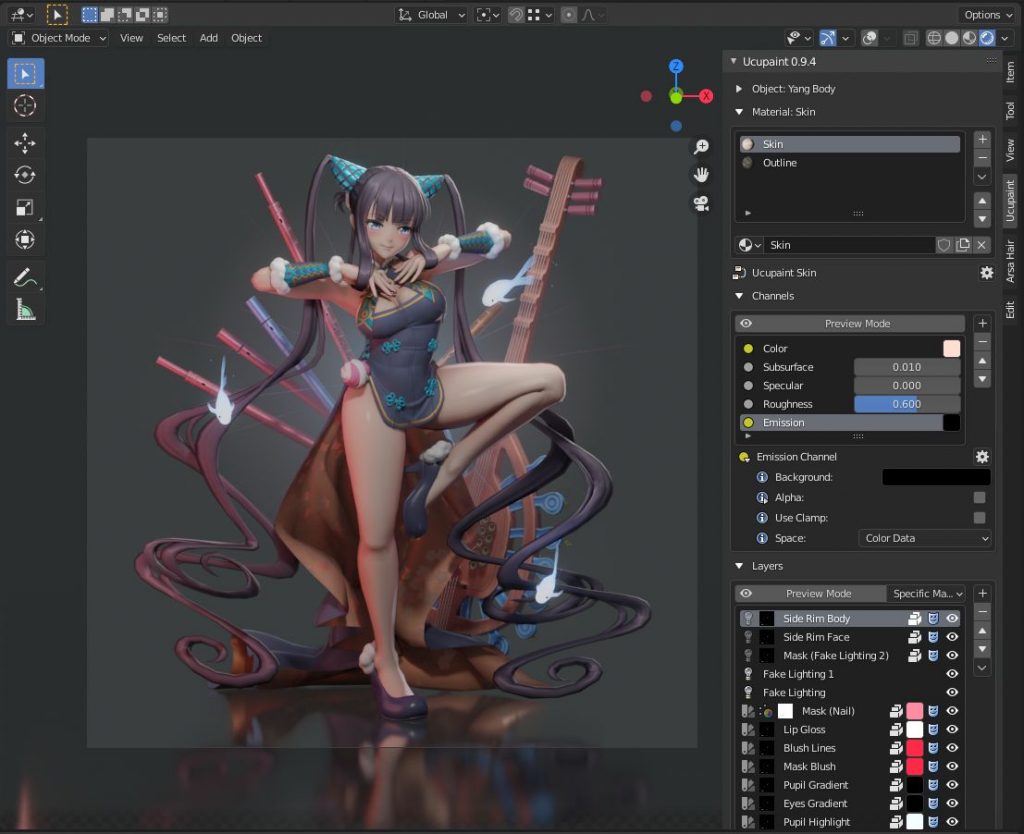
UCU Painter for Blender

Especially when texturing stylized NPR assets for games or animations, the comfortable painting of textures for 3D objects is necessary. For this purpose, several commercial applications such as Substance Painter, 3DCoat or InstaMAT are available externally from Blender.

However, for my own workflow for animations and games, I have been using a free Blender Extension called “UCU-Paint by ucupumar” for some time.

This amazing add-on allows me to work directly in Blender. In the background, this extension creates a standard node-based Blender shading tree and can even work with my own shaders or external textures for a PBR workflow.

This extension can be easily installed in Blender under „Preference → Get Extensions“.

https://extensions.blender.org/add-ons/ucupaint/?utm_source=blender-4.5.7-lts

Here are some of the features:

  • Stack images, vertex attributes, generated textures, or many other types into layers and masks.
  • All Ucupaint nodes are contained inside a single node group and can be connected to any other nodes.
  • Channels in Ucupaint are flexible, add or remove them based on your needs.
  • You can add modifiers like a color ramp or math operation for quick adjustments.
  • Works well with multiple objects using the same material.
  • Decal support
  • Ability to load images from asset browser or file browser
  • UDIM is detected automatically based on UV islands.
  • Bake final channel images and easily arrange them so most exporters can read them.
  • Dedicated alpha channel for flexible transparency workflow
  • Bake AO, multires, other object’s normal, and more.
  • You can add drivers or keyframes to most Ucupaint inputs.
  • Support realtime displacement and even vector displacement map.
  • Preview mode to check your layers or channel colors.
  • Pack baked channel results into a single image using a custom bake target (useful for creating ORM texture or DirectX normal).
  • And so much more.

If you want to learn more about the features and workflows:

https://www.youtube.com/@ucupumar/videos

Version 2.4.5 was released yesterday, which, in addition to some bug fixes, now offers the option to paint custom Normals directly. A frequently used technique, especially for anime-styled characters.

Have fun painting in Blender

Helge

Image from „Horripilant - A game by Pas Game“

Godot Engine 4.7 Dev 2

Only recently, at the end of January 2026, the new stable version Godot 4.6 was released.

With this release and the first bugfix patch shortly afterwards in mid-February, the development of Godot 4.7 is now progressing in great strides.

Today the second Godot 4.7 Dev2 was released.

So if you want to look into the future and directly dive into some new features, you can find builds for the various platforms here:

👉 https://godotengine.org/download/archive/4.7-dev2/

Some of the highlights so far:

  • Add support for copy/paste of section/category properties
  • Use monospaced font for code names in UI
  • Collapse groups in animation track editor
  • Support HDR output for Apple
  • Add a scene painter tool for 2D
  • Bult-in VirtualJoystick for mobile games (Joypad controls)
  • Drawable Textures
  • Enable Path3D collider snapping
  • and much more

Image from „Horripilant – A game by Pas Game“

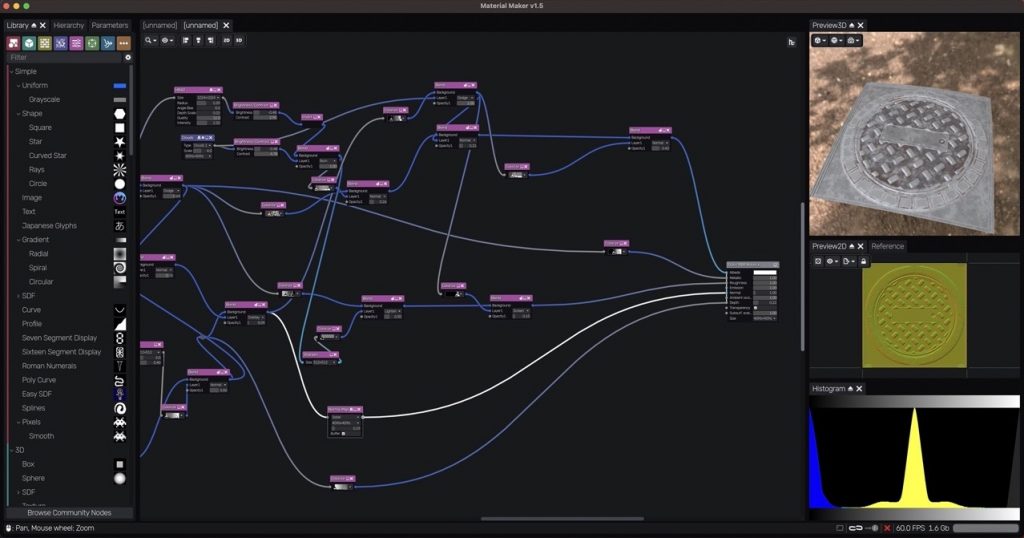
Material Maker 1.5

The new release of Material Maker 1.5 has been released and is available for download:

👉 https://rodzilla.itch.io/material-maker/devlog/1312764/material-maker-15

Anyone looking for a free open-source solution for procedurally creating materials, textures, sprite sheets, etc. should definitely check out Material Maker.

More info like that on my Patreon:
👉 https://kurzlinks.de/3p4w

Have fun!

Helge

Krita 5.2.14 was released!

Krita 5.2.14 release!

Good news for all you digital painters: Krita 5.2.14 has been released.

Krita is for me the best digital painting application on the desktop and it’s free and open-source! I use if for making game assets, drafts and also animated characters for games.

This version is (almost) entirely a bug fix release and concludes the Krita 5.2 series.
The focus now shifts towards Krita versions 5.3 and 6.0 in the next year 🙂

As mentioned, this version primarily focuses on bug fixes, but the color picker has also been improved. Nice!

More information can be found here:
https://krita.org/en/posts/2025/krita-5.2.14-released/

Have fun!

Helge

P.S. You can also read me Post on my (free) Patreon:
https://www.patreon.com/posts/krita-5-2-14-145607603?utm_medium=clipboard_copy&utm_source=copyLink&utm_campaign=postshare_creator&utm_content=join_link

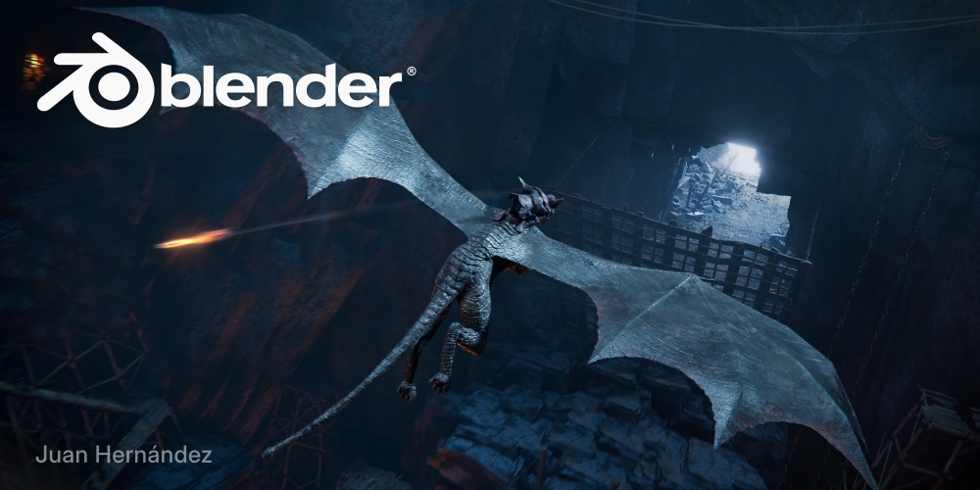
Blender 5.0 has arrived!

A new era for Blender has begun – Blender 5.0 is a major step forward.

Many new features are included in this version, but unfortunately, this also means that many artists with older hardware will now have to remain on Blender 4.5 LTS. Some platforms and hardware configurations are no longer supported! I will be taking this into account in my training courses.

Many areas have undergone a massive overhaul:
ACES Colorspace, color management in general, adaptive subdivision, multi-resolution baking, shader nodes improvements, NanoVDB, Compositor improvments, VSE, and of course, numerous improvements to Geometry Nodes.
I love specially the Drag & Drop compositor setups and the ability to save out node-setups for the use in other files.

Again the Blender team made a wonderful overview page for all the features:
https://www.blender.org/download/releases/5-0/

Here’s the usual feature overview as a video, this time over 50 minutes long:
https://youtu.be/4wEqD-jK0DU?si=Ah2WbuMHIp2OixY2

The Story Tools have also been integrated now:
https://youtu.be/4wEqD-jK0DU?si=Ah2WbuMHIp2OixY2

Here is also a nice overview for the Grease Pencil features:
https://youtu.be/WYZY4n3fRM0?si=mLoz83gI6VMXA-6I

And here for the Blender 5.0 Animations & Rigging updates:
https://youtu.be/s3kcPME65ic?si=SCA6NiqO_3-ZPb_0

Overall, a very large update. I’m curious to see how these features are received in practice by the community.

Dear followers,

As you may have noticed, I’m currently very involved in various projects.
However, things have calmed down a bit now, and I have time to write content for you again.

Today, I’d like to draw your attention to the new Godot Engine Reel 2025.

Comparing this collection of projects with those of previous years, two trends are becoming apparent:

  • In addition to the very strong 2D games for which Godot is traditionally used, more and more 3D games are now appearing. This is a fantastic development, which is of course also thanks to the ever-improving 3D features of Godot 4.X.
  • Furthermore, the quality of the projects shown is constantly increasing. It’s clear that the Godot Engine is becoming more and more established, and more and more talented teams are relying on this open-source engine.

Enjoy!

Helge Maus

P.S. You can also follow my Post on my (free) Pareon:
https://www.patreon.com/c/pixeltrain3d

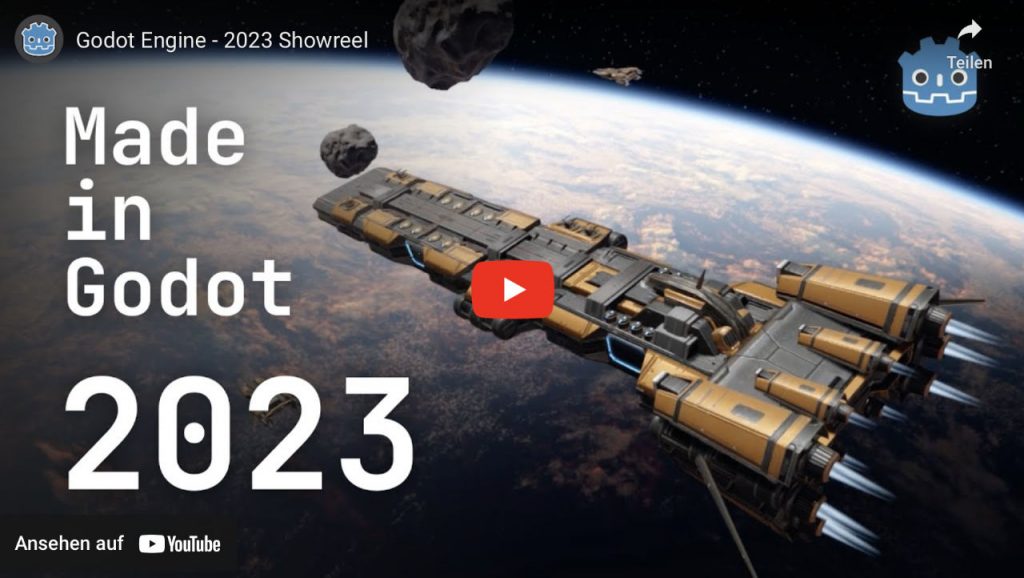
Godot Game Engine - Showreel 2023
Godot Game Engine Showreel 2023

Today, the new Godot Game Engine showreel 2023 for Games on desktop, mobile and console was released. It shows that this open-source game engine gets more and more traction and gives developers the opportunity to develop great indie games without being tied to commercial providers and their business models.

As stated before, at the moment I’m working in Unity and Godot at the same time, depending on my vision and project. They are both a great fit for me. But I’m eager to see Godot getting even more features to make this shift for me even easier.

Have a great day,

Helge

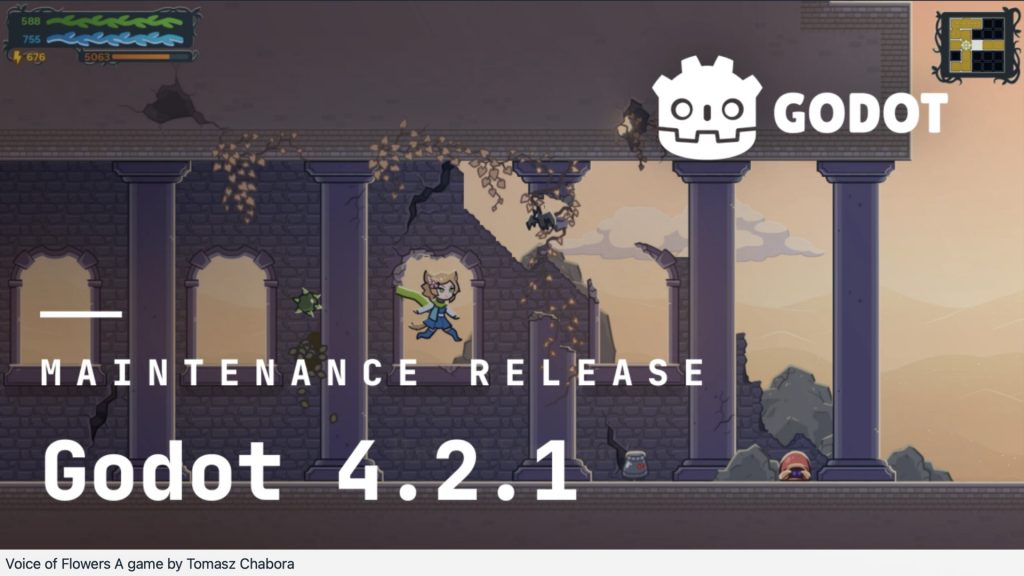
The first maintenance update to the 4.2 feature branch

Godot 4.2.1 is just released, as the first maintenance update to the 4.2 feature branch.

It fixes a number of platform-specific issues, which should make it easier for everyone to upgrade their Godot 4.1 projects, or start new ones in 4.2. https://godotengine.org/article/maintenance-release-godot-4-2-1/

Have fun!