

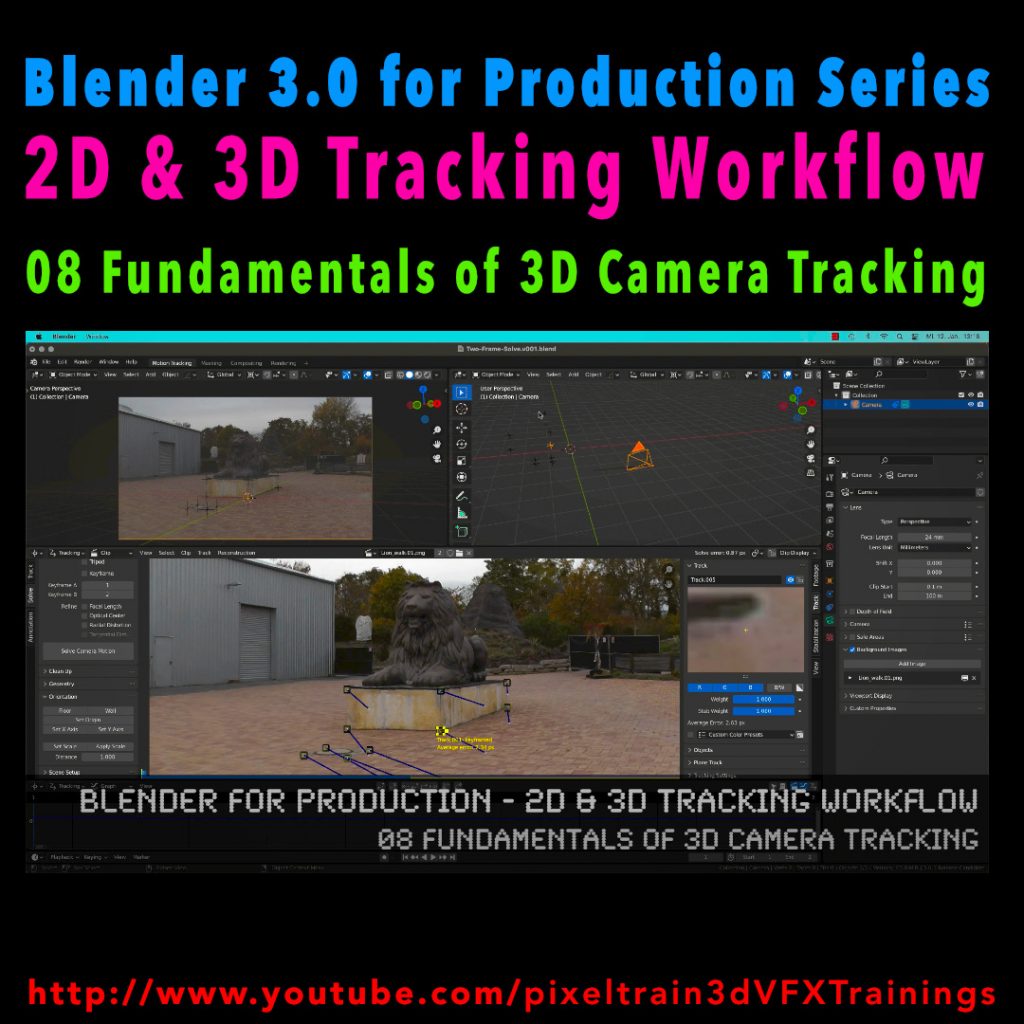
In this tutorial series, we will talk about Blender as a solution for 3D Camera and Object Tracking. Step by Step you will learn how to use Blender for preparing your footage in the Video Sequence Editor (VSE) and getting used to the Movie Clip Editor. Then we will cover the important fundamentals of 2D-Tracking in Blender and also some use-cases for directly using these data. Then we build upon these 2D-Tracks and start solving a 3D-Camera and talk about good and bad tracks, nodal shots, tricks like offset-tracking, joining of tracks, and analyzing solve problems. In the final tutorials, we will finish with Object-tracking for props replacement. After this tutorial series, you have a solid understanding of Blender’s Camera and Object Tracking and how to use the solved data inside of Blender or in other applications like Maya, Cinema, or Houdini.
These topics are covered in this tutorial:
Loading 2 Frames as Image Sequence
Purpose of Camera Tracking
Needs for 3D-Object integration
Understanding Parallax & Photogrammetry
Solving process & Keyframes
Stereo Photogrammetry
Rules for valid trackers
Good trackers, bad trackers
Tracking two images
Setting the best Keyframes
Solve Camera Motion
Understanding the Solve Error
2D Trackers vs. 3D Markers
Average Error and Reprojection Error
Camera Constraints
Camera Solver Constraint
Add the Plate into the Camera Background
Display overlays for Motion Tracking
Limitations of a Solver (Size and Orientation)
Manual Orientation of the scene
Understanding the Orientation functions
Floor and Origin
Setting axes
Set the scene scale from reference
Camera Settings
Backsize and Focal Length
Setting Camera Settings for the Solve
Searching the right Focal Length
Refine Mode for Focal Length
Finding the right settings
If you want to use the same footage, here is my Gumroad link:
https://pixeltrain3d.gumroad.com/l/GEdjT
Be aware, that these files are included in my Patreon 😉
https://www.patreon.com/pixeltrain3d
This tutorial series „Blender for Production“ focuses on Blender as a full Production Suite for (Indie) 3D- & VFX Productions. In these tutorials, I will explain how to work with the different Modules of Blender and how they are connected. I will give you an introduction to the specific functionalities, but also the production context and workflows, which can help you to use Blender in your productions.
As a Senior 3D & VFX Trainer, Helge Maus teaches 3D- & VFX Applications for 20 years. His focus lies on VFX, but he also works with many studios and agencies from different visualization areas. He focuses on Houdini FX, Blender, and NUKE for his daily work and training.
If you have questions or topics, which should be added, please let me know.
If you want to support Helge Maus for publishing more free tutorials you could join his Patreons:
https://www.patreon.com/pixeltrain3d
Find more information on www.pixeltrain.net
YouTube: https://www.youtube.com/pixeltrain3DVFXTrainings
Twitter: https://twitter.com/pixeltrain
Blog: http://www.helgemaus.com
Instagram: https://www.instagram.com/pixeltrain3d/
LinkedIn: https://www.linkedin.com/in/pixeltrain/
Artstation: https://www.artstation.com/pixeltrain
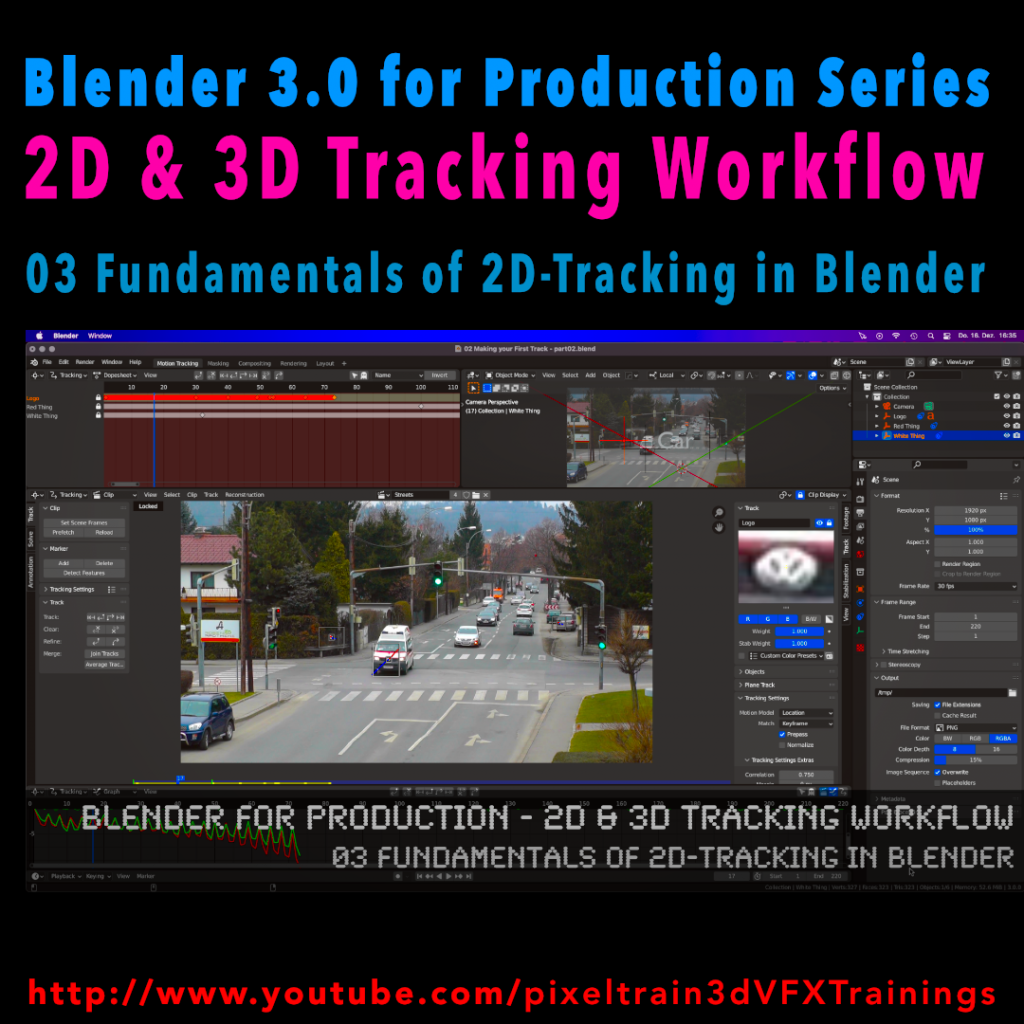
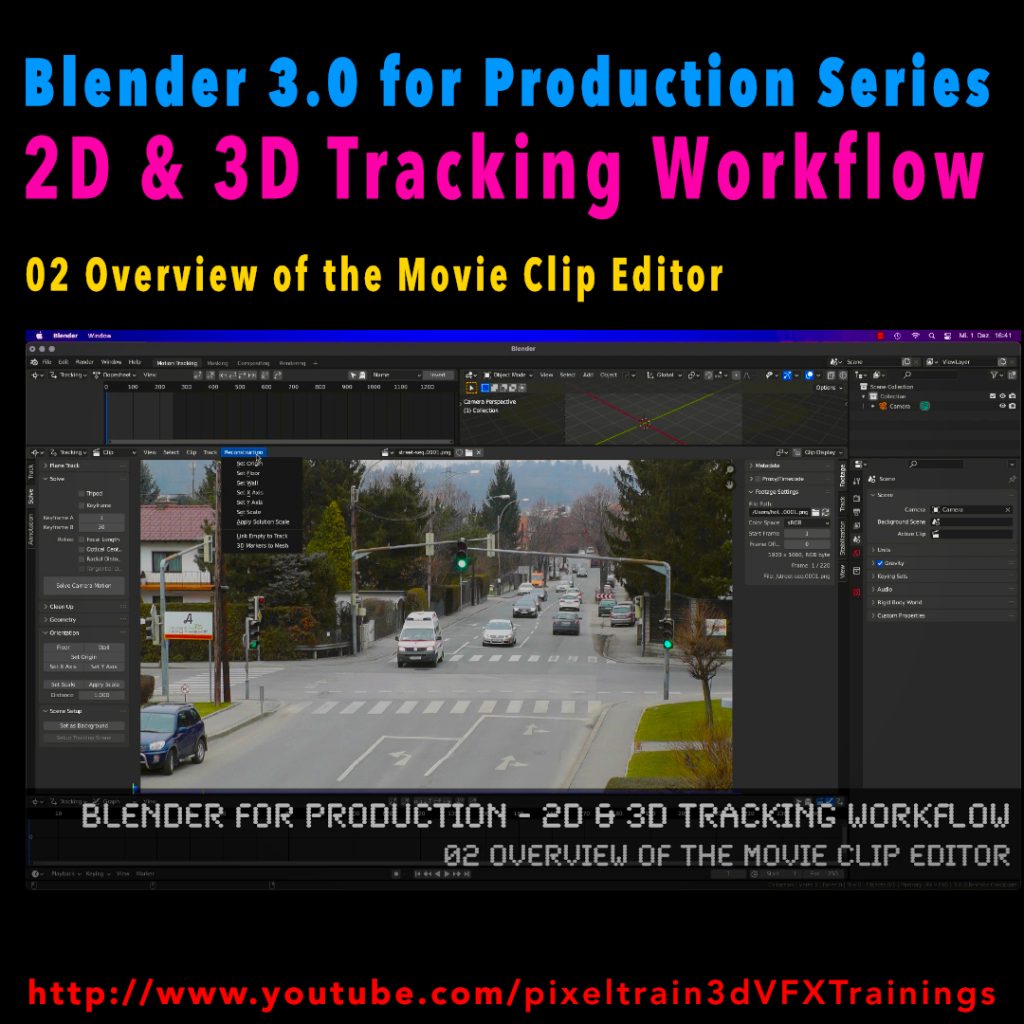

 In diesem ersten Tutorial gebe ich eine kurze Einführung in die Arbeitsoberfläche von SynthEyes 2011 und den grundsätzlichen Prozess von Matchmoving / Camera-Tracking. Anhand einer einfachen Szene wird das Automatische Tracking gezeigt und dieses verfeinert. Anschließend setzen wir ein Koordinatensystem und fügen Geometrien zum Kontrollieren des Solves ein. Das Ergebnis exportieren wir nach Cinema 4D R13 und kontrollieren es dort.