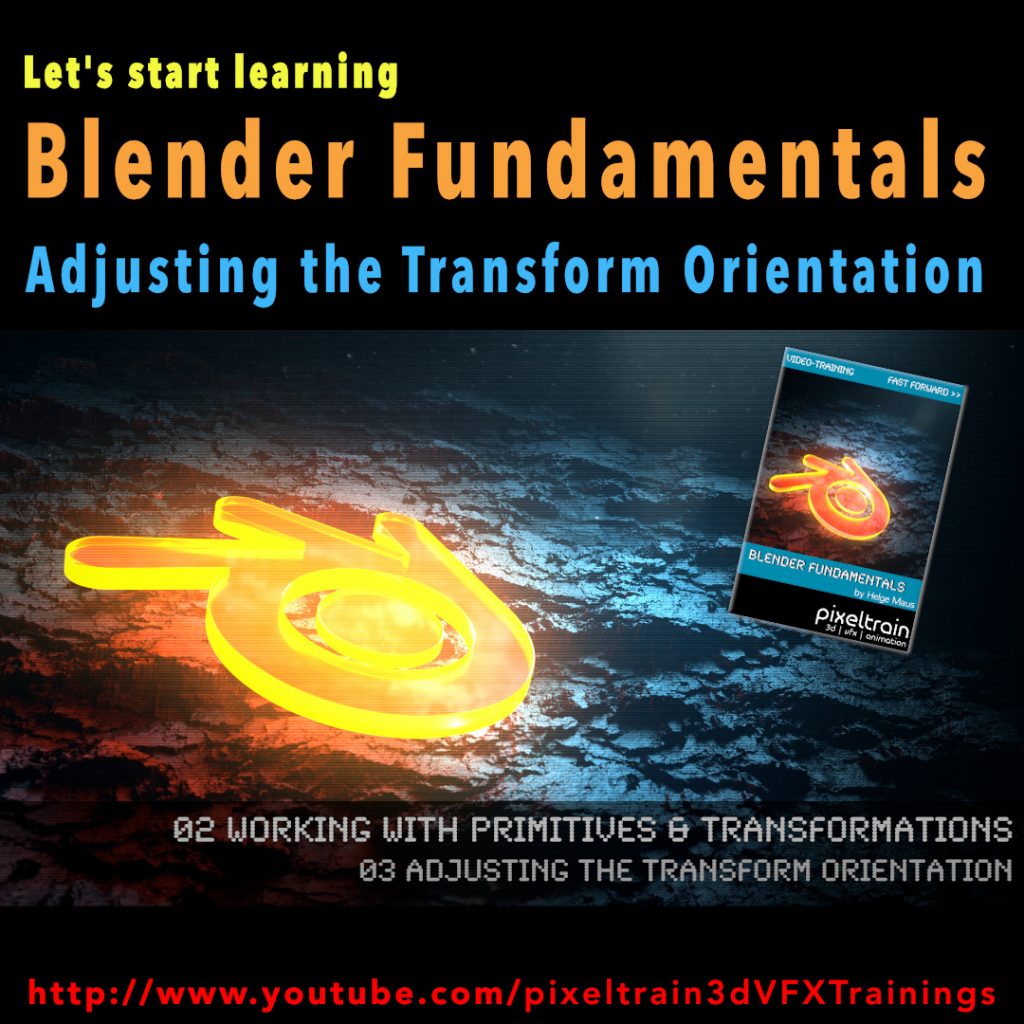
Blender Fundamentals - Adjusting the Transform Orientation (Demo lesson)

Today we switch gears – this is my first Blender tutorial of this year.

It’s a beginners lesson from my “Blender Fundamentals” publication and teaches you how you can work with different transform orientations. I hope you like it.

I’m quit curious if also some long-time Blender users find some new tips and tricks in it 😎

You find this tutorial as always on my YouTube channel:

👉 https://youtu.be/an8IXdtTQbo

In this tutorial, you will learn the different transformation spaces and how to change the transform orientation for your tools. We will talk about Global and Local space and how to switch the widgets with fast keyboard shortcuts.
Also you will learn how to make your own custom orientation with the help of another object.

If you are interested in the full Blender Fundamentals Publication:

👉 YouTube Trailer:

👉 Blender Market:

https://blendermarket.com/products/pixeltrain-blender-fundamentals-fast-forward

👉 GUMROAD:
https://pixeltrain3d.gumroad.com/l/BlenderFundamentals

The End of the year brings us time to reflect, relax and to learn something new!

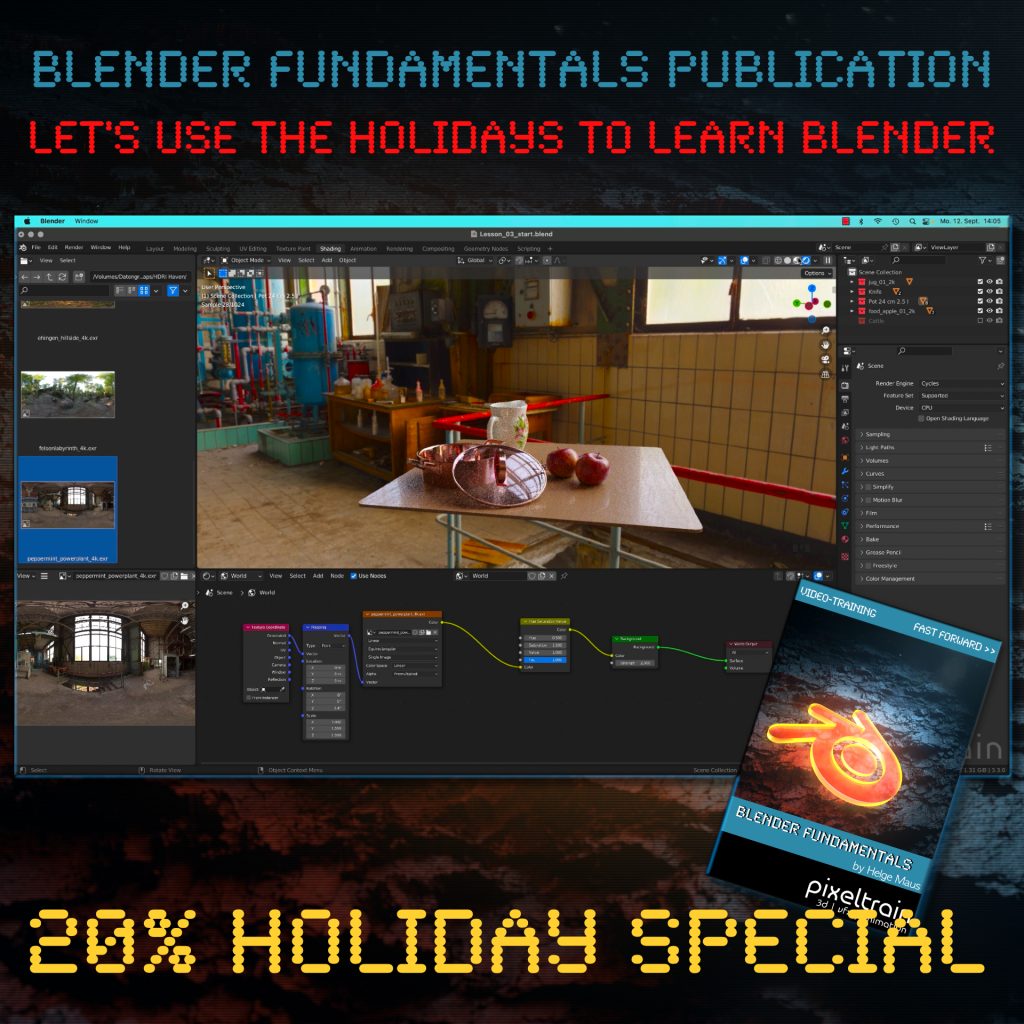
Let’s start learning Blender with our „pixeltrain Blender Fundamentals – Fast Forward“ publication.

👉 YouTube Trailer

More than 20+ hours of content in over 114 lessons.
Learn everything you need to know for beginners and folks from other 3D applications.

Our gift for you is a Holiday Voucher for VIMEO VOD or GUMROAD.
Use „XMAS2022“ at checkout and you get 20% off.

👉 VIMEO „XMAS2022“

https://vimeo.com/r/3E4j/NnJYVjlwam

👉 GUMROAD „XMAS2022“

https://pixeltrain3d.gumroad.com/l/BlenderFundamentals/XMAS2022

Have a great Holiday,

Helge

Introduction to the Blender Sculpting

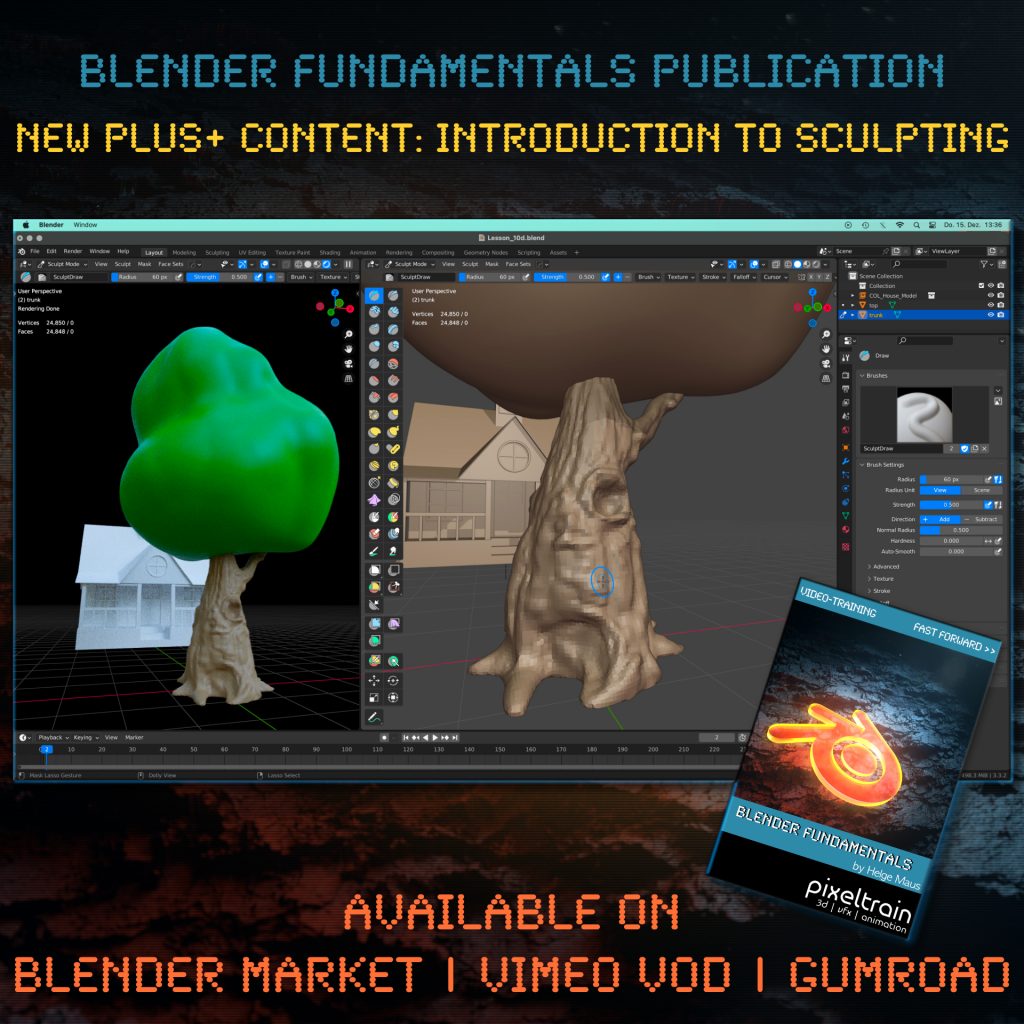
One month after launching our “pixeltrain Blender Fundamentals” publication, we added today another Plus+ content chapter with more than 2.5 hours (12 lessons) to the package.

Free for every existing customer, of course 🙂

You now get a guided Introduction to the Blender Sculpting environment, it’s tools and workflows like Dyntopo, Remeshing and Multires. Also we work on two little projects to practice the new learned skills.

The full publication with over 20+ hours including this and coming Plus+ content is available on Blender Market, Gumroad and as VIMEO Video-on-Demand:

👉 YouTube Trailer

👉 Blender Market

https://blendermarket.com/products/pixeltrain-blender-fundamentals-fast-forward

👉 VIMEO Video-on-Demand 

https://vimeo.com/ondemand/blenderfundamentals

👉 GUMROAD

https://pixeltrain3d.gumroad.com/l/BlenderFundamentals

Have fun,

Helge

View Conference 2022

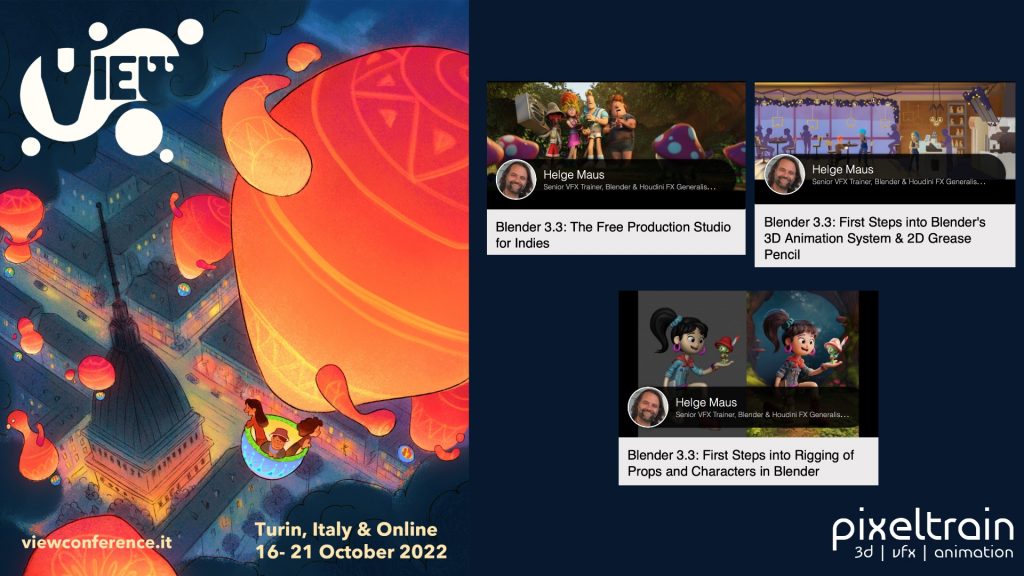
The amazing program for the VIEW Conference 2022 (https://www.viewconference.it) is online!

If you join this year’s Conference you will have the chance to start your Blender journey with 3 workshops for beginners:

Blender 3.3: The Free Production Studio for Indies
Tuesday 18th, 14:00 – 15:00

Blender 3.3: First Steps into Rigging of Props and Characters in Blender
Sunday 16th, 10:00-12:30

Blender 3.3: First Steps into Blender’s 3D Animation System & 2D Grease Pencil
Monday 17th, 11:15 – 14:15

Here is the direct link to the program:
https://www.viewconference.it/assets/html/view_CET.html

Don’t miss the opportunity to visit also the other exciting workshops and talks.

I am looking so forward to meeting you all in person!

CU,

Helge

Blender BagaPie V7 Addon

Do you know BagaPie?

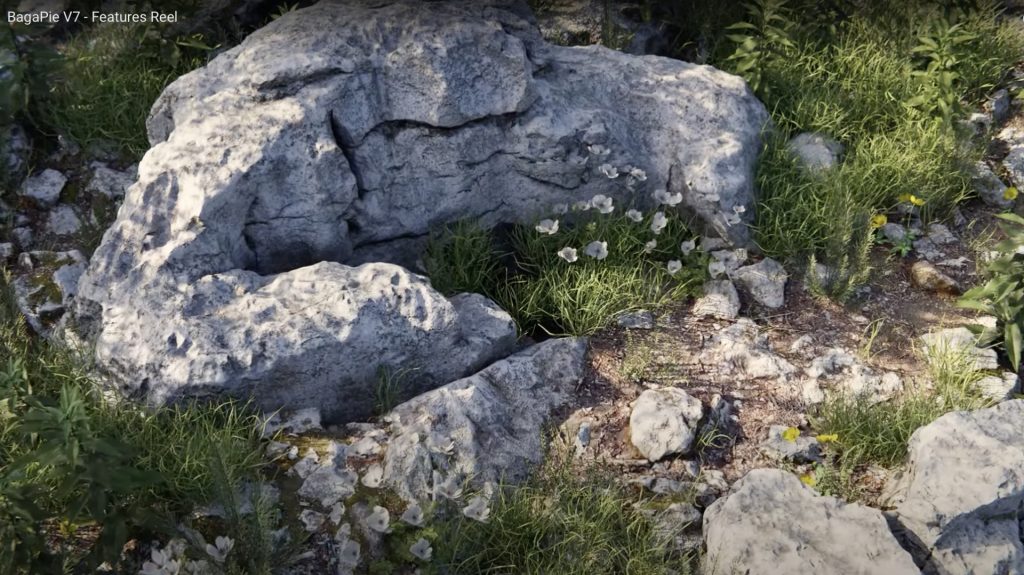
The BagaPie Modifier is an “all in one” free Blender addon, you can use it for any purpose by Antoine Bagattini.

Also watch the version V6 reel to understand a little bit more, what this great tool is capable of: https://youtu.be/FlLotEd0zFU 

And the BagaPie version for Blender 3 feature reel:


It started as a collection of cool tools for lazy artists and has evolved over the last versions to a very powerful and useful multi tool for all kinds of operations.

I mostly use it for Scattering purposes of my own assets for nature scenes.
If supports a really fast scatter process, an easy to use Painting system for you instances, Proxies and also Camera Culling. Wow, and that’s for free!

But if you like the addon, you can get also the BagaPie Asset collection (around $55) which gives you around 200+ environment assets for your scenes.

More information and the free download:

https://abaga.gumroad.com/l/BbGVh?_gl

Hope you like it!

Helge

I had two great and relaxing days with my Blender 3.2 Fundamentals training attendees last week.
Such a pleasure to work with artists around the world and helping them to start their journey in this powerful environment. 🎉

Learning basic PBR Shader networks in the Blender Fundamentals training

The next two workshops (2-days, German language) will be 14.+15. July (Photorealistic and NPR Rendering) and 18.+19. August (Rigging & Animation). And, the new Blender Fundamentals training will be 29.+30. Sept 2022.

If you want to join, please contact Visualisierungs-Akademie Schweiz GmbH here:

https://visualisierungs-akademie.ch/category/bildung/

For Blender Trainings (remote, for companies and individuals please check www.pixeltrain.net or contact me directly under info(at)pixeltrain.net ).

Regards, Helge

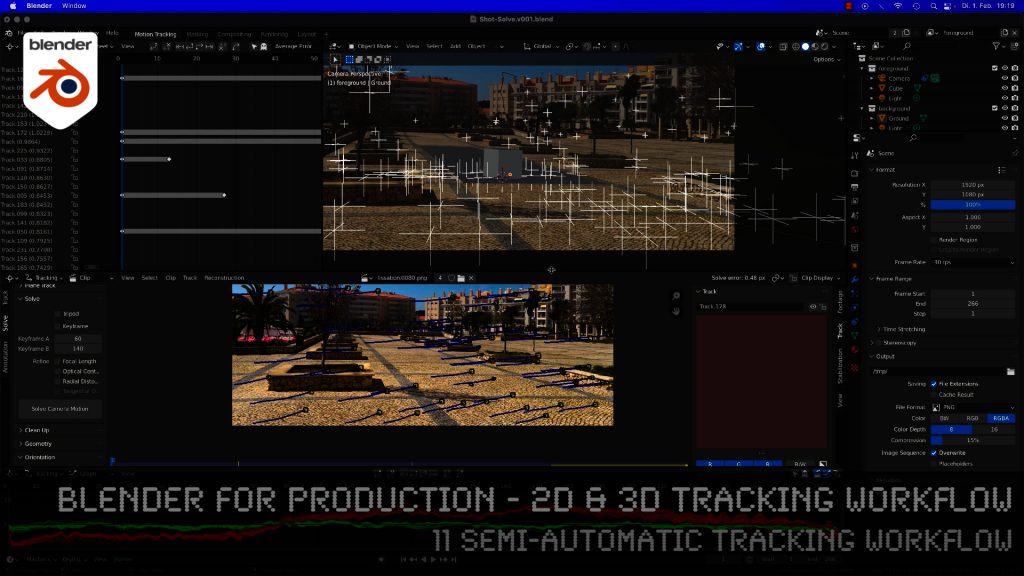
Blender 3.0 for Production - 2D & 3D Tracking Workflow - 11 Semi-automatic Tracking Workflow

Here is the next lesson of the Tracking Workshop. This time we will talk about semi-automatic tracking, which is a way of adding many trackers for shots, where you don’t want to add supervised trackers. Hope you like the lesson 🙂

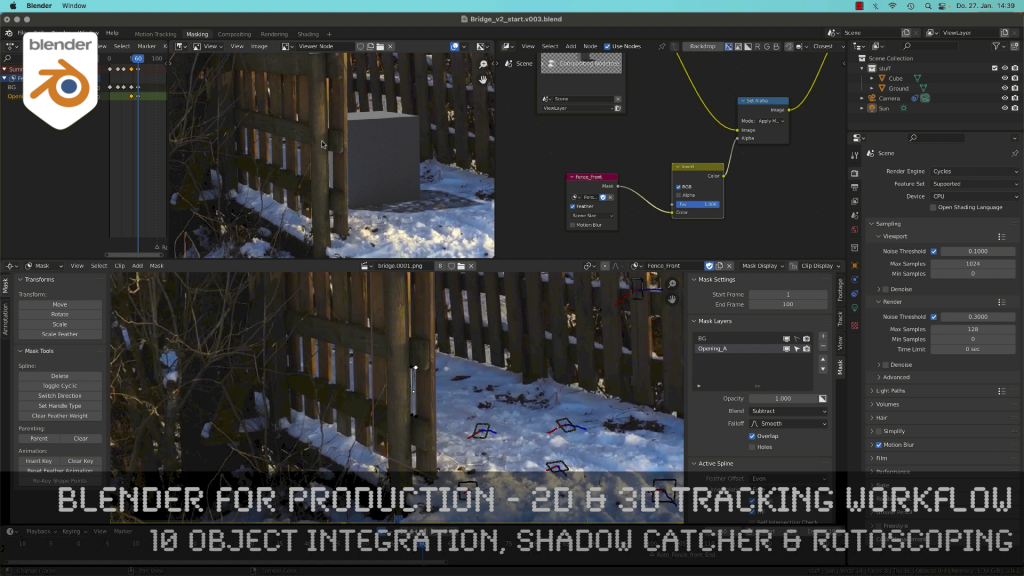
Blender 3.0 for Production - 2D & 3D Tracking Workflow - 10 Object Integration, Shadow Catcher & Rotoscoping

Today, I’ve just published my next Blender 3.0 tutorial.
We talk about 3D-Object Integration, Shadow Catchers & Rotoscoping in Blender 3.1 after 3D-Tracking. It’s part of my free “Blender for Production” series. Have fun!

Blender Studio Project - Heist

Shortly after Sprite Fright, Blender Studio has today announced the next Blender Studio Project. The goal is to develop a high-visual-impact, action-packed 2-minutes-long animation, which is is inspired by the game cinematics and realtime demos formats.

The main goals, beside of making a great short like always, are:

– Challenge Blender and the creative team to make characters and environments at an unprecedented level of realism and complexity

– Push Blender’s capabilities in the interactive PBR workflow, improving and developing new tools (EEVEE, texture painting, baking, etc.)

– Develop and share production assets and pipeline with Blender Studio supporters, and with the film and games industry

This way Blender and it’s tools and workflows will develop much more.

Read more about this project here:

https://studio.blender.org/blog/announcing-project-heist-high-end-cinematic-experience/

Looking forward to it 🙂

Helge

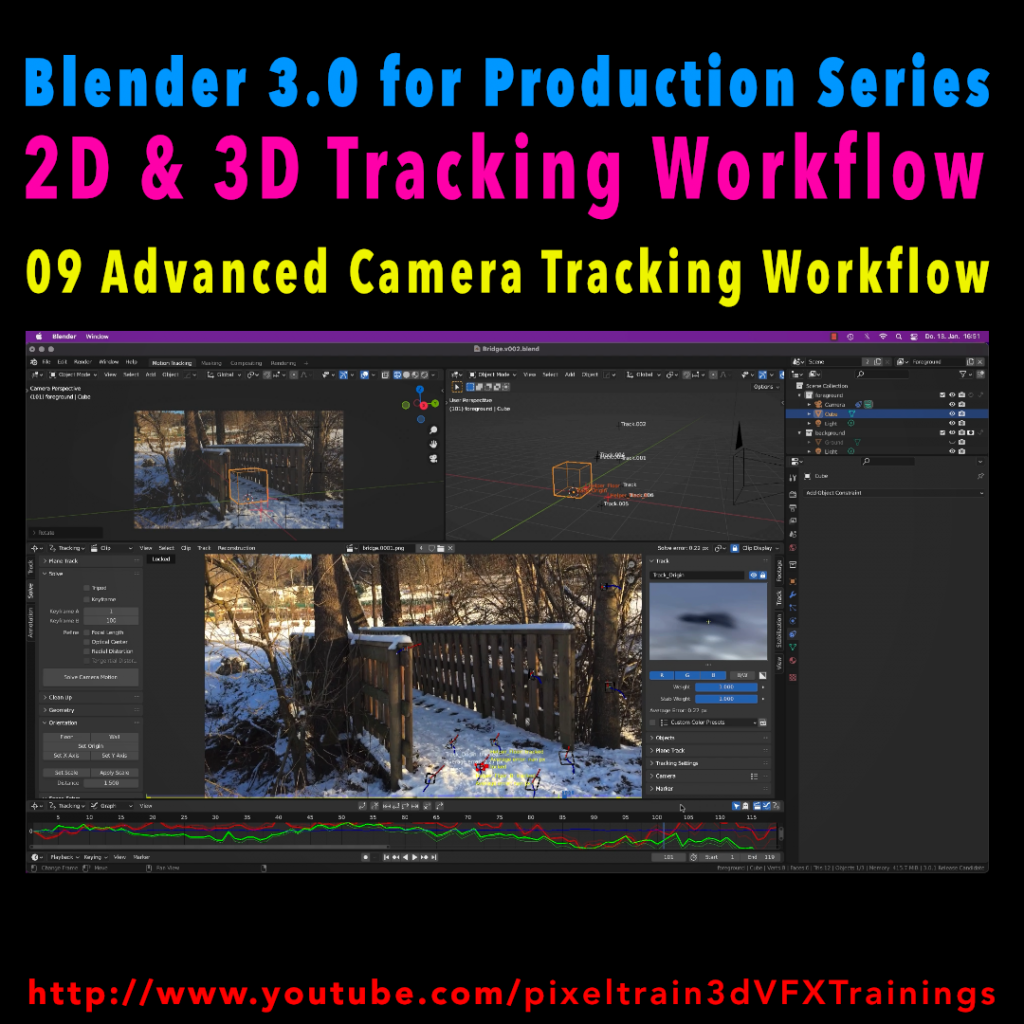
Blender 3.0 for Production - 2D & 3D Tracking Workflow - 09 Advanced Camera Tracking Workflow

In todays lesson we will dive into the Camera-Tracking Workflow of a scene inside Blender 3.0 . You will learn about “good and bad trackers”, solving strategies, build a reconstruction scene and most important, how to get your solve error down.

Hope you like it!

Helge

Blender 3.0 for Production – 2D & 3D Tracking Workflow – 09 Advanced Camera Tracking Workflow

In this tutorial series, we will talk about Blender as a solution for 3D Camera and Object Tracking. Step by Step you will learn how to use Blender for preparing your footage in the Video Sequence Editor (VSE) and getting used to the Movie Clip Editor. Then we will cover the important fundamentals of 2D-Tracking in Blender and also some use-cases for directly using these data. Then we build upon these 2D-Tracks and start solving a 3D-Camera and talk about good and bad tracks, nodal shots, tricks like offset-tracking, joining of tracks, and analyzing solve problems. In the final tutorials, we will finish with Object-tracking for props replacement. After this tutorial series, you have a solid understanding of Blender’s Camera and Object Tracking and how to use the solved data inside of Blender or in other applications like Maya, Cinema, or Houdini.

These topics are covered in this tutorial:

Setting up the Tracking Sequence

Learn to analyze a shot for tracking

Rules for good and bad trackers

Making the default tracking settings

2D track the main trackers

Tracking Graph / Tracking Dope Sheet

Solver Panel

Setting the keyframes

Understanding the Solve Error

Interpreting the Solve Error Graph

Sorting with the Solve Error

Checking for suspicious trackers

Setting the correct Camera data

Finding the correct focal length

Solver Pie menu

Refine Focal Length

Optical Center

Lens Distortion

Display undistorted plate

Generate a scene setup

Activate display options for trackers

Setting up the floor

Setting up orientation axis

Setting up a scale reference

Solving helper trackers

Zero-weight trackers

Color Presets for trackers

Blocking out a helper object

Making a viewport playblast

Using DJV2 as animation player

If you want to use the same footage, here is my Gumroad link:

https://pixeltrain3d.gumroad.com/l/GEdjT

Be aware, that these files are included in my Patreon 😉

https://www.patreon.com/pixeltrain3d

This tutorial series „Blender for Production“ focuses on Blender as a full Production Suite for (Indie) 3D- & VFX Productions. In these tutorials, I will explain how to work with the different Modules of Blender and how they are connected. I will give you an introduction to the specific functionalities, but also the production context and workflows, which can help you to use Blender in your productions. 

As a Senior 3D & VFX Trainer, Helge Maus teaches 3D- & VFX Applications for 20 years. His focus lies on VFX, but he also works with many studios and agencies from different visualization areas. He focuses on Houdini FX, Blender, and NUKE for his daily work and training.

If you have questions or topics, which should be added, please let me know.

If you want to support Helge Maus for publishing more free tutorials you could join his Patreons:

https://www.patreon.com/pixeltrain3d

Find more information on www.pixeltrain.net

YouTube: https://www.youtube.com/pixeltrain3DVFXTrainings

Twitter: https://twitter.com/pixeltrain

Blog: http://www.helgemaus.com

Instagram: https://www.instagram.com/pixeltrain3d/

LinkedIn: https://www.linkedin.com/in/pixeltrain/

Artstation: https://www.artstation.com/pixeltrain