Category: Free Video Tutorials
Freie Video-Tutorials und Auszüge aus meinen Publikationen.
Freie Video-Tutorials und Auszüge aus meinen Publikationen.
This tutorial is a demo lesson from my Publication „pixeltrain Blender Fundamentals >> Fast Forward“.
In over 120 lessons with a duration of 20+ hours, I will take you through the complete fundamentals of Blender and the basic workflows you need to know to get started with this amazing free software.
In this tutorial, you will learn how to use Blenders powerful transformation hotkeys and shortcuts. We will not only talk about basic constraints when moving your objects around, but also about working with gestures, global vs local transformations and numeric expressions.
Here are the links for my Blender Fundamentals publication:
👉 YouTube Trailer
👉 Blender Market
https://blendermarket.com/products/pixeltrain-blender-fundamentals-fast-forward
👉 VIMEO Video-on-Demand
👉 GUMROAD
Today we switch gears – this is my first Blender tutorial of this year.
It’s a beginners lesson from my “Blender Fundamentals” publication and teaches you how you can work with different transform orientations. I hope you like it.
I’m quit curious if also some long-time Blender users find some new tips and tricks in it 😎
You find this tutorial as always on my YouTube channel:
👉 https://youtu.be/an8IXdtTQbo
In this tutorial, you will learn the different transformation spaces and how to change the transform orientation for your tools. We will talk about Global and Local space and how to switch the widgets with fast keyboard shortcuts.
Also you will learn how to make your own custom orientation with the help of another object.
If you are interested in the full Blender Fundamentals Publication:
👉 YouTube Trailer:
👉 Blender Market:
https://blendermarket.com/products/pixeltrain-blender-fundamentals-fast-forward
👉 GUMROAD:
I’ve just released my next free Blackmagicdesign Fusion Tutorial on my YouTube channel:
https://www.youtube.com/pixeltrain3DVFXTrainings
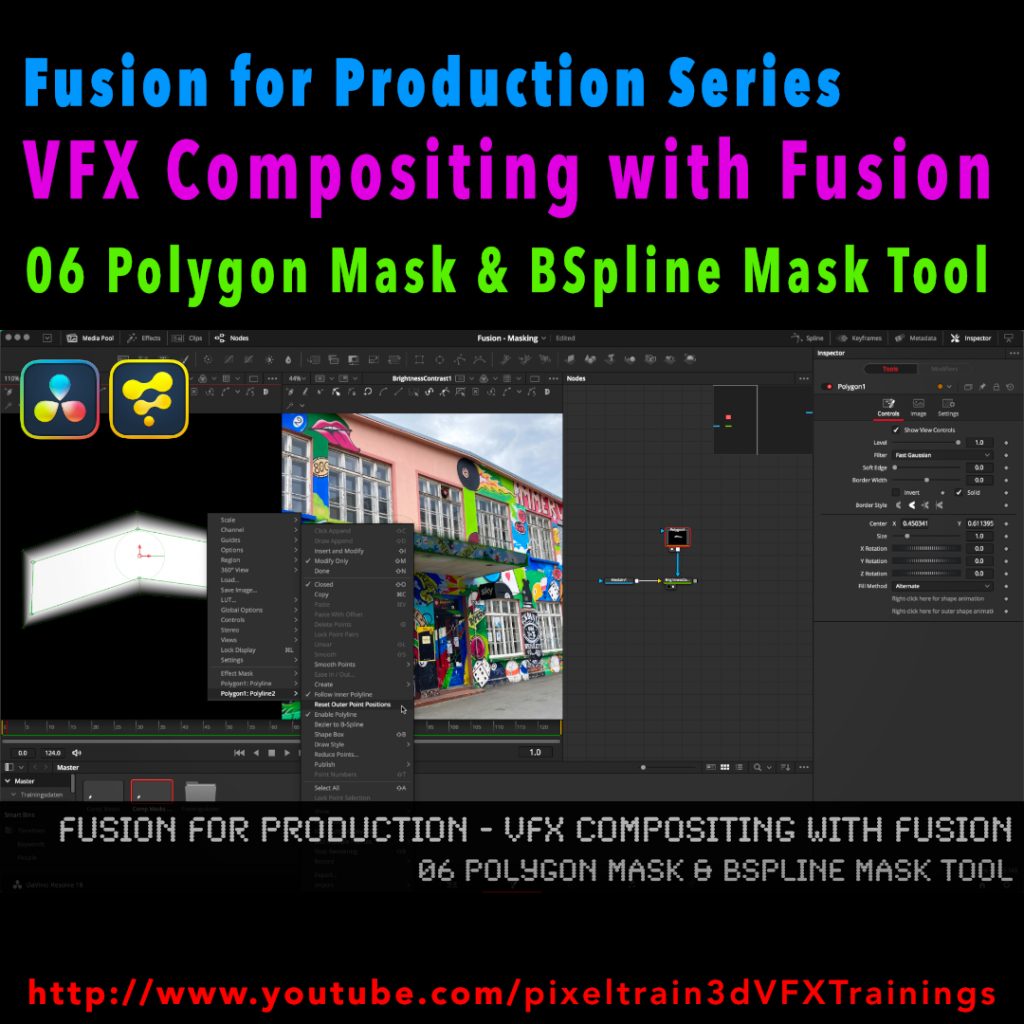
This time I talk about Masking, the Polygon Mask tool and the BSpline Mask tool. You can follow along with DaVinci Resolve on the Fusion Page or in Fusion Studio.
Have fun!
Helge
After a longer pause I’ve released a new free tutorial on my YouTube channel. I hope you like it 🙂
👉 https://youtu.be/RTIdh-ZsbTo
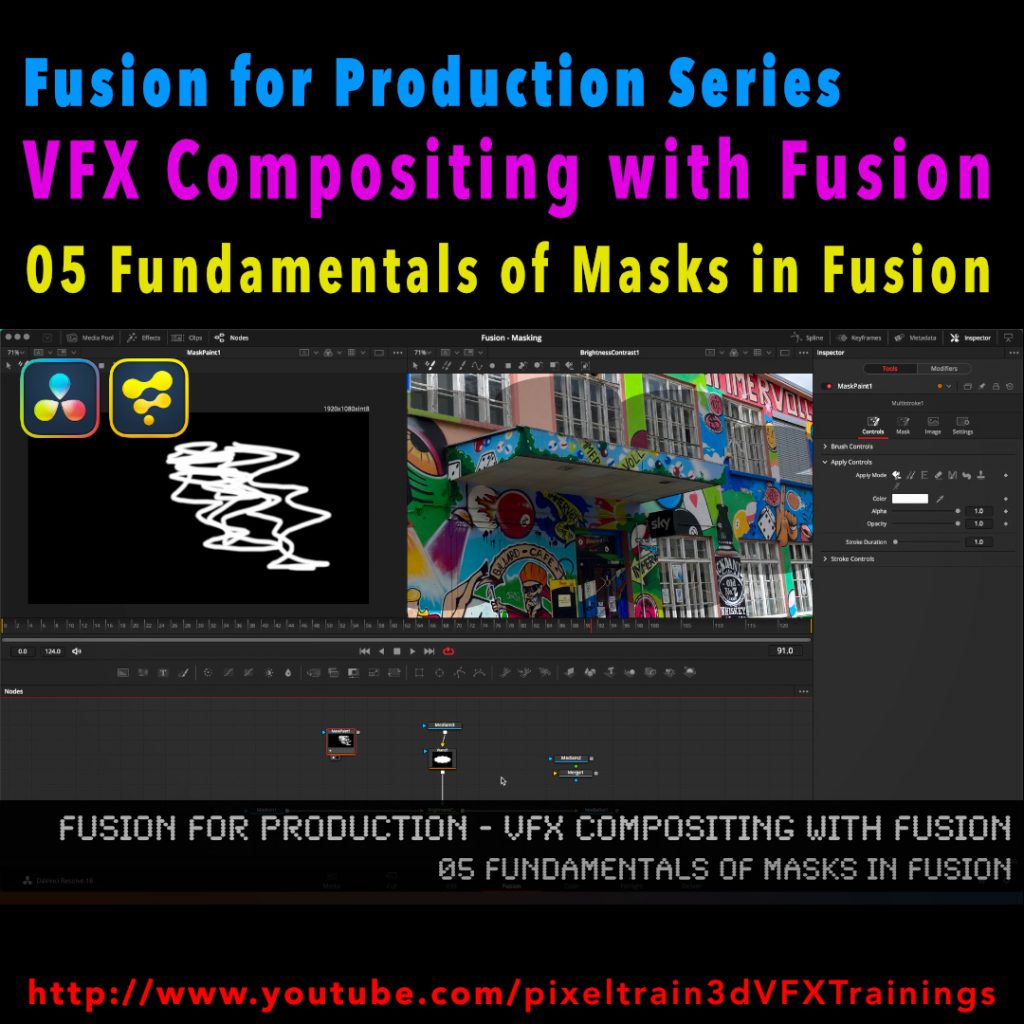
In this tutorial, you will learn the general uses and workflows of Masks in Fusion / Fusion Page in Resolve.
You will learn the different Mask types in Fusion, the most important parameters and options when drawing them. Also we will look into how to combine Masks for complex shapes for Rotoscoping. And, we will talk about bitmap based Masks in Fusion and how to use the Magic Mask, the Bitmap Mask and the Paint Mask.
I hope you like this new tutorial.
If you have questions or topics, which should be added, please let me know.
If you want to support me for publishing more free tutorials you could join my Patreons:
👉 https://www.patreon.com/pixeltrain3d
or give me a fast Coffee time Tip:
👉 PayPal: https://paypal.me/pixeltrain
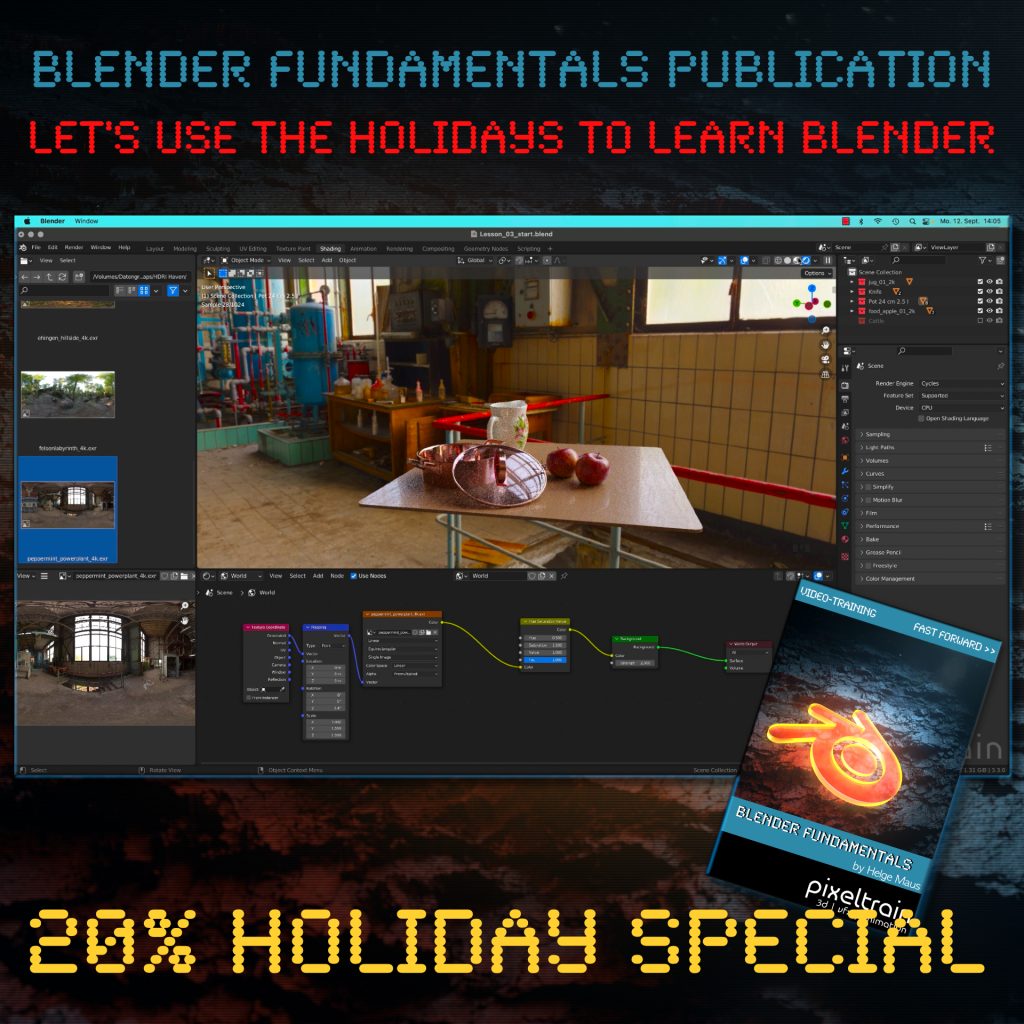
The End of the year brings us time to reflect, relax and to learn something new!
Let’s start learning Blender with our „pixeltrain Blender Fundamentals – Fast Forward“ publication.
👉 YouTube Trailer
More than 20+ hours of content in over 114 lessons.
Learn everything you need to know for beginners and folks from other 3D applications.
Our gift for you is a Holiday Voucher for VIMEO VOD or GUMROAD.
Use „XMAS2022“ at checkout and you get 20% off.
👉 VIMEO „XMAS2022“
https://vimeo.com/r/3E4j/NnJYVjlwam
👉 GUMROAD „XMAS2022“
https://pixeltrain3d.gumroad.com/l/BlenderFundamentals/XMAS2022
Have a great Holiday,
Helge
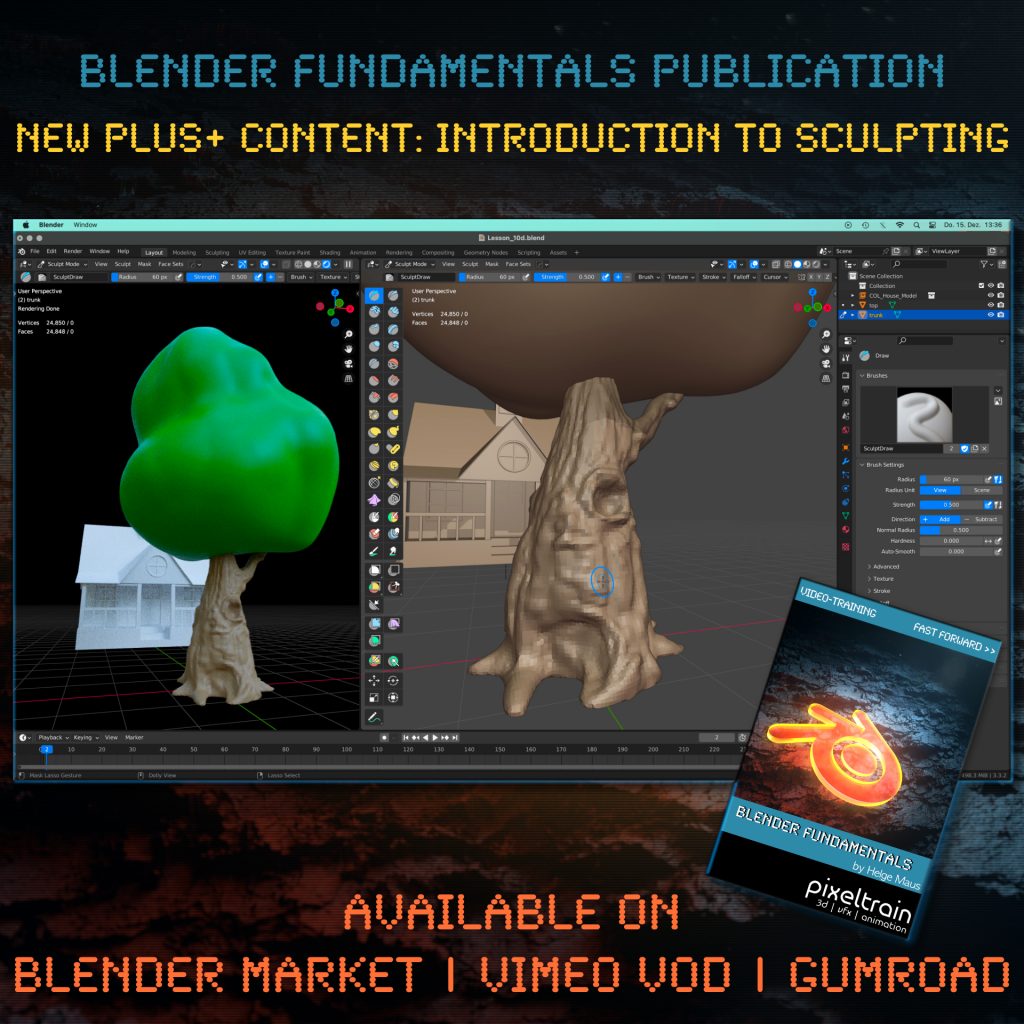
One month after launching our “pixeltrain Blender Fundamentals” publication, we added today another Plus+ content chapter with more than 2.5 hours (12 lessons) to the package.
Free for every existing customer, of course 🙂
You now get a guided Introduction to the Blender Sculpting environment, it’s tools and workflows like Dyntopo, Remeshing and Multires. Also we work on two little projects to practice the new learned skills.
The full publication with over 20+ hours including this and coming Plus+ content is available on Blender Market, Gumroad and as VIMEO Video-on-Demand:
👉 YouTube Trailer
👉 Blender Market
https://blendermarket.com/products/pixeltrain-blender-fundamentals-fast-forward
👉 VIMEO Video-on-Demand
👉 GUMROAD
https://pixeltrain3d.gumroad.com/l/BlenderFundamentals
Have fun,
Helge
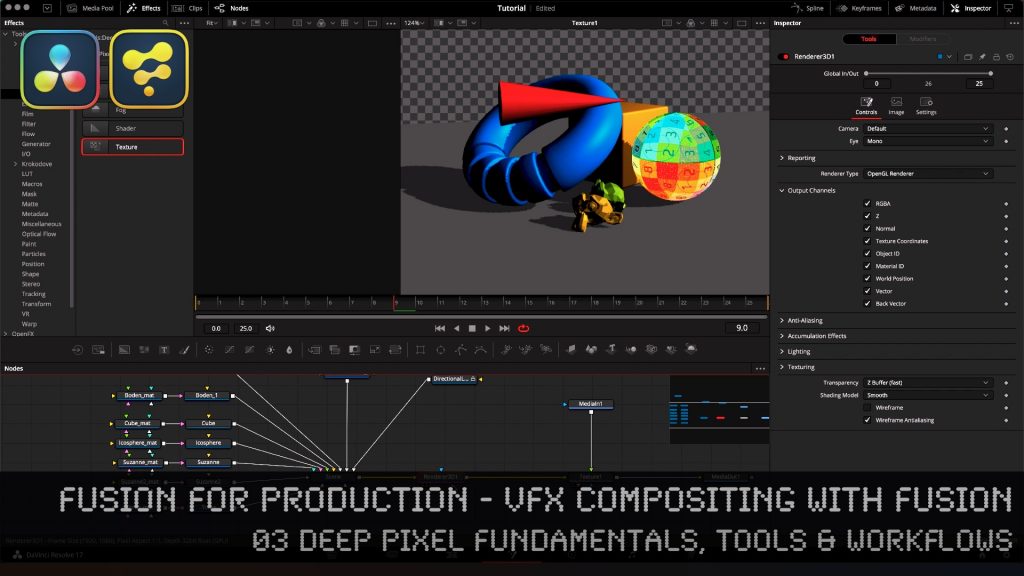
In this tutorial series, we will talk about Blackmagic Fusion Studio and Blackmagic DaVinci Resolve (Fusion page) as a professional VFX Compositing package. We will dive into basic workflows and techniques to make your daily compositing work more effective and fun.
In this tutorial, you will learn the Fundamentals of Fusions Deep Pixel workflows, which gives you as a compositing artist an extremely powerful toolset inside of Fusion. You will see which data channels are transported through the composition node flow as Deep Pixel information to help specialized Fusion tools / nodes to make operations like SSAO, Re-Lighting, Re-Texturing, Depth of Field, Vector MotionBlur, Depth Merging, Z-based Masking, ObjectIDs, MaterialIDs and much more. You will see how to generate them directly in the OpenGL renderer of Fusion from a 3D scene so that you can later use the same techniques with MultiChannel EXRs from other 3D packages like Blender, Maya and Houdini.
If you have questions or topics, which should be added, please let me know.
If you want to support me for publishing more free tutorials you could join my Patreons:
https://www.patreon.com/pixeltrain3d
or give me a fast Coffee time Tip:PayPal: https://paypal.me/pixeltrain
These topics are covered in this tutorial:
00:00 Overview of the series and the lesson
00:38 Deep Compositing in NUKEX vs Deep Pixel in Fusion
01:04 What is the Deep Pixel Approach?
04:20 Importing Data into Resolve
05:30 Generating a Fusion Comp inside Resolve
06:55 Bringing a Fusion Studio composition to DaVinci Resolve
08:37 Working with 3D-Scenes in Fusion
10:15 Renderer3D Node
13:12 Understanding Multichannel EXR channels
13:42 Channel mapping in Loaders and MediaIn
16:20 Setting Output Channels for Deep Pixel
17:00 Sampling channels in the Viewer
17:46 Z-Depth
19:31 Deep Pixel Tools / Nodes
19:59 Ambient Occlusion (SSAO) Tool
20:38 Normals
21:05 Settings and usage for Ambient Occlusion
24:12 Depth Blur Tool for Depth of Field
27:55 Fog Tool & Settings
29:03 Volume Fog Tool for Position-based Masking
30:00 World Position Pass
33:20 Using Volume Fog as a Mask
34:45 Z-Merge / Depth-based Merge operations
37:13 Motion Vectors & MotionBlur with the Vector Blur Tool
39:38 Working with ObjectID and MaterialID
42:21 ReLighting & Reflections with the Shader Tool
46:50 Re-Texturing with the Texture Tool
47:44 Understanding UVs / Texture Coordinates
48:45 Outro
As a Senior 3D & VFX Trainer, Helge Maus teaches 3D- & VFX Applications for 20 years. His focus lies on VFX, but he also works with many studios and agencies from different visualization areas. He focuses on Houdini FX, Blender, and NUKE for his daily work and training.
Find more information on www.pixeltrain.net
YouTube: https://www.youtube.com/pixeltrain3DVFXTrainings
Twitter: https://twitter.com/pixeltrain
Blog: http://www.helgemaus.com
Mastodon: https://mastodon.art/web/@pixeltrain3d
Instagram: https://www.instagram.com/pixeltrain3d/
LinkedIn: https://www.linkedin.com/in/pixeltrain/
Artstation: https://www.artstation.com/pixeltrain
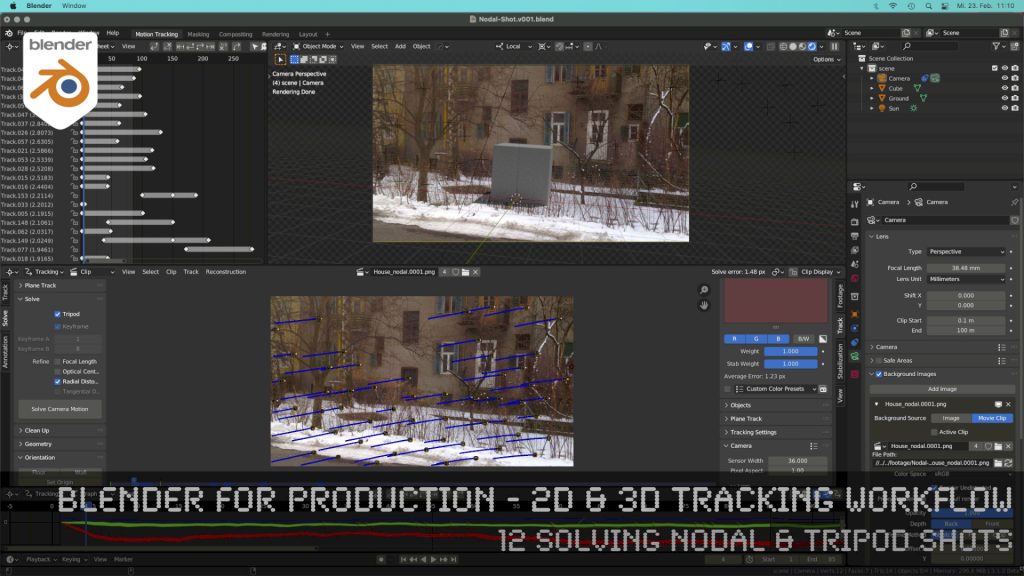
How to solve an un-solvable shot without parallax? In this lesson we will talk about that.
Have fun!
Helge
These topics are covered in this tutorial:
If you want to use the same footage, here is my Gumroad link:
https://pixeltrain3d.gumroad.com/l/GEdjT
Be aware, that these files are included in my Patreon 😉
https://www.patreon.com/pixeltrain3d
This tutorial series „Blender for Production“ focuses on Blender as a full Production Suite for (Indie) 3D- & VFX Productions. In these tutorials, I will explain how to work with the different Modules of Blender and how they are connected. I will give you an introduction to the specific functionalities, but also the production context and workflows, which can help you to use Blender in your productions.
As a Senior 3D & VFX Trainer, Helge Maus teaches 3D- & VFX Applications for 20 years. His focus lies on VFX, but he also works with many studios and agencies from different visualization areas. He focuses on Houdini FX, Blender, and NUKE for his daily work and training.
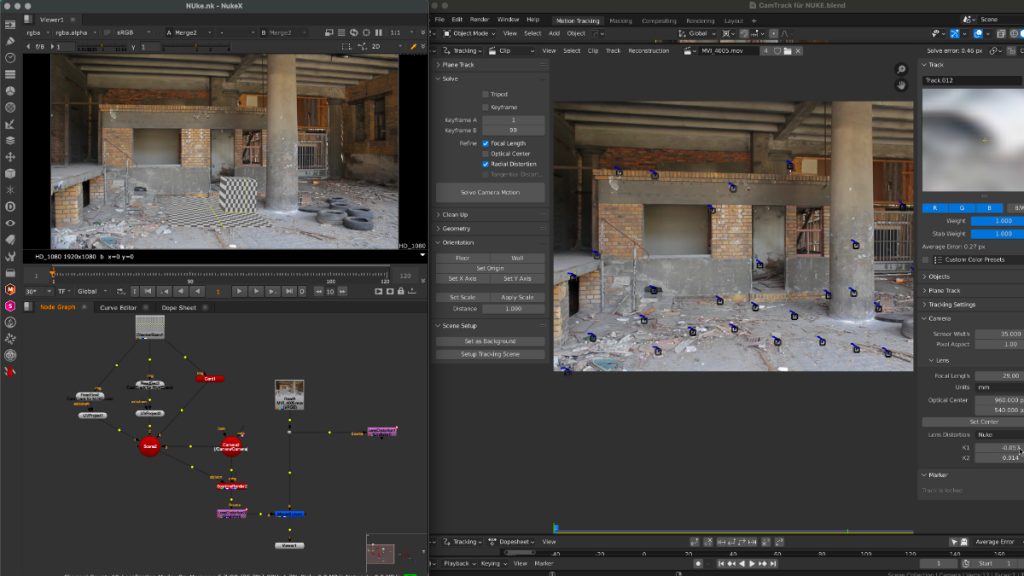
Thanks to the new USD export in Blender, the exchange between Blender’s powerful motion tracker and NUKE or Houdini is becoming easier and easier. Blender is becoming more and more team-minded – thanks to the developers.
My upcoming Blender free tutorial series offers a deep dive into camera and object tracking.
More information then on YouTube. Coming soon: https://www.youtube.com/pixeltrain3DVFXTrainings
If you want to support Helge Maus for publishing more free tutorials, you can join his Patreons:
https://www.patreon.com/pixeltrain3d
Or if you want to buy me a coffee or pizza, here’s my Tip Jar:
https://www.paypal.com/donate/?hosted_button_id=72PHXB852BW5A
Thanks for your support!
Find more information on www.pixeltrain.net
YouTube: https://www.youtube.com/pixeltrain3DVFXTrainings
LinkedIn: linkedin.com/in/pixeltrain
Artstation: https://www.artstation.com/pixeltrain
Instagram: https://www.instagram.com/pixeltrain3d/
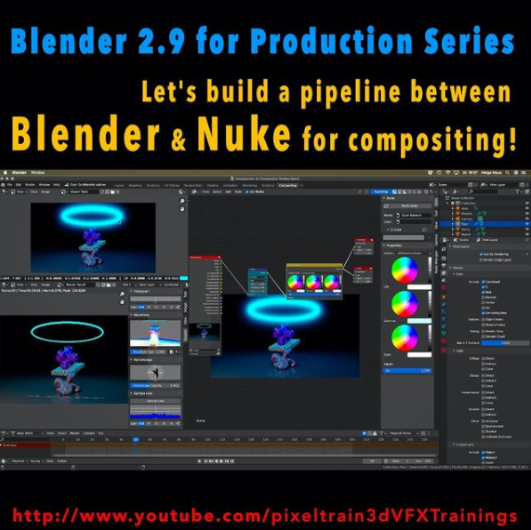
Here is a new tutorial for my series “Blender for Production“.
This time we will talk about an exciting software combination because we start setting up a Blender to NUKE pipeline. YES – Blender is an excellent choice as a 3d application and so it is important to learn how to use it together with Nuke in a compositing pipeline. This series has three parts.
These are the topics:
Have fun!
Helge
Here is my YouTube for all my tutorials about Houdini, Blender, Nuke & more:
https://www.youtube.com/pixeltrain3DVFXTrainings
BTW, if you want to support my work with these free tutorials, please subscribe to my YouTube channel, give me a ThumbsUp for the content you like. Also, I have a Patreon page, starting with $1 per month. That’s a nice way to say “Thank You”:
https://www.patreon.com/pixeltrain3d
If you want to support Helge Maus for publishing more free tutorials, you can join his Patreons:
https://www.patreon.com/pixeltrain3d
Or if you want to buy me a coffee or pizza, here’s my Tip Jar:
https://www.paypal.com/donate/?hosted_button_id=72PHXB852BW5A
Thanks for your support!
Find more information on www.pixeltrain.net
YouTube: https://www.youtube.com/pixeltrain3DVFXTrainings
VIMEO: vimeo.com/pixeltrain
LinkedIn: linkedin.com/in/pixeltrain
Artstation: https://www.artstation.com/pixeltrain
Instagram: https://www.instagram.com/pixeltrain3d/
Twitter: https://twitter.com/pixeltrain