Godot Game Engine - Cooperation with Google and The Forge

Yesterday a new partnership between Google, The Forge and the Godot Foundation was announced on the Godot Blog. The goal is to optimize and expand Godot’s mobile engine for Vulkan-enabled devices, i.e. Android devices. However, changes and enhancements in this area will also be useful for other mobile devices as the Godot code will be optimized.

From the announcement and the social media posts from Godot Foundation Members you can read that Goole Engineering and the developers at The Forge are optimizing the code base in cooperation with Godot contributors.

I’m very happy about that, because this principle has also worked very well at the development of Blender, for example when you see the collaboration with Apple (Metal Backend), AMD, Intel or NVIDEA.

This commitment makes the open-source product better and more valuable for all users.

So, great news in my opinion 🙂

Helge

More information here:
https://godotengine.org/article/collaboration-with-google-forge-2023/

Link to my (free) Patron article:
https://www.patreon.com/posts/godot-game-with-94709607?utm_medium=clipboard_copy&utm_source=copyLink&utm_campaign=postshare_creator&utm_content=join_link
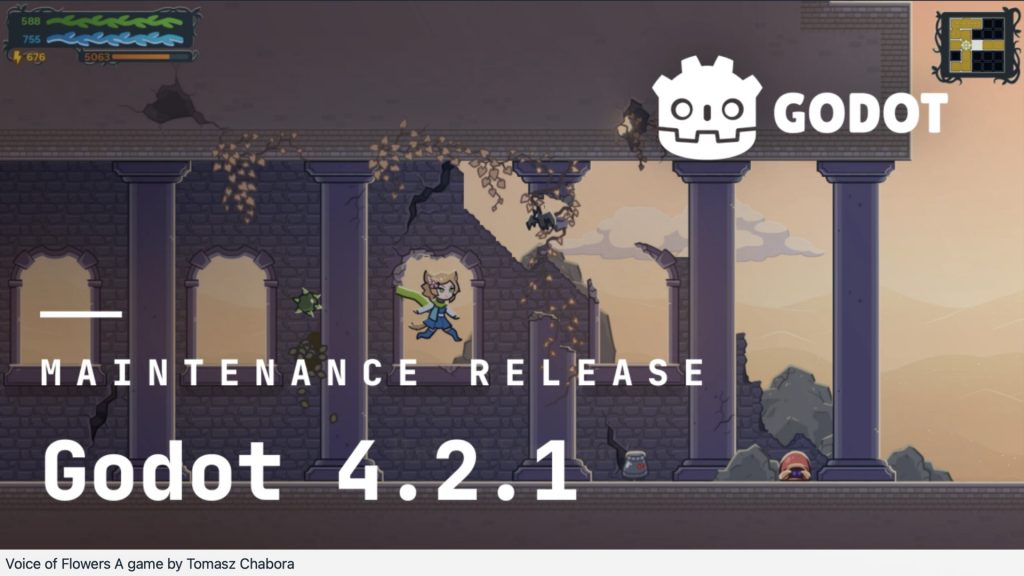
The first maintenance update to the 4.2 feature branch

Godot 4.2.1 is just released, as the first maintenance update to the 4.2 feature branch.

It fixes a number of platform-specific issues, which should make it easier for everyone to upgrade their Godot 4.1 projects, or start new ones in 4.2. https://godotengine.org/article/maintenance-release-godot-4-2-1/

Have fun!

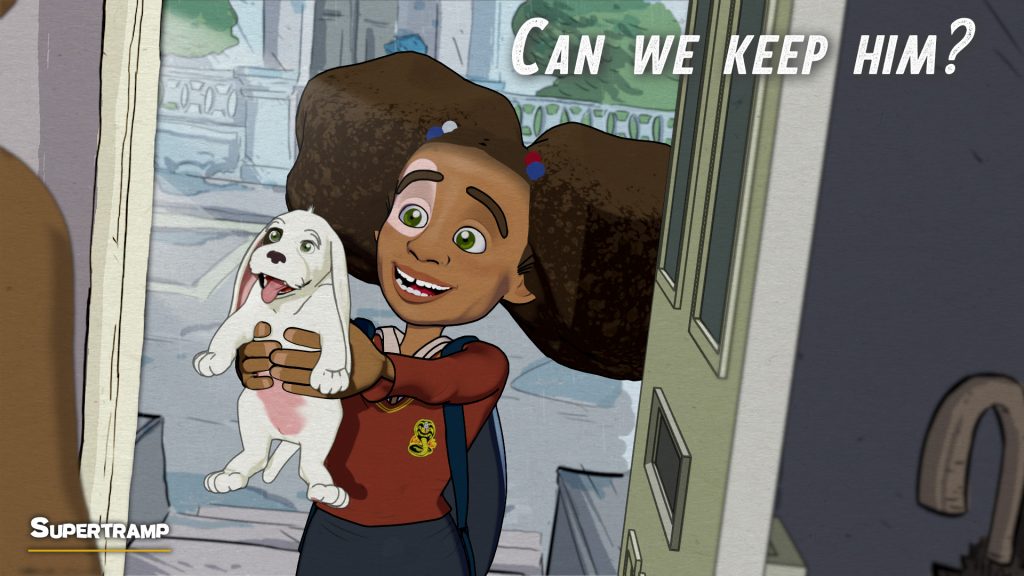
Blender Shortfilm "Supertramp" by Fabrizio Gammardella

Some time ago I’ve written about the Shortfilm “Supertramp” by Fabrizio Gammardella. It was made in Blender by a small team of talented artists. At the moment there is the opportunity to watch it in the free section of the Festival del Cinema di Salerno.

https://show.festivaldelcinema.it/animazione/supertramp/

The film is heartbreaking on one side, but also a wonderful experience to watch. The animation of the dog and the communication without words is done quit well in my opinion.

You find the article about the Making-of here on my free Patreon:

https://www.patreon.com/posts/blender-92163540?utm_medium=clipboard_copy&utm_source=copyLink&utm_campaign=postshare_creator&utm_content=join_link
Blender is such an amazing tool for story telling. If you want to learn more about Blender in Production, please visit my Blender trainings website www.pixeltrain.net or reach out directly to me info [at] pixeltrain.net .

Have fun,

Helge

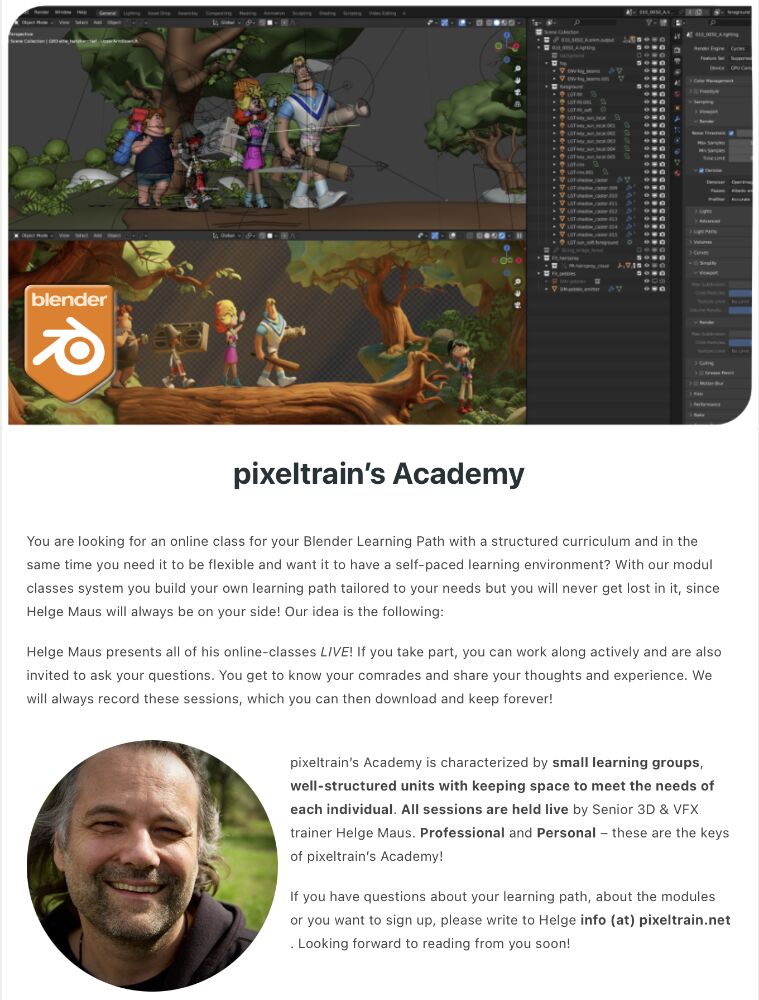
pixeltrain Blender Academy 2024

🔥 pixeltrain Blender Academy 2024 🔥 dates are fixed now!

Would you like to learn Blender in a well-founded and practice-oriented way?
Without watching hundreds of redundant and shallow tutorials?

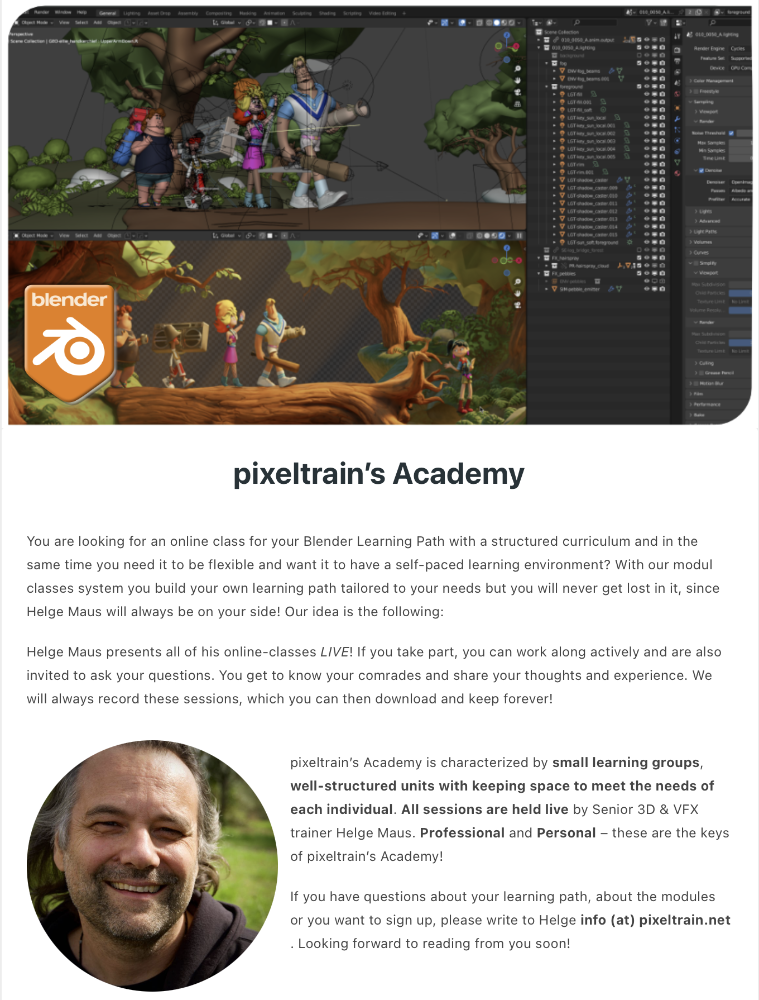
Learn online, with live teaching sessions, in small groups and with personal mentoring from Senior 3D & VFX trainer Helge Maus.

Through our modular system, you can build your own curriculum to suit your previous knowledge, pace and goals.

The next Blender Fundamentals module starts on January 19th 2024, the Blender Shading & Rendering module on January 26th and Blender Animationsystem on January 31th.

You can find more information here:

👉 http://www.pixeltrain.net/pixeltrains-academy/

For questions and registrations, I am available directly at info@pixeltrain.net .

Have fun!

#b3d #blender #blender3d #blenderforproduction #3d #vfx #animation #training #schulung #course #helgemaus #pixeltrain #pixeltrainacademy

MACHIN3tools_1.6.0

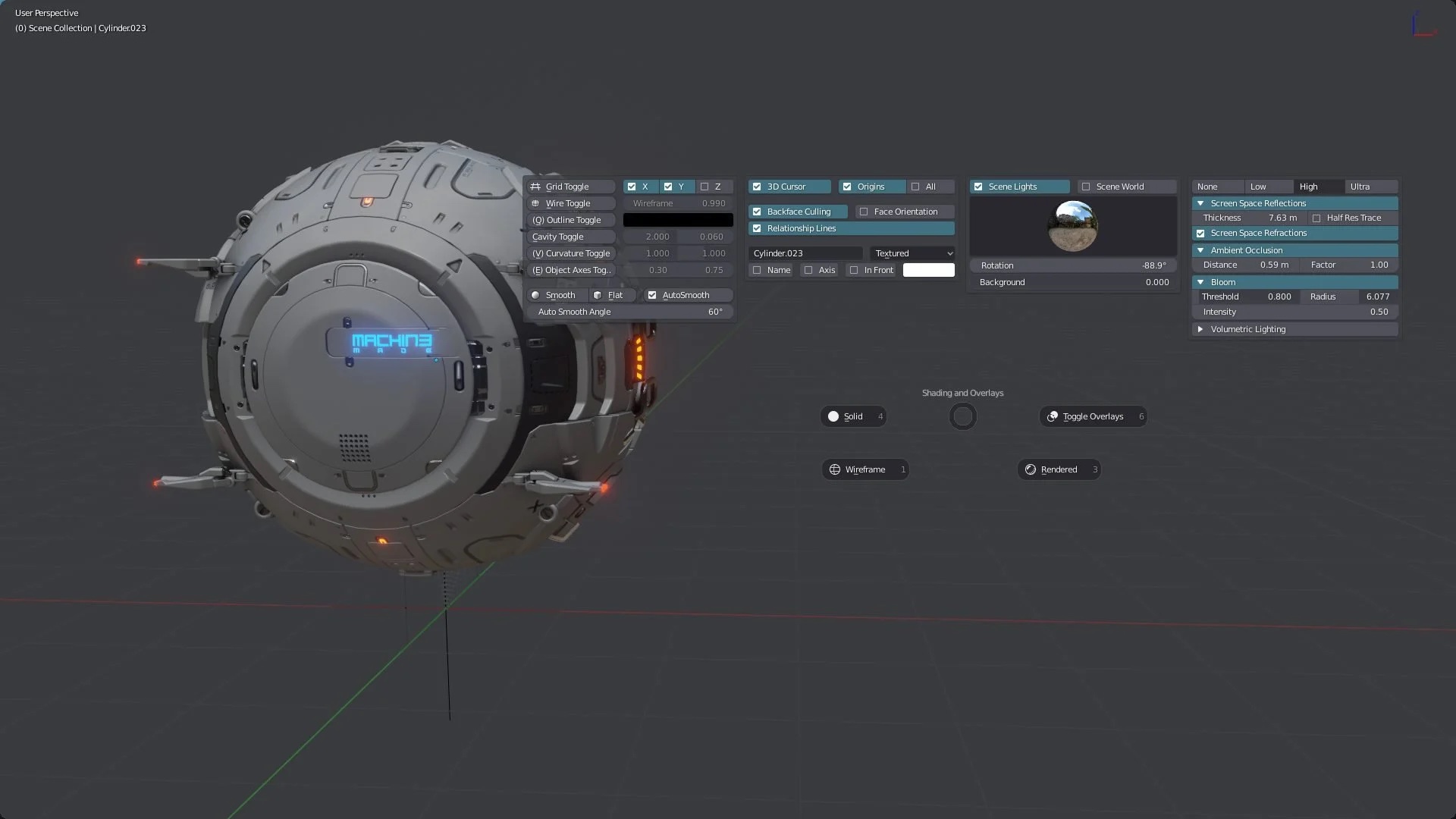
Today I would like to introduce you to a free Blender add-on that I constantly use in my daily work with Blender: Machin3Tools.

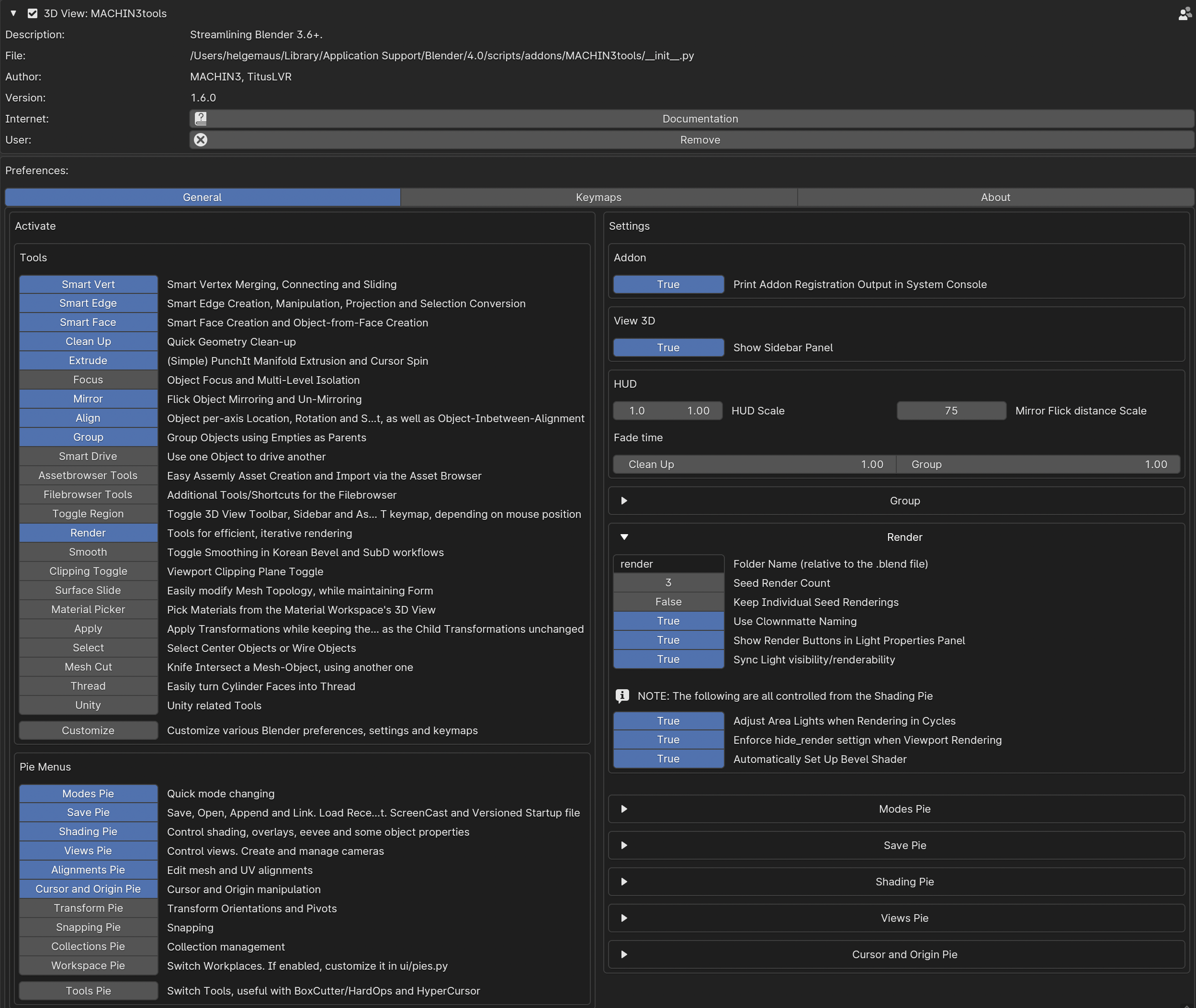
This add-on is a detailed and very complex collection of functions and tools that complement but also change Blender’s functionality.
The nice thing about this add-on is that you can choose which functions are useful for your own workflow in the preferences.

In my case I only use some of the pie menus and only some of the additional tools. All keyboard shortcuts and many of the functions are customizable.
Little by little you learn what you really use in practice and which functions are more of a hindrance.
You can then deactivate them.

Here’s a warning to beginners in Blender:
Machin3tools changes native Blender’s functions and behavior in some chases.

Therefore, you should first have a good overview of Blender’s behavior before digging in too deeply.
I’ve experienced in training sessions that beginners tend to lose track of why their blender behaves differently than expected 😉

What I love about Machin3Tools is the quick access to common functions via Pie Menu and so many timesaving operations.

For example, changing component modes, changing orbit functions or then quickly creating cameras with SmartCamera. Or quickly setting and changing pivot points of objects and aligning elements.

You can find Machin3tools under this link on Gumroad:

https://machin3.gumroad.com/l/MACHIN3tools

Oh, yes, there is also the extended “Deux Ex” variant. This has some additional functions.
However, you don’t need this at the beginning…

If you have any question about that, please let me know.

Have fun!

Helge


I’ve written about that on my (free) Patreon here:

https://www.patreon.com/posts/free-blender-add-92931047?utm_medium=clipboard_copy&utm_source=copyLink&utm_campaign=postshare_creator&utm_content=join_link
Blender Flip Fluids Add-on

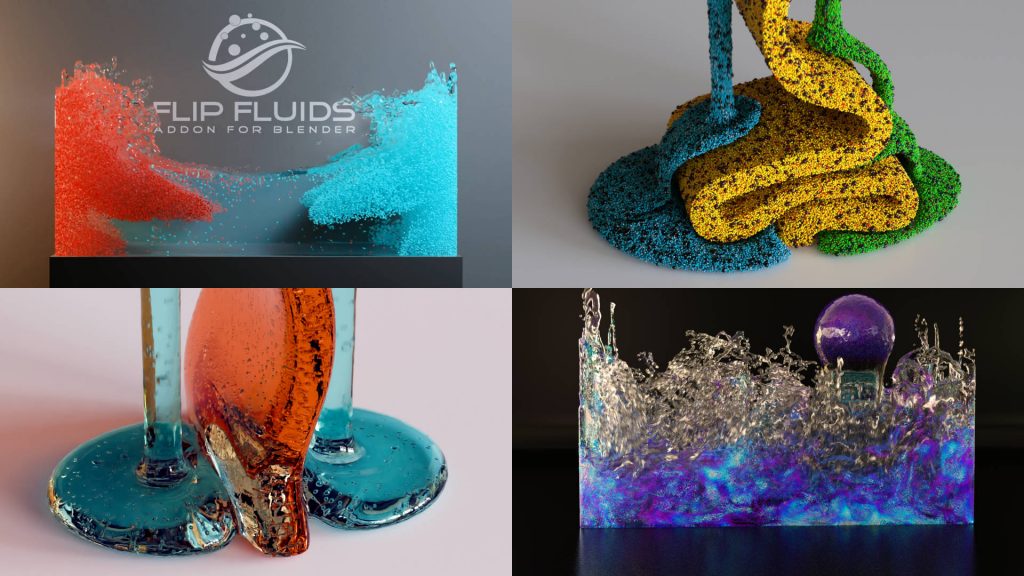
Today I would like to introduce you to one of my frequently used tools from the “Blender for Production” series: Blender Flip Fluids Add-on .

Flip Fluids is a paid add-on that seems quite expensive at around $75 for a Blender add-on.
So a little background information about this add-on.

Trailer

Blender itself has a fluid engine called Mantaflow. Mantaflow is able to simulate liquids, fire, smoke and the like.

Mantaflow’s feature set is actually quite broad. Unfortunately, there is currently no maintainer for this project, meaning bugs and limitations cannot be fixed. Therefore, there are many things in Mantaflow that are very annoying in production and occasionally disrupt the workflow.

This is exactly where Flip Fluids scores for Blender.

This add-on specializes in liquids. If necessary, these can also be highly viscous, e.g. honey, chocolate, etc.

The add-on is very fast and has been actively maintained by the manufacturer for many years. This means that bug fixes and feature updates appear very frequently. Completely free for owners. Therefore, anyone who needs fluids in their 3D scenes should take a look at this add-on. I am very satisfied with that!

I’ve written a short article about that on my (free) Patreon:

https://www.patreon.com/posts/blender-for-flip-92578445?utm_medium=clipboard_copy&utm_source=copyLink&utm_campaign=postshare_creator&utm_content=join_link
If you have any Blender needs as training or mentorship, please contact me:
http://www.pixeltrain.net

Have fun!

Helge

pixeltrain’s Academy 2023

Would you like to learn Blender in a well-founded and practice-oriented way?

Without watching hundreds of redundant and shallow tutorials?

Then our pixeltrain Academy 2023 is just right for you.

Learn online, with live teaching session, in small groups and with personal mentoring from Helge Maus.

Through our modular system, you can build your own curriculum to suit your previous knowledge, pace and goals.

The next Blender Fundamentals module starts on November 3rd, the Blender Shading & Rendering module on November 9th and Blender Animationsystem on November 18th.

You can find more information here:

👉 https://www.pixeltrain.net/pixeltrains-academy/

For questions and registrations, I am available directly at info@pixeltrain.net .

Have fun!

Due to the new status that Godot has now acquired as a free open source 2D & 3D game engine for many newcomers, I would like to give you more news and information about this great project on my Patreon and blog.

As some of you have read here in the past, I discovered Godot some time ago and have spent a lot of time there since then. The Godot project reminds me a lot of Blender a few years ago, so I’m happy that it’s getting so much more attention now.

After starting with it, I found myself opening Unity no more …

Here is the link to the article with an initial overview:

https://www.patreon.com/posts/84258291

I hope that I will have time in the future to make a short introduction for you.

But now the current news,

Helge

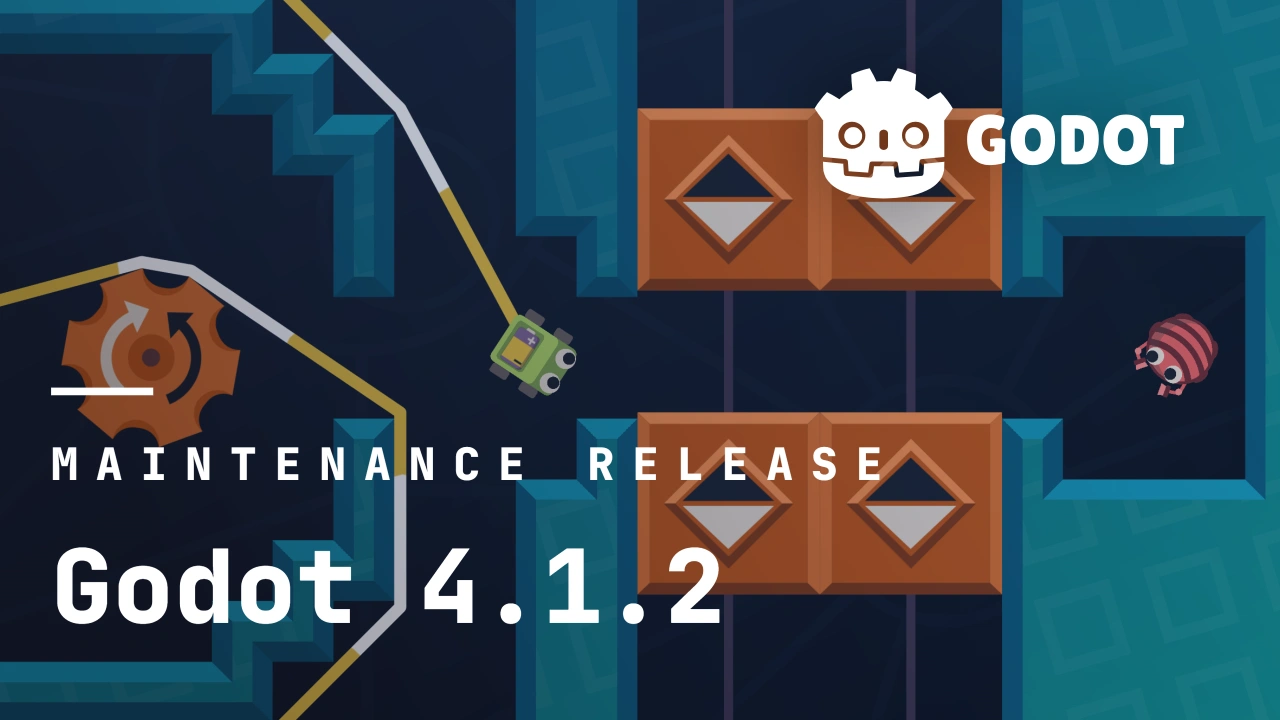
Godot 4.1 is celebrating its 3 month anniversary this week, and that means Godot 4.2 is entering the beta testing phase shortly after. This development cycle has been packed with bugfixes and other improvements. As always, we take the safest of these contributions and we compile them into a patch release for the current stable version of the engine.

Such is the case of Godot 4.1.2, which is officially available starting today! Engine contributors provided fixes for almost every area of the engine.

More information:

https://godotengine.org/article/maintenance-release-godot-4-1-2/

Blender Anime style Animation by DillonGoo Studios

Did you know, that Blender is not only a great 3D-Animation application with photorealistic rendering, but is also powerful application to mimic classic 2D-Shading and Animation?

No, I’m not talking about 2D-Animation with Grease Pencil, but 3D-Scenes and Objects with 2D-Shading.

One studio, which is masting this artform, is DillonGoo Studios (https://www.dillongoostudios.com/)

Beside of their forked Blender version for this style and their great demos they now deliver an episodical anime-style animation on YouTube – ENJOY 🔥

Have fun!

Helge

EPISODE 1 – PROGENITOR: The Shogunate (DillonGoo x Genshin)

EPISODE 2 – PROGENITOR: Albedo (DillonGoo x Genshin)

Blender is such an amazing tool for story telling. If you want to learn more about Blender in Production, please visit my Blender trainings website www.pixeltrain.net or reach out directly to me info [at] pixeltrain.net .

This year I have again the great honor of being invited to speak at the View Conference 2023.
The View Conference in Turin is an exciting and creative place for inspiration, exchange and networking for the 3D, VFX, animation and games industry.

And all of this in a wonderful ambience.
That’s why I’m pleased to be able to offer 3 exciting and intensive Blender hands-on workshops:

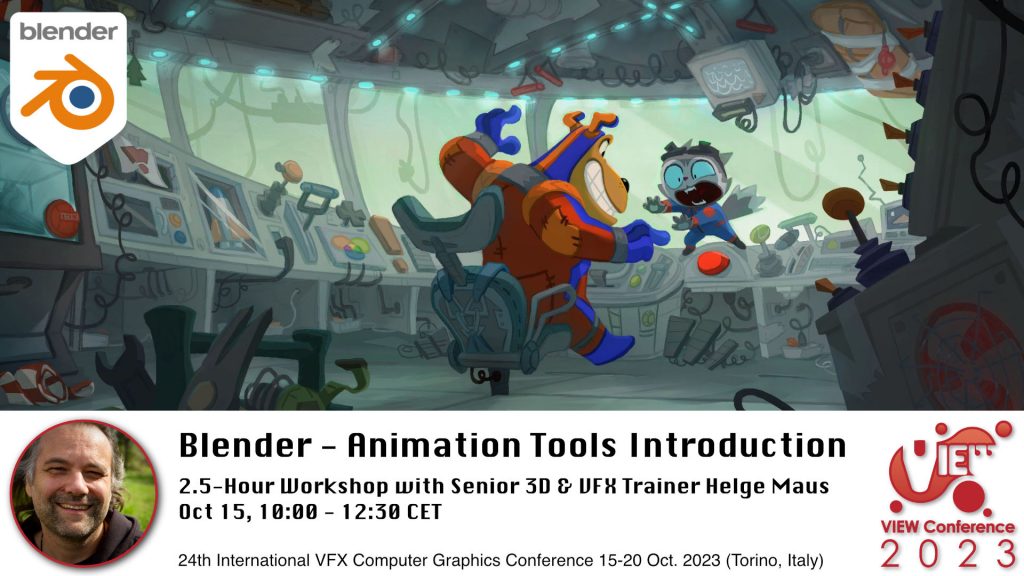
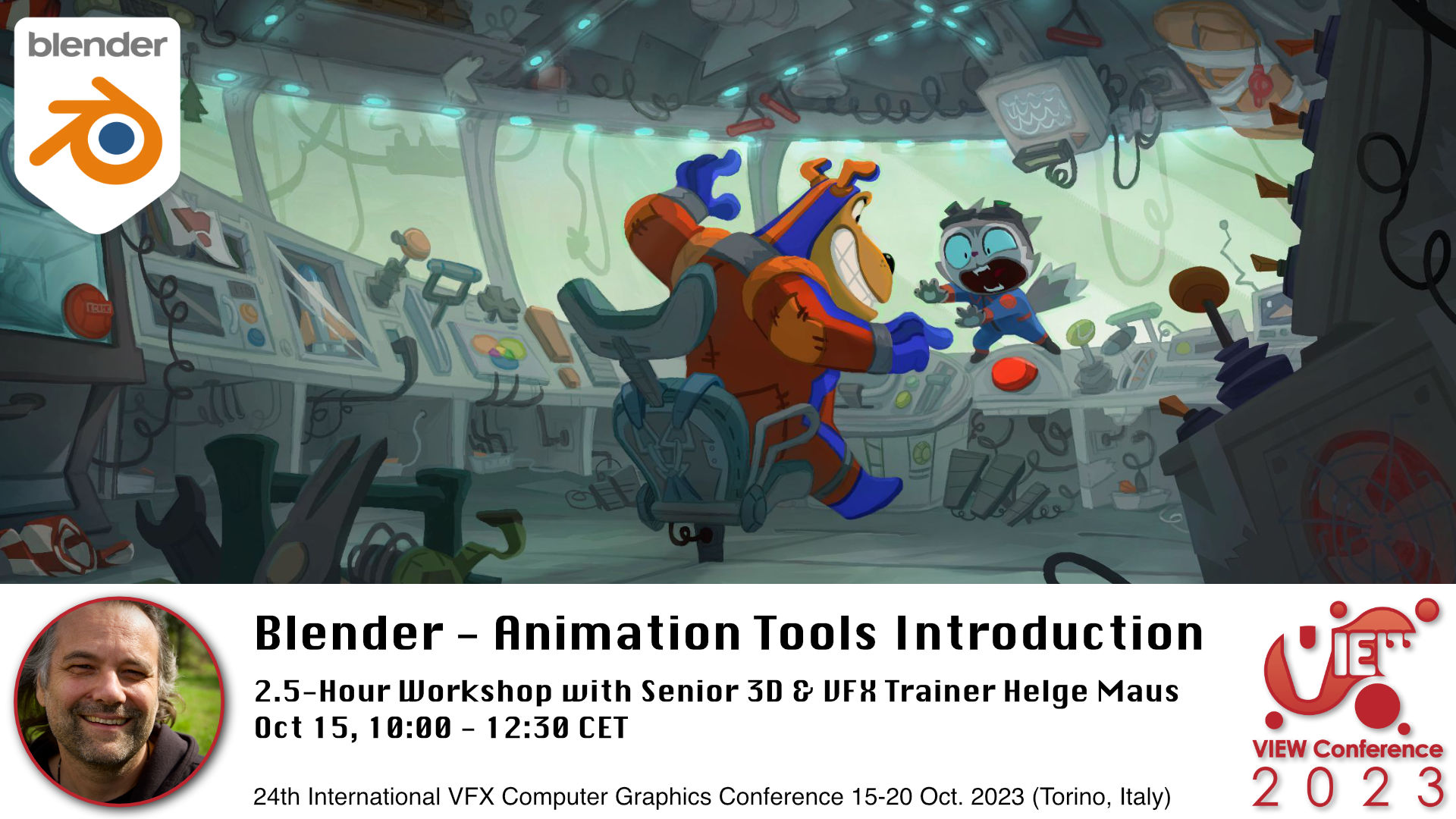
Blender Workshop - Animation Tools Introduction in Blender with Senior 3D & VFX Trainer Helge Maus / pixeltrain

👉 Blender – Animation Tools Introduction

Oct. 15, 10:00-12:30 CET, 2.5-hour workshop in English

In this hands-on workshop, Helge Maus (pixeltrain) teaches you the fundamentals of the powerful Blender 3.6 LTS Animation system.

You will learn important Blender concepts you have to understand before starting animating.
We will talk about key-framing and manipulation of many keyframes effectively and how to go through the different phases of animation.

We take a deep dive into the needed Blender Editors like the Dopesheet Editor, Action Editor and the Graph Editor.
Also we will talk about the NLA Editor and how to transfer existing animations between objects and scenes.
At the end we will have a quick introduction to the Grease Pencil environment for 2D-Animation.

As this is a live workshop you can ask your questions and get answers. At the end of the workshop you will be able to start animating in Blender with confidence.
So, if you have some knowledge of other packages like Maya or Cinema 4D you will also feel at home in Blender afterwards.

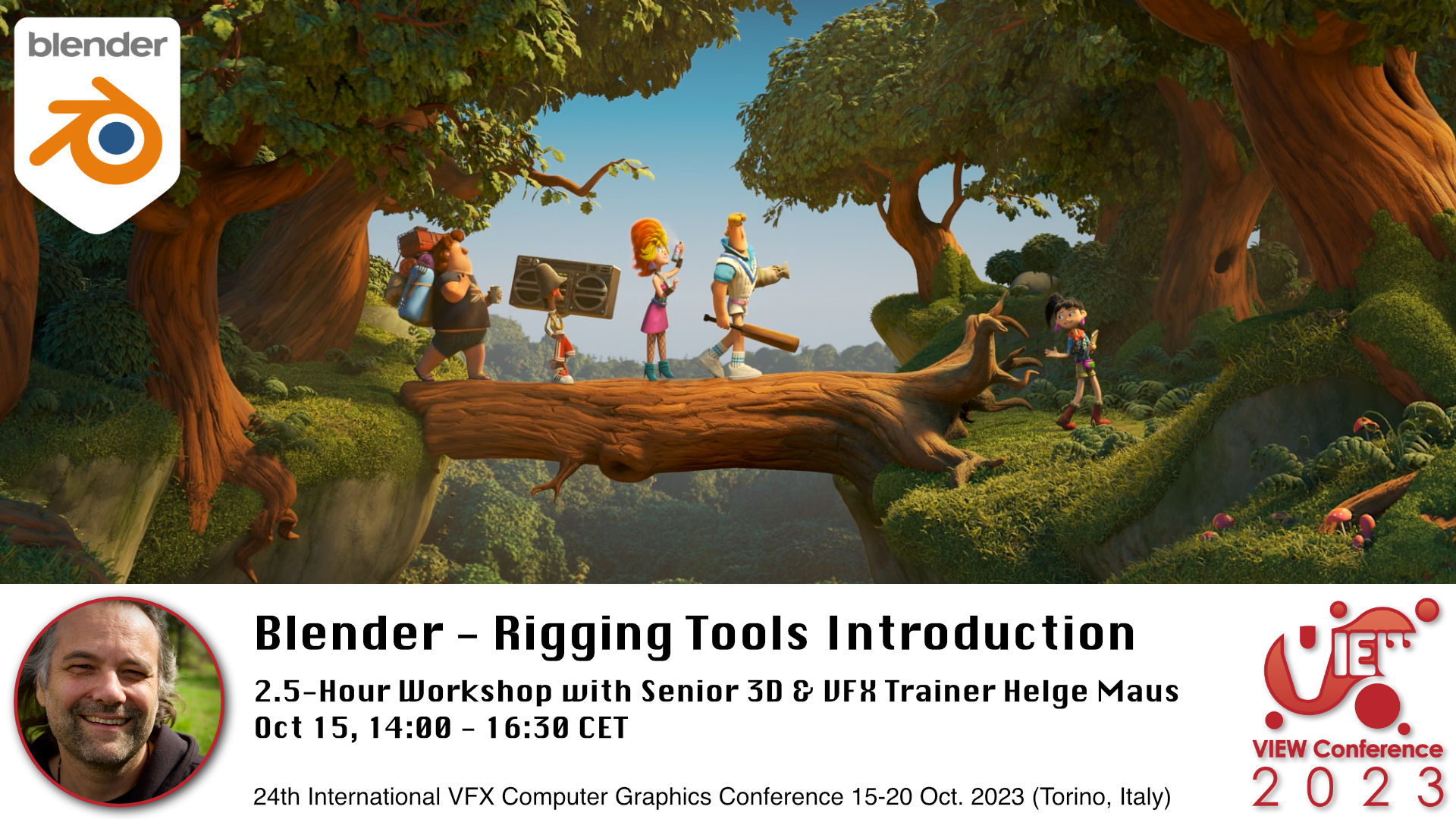
Blender Workshop - Rigging Tools Introduction in Blender with Senior 3D & VFX Trainer Helge Maus / pixeltrain

👉 Blender – Rigging Tools Introduction

Oct 15, 14:00-16:30 CET, 2.5-hour workshop in English

In this hands-on workshop, Helge Maus (pixeltrain) teaches you the fundamentals of the Blender 3.6 LTS Rigging system.

You will learn important Blender concepts you have to understand before you start rigging.

Then we will go into the rigging process for mechanical props and characters.

These topics are covered:

  • Build you first Armature
  • All about Bones, creating, manipulating and organizing them
  • Different Methods of Binding your Mesh
  • Weight Painting
  • Constraints
  • Drivers & Expressions
  • How to work with Inverse Kinematic (IK) in Blender
  • Using the built-in Rigify system 

As this is a live workshop you can ask your questions and get answers. At the end of the workshop you will be able to start rigging in Blender with confidence.

So, if you have some knowledge of other packages like Maya or Cinema 4D you will also feel at home in Blender afterwards.

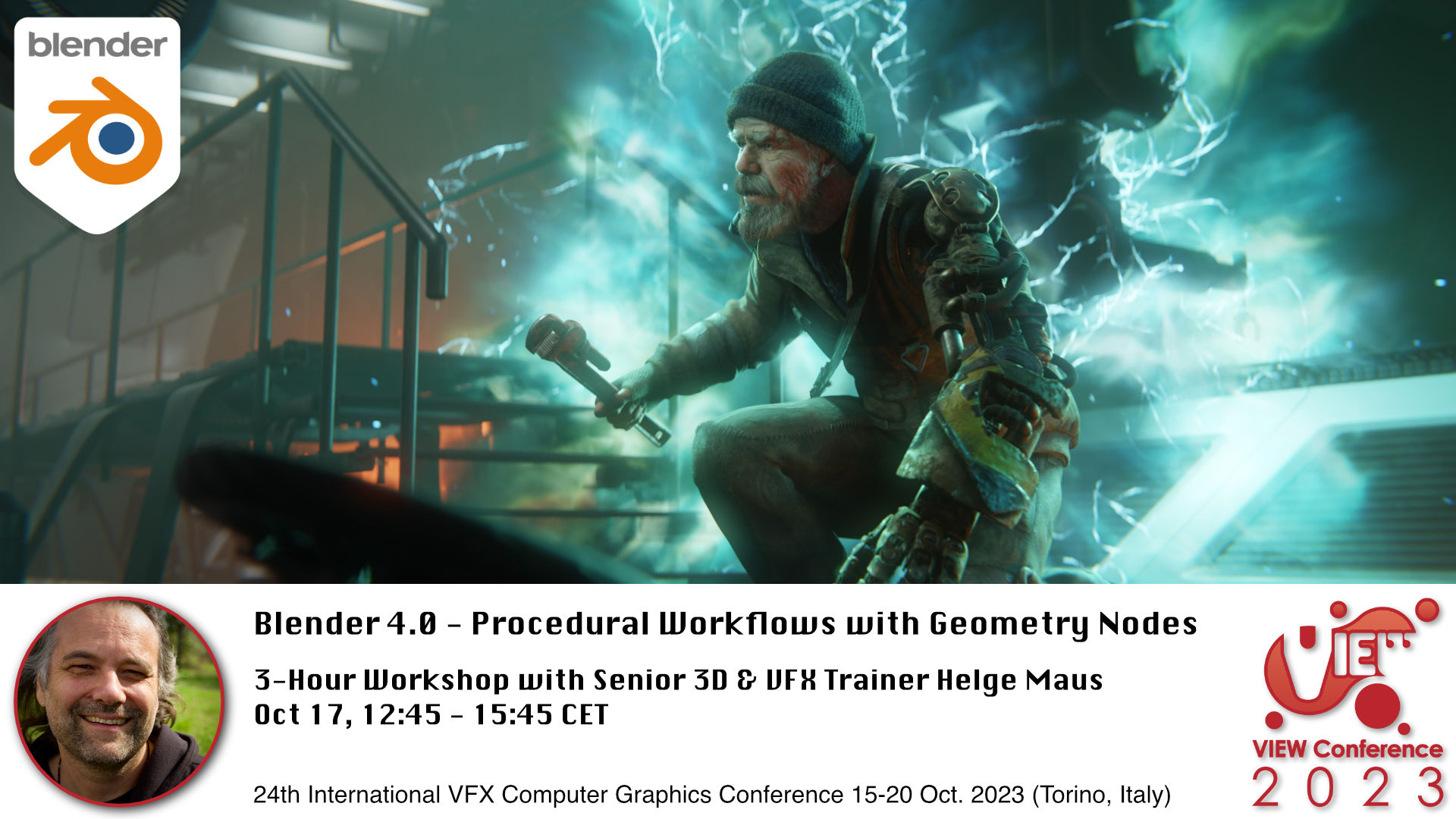
Blender Workshop - Procedural Workflows with Geometry Nodes in Blender 4.0 with Senior 3D & VFX Trainer Helge Maus / pixeltrain

👉 Blender 4.0 – Procedural Workflows with Geometry Nodes

Oct 17, 12:45-15:45 CET 3-Hour Workshop in English

In this workshop, Helge Maus (pixeltrain) teaches you the fundamentals of the Blender 3.6 LTS Geometry Nodes system and also some of the exciting new improvements of the coming version Blender 4.0 .

We will start from scratch, learn the fundamentals and then explore different areas of use.

With the help of Geometry nodes you are able to build powerful procedural tools inside of Blender. They can be combined easily with the existing Blender tools set and can help you for the daily challenges as an 3d artists.

At the moment the development focuses of Geometry, Spline (Hair) and Volume manipulations and lays the foundations of the Blender „All nodes“ project.

These are the topics we will cover:

  • Theory of Geometry Nodes
  • Understanding the Node Editor and Inspector
  • Data structure in Geometry Nodes (Data types, Domains, Attributes)
  • Field System
  • Building Scatter Systems
  • Procedural Modeling setups
  • Working with the new procedural Hair system
  • Simulation Nodes
  • Loops & Iterations
  • Animation Effects with Geometry Nodes

As this is a live workshop you can ask your questions and get answers. If you want to follow along please have beside of your Blender 3.6 LTS also a downloaded package of the current Blender 4.0 Beta (from blender.org) with you.

I look forward to meeting you! Ci vediamo!

Helge Maus


Here is the link to the program:

https://www.viewconference.it/pages/program

And to the other amazing speakers:

https://www.viewconference.it/speakers

#savethedate #viewconference2023 

15-20 Oct 2023 | Turin | Italy 

➡ Get tickets:

https://www.viewconference.it/pages/registration/


About Helge Maus

Helge Maus is Senior 3D & VFX Trainer | Blender for Production | Godot Artist | Compositor

As a Senior 3D & VFX Trainer, Helge Maus teaches 3D- & VFX Applications for over 20 years.

He delivers with his company pixeltrain | 3D | VFX | animation in-house & remote training, workshops and coaching for the 3D & VFX industry. 

His focus lies on Generalist workflows for VFX and Games. He works with studios, agencies and freelancers from different visualization areas and from the games industry.

Meanwhile he focuses on Blender & Godot for his daily work and training. He loves working with Indies and companies adapting FOSS software like Blender and Godot into their pipeline. His strong industry background in teaching Houdini FX, Cinema 4D, Unity, Nuke, and Maya over many years helps him to train artists from the industry within a wide production context.

Helges clients include companies such as Ubisoft, Tangent Animation, Mackevision, Jura, Vitra, Hugo Boss, eder GmbH, Jung-von-Matt, Pirates ´n Paradise, redseven Entertainment, ProSiebenSat.1, SKY Deutschland, NDR, rbb, Sony DADC, Intel and many more international companies. He has worked a couple of years as a freelancer for Adobe Systems, was a Maxon Lead Instructor for Cinema 4D and also beta tester for Maya, Cinema 4D, AfterEffects and Arnold.

Find more information on www.pixeltrain.net
LinkedIn: https://www.linkedin.com/in/pixeltrain/
YouTube: https://www.youtube.com/pixeltrain3DVFXTrainings
Mastodon: https://mastodon.art/web/@pixeltrain3d